
Support
Support runs through a Discord community and a Twitter account, with a blog and about page on the main site. No dedicated help centre or email support channel is listed.
A multimodal assistant that remembers your context across conversations
Own Assistive Chat? Verify ownership to get a dofollow link
Assistive Chat is a GPT-4 powered multimodal assistant with cross-conversation memory, live web browsing, data analysis and PDF retrieval. It converts between text, images, video and audio, and offers a 64K context window with extended long term memory for users who want continuity across sessions.
Assistive Chat is a general purpose conversational assistant built on GPT-4. It handles the usual text work (questions, drafts, explanations) but its real differentiator is breadth of input and output: text, images, video, audio and music all move in and out of the same thread. Type a sentence and get an image, hand over a still frame and ask for a video, drop in a video and ask for a transcript or working code. The stated aim is a single assistant that doubles as a guide and companion for both personal and professional tasks. The feature set is organised around a few pillars. Memory lets Chat carry facts and context from one conversation into the next, so it can refer back to details about your life, work or environment without being re-briefed. Analysis covers data interpretation, chart style output and precise calculations, which matters for anyone who has watched a language model fumble arithmetic. Browsing pulls current information off the internet and reads individual webpages. Retrieval handles document work: upload a PDF, then ask questions, request summaries or hunt for a specific detail. Technically the product advertises a 64K context window, 50K of fast memory and 512K of long term memory, which is the main argument for choosing it over a generic chatbot when you want continuity rather than one-off exchanges. The roadmap is honest about unfinished parts: image-to-image, audio capabilities, some memory features and proactivity are slated for later this year, so buying on those alone is premature. It suits knowledge workers, students and creators who want one assistant for mixed media rather than separate subscriptions for chat, image generation and transcription. The trade-off is that a broad feature list spreads the product thinner than single-purpose tools. There is a companion video product, a search tool and a developer API, so it can grow into a small ecosystem if you need one.
Support runs through a Discord community and a Twitter account, with a blog and about page on the main site. No dedicated help centre or email support channel is listed.
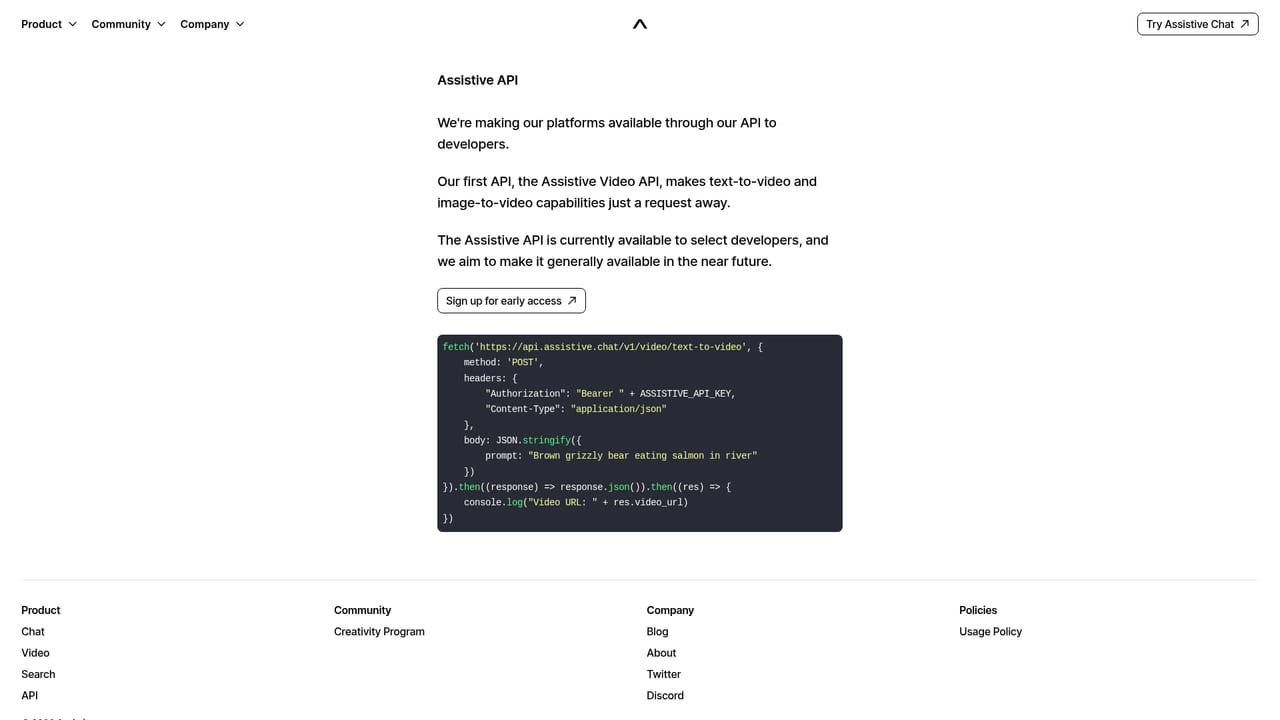
A separate developer API is offered on its own product page. No third party integrations are described on the homepage.
Learn moreText-to-image, text-to-video, text-to-audio, image-to-text, image-to-video, image-to-audio, video-to-text, video-to-audio and audio-to-text conversion, plus memory, context awareness, web browsing, data analysis, retrieval over PDFs, code preview and proactivity. Built on GPT-4 with 64K context, 50K fast memory and 512K long term memory. Image-to-image, audio, some memory features and proactivity are listed as arriving later this year.
Learn more AI Angels400+ customizable AI girlfriends for NSFW chat, voice calls, and roleplay
 Candy AIExperience the future of companionship with AI friends who chat, role-play, and connect with you on a human level.
 ourdream.aiA vast AI roleplay platform with millions of characters for chat, images, video and voiceAI Angels400+ customizable AI girlfriends for NSFW chat, voice calls, and roleplayCandy AIExperience the future of companionship with AI friends who chat, role-play, and connect with you on a human level.ourdream.aiA vast AI roleplay platform with millions of characters for chat, images, video and voice


