Free trial
A free plan includes 50 AI replies per month with one website and up to 50 crawled pages, no card required. It is a usage-capped tier rather than a time-limited trial.
Learn moreAI chatbot that learns your website and answers visitors 24/7

Asyntai builds an AI support and sales chatbot from your own website content. It crawls your pages, accepts PDF and text uploads, answers visitors around the clock, and logs every conversation for review. Dedicated integrations cover WordPress, Shopify, Magento, Joomla, Drupal, Moodle and many other CMS and commerce platforms.
Asyntai is a website chatbot platform that turns a site's existing content into a knowledge base for an AI assistant. After signup, the service crawls every public page (product pages, blog posts, FAQs, policy pages) and converts that content into material the assistant can draw on. Owners can also upload PDFs, add plain text files, or paste extra context. When pages change, a re-crawl keeps answers current, and most sites are reportedly chat-ready within minutes of signing up. The product targets site owners who field repeated questions and cannot staff a live chat around the clock. That covers small ecommerce shops, agencies running client sites, and support teams that want the routine tier of questions handled without a person. In practice the bot sits in a chat widget, greets visitors proactively, answers product and policy questions, and walks buyers toward a decision. Businesses can create test conversations before publishing, adjust appearance and behavior to match the brand, and translate the widget into 32 languages on higher plans. Conversation logs are the second half of the offer. Every exchange is stored so owners can read what customers actually ask, spot recurring topics, and surface product interest patterns. Paid tiers add analytics with top pages and top countries, plus lead capture fields that collect an email or phone number inside the chat. A voice agent on the Standard plan and above lets visitors and callers talk to the assistant, including over phone numbers connected through Twilio. Asyntai competes with general-purpose chatbot builders such as Chatbase, Tidio and Intercom's Fin. Its differentiator is breadth of site integration: dedicated setup pages exist for WordPress, Shopify, Magento, Joomla, Drupal, Moodle, Craft CMS, Strapi, Odoo and more than two dozen other platforms, with a JavaScript snippet for everything else. Teams that need deep ticketing, CRM pipelines or human handoff routing should check how far the REST API and Zapier connection carry them before committing.
A free plan includes 50 AI replies per month with one website and up to 50 crawled pages, no card required. It is a usage-capped tier rather than a time-limited trial.
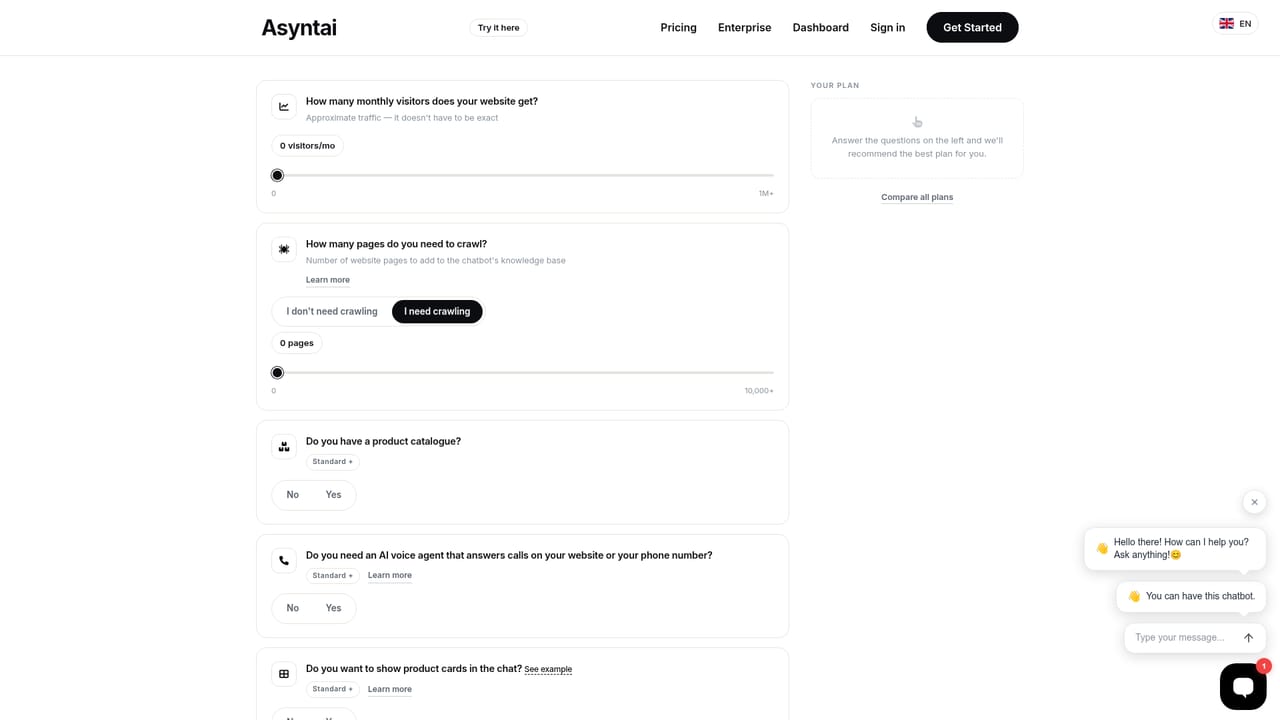
Learn moreFree tier: 50 AI replies per month, 1 website, 50 crawled pages, 1 seat. Starter at $39 monthly ($35 billed annually): 800 replies, 2 websites, 250 pages, 2 seats, analytics, localization, REST API and messaging integrations. Standard at $139 monthly ($125 annually): 15,000 replies, 200 voice minutes, 3 websites, 1,000 pages, 3 seats. A custom Pro plan is also offered.
Learn moreFree and Starter plans include review of chat logs; Standard support is listed as standard email support with faster response times. No public help centre page is linked from the homepage.
Dedicated setup for WordPress, Shopify, Magento, Joomla, Drupal, Moodle, Craft CMS, Strapi, Odoo and more. Instagram DMs, Facebook Messenger, WhatsApp and Discord connect from Starter, alongside 6,000+ apps through Zapier and a REST API.
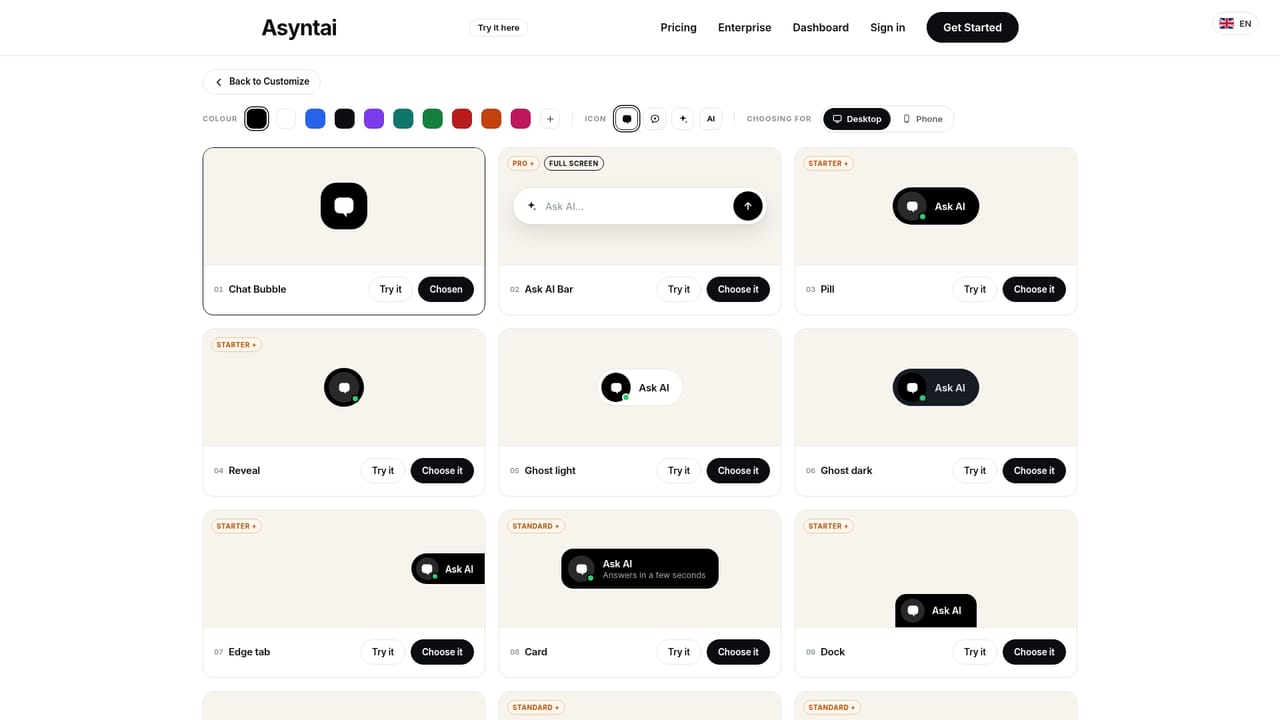
Automatic website crawling plus PDF and text uploads build the knowledge base, with re-crawling on updates. The assistant answers 24/7 in a customizable widget, supports live testing before launch, translates into 32 languages, captures leads, shows custom notices, and records conversation logs. Paid tiers add analytics, messaging channels, REST API access and a voice agent for widget and phone calls.
Learn more AI Angels400+ customizable AI girlfriends for NSFW chat, voice calls, and roleplay
 Candy AIExperience the future of companionship with AI friends who chat, role-play, and connect with you on a human level.
 ourdream.aiA vast AI roleplay platform with millions of characters for chat, images, video and voiceAI Angels400+ customizable AI girlfriends for NSFW chat, voice calls, and roleplayCandy AIExperience the future of companionship with AI friends who chat, role-play, and connect with you on a human level.ourdream.aiA vast AI roleplay platform with millions of characters for chat, images, video and voice


