Support
A Discord community is linked for suggesting new agents and, by implication, general help; no formal support tiers are described on the homepage.
Cloud hosting that keeps open-source AI agents running 24/7

Atomic Bot is an AI chat bot tool. A managed cloud platform for running open-source AI agents such as OpenClaw, Hermes, Codex and OpenCode around the clock. It handles VPS setup, updates, rollbacks and access to 100+ models from one account, so agents keep working when your laptop is off.
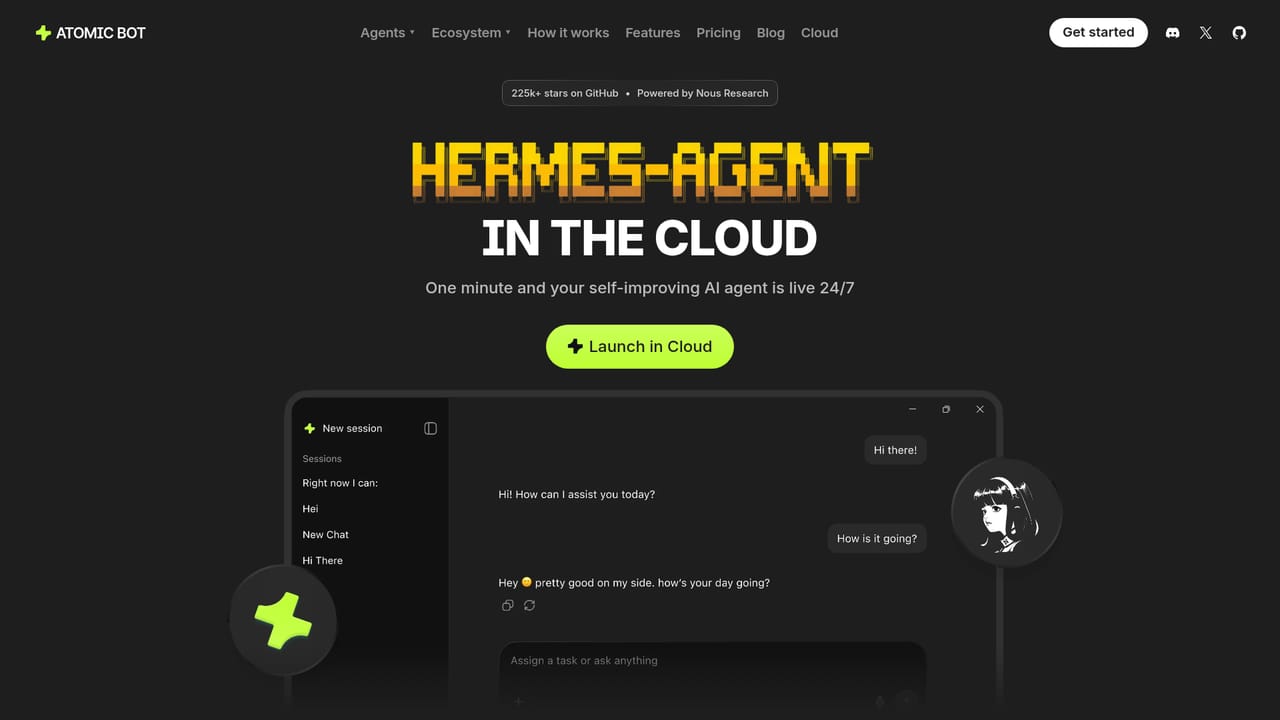
Atomic Bot is a managed cloud host for open-source AI agents. Instead of installing an agent on a laptop and keeping the machine awake, users launch a hosted instance from the browser and it stays online around the clock. The catalog currently covers OpenClaw (inbox and calendar chores, bookings), Hermes (an agent that retains what it learns from each task), Codex (a coding agent that writes and runs code and reports the diff), NanoClaw (a minimal messenger agent that isolates each conversation), Mercury Agent (long-term notes that carry context between sessions), DeepSeek Harness (a swappable model, tool and skill setup), OpenCode (an open-source coding agent with its own dashboard and terminal) and Pi. New agents are added over time, and the team takes suggestions through its Discord. The product is built for people who have adopted an agent and now need it to behave like infrastructure rather than a toy. Scheduled jobs keep running overnight: the homepage shows an agent tracking competitor prices at 03:45, scanning Reddit threads, drafting email replies and pushing an agenda to Telegram before dawn. Because execution happens in the cloud rather than on local hardware, closing a laptop or losing Wi-Fi does not interrupt work. One login covers the whole fleet, so different agents can be assigned to different jobs, and a single agent can be replicated many times (the site uses 300 copies of Hermes as its example). Each instance keeps its own model, memory and settings. Model choice is deliberately flexible. A single account gives access to more than 100 models from Anthropic, OpenAI, Google, DeepSeek, Qwen, Z.ai and others, so an agent can be switched between providers in a click without separate lab accounts or keys. Open-weight and frontier models sit in the same picker. Hosting includes setup of the underlying VPS, ongoing updates and the ability to roll back a bad update, which is the part most self-hosted agent users underestimate. Messaging apps such as Telegram are connected directly, letting an agent work from a phone. Alternatives split into two camps: running agents locally, which is free but fragile, or renting a generic VPS and maintaining everything by hand. Atomic Bot sits between the two, trading some control for uptime, model access and simpler operations. Users who need a specific custom stack may prefer DeepSeek Harness for configuration freedom, while those who want zero maintenance will find the managed path easier.
A Discord community is linked for suggesting new agents and, by implication, general help; no formal support tiers are described on the homepage.
Agents can be connected to messaging channels such as Telegram, and the homepage shows Hermes delivering a daily digest there. Model providers include Anthropic, OpenAI, Google, DeepSeek, Qwen and Z.ai.
Hosted 24/7 execution of open-source agents, including OpenClaw, Hermes, Codex, NanoClaw, Mercury Agent, DeepSeek Harness, OpenCode and Pi. One account can mix agents or run many copies of one, with per agent model choice across 100+ models from major labs. Setup, updates and rollback of bad updates are managed, and scheduled tasks run continuously.
Learn more AI Angels400+ customizable AI girlfriends for NSFW chat, voice calls, and roleplay
 Candy AIExperience the future of companionship with AI friends who chat, role-play, and connect with you on a human level.
 ourdream.aiA vast AI roleplay platform with millions of characters for chat, images, video and voiceAI Angels400+ customizable AI girlfriends for NSFW chat, voice calls, and roleplayCandy AIExperience the future of companionship with AI friends who chat, role-play, and connect with you on a human level.ourdream.aiA vast AI roleplay platform with millions of characters for chat, images, video and voice


