Free trial
A 14 day free trial is offered and the signup page states no credit card is required. A no-signup analysis option is also promoted on the homepage for a first look at the output.
Learn morePredict where eyes land before a design ships
Own Attention Insight Heatmaps? Verify ownership to get a dofollow link

Attention Insight Heatmaps is an image reviewer tool that predicts where eyes land before a design ships. Predictive attention heatmaps for websites, ads, product screens and short videos.
Attention Insight Heatmaps is a predictive eye-tracking service. It uses a model trained on millions of recorded human eye fixations to forecast where viewers will look on a website, ad, product screen or short video. A file goes in, and within seconds the system returns a heatmap, attention and clarity scores, a contrast map and written recommendations. The pitch is plain: run the test before launch instead of renting an eye-tracking lab and waiting weeks for a report. The strongest use case is narrowing design options. A team with five homepage drafts can analyze all five, compare scores, and bring only the two best into real usability testing. The platform also produces shareable links and percentage-of-attention figures for individual elements, which helps when a stakeholder asks why a logo sits where it sits. Case studies on the site cite conversion, click-through and download gains after redesigns were guided by the tool, though those numbers come from the vendor and should be read as marketing material rather than independent research. Attention Insight sits in the same bracket as other predictive attention products, and its practical advantage is speed and low setup. It suits product designers, marketing and growth teams, agencies and landing page builders who want a validation layer between the mood board and the live environment. It rewards teams that already test; it does not replace a proper usability session. The output is a probability map, and a model trained on aggregate fixation data cannot know your specific audience, cultural context or the copy that precedes the screen being tested. Expected workflow is upload, read the heatmap, adjust hierarchy, re-run and compare versions. A Figma integration is mentioned by users on the site, but the full integration list is not published on the homepage, so confirm coverage before committing a team to it.
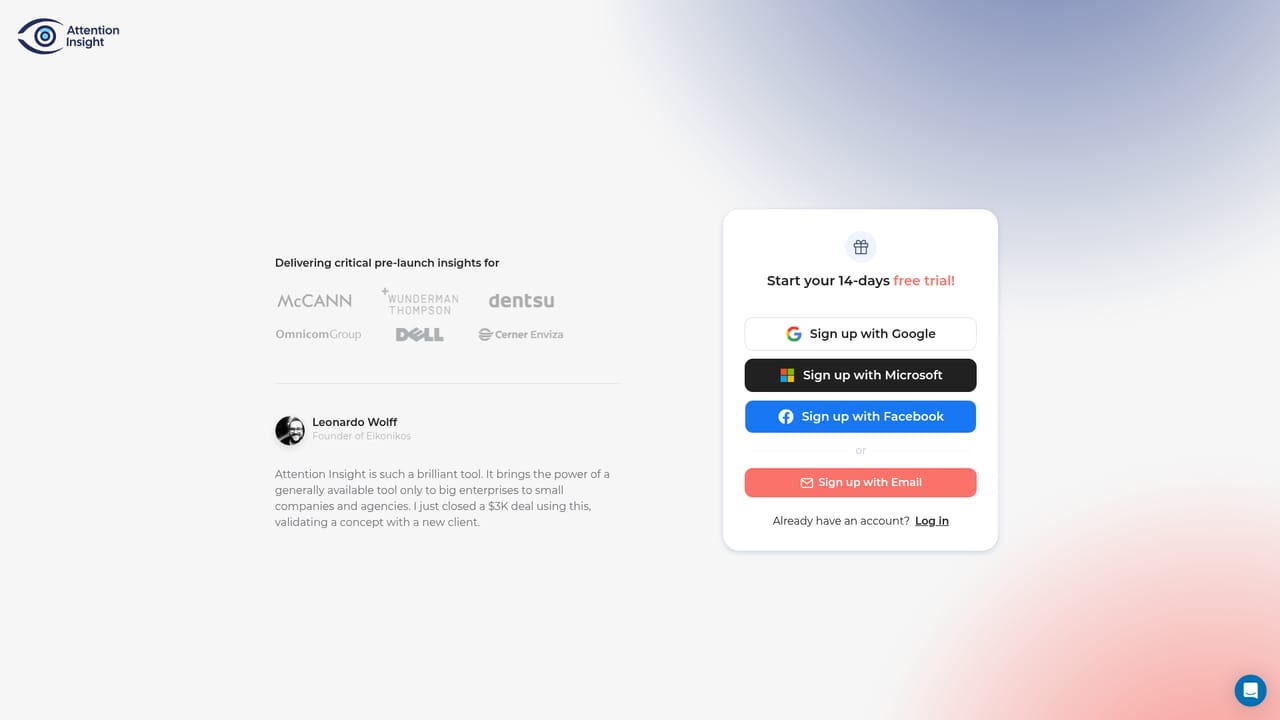
A 14 day free trial is offered and the signup page states no credit card is required. A no-signup analysis option is also promoted on the homepage for a first look at the output.
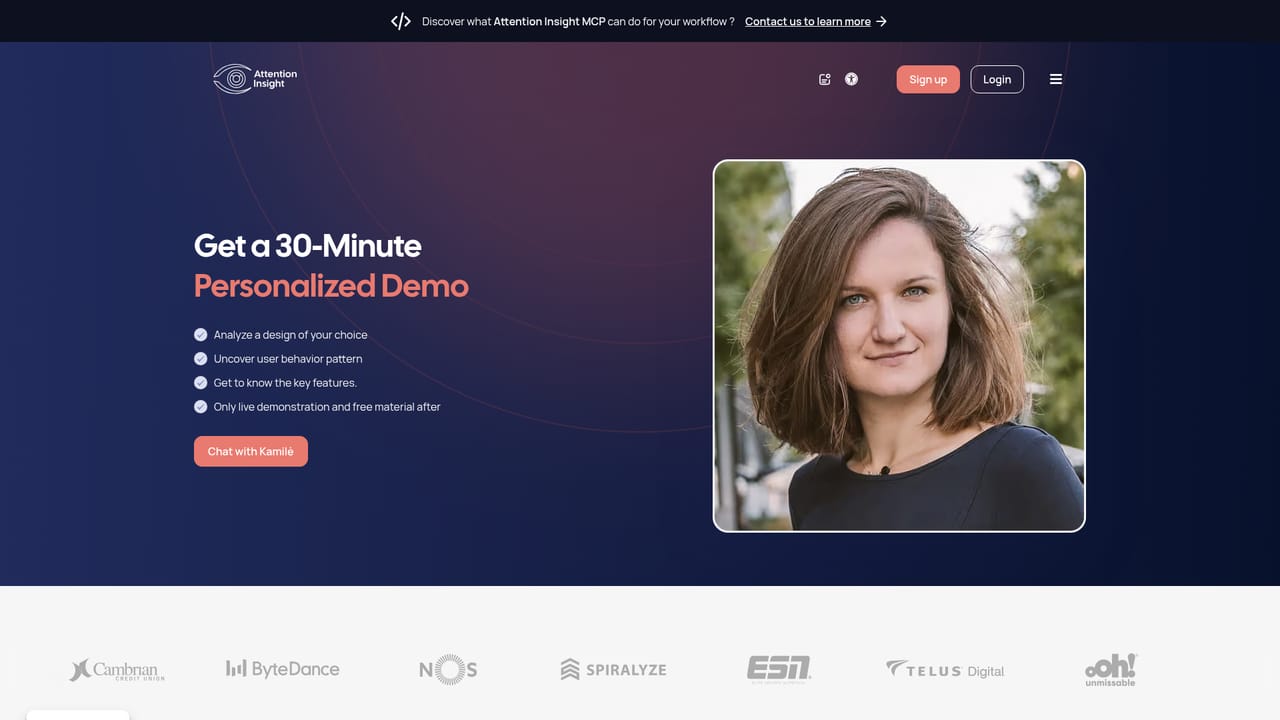
Learn moreSupport runs through a bookable 30 minute personalized demo with a product specialist, alongside the demo contact page. Self-serve help documentation is not described on the homepage.
Learn moreA Figma integration is referenced in a customer quote on the homepage. No other integrations are listed in the homepage content, so verify the current list before relying on a specific toolchain.
Attention heatmap, clarity score, focus score, contrast map and percentage of attention per design element. AI recommendations, shareable analysis links, variant and competitor comparison, and support for websites, ads, product visuals and short video clips. A Figma workflow is mentioned in user quotes.
Learn more AI Angels400+ customizable AI girlfriends for NSFW chat, voice calls, and roleplay
 Candy AIExperience the future of companionship with AI friends who chat, role-play, and connect with you on a human level.
 ourdream.aiA vast AI roleplay platform with millions of characters for chat, images, video and voiceAI Angels400+ customizable AI girlfriends for NSFW chat, voice calls, and roleplayCandy AIExperience the future of companionship with AI friends who chat, role-play, and connect with you on a human level.ourdream.aiA vast AI roleplay platform with millions of characters for chat, images, video and voice