Free trial
A free plan is available and grants 15 credits each day, enough to test transcription on short recordings without entering payment details.
Learn moreTranscribe audio and video to text with speaker labels and timestamps.
Own Audio Converter AI? Verify ownership to get a dofollow link

Audio Converter AI is an audio file transcription tool that transcribes audio and video to text with speaker labels and timestamps. Audio Converter AI converts audio, video, and YouTube links into editable transcripts with timestamps, speaker labels, and AI summaries.
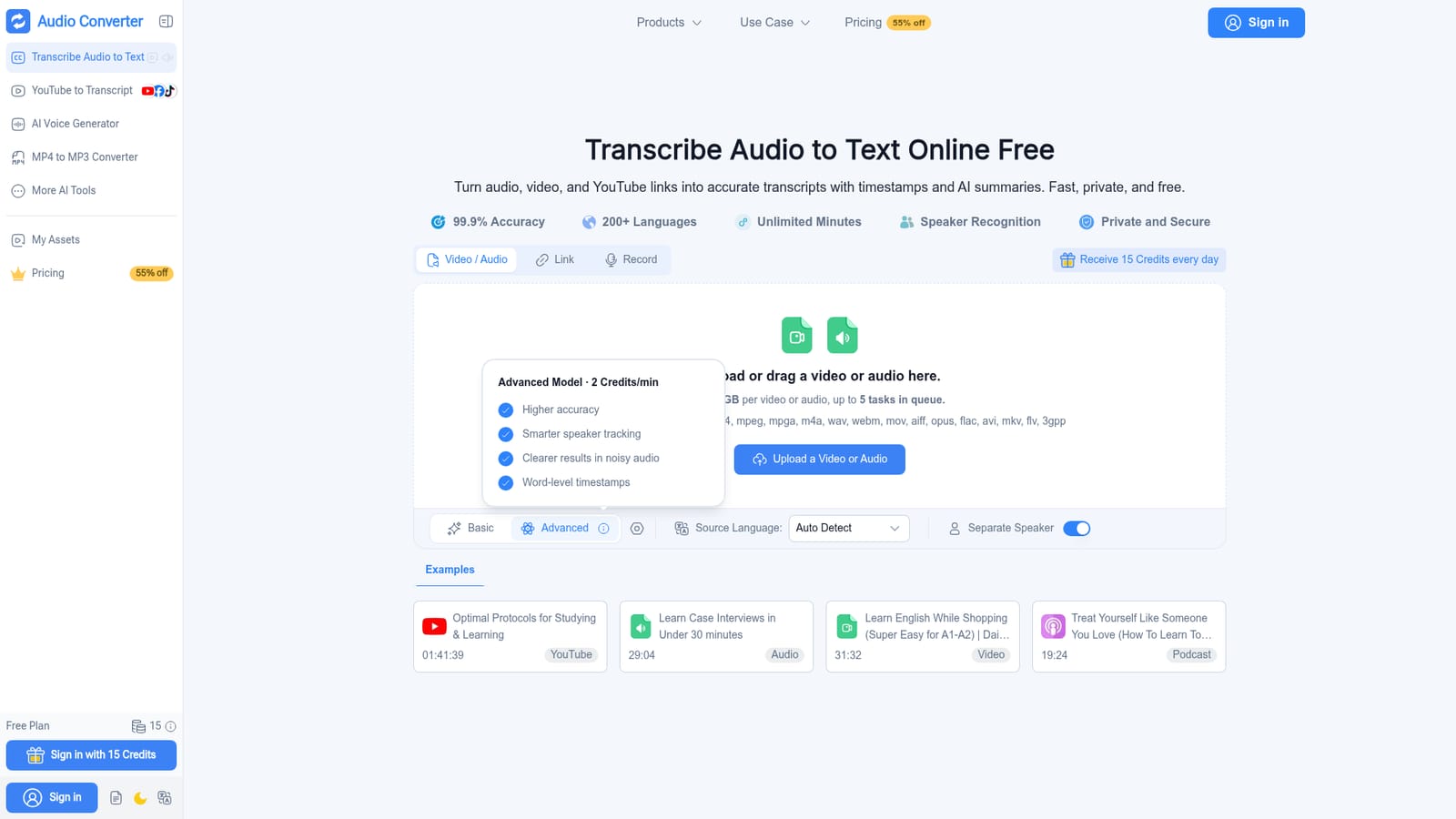
Audio Converter AI is a browser based transcription workspace that turns audio files, video files, and YouTube links into editable text. It handles recordings of meetings, lectures, podcasts, and interviews, and the output includes timestamps, speaker labels, and an AI generated summary. The site claims transcription accuracy of 99.9 percent and support for more than 200 languages, with automatic language detection for mixed or unknown sources. Files can be uploaded directly (up to 3GB each, with up to 5 tasks in a queue) or captured through a recording feature inside the tool. Supported formats include mp3, mp4, wav, m4a, mov, webm, flac, and several others. In practice, a user uploads a file or pastes a link, selects basic or advanced options, and chooses whether to separate speakers. The service returns a transcript that can be edited in the browser. Timestamps help locate specific moments, and speaker recognition labels different voices so group conversations stay readable. The AI summary condenses long recordings into key points, which is useful for study notes or meeting recaps. Finished transcripts can be downloaded or shared, and the interface works on mobile browsers as well as desktop. The audience is broad: students reviewing lectures, educators preparing course materials, creators repurposing podcasts into articles and captions, professionals documenting interviews and calls, and teams that need shared records. Compared with dedicated transcription services that charge per minute, Audio Converter AI leans on a credit system and a free tier that refreshes daily. It is not a full audio editor, and it does not position itself as a replacement for professional captioning workflows that require frame accurate timing or broadcast standards.
A free plan is available and grants 15 credits each day, enough to test transcription on short recordings without entering payment details.
Learn moreAudio Converter AI uses a credit model. A free plan provides 15 credits per day with no credit card required. Paid tiers include a Starter plan for personal projects and an Unlimited plan for frequent transcription and larger workflows, with advanced features and priority support. The site advertises a 55 percent discount on pricing.
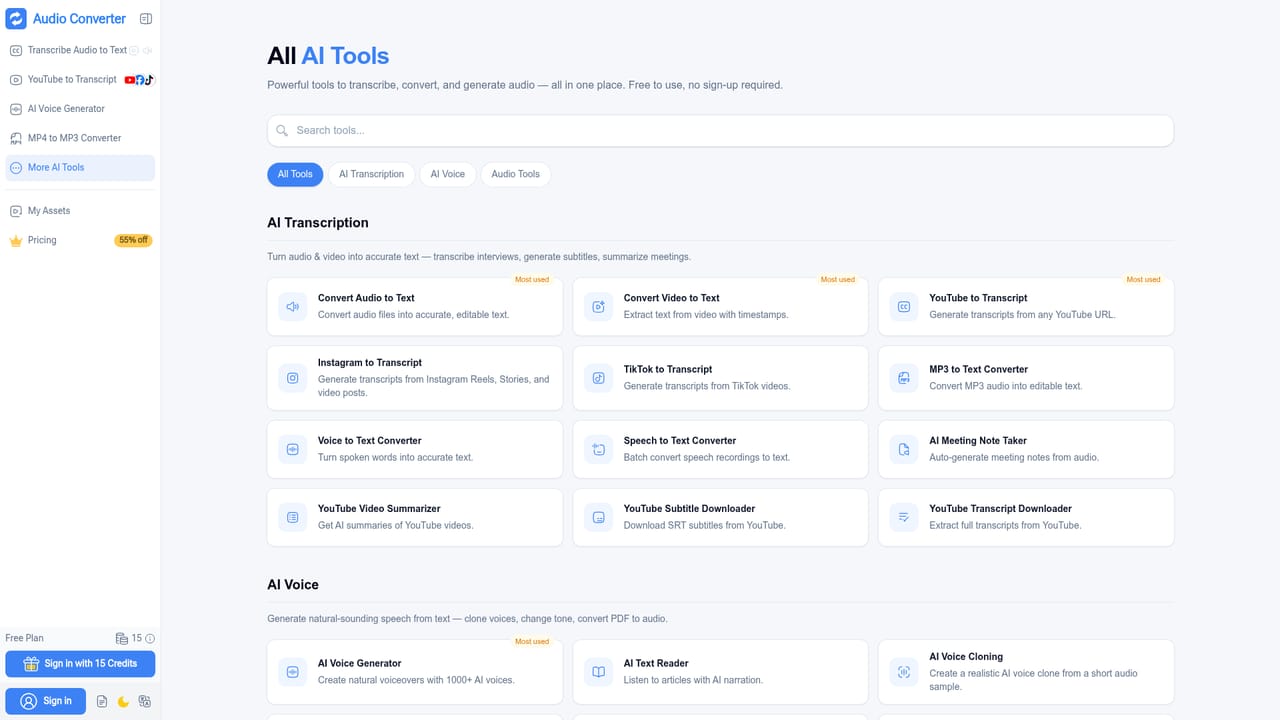
Learn moreCore features include audio and video transcription, YouTube link support, in browser recording, speaker recognition, timestamps, AI summaries, editable transcripts, download and share options, and automatic language detection across more than 200 languages. Files up to 3GB are accepted, with up to five tasks in a queue.
Learn more AI Angels400+ customizable AI girlfriends for NSFW chat, voice calls, and roleplay
 Candy AIExperience the future of companionship with AI friends who chat, role-play, and connect with you on a human level.
 ourdream.aiA vast AI roleplay platform with millions of characters for chat, images, video and voiceAI Angels400+ customizable AI girlfriends for NSFW chat, voice calls, and roleplayCandy AIExperience the future of companionship with AI friends who chat, role-play, and connect with you on a human level.ourdream.aiA vast AI roleplay platform with millions of characters for chat, images, video and voice