Support
Support is limited to a feedback form on the homepage where visitors can send thoughts or suggestions. No help centre, email address or documentation page is published on the homepage.
Turn a short prompt into a unique rap punchline with AI.

Raplyrics is a lyrics extractor tool that turns a short prompt into a unique rap punchline with AI. Raplyrics is a minimal web app that turns a short text prompt into an AI-generated rap punchline, aimed at quick lyrical ideation rather than full songwriting.
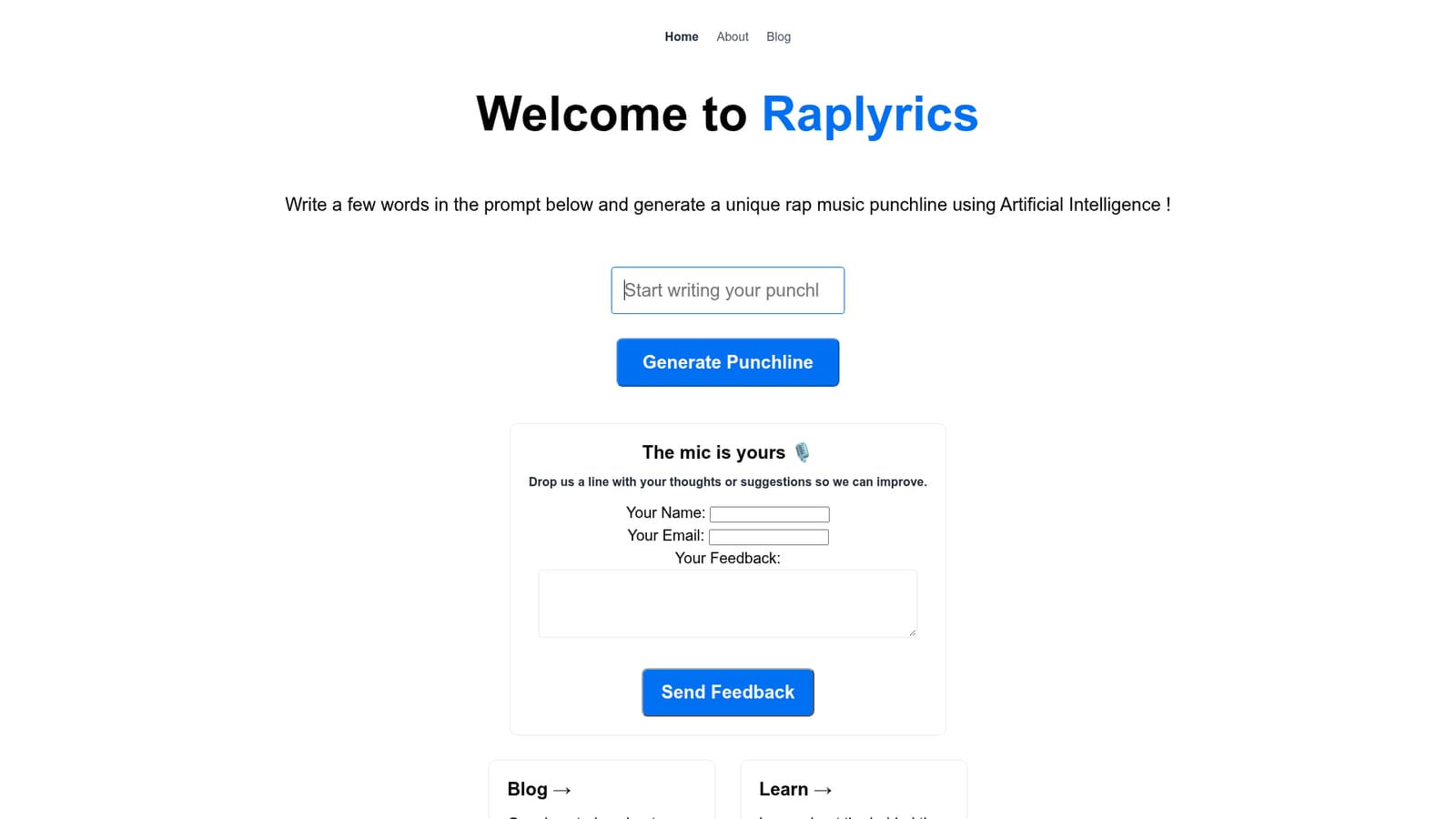
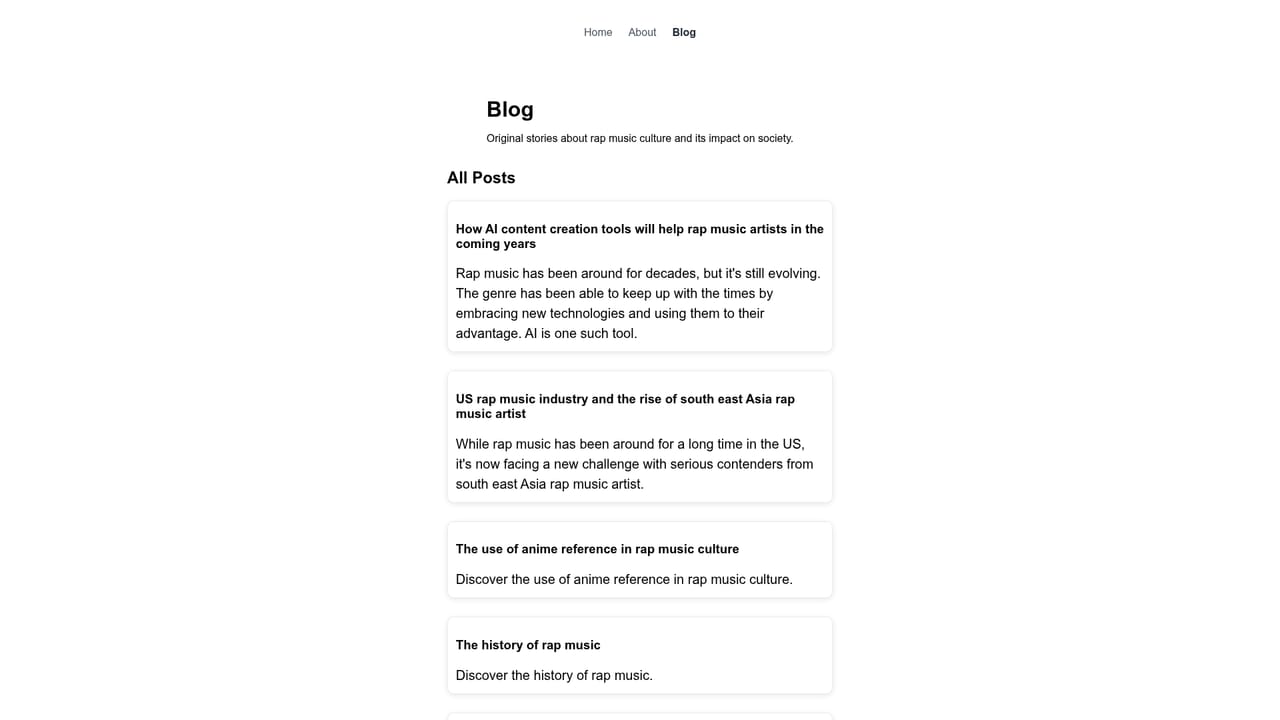
Raplyrics is a focused web tool that generates rap punchlines from a short text prompt. The premise is simple: type a few words, hit the generate button, and the underlying model returns a rap line. The site frames this as writing in the styles of preferred artists, which makes it a lightweight ideation aid for anyone who needs a starting point rather than a full song. The tool is best understood as a spark generator, not a lyric-writing suite. There is no project workspace, no verse builder and no audio output on the homepage. You bring a theme, a mood or a keyword, and Raplyrics returns a punchline you can keep, reject or use as a seed for your own writing. That places it closer to a creative prompt toy than to a full songwriting platform, and it suits rappers warming up, content creators looking for captions, and hobbyists experimenting with AI text generation. The homepage is deliberately minimal. A single prompt field and a Generate Punchline button carry the whole interaction, and a feedback form invites suggestions for improvement. The site also links out to a blog about rap culture and to an engineering write-up that explains the machine learning engine and API behind the product. That transparency is useful for technically curious users who want to know what kind of model they are dealing with. Pricing is not stated on the homepage, so visitors should treat cost as unconfirmed until they check inside the product. Among AI writing tools, Raplyrics occupies a narrow niche. General assistants can produce rap verses, but they require more prompting and often drift toward bland phrasing. Raplyrics is optimized for one output type, which keeps the interaction fast and the tone consistent. The tradeoff is limited control: users who want structure, rhyme schemes or artist-specific fine-tuning will find the format restrictive. It works best as a quick creative nudge alongside a human writer's own judgment.
Support is limited to a feedback form on the homepage where visitors can send thoughts or suggestions. No help centre, email address or documentation page is published on the homepage.
No integrations are listed on the homepage. The linked engineering article mentions an API framework, but the homepage does not document a public API or connections to other tools.
The homepage describes a single core capability: generating a unique rap music punchline from a short written prompt, with output composed in the style of preferred artists. A feedback form and links to a rap culture blog and an ML engine explainer round out the public surface. Deeper features, such as saving or exporting lines, are not described.
 AI Angels400+ customizable AI girlfriends for NSFW chat, voice calls, and roleplay
 Candy AIExperience the future of companionship with AI friends who chat, role-play, and connect with you on a human level.
 ourdream.aiA vast AI roleplay platform with millions of characters for chat, images, video and voiceAI Angels400+ customizable AI girlfriends for NSFW chat, voice calls, and roleplayCandy AIExperience the future of companionship with AI friends who chat, role-play, and connect with you on a human level.ourdream.aiA vast AI roleplay platform with millions of characters for chat, images, video and voice