Support
The homepage offers a newsletter signup and a link to privacy terms. No help centre, documentation or contact channel for support is published there.
ChatGPT over text: AI answers in SMS and WhatsApp, in 50+ languages.

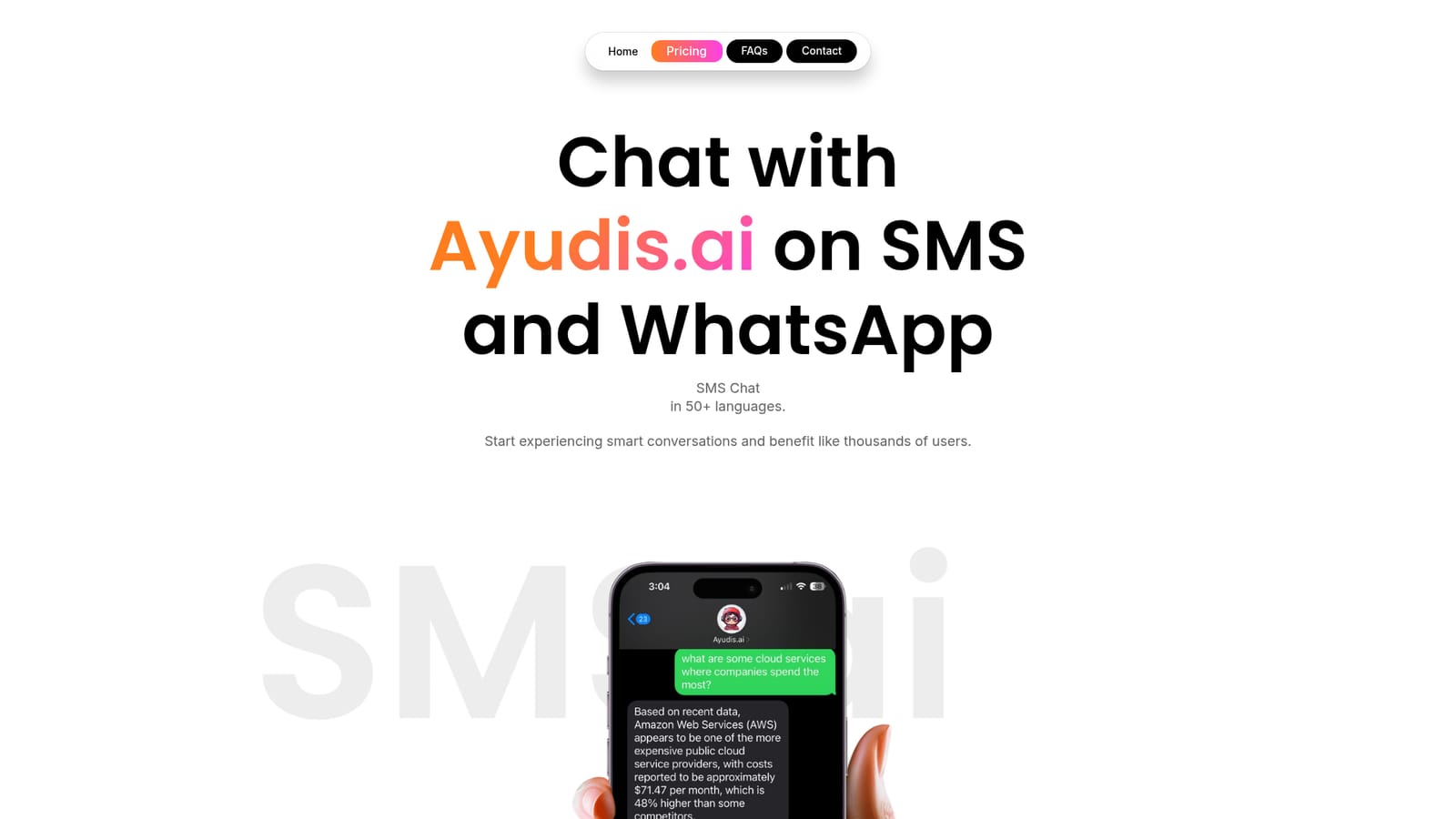
Ayudis is an AI chat bot tool. A messaging first AI assistant that answers questions over SMS and WhatsApp in more than 50 languages, with options to customize the agent and feed it personal data and documents.
Ayudis.ai puts a general purpose AI assistant inside the two messaging apps people already keep open all day: SMS and WhatsApp. Instead of installing another app or opening a browser tab, users send a question as a text and get a conversational answer back. The homepage frames the product as ChatGPT delivered over text message, and it supports chat in more than 50 languages, so the same assistant can handle a quick question in English and a follow up in another language without friction. The tool describes itself as a virtual smart search agent for quick questions. It is positioned for people who want fast answers on a phone with minimal setup. Because the interface is a standard message thread, it suits users who find dedicated AI apps clunky, are often away from a desktop, or simply prefer typing to tapping through menus. The homepage also notes that the assistant improves as users give it more tasks, which suggests a conversational product rather than a fixed set of commands. Customization is a stated part of the offer. Ayudis says users can adjust the agent to match their own preferences and can feed it specific data and documents to learn from. That points to a more personal assistant than a plain chatbot: one tuned around a user's own material. The homepage is light on specifics about how that upload works, what file types are accepted, or how the data is stored, so those details need checking directly with the vendor. Ayudis is early stage. The site mentions more features are coming soon and invites visitors to subscribe for updates, so it is best treated as a lean, messaging first assistant rather than a full productivity suite. Compared with browser based chat tools, its advantage is reach and simplicity; compared with teams of specialized agents, its scope is deliberately narrow. Users who want a capable text companion without an app install will find the model appealing, while anyone needing deep integrations or documented data controls should wait for more detail.
The homepage offers a newsletter signup and a link to privacy terms. No help centre, documentation or contact channel for support is published there.
The service runs through SMS and WhatsApp messaging. No other integrations or an API are listed on the homepage.
Ayudis.ai provides AI chat over SMS and WhatsApp, with support for more than 50 languages. It describes itself as a virtual smart search agent for quick questions, and it allows users to customize the assistant and supply their own data and documents for it to learn from. The company says more features are on the way and runs an email newsletter for updates.
 AI Angels400+ customizable AI girlfriends for NSFW chat, voice calls, and roleplay
 Candy AIExperience the future of companionship with AI friends who chat, role-play, and connect with you on a human level.
 ourdream.aiA vast AI roleplay platform with millions of characters for chat, images, video and voiceAI Angels400+ customizable AI girlfriends for NSFW chat, voice calls, and roleplayCandy AIExperience the future of companionship with AI friends who chat, role-play, and connect with you on a human level.ourdream.aiA vast AI roleplay platform with millions of characters for chat, images, video and voice


