Free trial
A permanent free tier rather than a timed trial: three resume generations, outreach documents, mock interviews, downloads and job analyses per day, plus ten CoPilot prompts.
Learn moreCareer co-pilot for resumes, ATS scoring and mock interviews

Bange is a career tool. Bange combines an ATS-focused resume builder, application document generator, AI mock interviews, job matching and a Mac interview overlay into a single job search workspace, with a free tier capped at three uses per tool per day and a Pro plan at $5 per month.
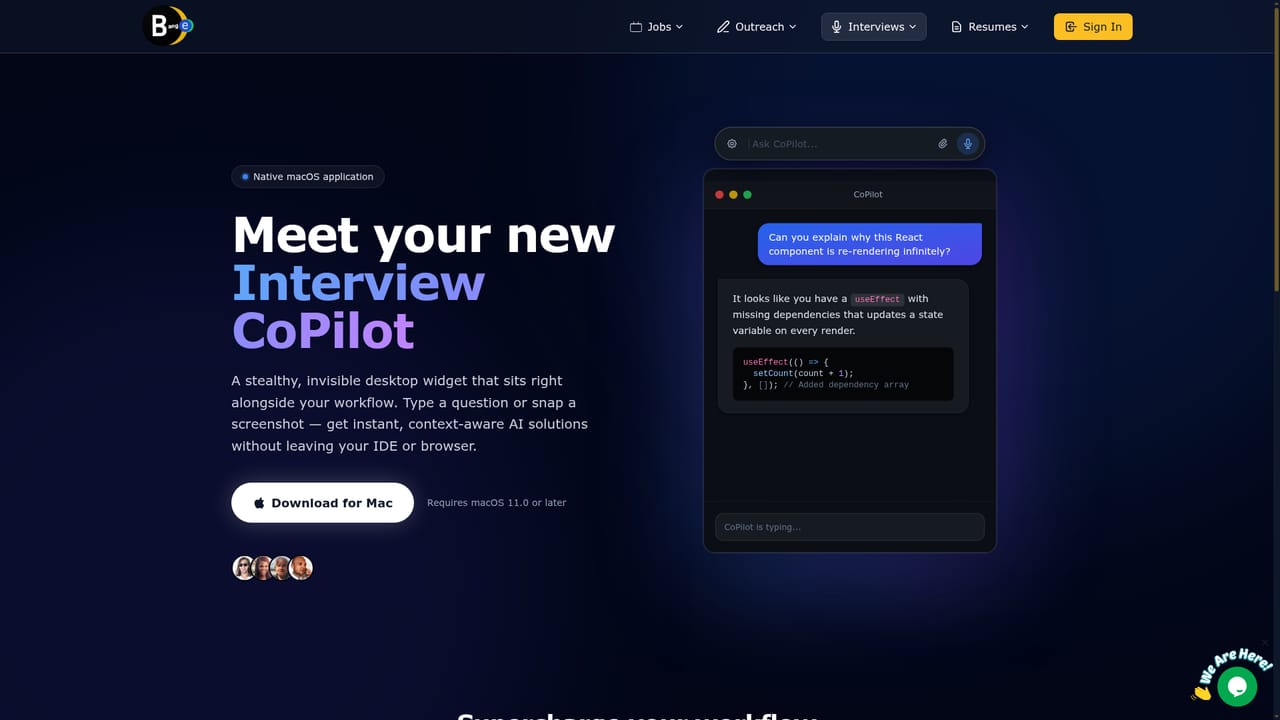
Bange is a job search toolkit that bundles resume building, applicant tracking system (ATS) scoring, application document writing, mock interviews and a desktop interview assistant into one product. The homepage frames it as a next-gen career co-pilot whose aim is to take a candidate from an untailored draft resume through to interview day. It sits in a crowded field of resume builders, but its scope is wider: the same workspace handles keyword alignment, outreach notes and practice sessions rather than sending users to separate tools for each task. The core of the product is the Smart Resume Builder, which rewrites bullet points toward quantitative metrics and stronger action verbs, and an ATS Scanner that scores a resume against a target job description, lists matched and missing skills, and suggests gap filling. Around that sit an Application Document Studio for cover letters, recruiter notes, referral asks and follow-ups, an AI Job Analysis view that reports match scores and personalized learning paths, a Smart Job Search that recommends roles with match percentages, shareable resume links with analytics, and a job posting option for employers. A separate Mac app called Interview CoPilot runs as an invisible overlay: a global hotkey summons a widget where users type a prompt or capture a screenshot of code or an error stack and receive context-aware answers during a live interview, with no microphone or speaker capture. The tool is aimed at active job seekers, especially engineers, designers and product people applying to competitive tech roles, and at anyone who wants faster tailoring across many applications. Resume editing is self-serve and guided, so beginners can work through it, though the deepest value comes from iterating on ATS feedback. Auto-Apply, the most ambitious promised feature, is marked coming soon, so the current product is best judged on resume optimization, document generation and interview simulation rather than automated applications.
A permanent free tier rather than a timed trial: three resume generations, outreach documents, mock interviews, downloads and job analyses per day, plus ten CoPilot prompts.
Learn moreFree plan at $0 per month with three uses per day across resume generation, outreach, mock interviews, job analysis and downloads, plus ten CoPilot prompts. Pro is $5 per month with unlimited use and priority processing, and the page mentions saving $10 per year on a limited-time offer. A 30-day money back guarantee applies.
Learn morePremium support is listed as a Pro plan benefit. Payments are handled by Stripe, and a 30-day money back guarantee is advertised.
Smart Resume Builder with metric focused rewriting, ATS Scanner and keyword alignment, Application Document Studio for cover letters and outreach, an AI interview simulator with recorded feedback, AI Job Analysis with match scores and learning paths, Smart Job Search, shareable resume links with analytics, job posting for employers, and the macOS Interview CoPilot overlay.
 AI Angels400+ customizable AI girlfriends for NSFW chat, voice calls, and roleplay
 Candy AIExperience the future of companionship with AI friends who chat, role-play, and connect with you on a human level.
 ourdream.aiA vast AI roleplay platform with millions of characters for chat, images, video and voiceAI Angels400+ customizable AI girlfriends for NSFW chat, voice calls, and roleplayCandy AIExperience the future of companionship with AI friends who chat, role-play, and connect with you on a human level.ourdream.aiA vast AI roleplay platform with millions of characters for chat, images, video and voice


