Integrations
The homepage only mentions connecting an AI provider and linking projects to local folders and repositories. No other integrations are listed.
A playful desktop app for building with a crew of AI agents
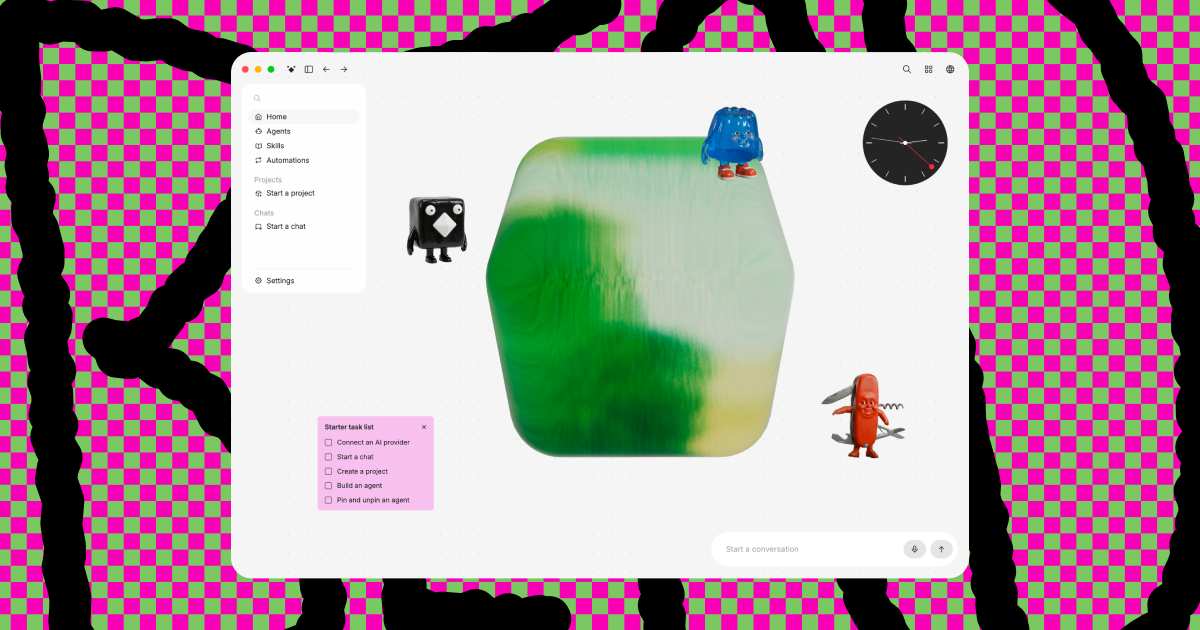
Berd is a playful desktop app from Block for building with AI agents. It combines chats, projects and model providers in one workspace, with built-in agents like Pushback and Tinker plus custom ones.
Berd is a desktop app for building with AI agents, published by Block and presented with a deliberately weird, playful personality. Its pitch is less chatting and more building: instead of one generic assistant in a single window, the app brings chats, agents and model providers into one workspace that the user controls. Projects can be linked to the folders and repositories already used for day-to-day work, and the canvas can be arranged and pinned to taste. The center of the product is its agent system. An agent is treated as a specialist with a defined role, a set of skills and a distinct personality, and it carries that behavior into every chat it joins. Several come built in. Berdy helps with working inside the app and handles delegated tasks, Pushback acts as a blunt critic for drafts, Choosey helps untangle decisions without making them, Copycat assists with writing while learning the user's style, Wildcard offers unconventional angles, and Tinker works out whether a job needs an agent, a skill or something else, then builds it. Users can also create their own agents and pin or unpin them as needed. Getting started follows a short sequence: connect an AI provider, start a chat, create a project, then build an agent. Because providers are connected by the user, the model behind a task can be switched at any time, which suits workflows where only some jobs justify a large model. Example prompts on the homepage show the range of output, including an animated logo, an interactive presentation and a 404 page that visitors can draw on. Berd sits between general chat clients and heavier agent frameworks. It is aimed at people who want reusable, character-driven helpers tied to real project folders without assembling a toolchain by hand. Pricing, supported operating systems and integrations are not detailed on the homepage, so those points need checking before adoption.
The homepage only mentions connecting an AI provider and linking projects to local folders and repositories. No other integrations are listed.
Customizable canvas with pinning, projects linked to local folders and repos, built-in agents (Berdy, Pushback, Choosey, Copycat, Tinker, Wildcard), custom agent creation with roles and personalities, and switching between AI models and providers.


