Biblepics

AI-powered Bible chat, images, and verse generator.

Beginner
Screenshot of Biblepics, AI-powered Bible chat, images, and verse generator

What is Biblepics?

Biblepics is an AI character chat tool. BiblePics combines AI-generated Bible images, chat with biblical figures, verse generation, and AI search in a free app available in 26 languages. It is aimed at readers who want a visual and conversational way to engage with scripture.

BiblePics is a web and mobile app that blends the biblical text with generative AI. Users can read scripture alongside AI-created artwork, explore profiles of biblical characters, and hold conversations with AI representations of figures such as Moses. The library of over 2,000 images is produced with generative adversarial networks and is intended to evoke scenes rather than serve as literal illustration. Beyond reading, the platform includes an AI verse generator for crafting shareable inspirational messages, a semantic search engine for topical questions, and Bible trivia for testing knowledge. The tool suits a broad audience: individuals who want a more visual or interactive devotional routine, small groups looking for discussion starters, educators who need quick visual aids, and content creators seeking royalty-free biblical imagery. Because the app is free and available in 26 languages, it lowers the barrier for multilingual users and anyone curious about scripture without a denominational lens. The homepage states that BiblePics is not affiliated with any religious group, so it can be used in secular or academic settings as well. In practice, a session might start with opening a book of the Bible and scrolling through chapters paired with images. From there, a reader can tap into a character profile, ask a follow-up question through AI search, or switch to the chat mode to converse with a biblical figure. The verse generator produces a short inspirational line that can be shared on social media or sent to a friend. All images are free to use for personal or commercial purposes with a credit and link back to BiblePics, which makes the platform practical for church newsletters, lesson slides, or social posts. Compared with plain Bible apps, BiblePics adds a visual and conversational layer that is more about engagement than deep study tools. It does not replace a study Bible with commentaries and original-language tools, and the AI chat is a creative supplement rather than a scholarly authority. For readers who want a lightweight, free entry point into scripture with modern AI features, it occupies a distinct niche between devotional apps and general-purpose chatbots.

How do you use Biblepics?

  1. 1Open the Bible reading view
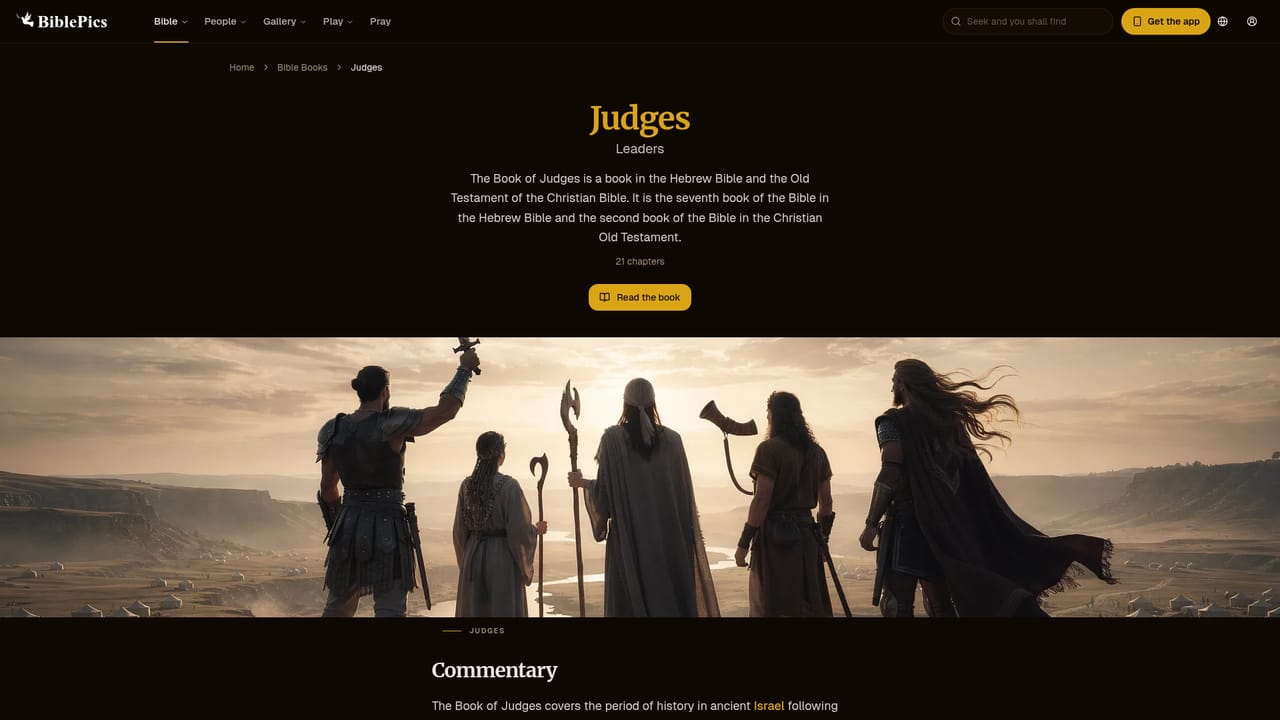
    Start from the homepage and select Read the Bible to browse books and chapters. Each passage is paired with AI-generated imagery that sets the scene.
    Biblepics — Open the Bible reading view
  2. 2Explore a biblical character
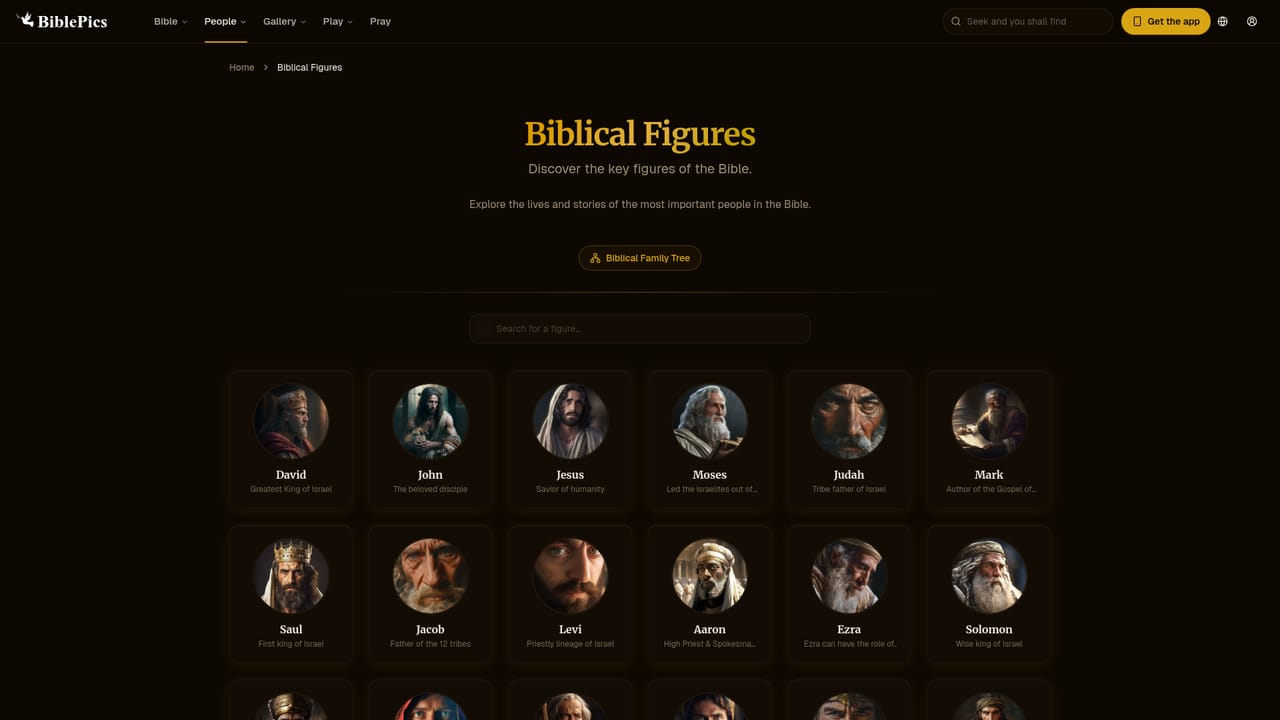
    Visit the biblical figures section to read profiles of key people and see how their stories connect to the wider narrative.
    Biblepics — Explore a biblical character
  3. 3Chat with an AI biblical figure
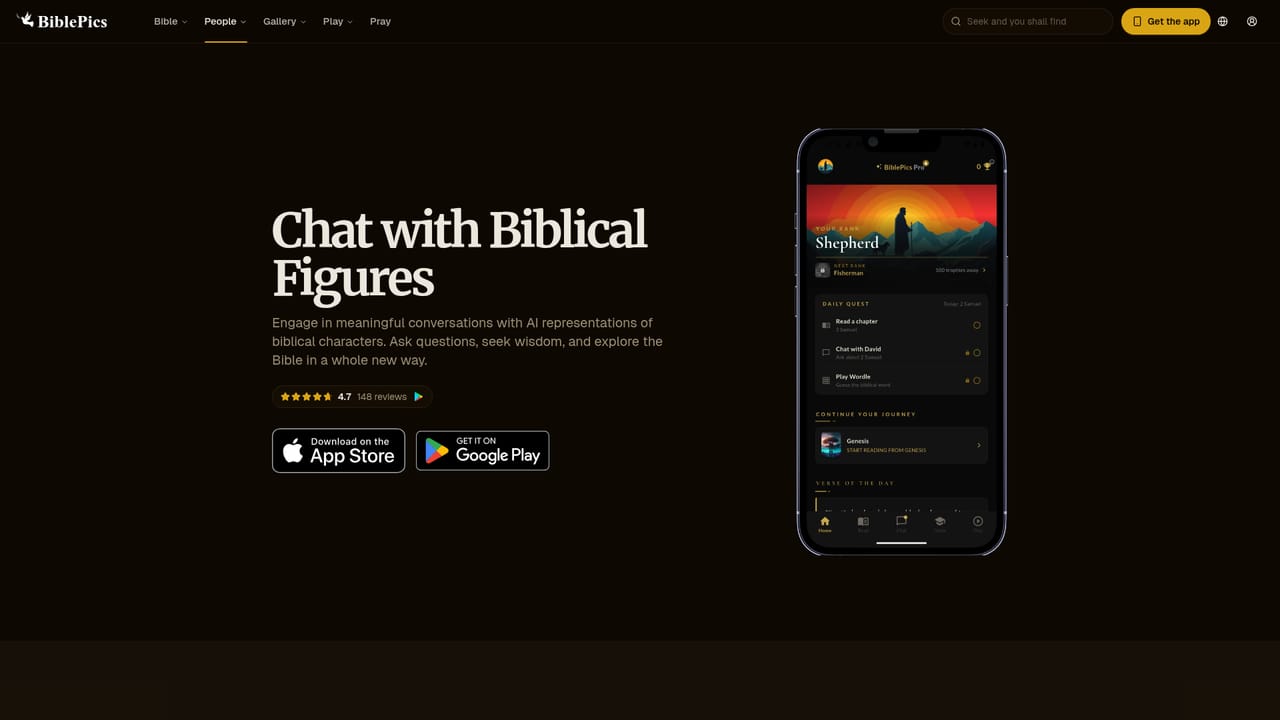
    Use the chat page to start a conversation with an AI representation of a character such as Moses. This is a creative way to explore themes, not a scholarly commentary.
    Biblepics — Chat with an AI biblical figure
  4. 4Generate a shareable verse
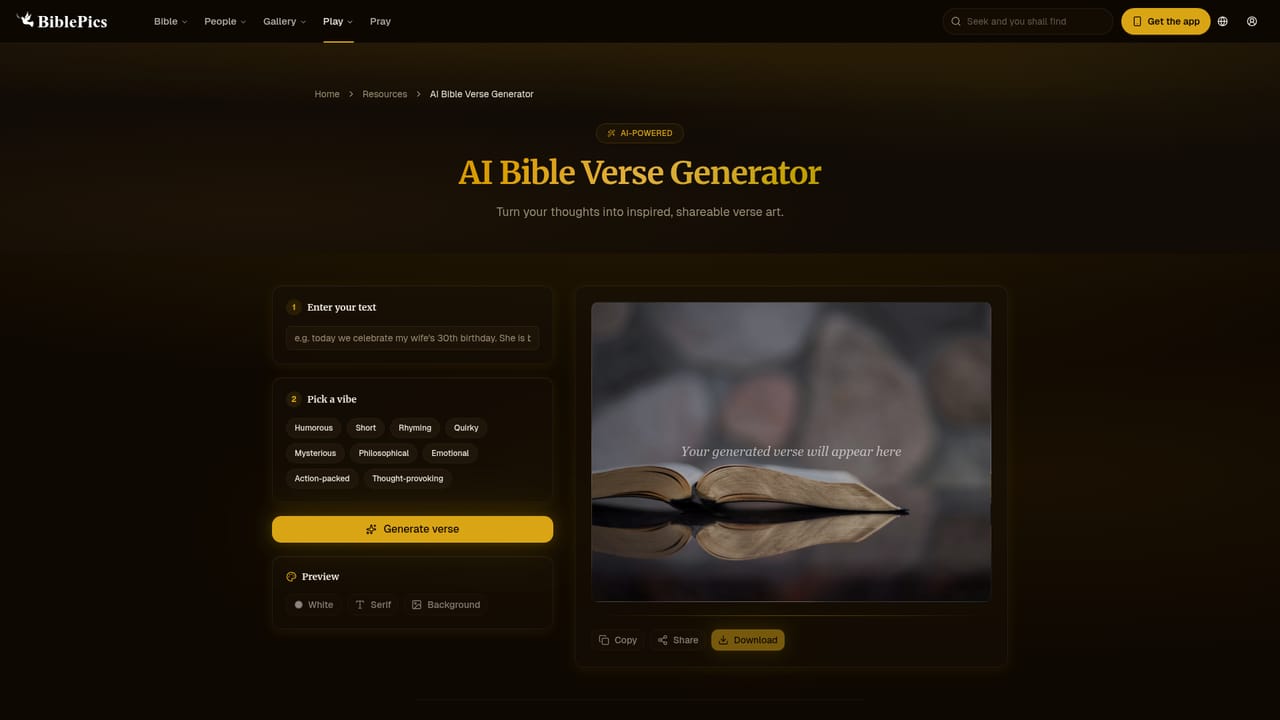
    Open the AI verse generator to craft an inspirational message. The output can be shared with friends or used in social posts.
    Biblepics — Generate a shareable verse
  5. 5Ask a question through AI search
    The Bible AI search tool lets you type a topical question and receive an answer drawn from the text. Use it for quick exploration rather than deep exegesis.

Pros and cons

Pros

  • Free to use with no paywall on core features like reading, chat, and image browsing.AI
  • Over 2,000 AI-generated images that can be reused for personal or commercial projects with credit.AI
  • Chat with AI biblical characters adds an interactive layer that plain Bible apps lack.AI
  • Available in 26 languages, making it accessible to a wide international audience.AI
  • Independent and non-denominational, so it works for personal, academic, or group settings.AI

Cons

  • AI images are evocative rather than literal, so they should not be treated as accurate depictions of biblical events.AI
  • Chat with biblical figures is a creative interpretation and not a reliable source for doctrinal or historical study.AI
  • Requires a credit and link to BiblePics when reusing images, which adds friction for some commercial use cases.AI
  • The homepage does not list study tools such as commentaries, original-language lexicons, or cross-references.AI
  • As a mobile-first app with a web presence, offline reading and advanced export options are not described.AI

How much does Biblepics cost?

Features

Core features include reading the Bible with AI-generated images, profiles of biblical characters, chat with AI biblical figures, an AI verse generator for shareable messages, a Bible AI search tool, and Bible trivia. The image library exceeds 2,000 pieces, and the app is available in 26 languages.

Learn more

Frequently asked questions about Biblepics

  • How do you use Biblepics?
    The walkthrough on this page covers 5 steps: 1. Open the Bible reading view 2. Explore a biblical character 3. Chat with an AI biblical figure 4. Generate a shareable verse 5. Ask a question through AI search.
  • What platforms does Biblepics support?
    Biblepics is available on Web App and Android.
  • What are the limitations of Biblepics?
    AI images are evocative rather than literal, so they should not be treated as accurate depictions of biblical events. Chat with biblical figures is a creative interpretation and not a reliable source for doctrinal or historical study. Requires a credit and link to BiblePics when reusing images, which adds friction for some commercial use cases.

Status

StatusActive
Views0
Outbound clicks0
Added10/21/2026

Platforms

Web AppAndroid

Pricing

Free