Pricing
The homepage states $0 to start and lists plans only indirectly (a sample checkout shows a $49 per seat monthly Pro tier, and AI usage is billed through Blink credits). No public price list or tier breakdown appears on the page.
Learn moreDescribe the app you need and Blink ships it live on your domain

Blink.new is an AI chat bot tool. Blink turns a written description into a deployed web or mobile application with database, sign in, Stripe payments, AI models and hosting included. It targets founders, agencies and operations teams that want working software without assembling a stack, while offering little appeal to developers who need low level control.
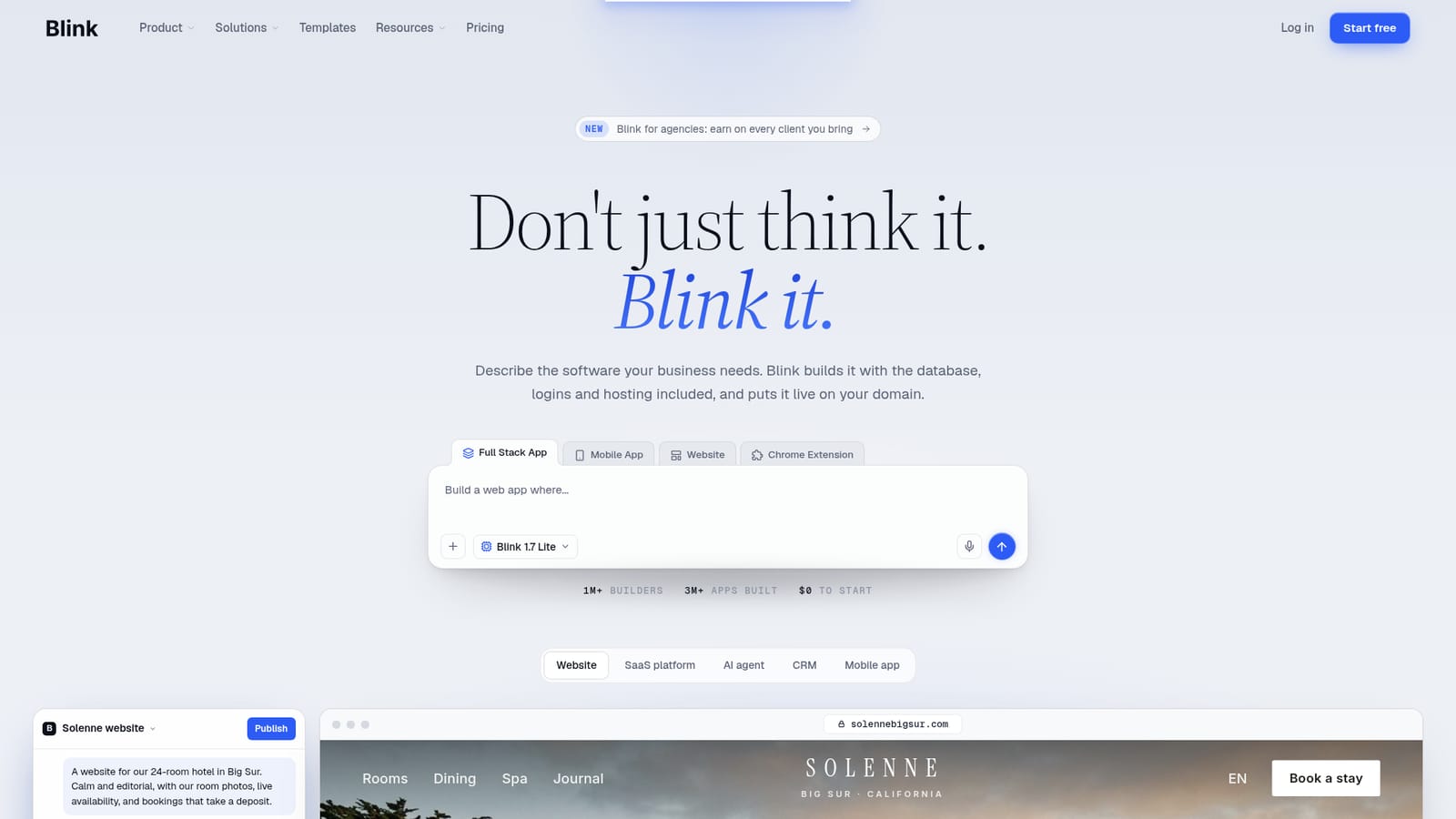
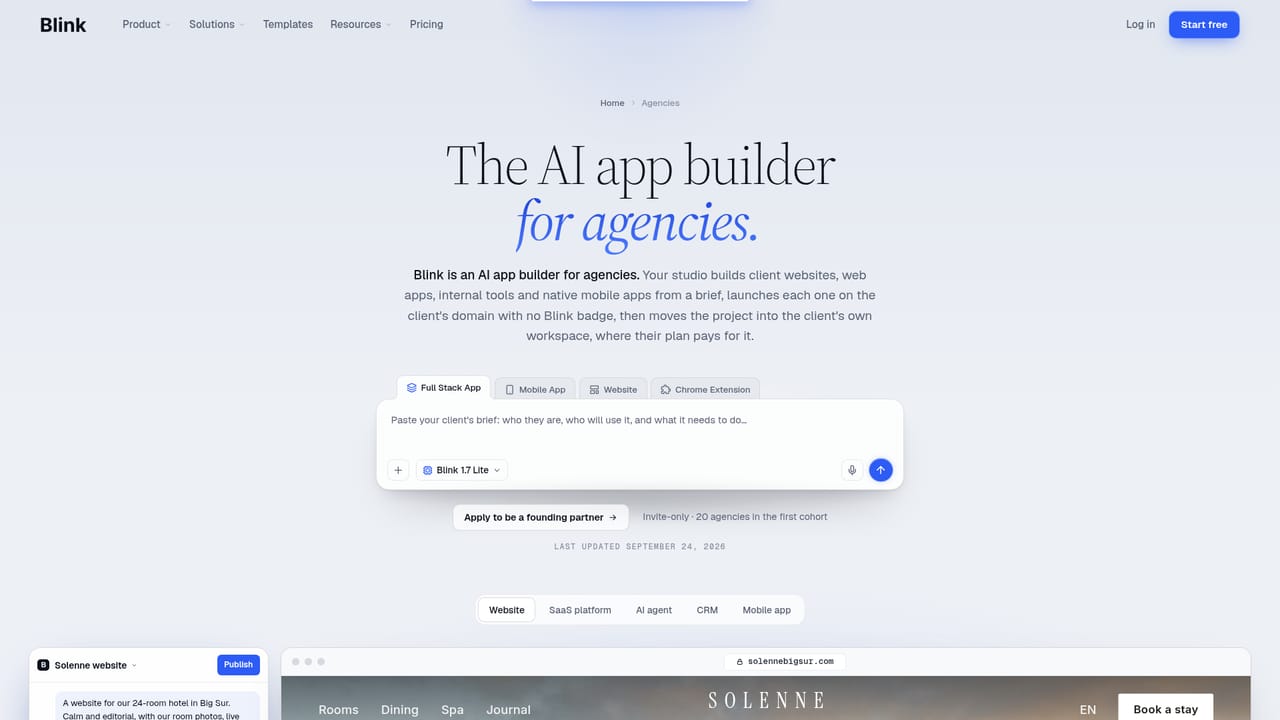
Blink is a prompt driven builder for full applications, not just pages. A description of the software a business needs turns into a working product with a database, authentication, payment handling and hosting attached. The site claims over a million builders and more than three million apps created, with a starting cost of zero. The build covers the parts that usually stall a project. Every app gets its own SQL database with tables designed from the prompt, email plus Google and Apple sign in, and role separation so staff and customers land on different screens. Stripe checkout, deposits, subscriptions and invoices are configured through conversation rather than a separate integration project. Hosting arrives with SSL on a real URL, and a domain can be connected or purchased inside Blink. Row level security keeps records private between users, and published versions allow rolling back to an earlier build. Output is not limited to websites. The same prompt can produce a SaaS platform, a CRM, an AI agent, a Chrome extension, or a mobile app for iOS and Android. Sample builds on the homepage include a hotel booking site, an accounting client portal, an email support agent, a real estate deal tracker and a field service app. Chat, image, voice and search capabilities can be added from 77 AI models without managing API keys, with usage drawn from Blink credits. It suits founders, small agencies and operations teams that have a clear picture of the tool they want but no engineering capacity to assemble it. Developers who already have a stack and a deployment pipeline will find the abstraction limiting, and anyone needing fine control over server logic or unusual infrastructure should look elsewhere. Against general website builders it goes deeper into application logic; against code generating assistants it removes the wiring and hosting work at the cost of transparency. An agencies page exists for partners who want to earn on client referrals. A caution worth stating plainly: the homepage sells speed and completeness, but the database schema, permissions model and payment flows still need review before anything customer facing goes live.
The homepage states $0 to start and lists plans only indirectly (a sample checkout shows a $49 per seat monthly Pro tier, and AI usage is billed through Blink credits). No public price list or tier breakdown appears on the page.
Learn moreStripe payments, Google and Apple sign in, and domain and DNS setup are described on the homepage. The 77 AI models are accessed inside Blink. No other third party integrations are listed.
Prompt to working app: per app SQL database designed from the description, email plus Google and Apple sign in with role based screens, Stripe checkout, deposits, subscriptions and invoices, hosting with SSL and domain connection or purchase, publishing to web, iOS and Android, 77 AI models for chat, image, voice and search without API keys, version history with rollback, and row level security.
 AI Angels400+ customizable AI girlfriends for NSFW chat, voice calls, and roleplay
 Candy AIExperience the future of companionship with AI friends who chat, role-play, and connect with you on a human level.
 ourdream.aiA vast AI roleplay platform with millions of characters for chat, images, video and voiceAI Angels400+ customizable AI girlfriends for NSFW chat, voice calls, and roleplayCandy AIExperience the future of companionship with AI friends who chat, role-play, and connect with you on a human level.ourdream.aiA vast AI roleplay platform with millions of characters for chat, images, video and voice


