Free trial
A free online trial is available with no sign up and no credit card required.
Learn moreAI video translator with dubbing, voice cloning, and lip sync in 140+ languages.

BlipCut is an AI video translator and dubbing tool that converts videos into 140+ languages with voice cloning, lip sync, subtitle generation, and batch processing. It targets marketers, educators, and creators who need fast, low cost localization.
BlipCut is an AI video translation platform built for content creators who need to localize video into multiple languages without hiring voice actors or dubbing studios. The core workflow takes a source video, automatically recognizes the spoken language, transcribes it, translates the text, and then generates new audio in the target language. A voice cloning feature attempts to preserve the original speaker's vocal character, and lip syncing adjusts mouth movements so the dubbed track looks natural. The platform handles multi-speaker videos by identifying separate voices and cloning each one. The tool goes beyond simple dubbing. It includes an AI subtitle generator, a subtitle translator, an audio translator, and a voice changer, all accessible from the same interface. Editing tools are free to use: after translation, you can adjust the transcript, modify the translation, change speech speed, drag clips to new positions, and style subtitles. A batch translator lets you process multiple videos into one or several languages at once, which matters for marketing teams or e-learning producers sitting on a library of content. BlipCut is aimed at marketers, educators, social media creators, and training organizations that need to reach audiences across language barriers. The homepage cites use cases in tech training, network marketing, and financial consulting, where teams localized English content into Arabic, Spanish, and Romanian. The platform draws on ChatGPT and DeepSeek for translation rewriting, and it offers a library of more than 300 synthetic voices. A free online trial requires no sign up or credit card, and desktop apps are available for Windows and Mac. Compared with traditional localization services, BlipCut trades human nuance for speed and low cost, which suits high volume social clips and internal training videos more than cinematic releases. The editing layer gives back some control, but the output quality still depends on the source audio and the target language pair.
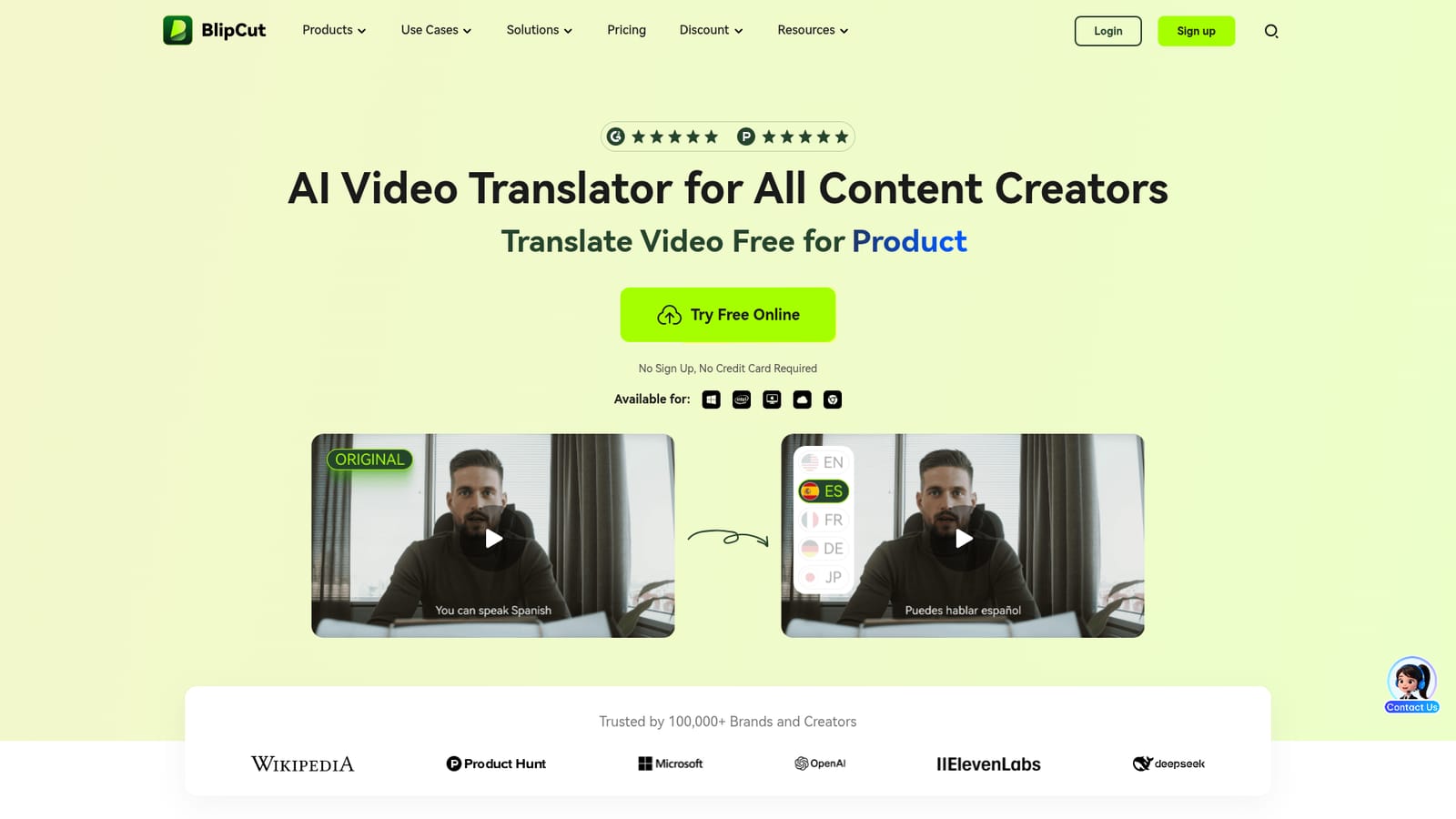
A free online trial is available with no sign up and no credit card required.
Learn moreBlipCut offers AI video translation and dubbing in 140+ languages, automatic source language recognition, multi-speaker voice cloning, lip syncing, a 300+ voice library, batch video translation, AI subtitle generation and translation, audio translation, transcript editing, speech speed control, subtitle styling, and AI clip creation for short videos.
 AI Angels400+ customizable AI girlfriends for NSFW chat, voice calls, and roleplay
 Candy AIExperience the future of companionship with AI friends who chat, role-play, and connect with you on a human level.
 ourdream.aiA vast AI roleplay platform with millions of characters for chat, images, video and voiceAI Angels400+ customizable AI girlfriends for NSFW chat, voice calls, and roleplayCandy AIExperience the future of companionship with AI friends who chat, role-play, and connect with you on a human level.ourdream.aiA vast AI roleplay platform with millions of characters for chat, images, video and voice


