Free trial
A free trial is offered through the try-bliro-free page; plan limits and trial length are not stated on the homepage.
Learn moreVoice-first sales assistants that prep your meetings and update your CRM

Bliro is an AI chat bot tool. Bliro offers two voice sales assistants, Vicky and Tim, that prepare field appointments, turn visits into CRM updates and capture online or onsite meeting notes without audio recording. Aimed at sales teams, it ties voice actions and transcription to CRM data for cleaner pipelines and playbook-based coaching.
Bliro is a voice-driven assistant built around field sales rather than general meeting notes. The product centers on two named assistants, Vicky and Tim, that live as a phone contact. Tim handles preparation: call before an appointment and get a briefing pulled from the CRM, calendar and email, covering the last conversation, open items, active deals and what to pitch. Vicky handles the aftermath: call after a visit to log the report, fill custom CRM fields, draft follow-ups and tidy the calendar, all spoken rather than typed. The design assumes the user is often in a car or between appointments, so a phone call replaces a dashboard. Alongside voice, Bliro can transcribe online meetings through system audio with no visible bot joining the call, and onsite conversations through a laptop, iPhone or iPad. The company states a GDPR-first approach with no audio recordings, which matters for teams that want notes without retaining raw audio. Because voice updates and transcription feed the same system, Bliro can populate CRM fields automatically and present pipelines built on actual conversations. That opens a coaching layer: anonymized feedback based on defined playbooks and aggregated team insights, delivered without ride-alongs. Bliro markets its own figures for the payoff, including eight hours per week reclaimed and higher CRM adoption, but these are vendor claims rather than independent benchmarks. The tool suits sales organizations with distributed or field teams, and sales managers who want consistent preparation and cleaner CRM data without a heavy CRM project. It is less obviously aimed at knowledge workers who only need generic meeting summaries; a separate lightweight notetaker is offered for that. Alternatives include AI notetakers that record and summarize calls, and CRM add-ons that only push notes into records. Bliro's difference is combining real-time notes, voice updates and calibration of the two in one place.
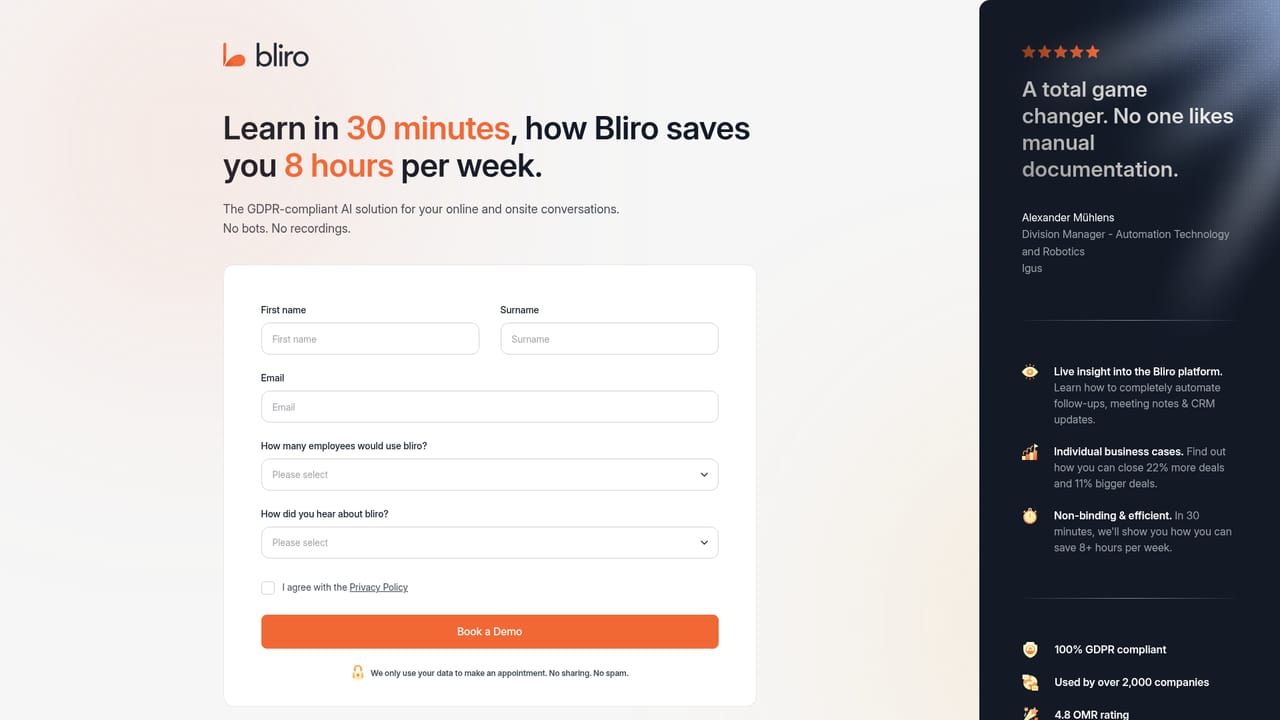
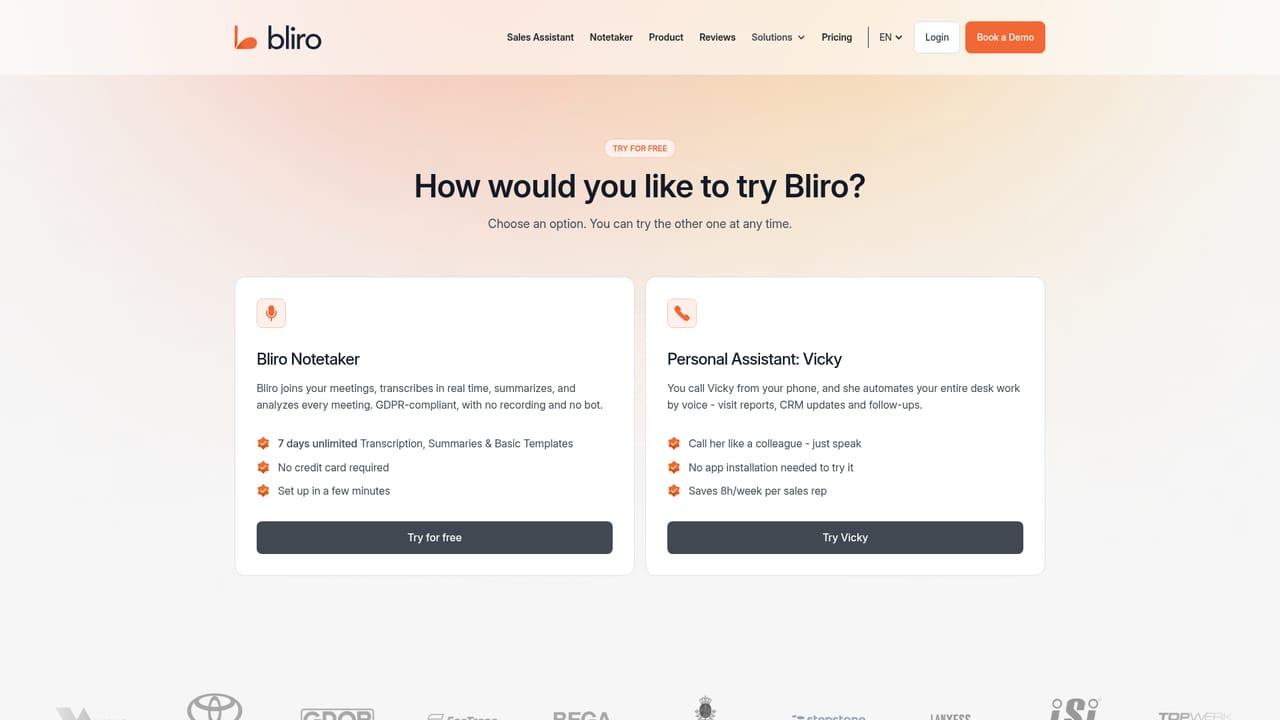
A free trial is offered through the try-bliro-free page; plan limits and trial length are not stated on the homepage.
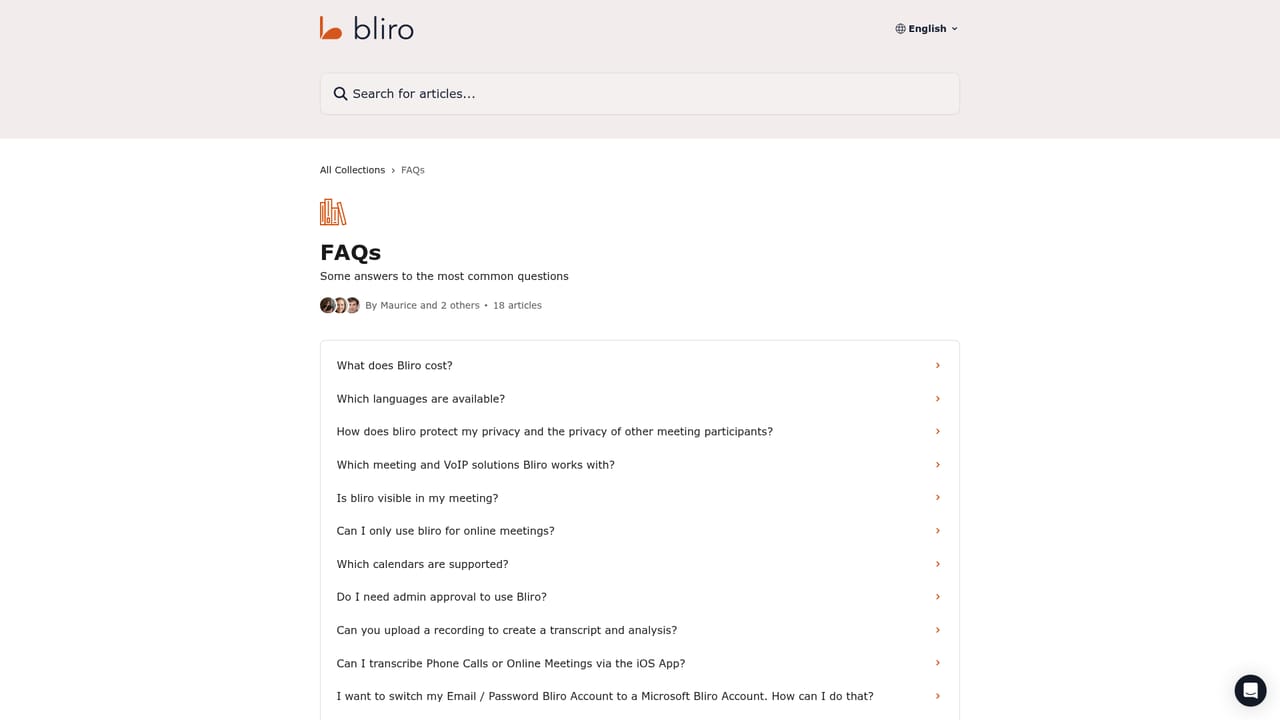
Learn moreA public help center is available for documentation and questions; the homepage does not specify support channels or response times.
Learn moreBliro connects to CRM systems, calendars and email, with an agent handling setup and resolving duplicates; the homepage does not name specific vendors.
Voice assistants for meeting prep and post-visit admin, automatic CRM entry including custom fields, email and calendar upkeep by voice, real-time online notes via system audio with no visible bot, onsite notes through laptop, iPhone or iPad, CRM Light for structuring unstructured data, and playbook-based anonymous coaching with aggregated insights.
Learn more AI Angels400+ customizable AI girlfriends for NSFW chat, voice calls, and roleplay
 Candy AIExperience the future of companionship with AI friends who chat, role-play, and connect with you on a human level.
 ourdream.aiA vast AI roleplay platform with millions of characters for chat, images, video and voiceAI Angels400+ customizable AI girlfriends for NSFW chat, voice calls, and roleplayCandy AIExperience the future of companionship with AI friends who chat, role-play, and connect with you on a human level.ourdream.aiA vast AI roleplay platform with millions of characters for chat, images, video and voice


