Free trial
New accounts start with 500 coins for testing, enough to try the canvas and GPT blocks before buying more. No commitment is stated at sign-up.
Learn moreDrag and drop GPT blocks on one infinite canvas and chat.

BloxGPT turns ChatGPT conversations into a shared infinite canvas: drag GPT blocks, take notes and connect ideas in real time with your team. Free sign-up and pay-as-you-go coins, no subscription.
BloxGPT is a collaborative workspace built around a single infinite canvas. Instead of keeping a dozen ChatGPT tabs open and losing track of which conversation held which answer, you arrange GPT blocks, notes and annotations side by side, then connect them. Each block runs on OpenAI models (the site displays the OpenAI lockup), so the chat itself is familiar. The difference is spatial: prompts, replies and reference notes live in one view that you position and resize as the thinking develops. The product is pitched at teams and individuals who brainstorm together. Signing up is free and takes a Google login; a new account starts with 500 coins for testing. From there you drag blocks onto the canvas, type prompts, take notes and link ideas. The canvas is shared, so teammates edit the same board in real time, and search keeps older blocks and annotations findable. Because the canvas scales to any screen size, a session can start on a laptop and continue on another device through the browser. In practice, BloxGPT sits between a whiteboard tool and a chat client. It will not replace a full project manager or a document editor, and it does not try to; the focus is on the messy middle of ideation, where several prompts feed one line of reasoning. Compared with plain chat interfaces, the canvas removes tab juggling and makes the thread of a session visible. Compared with visual whiteboards, it brings the AI conversation inside the board rather than in a side panel. Billing is credit based. You buy coins on a pay-as-you-go basis rather than committing to a monthly subscription, and coins can be topped up when they run low. The site states that coins start at 500 for testing and leaves the detailed rates, expiry rules and multi-user billing mechanics to its FAQ.
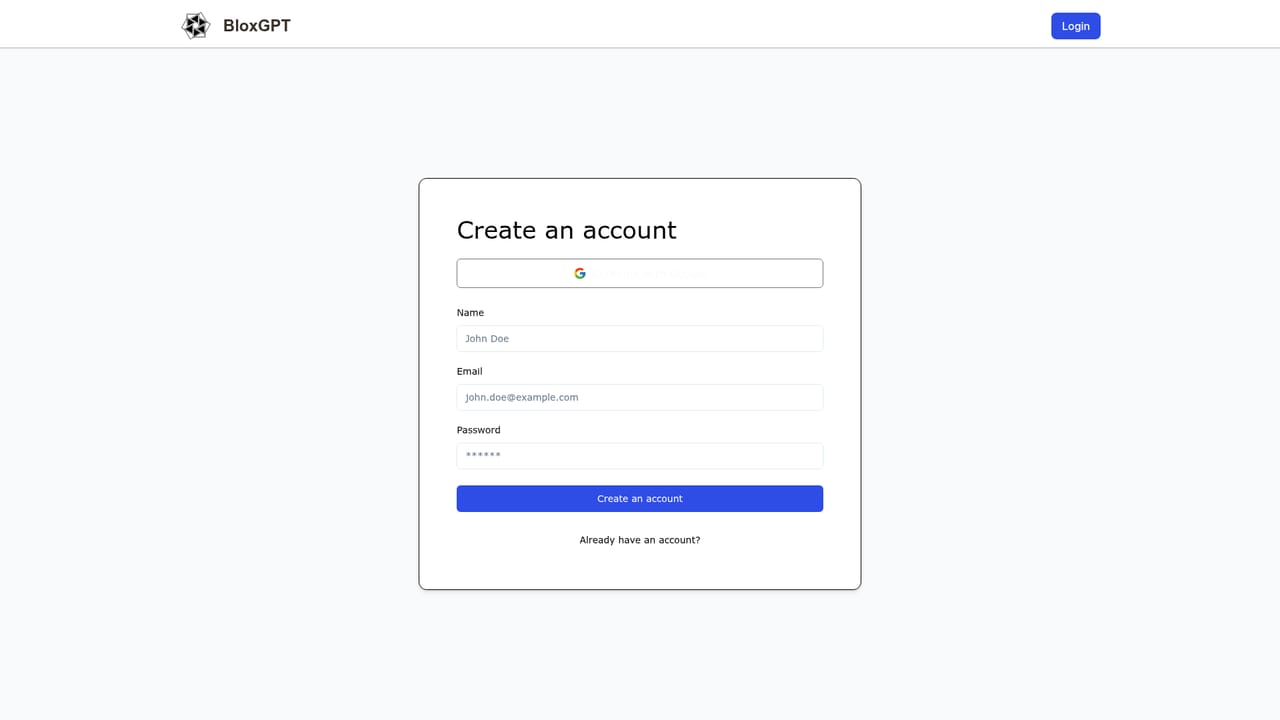
New accounts start with 500 coins for testing, enough to try the canvas and GPT blocks before buying more. No commitment is stated at sign-up.
Learn moreBloxGPT uses a credit model: buy coins, then spend them on usage. No subscription is required. New accounts get 500 coins to test the product, and additional coins can be purchased as needed. Exact coin rates and expiry rules are not listed on the homepage.
Learn moreA FAQ on the homepage answers sign-up, multi-user billing, coin top-ups, coin expiry and roadmap questions. No dedicated support page or contact channel is listed.
Drag and drop GPT blocks on an infinite canvas, take notes and connect ideas visually. Shared canvas with real-time collaboration, searchable blocks and annotations, responsive layouts, secure infrastructure and a credit based usage model. Powered by OpenAI models.
 AI Angels400+ customizable AI girlfriends for NSFW chat, voice calls, and roleplay
 Candy AIExperience the future of companionship with AI friends who chat, role-play, and connect with you on a human level.
 ourdream.aiA vast AI roleplay platform with millions of characters for chat, images, video and voiceAI Angels400+ customizable AI girlfriends for NSFW chat, voice calls, and roleplayCandy AIExperience the future of companionship with AI friends who chat, role-play, and connect with you on a human level.ourdream.aiA vast AI roleplay platform with millions of characters for chat, images, video and voice


