Free trial
A free trial is offered from the page, with no credit card required and no WhatsApp Business API setup needed to begin.
Learn morePut WhatsApp on your site with a widget, QR code and AI agent.
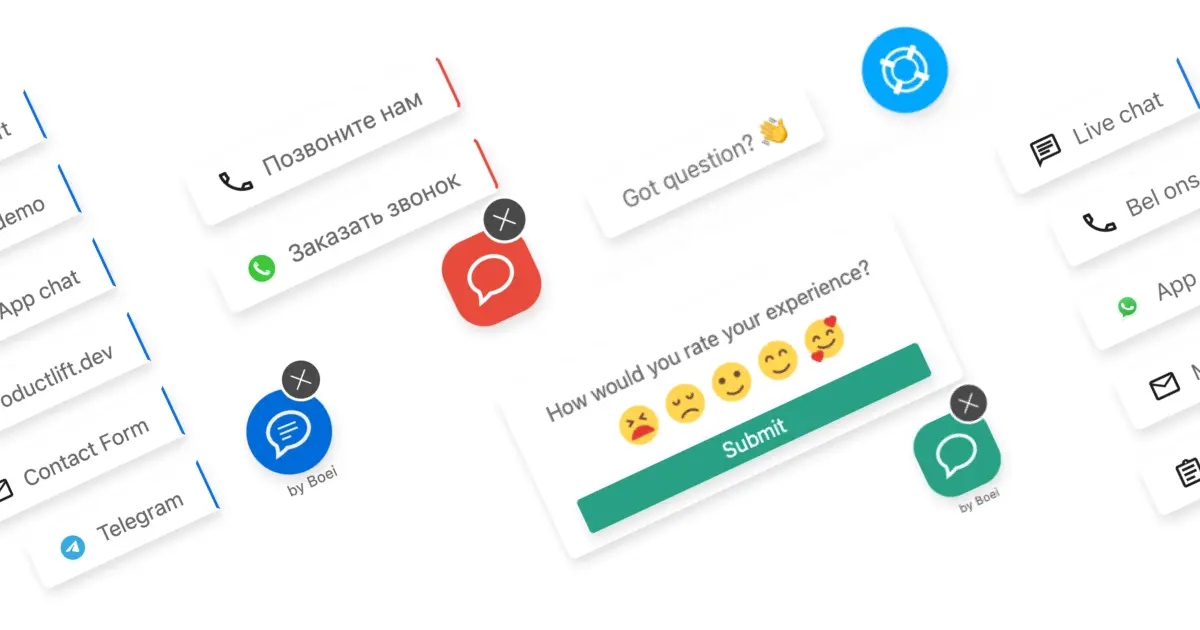
Boei is an AI chat bot tool. Boei adds WhatsApp to any website in minutes through a click to chat widget, link generator, QR codes and a WordPress plugin, with an AI sales agent that qualifies visitors, scores lead intent and hands warm prospects to a shared team inbox.
Boei is a WhatsApp layer for websites: it puts a floating contact button on any page, opens a WhatsApp conversation with one click, and backs that channel with an AI sales agent and a shared team inbox. Setup is advertised at around five minutes and does not require the WhatsApp Business API or a credit card. The service ships a link generator, QR codes, a WordPress plugin and a drag and drop widget editor, so a site owner can go from no WhatsApp presence to a working click to chat entry point quickly. The AI agent is the part that separates Boei from a plain chat button. It is trained on your website, PDFs, pricing and FAQs, then holds the first conversation itself: asking qualifying questions that follow your sales process, collecting name, email, phone and company details, and scoring how warm the lead is. When intent is high, it hands the conversation to a human rather than continuing to chat. That handoff lands in a shared inbox alongside the full WhatsApp thread and an AI written summary, where agents can take over with one click and use round robin or department routing to split the workload. Captured leads move into a built in CRM pipeline. Boei is aimed at small businesses, agencies running many client sites, and support or sales teams that already live in WhatsApp. The agency use case shows up repeatedly in user reviews, and Boei markets itself on being lightweight: reviewers note a negligible effect on page speed and cookie free, GDPR oriented operation. The team also offers an AI agent on its own WhatsApp number so prospects can test the behaviour before installing anything. Among alternatives, Boei sits between simple click to chat plugins and full helpdesk suites. It is lighter and faster to deploy than a conventional live chat platform, but reviewers consistently flag the contact form component as shallow, the widget design options as limited, and the product as lacking depth for advanced users. Those tradeoffs matter if you need deep form logic or heavy customisation.
A free trial is offered from the page, with no credit card required and no WhatsApp Business API setup needed to begin.
Learn moreA WordPress plugin is provided, and the widget gathers WhatsApp alongside other contact channels in one interface. New integrations have historically been added at a modest pace.
Learn moreIncludes a WhatsApp click to chat widget, link generator, QR codes, a WordPress plugin, a drag and drop widget editor, an AI sales agent trained on your site, PDFs, pricing and FAQs, automatic lead qualification and intent scoring, agent handoff with AI summaries, a shared team inbox with routing, and a built in CRM pipeline.
Learn more AI Angels400+ customizable AI girlfriends for NSFW chat, voice calls, and roleplay
 Candy AIExperience the future of companionship with AI friends who chat, role-play, and connect with you on a human level.
 ourdream.aiA vast AI roleplay platform with millions of characters for chat, images, video and voiceAI Angels400+ customizable AI girlfriends for NSFW chat, voice calls, and roleplayCandy AIExperience the future of companionship with AI friends who chat, role-play, and connect with you on a human level.ourdream.aiA vast AI roleplay platform with millions of characters for chat, images, video and voice


