Free trial
The first 7 days are free, giving access to all app features before any subscription decision.
Learn moreAccent training that pairs Hollywood coaches with instant AI feedback

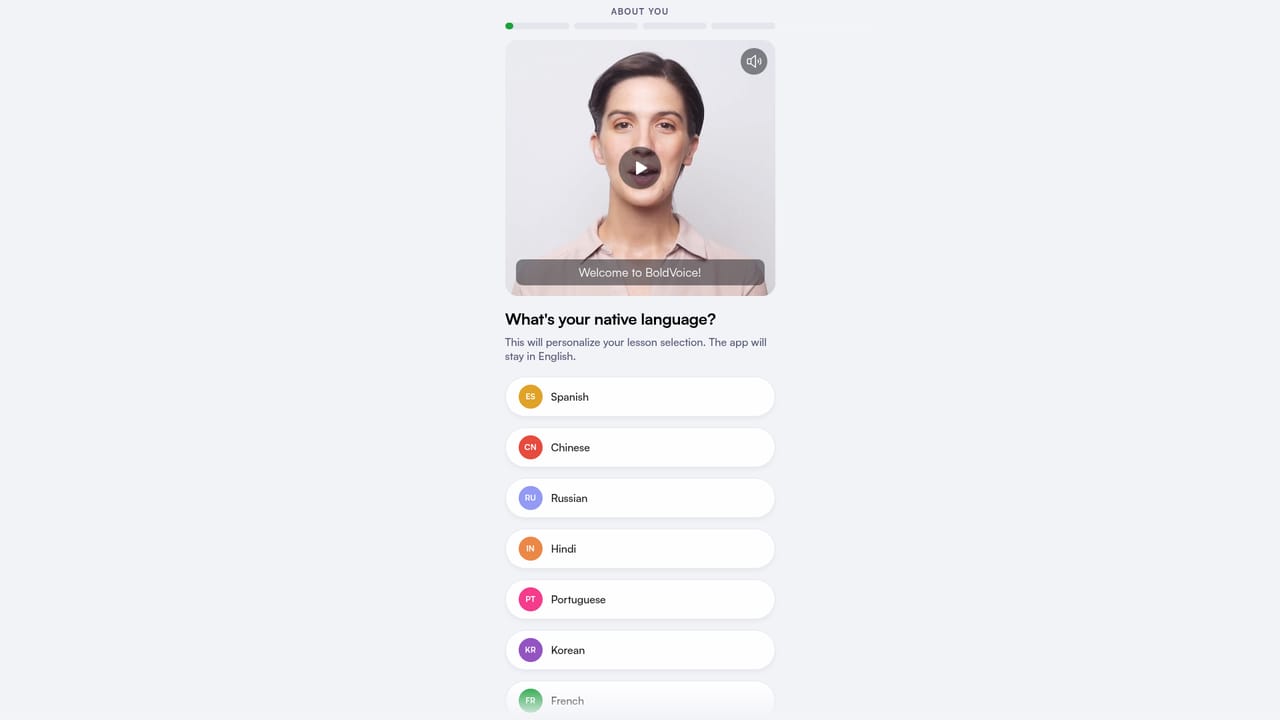
BoldVoice is an accent training app for non-native English speakers, combining video lessons from Hollywood dialect coaches with AI that scores pronunciation, stress and clarity as you speak. It targets professionals and students who want to be understood clearly at work and in interviews.
BoldVoice is an accent training app built for non-native English speakers who want to be understood the first time they speak. The pitch is narrow and deliberate: the problem is usually not vocabulary or grammar but speech clarity, the way stress, vowels and rhythm land on a listener's ear. BoldVoice attacks that gap directly with recorded speaking practice, automatic analysis and a stream of short corrective drills. The product splits coaching into two halves. On one side are video lessons from Hollywood dialect coaches who have prepared actors for Netflix, HBO and Marvel work, covering difficult sounds and practical drills. On the other is a speech AI that listens as you record phrases and conversations, then reports on pronunciation, stress and clarity at the level of individual sounds, with tips attached to each mistake. The app also runs conversation practice and role-play, so the feedback loop does not depend only on scripted lines. The workflow is a repeated cycle rather than a course you finish. You record, the AI scores what it hears, you see which sounds and stress patterns broke down, you run targeted drills on those, and your scores move. Personalized learning paths and daily exercises keep that loop going, and progress tracking makes the improvement visible over weeks rather than sessions. It suits working professionals, students preparing for interviews, and anyone whose accent causes repeated questions or lost confidence in meetings. The homepage cites use among staff at large tech and corporate employers, and reviewers describe it as a cheaper substitute for a private accent coach. The honest positioning is that it is a self-managed practice tool: the coach is on video and the AI is automatic, so progress depends on how consistently you show up and record.
The first 7 days are free, giving access to all app features before any subscription decision.
Learn moreThe homepage does not list a price. It states that a subscription includes unlimited access to all coach video lessons, AI pronunciation feedback, personalized learning paths, progress tracking and daily practice exercises.
Learn moreIncludes video lessons from Hollywood dialect coaches, AI analysis of pronunciation, stress and clarity with sound level tips, conversation practice and AI role-play, personalized learning paths, daily practice exercises and progress tracking.
 AI Angels400+ customizable AI girlfriends for NSFW chat, voice calls, and roleplay
 Candy AIExperience the future of companionship with AI friends who chat, role-play, and connect with you on a human level.
 ourdream.aiA vast AI roleplay platform with millions of characters for chat, images, video and voiceAI Angels400+ customizable AI girlfriends for NSFW chat, voice calls, and roleplayCandy AIExperience the future of companionship with AI friends who chat, role-play, and connect with you on a human level.ourdream.aiA vast AI roleplay platform with millions of characters for chat, images, video and voice