Free trial
Signup includes 300 credits, which the homepage says covers roughly three exports with core features such as Idea to Video and Script to Video. Upgrading unlocks unlimited exports and advanced features.
Learn moreTurns scripts, links, blogs, and images into branded videos.

Boolvideo is a bulk video generator tool that turns scripts, links, blogs, and images into branded videos. Boolvideo converts scripts, product URLs, blog posts, images, and raw ideas into finished videos with AI-matched scenes, voiceover, and captions, drawing on your own media library or stock footage.
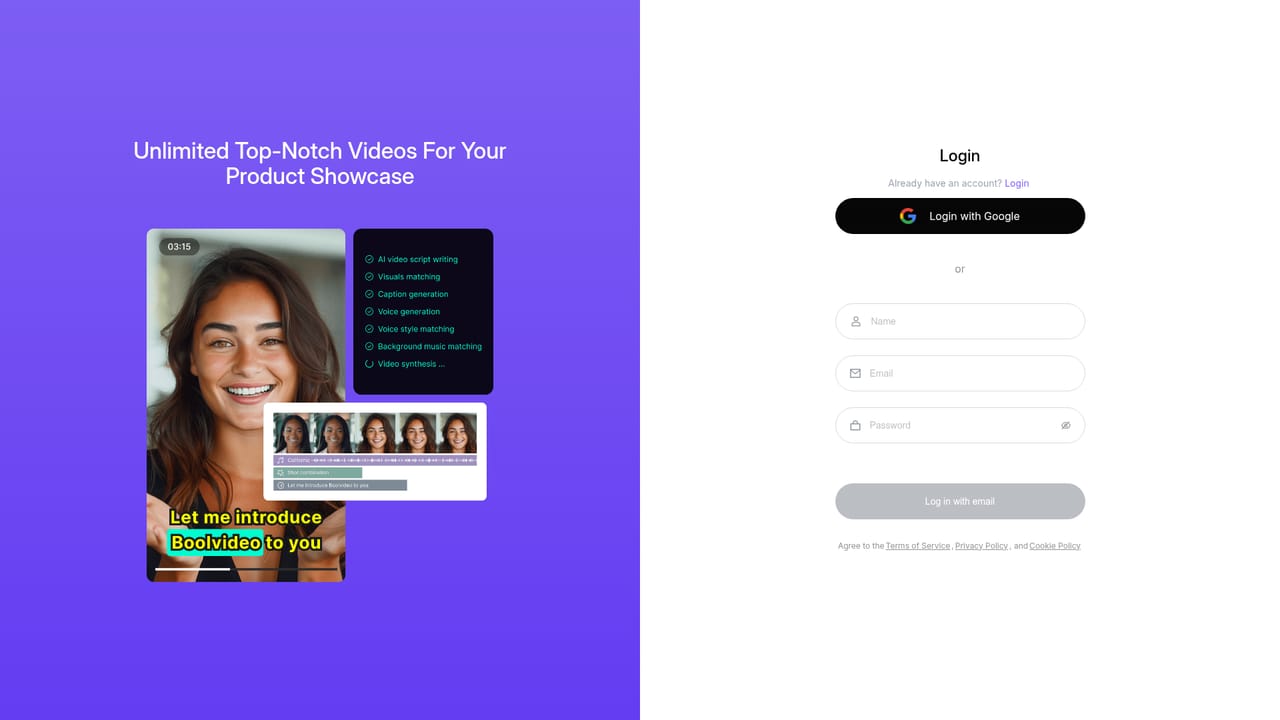
Boolvideo is an AI video generator built around a simple premise: if you can supply text or a product URL, it can supply the video. The platform accepts an idea prompt, a written script, a product link, a blog post, or a folder of images and clips, then assembles scenes, visuals, voiceover, captions, and pacing into something exportable. Visuals come from two pools: your own uploaded media library (brand footage, product shots) or a stock clip collection the company describes as running into the millions. The media library option is the differentiator it leans on most, since matching a script against your own assets keeps output on brand rather than generic. The workflow runs through distinct entry points rather than one blank canvas. Idea to Video drafts the script for you and builds the rest. Script to Video preserves your wording and structure while matching each beat to visuals, with an editing pass before generation and export. Product to Showcase Video takes a URL or image and produces a dynamic spot with voiceover and music. Blog to Video and Visuals to Video extend the same logic to articles and existing footage, and template or from-scratch paths exist for people who want manual control in the online editor. This suits marketers, e-commerce sellers, social media managers, agencies, and solo creators who need volume: reels, ads, product showcases, knowledge clips. The company cites 50,000+ brands and agencies as users, and the product is designed to be operated by people with no editing background. Output is MP4 at 720p or 1080p depending on plan, cleared for commercial use, with 70+ languages supported for voiceover and captions. Against dedicated AI video models that generate footage from noise, Boolvideo is closer to an automated production line: it is strongest when the input is structured content (a script, a listing, an article) and the goal is a fast, coherent marketing video rather than a cinematic one. Reviewers consistently note the short learning curve and the practicality for short-form social content, while also flagging that it does not replace a full editing suite for complex work.
Signup includes 300 credits, which the homepage says covers roughly three exports with core features such as Idea to Video and Script to Video. Upgrading unlocks unlimited exports and advanced features.
Learn moreCustomer support is handled by email at support@boolvector.com. No phone, live chat, or community channel is listed on the homepage.
Idea to Video writes scripts and builds visuals with AI voiceover. Script to Video preserves your structure while matching scenes. Product to Showcase turns URLs or images into dynamic spots, Blog to Video converts articles and pages, Visuals to Video animates existing clips and images, and template or from-scratch paths use the online editor. Custom media libraries, 70+ languages, captions, and MP4 export at 720p or 1080p with commercial use.
 AI Angels400+ customizable AI girlfriends for NSFW chat, voice calls, and roleplay
 Candy AIExperience the future of companionship with AI friends who chat, role-play, and connect with you on a human level.
 ourdream.aiA vast AI roleplay platform with millions of characters for chat, images, video and voiceAI Angels400+ customizable AI girlfriends for NSFW chat, voice calls, and roleplayCandy AIExperience the future of companionship with AI friends who chat, role-play, and connect with you on a human level.ourdream.aiA vast AI roleplay platform with millions of characters for chat, images, video and voice


