What these tools do
Make Reels AI tools produce vertical short-form video from a starting input other than footage you shot yourself. That input might be a typed topic, a written script, a voice memo, a long article, a set of listing photos or a screen recording of an app. The tool handles the steps that normally take an editor: writing, voiceover, matching visuals, captions and sometimes posting.
They are built for people who need a steady flow of Reels, TikToks and Shorts without a camera or an editing timeline: solo creators running faceless channels, small marketing teams, app founders, and real estate agents with photos but no video. They replace manual editing in a desktop app, freelance short-form editors and the repetitive work of rewriting the same idea for several platforms.
How to choose one
Start with the input you already have. If it is a topic or script, the faceless generators fit. If it is a voice memo, an article, listing photos or an app recording, pick a tool built around that source, since converting your material is faster than rewriting it as a prompt.
Next, decide how much of the pipeline you want automated. Some tools stop at the finished video. Others also schedule or auto-post, and some produce a full episode package with script, prompts, SEO and a posting plan. If you publish daily, scheduling matters more than rendering speed.
Check the platform and pricing. Most tools here run in the browser, a few add iOS, Android or Windows apps, and pricing runs from free through freemium to subscription and paid-only. A free tier or trial is the cheapest way to test whether the output suits your niche before committing.
Finally, consider what you are trying to copy or avoid. If you want to study what already works on a platform, a tool that analyzes existing Reels is a different job from one that generates new ones.
Notable tools
AutoReels writes, voices and auto-posts faceless short videos on a schedule, which suits channels that run on a fixed posting rhythm.
SceneRoll turns a voice memo into a vertical reel with matched B-Roll, a natural route for people who think out loud better than they write.
Outlist turns listing photos into a ready-to-post Reel, with a caption and share page, aimed at property marketing.
Riffkit rebuilds winning TikToks, Reels and Shorts around your product, so a format that already performs can be adapted to your offer.
ClipMyApp takes one app screen recording and turns it into a month of scheduled short-form posts, useful for software teams with little video material.
Reel to Prompt turns any public Reel, TikTok or Short into a ready-to-paste AI prompt, handy for working out how a clip was built before making your own.
Common questions
Can AI make Reels without showing my face?
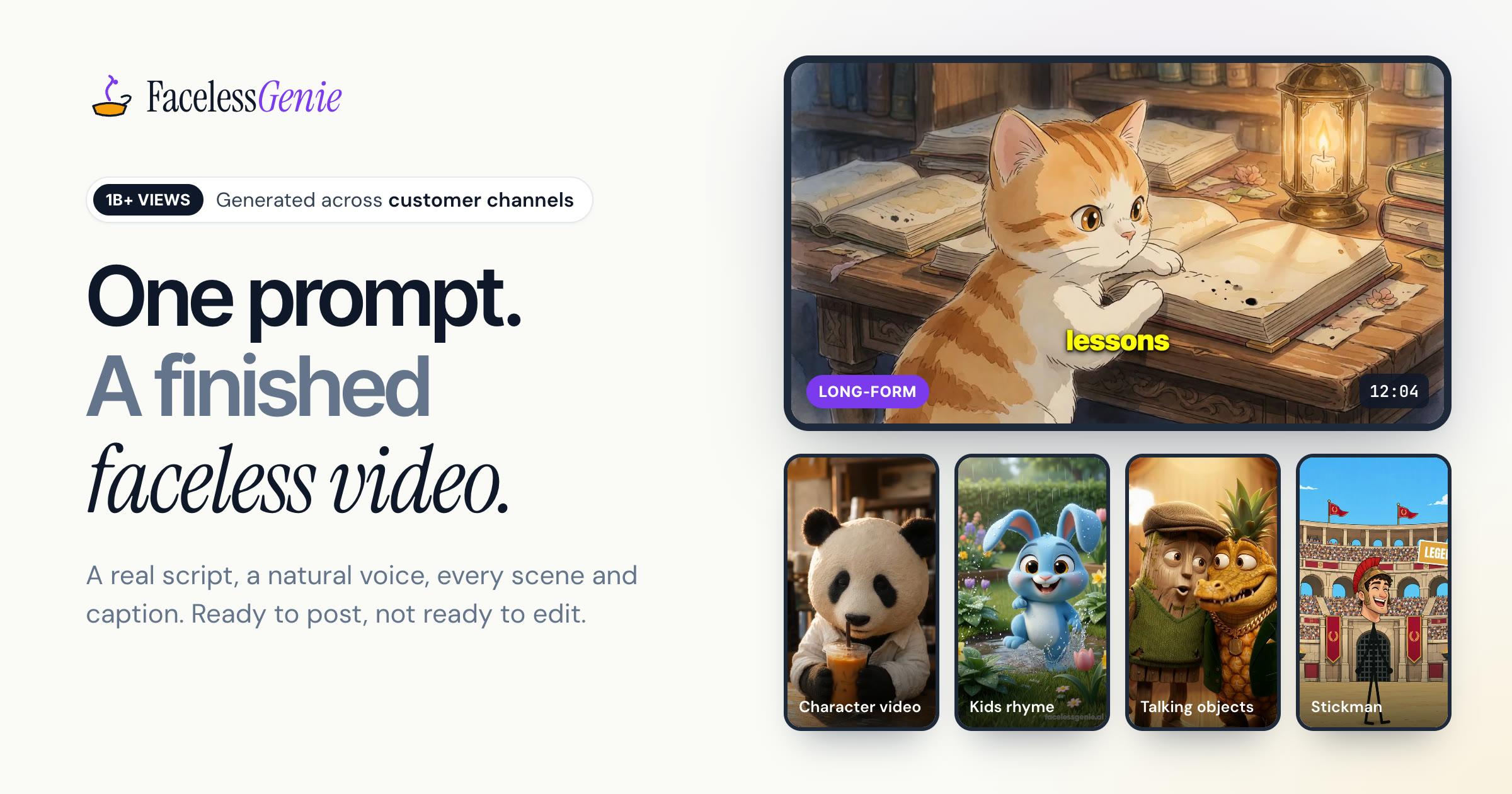
Yes. A large share of the tools here are faceless generators: you supply a topic, script or idea, and they produce a voiced, captioned short video with no camera involved. FacelessReels.video, FacelessVideos and Kineo are built around this approach.
Are there free ways to make Reels with AI?
Some tools are free outright, such as Typpo on iOS and Reel to Prompt on the web. Many others are freemium or offer a free trial, so you can test the output before paying. Limits vary by tool, so check each plan.
Can AI post the Reels for me?
Several tools handle scheduling or auto-posting as well as creation. AutoReels, ShortFast and Aificient Studio all describe auto-posting, and Faceless Reels AI covers planning and scheduling across three platforms.
When to look elsewhere
If your starting point is a still image you want animated, Image to Video is the closer fit. If the video needs a presenter who speaks to camera, Video Avatars covers talking-head output that faceless Reels generators do not aim for.