Free trial
The homepage offers a free account through the sandbox signup, described as starting free before you add a website. No time limit or usage cap is stated on the homepage.
Learn moreA website chatbot trained on your own pages, answering in your voice around the clock.

BotStacks builds a customer support chatbot from your own website content. Paste a link, let it crawl, review generated questions in DIRTbox, then deploy to Wix, Squarespace, Webflow or plain HTML. Chat History and resolution analytics show where answers fall short and feed fixes back into training.
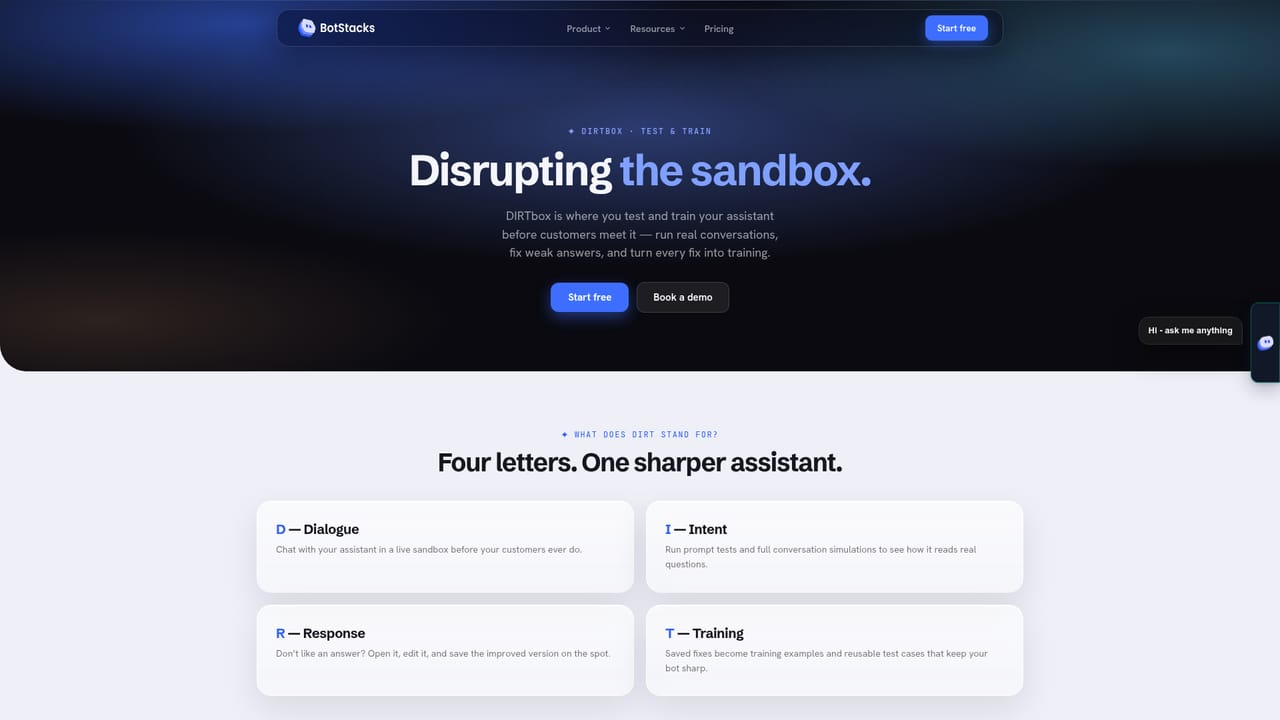
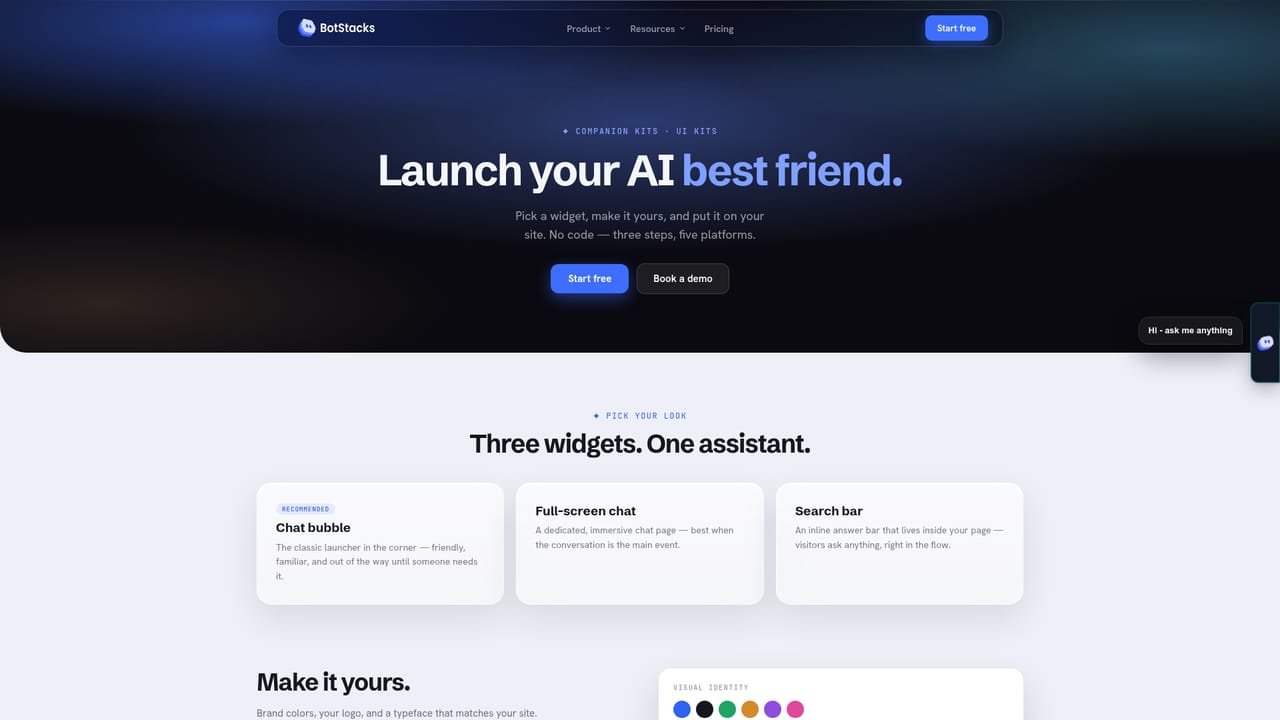
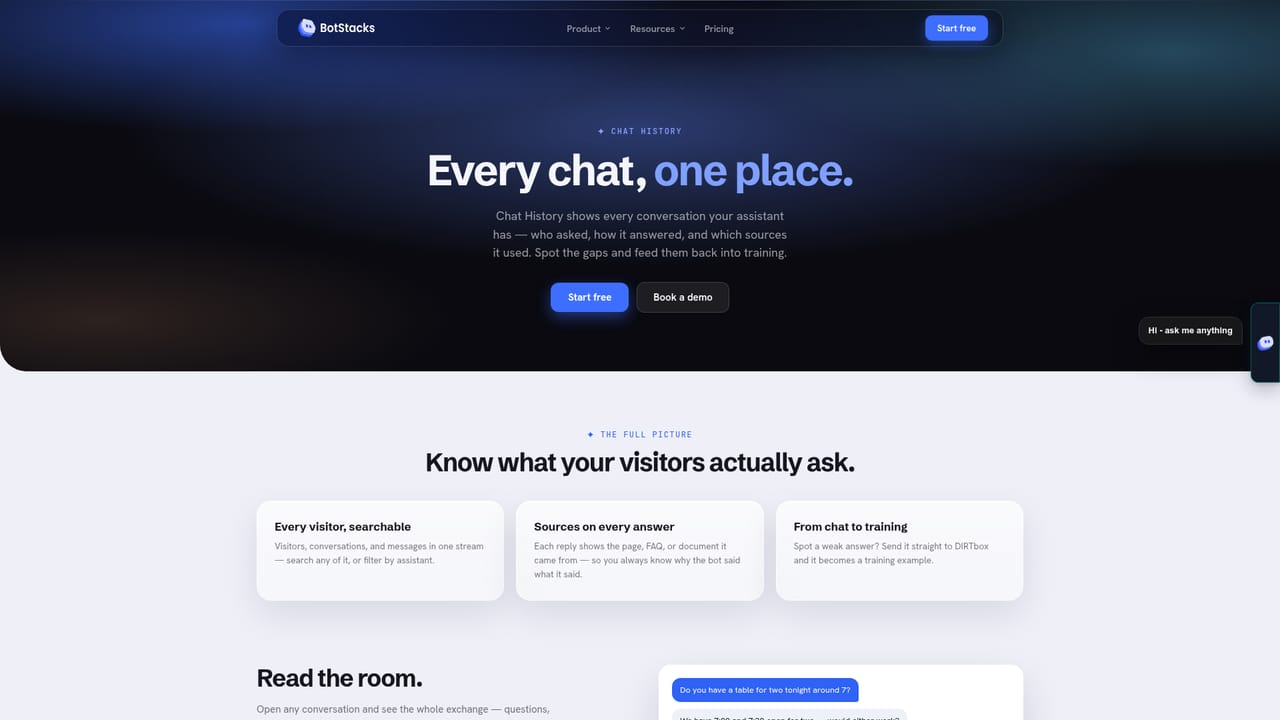
BotStacks is a no-code chatbot builder aimed at small business owners who want their website to answer customer questions without hiring anyone to staff a chat window. The product works by crawling your site: you paste a link, BotStacks indexes the pages, and the resulting assistant answers visitor questions using that material rather than generic model knowledge. Product pages, menus, PDFs and FAQs can all feed the same knowledge base, which the company calls the Brain Vault. The pitch is accuracy grounded in your own content, so answers stay on brand and specific to what you actually sell. Setup is deliberately short. After creating an account you add your website, let the crawler run, and deploy the assistant. BotStacks lists Wix, Squarespace, Bubble and Webflow as supported destinations, with manual install paths for React, Next.js and plain HTML. GoDaddy Airo compatibility is described as planned rather than shipped, and Bubble is flagged as coming soon on the integrations strip. The broader Companion Kits feature handles deployment across platforms. The most distinctive part of the workflow is DIRTbox, which generates the questions customers are likely to ask and lets you approve or rewrite each answer before it goes live. That review step matters: it turns training into editing rather than prompt engineering. Chat History then collects every conversation in one place, marks exchanges where the bot fell short, and routes those gaps back into training. A live analytics view tracks conversation volume, resolution rate and indexed tokens, so you can see whether the assistant is actually closing questions. This sits in the same territory as general website chatbot tools, but leans hard toward solo operators and small teams running a shop, studio or restaurant site rather than support organizations with complex escalation rules. Anyone comfortable pasting a URL and approving a few dozen answers will find it approachable. Buyers who need deep CRM routing or custom model tuning should check the documentation before committing, since the homepage emphasizes speed of setup over configurability.
The homepage offers a free account through the sandbox signup, described as starting free before you add a website. No time limit or usage cap is stated on the homepage.
Learn moreA contact page and documentation site cover building, training and adding an assistant, and there is a Discord community plus video guides on YouTube. No response time commitments are stated on the homepage.
Learn moreWix, Squarespace and Webflow are listed as supported install targets, alongside manual install for React, Next.js and plain HTML. Bubble is marked coming soon and GoDaddy Airo compatibility is planned.
Site crawling builds a knowledge base from your pages, PDFs and FAQs. DIRTbox generates likely customer questions for you to approve or improve. Chat History collects every conversation, flags gaps and feeds them back into training. Live analytics cover conversation counts, resolution rate and indexed tokens. Companion Kits handle deployment across platforms.
Learn more AI Angels400+ customizable AI girlfriends for NSFW chat, voice calls, and roleplay
 Candy AIExperience the future of companionship with AI friends who chat, role-play, and connect with you on a human level.
 ourdream.aiA vast AI roleplay platform with millions of characters for chat, images, video and voiceAI Angels400+ customizable AI girlfriends for NSFW chat, voice calls, and roleplayCandy AIExperience the future of companionship with AI friends who chat, role-play, and connect with you on a human level.ourdream.aiA vast AI roleplay platform with millions of characters for chat, images, video and voice


