Box AI

Generative AI and agents layered directly onto the content already stored in Box

Intermediate API
Screenshot of Box AI, Generative AI and agents layered directly onto the content already stored in Box

What is Box AI?

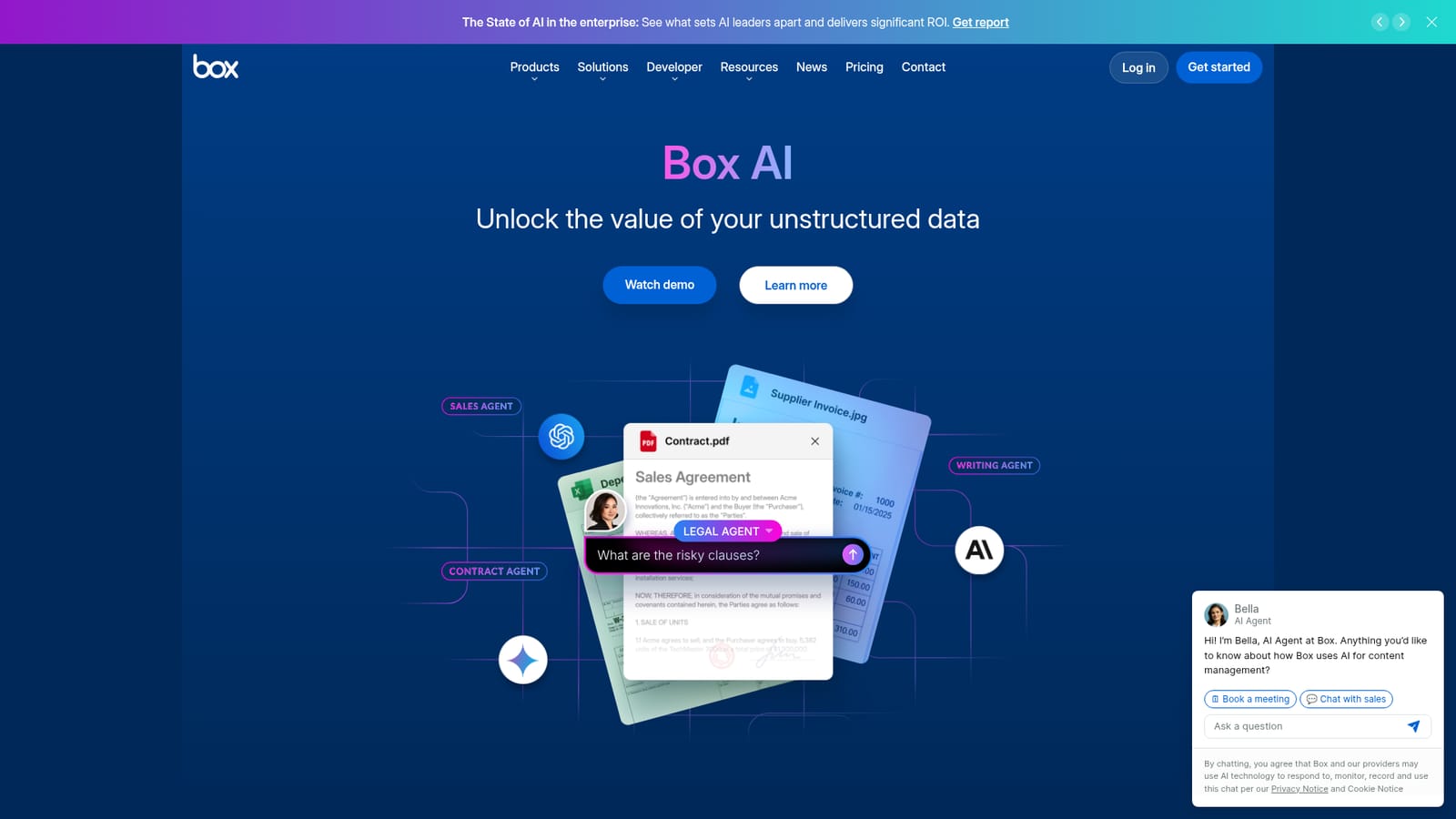
Box AI is an AI chat bot tool. Box AI adds generative AI and agentic workflows to content already stored in Box. It summarizes and queries documents, compares terms across large sets, extracts structured metadata from contracts and forms, and drafts new material, all under existing permissions and enterprise governance.

Box AI is the generative AI layer built into Box, the enterprise content management platform. Rather than asking teams to export files into a separate chatbot, it works on documents, folders and images that already sit inside a governed repository. Users can query a single contract or compare terms across thousands of files, receiving summaries, answers and extracted details drawn from material they already have permission to open. The product has grown beyond simple question answering. Box AI Hubs aggregate large document sets to surface trends, risks and comparisons across a portfolio. Extract Agents read contracts, forms and images and convert key fields into structured metadata that flows into Box Apps, Box Extract and Box Automate. The Box Agent adds a conversational interface that orchestrates multi-step work: locating files, summarizing them and producing new deliverables, with a Pro Mode for longer autonomous tasks. Content generation covers marketing copy, board briefings, RFP responses and product requirement documents, drawing on internal context instead of a blank page. It is aimed squarely at organizations with heavy document loads: legal, financial services, insurance, procurement and operations teams handling leases, statements of work, invoices and proposals. Administrators get model choice across OpenAI, Anthropic and Google providers without vendor lock-in, plus AI unit usage reporting in the Admin Console. Custom agents are configured in Box AI Studio, and the MCP Server connects enterprise context to external systems. The differentiator is governance rather than raw model quality. Box AI inherits existing permissions, so outputs only reflect content a user could already access, and the company states that customer content is not used to train external models. Teams that just need a cheap general chatbot will find it heavy; teams whose problem is finding and structuring information buried in a decade of files are the intended audience.

How do you use Box AI?

  1. 1Review what Box AI covers
    Start on the Box AI page to see the four main surfaces: single and multi-document queries, AI Hubs, content generation and extract agents. Identify which of these matches the document problem you are trying to solve.
    Box AI — Review what Box AI covers
  2. 2Check the security and governance model
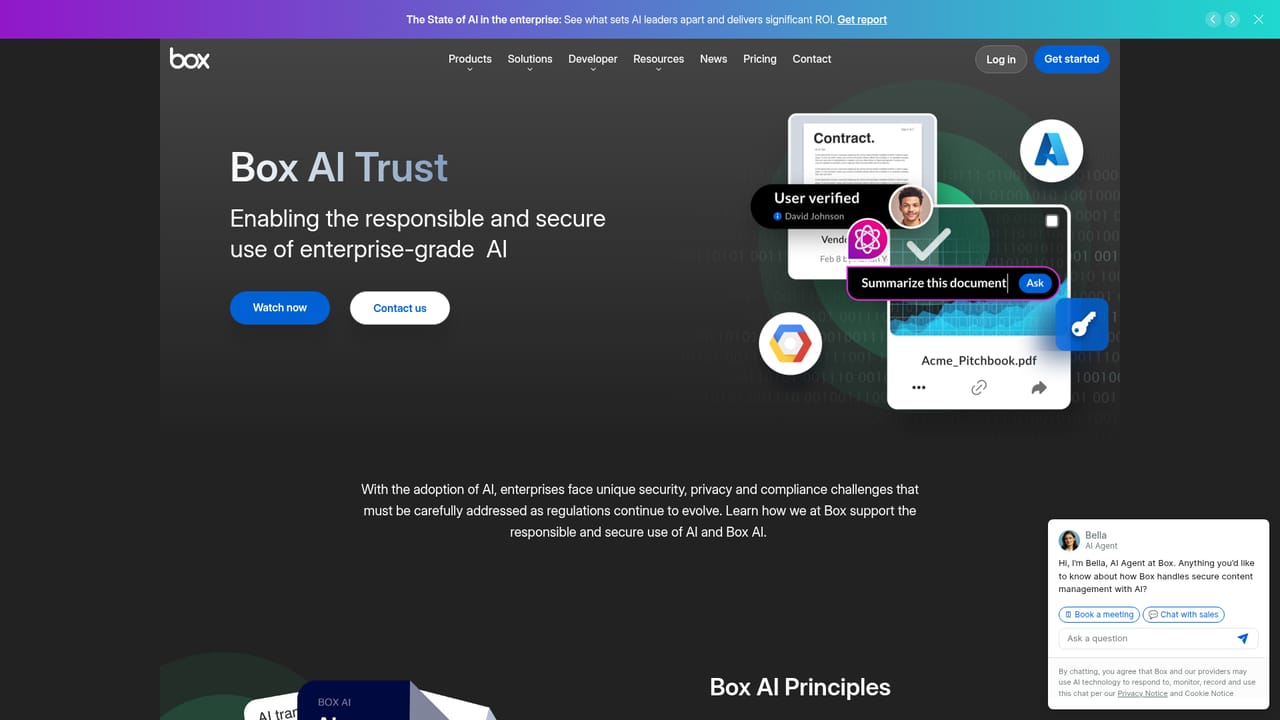
    Before uploading sensitive material, read the trust page to understand how permissions, data retention and model providers are handled. Confirm the assurances match your compliance requirements.
    Box AI — Check the security and governance model
  3. 3Connect Box AI to your content apps
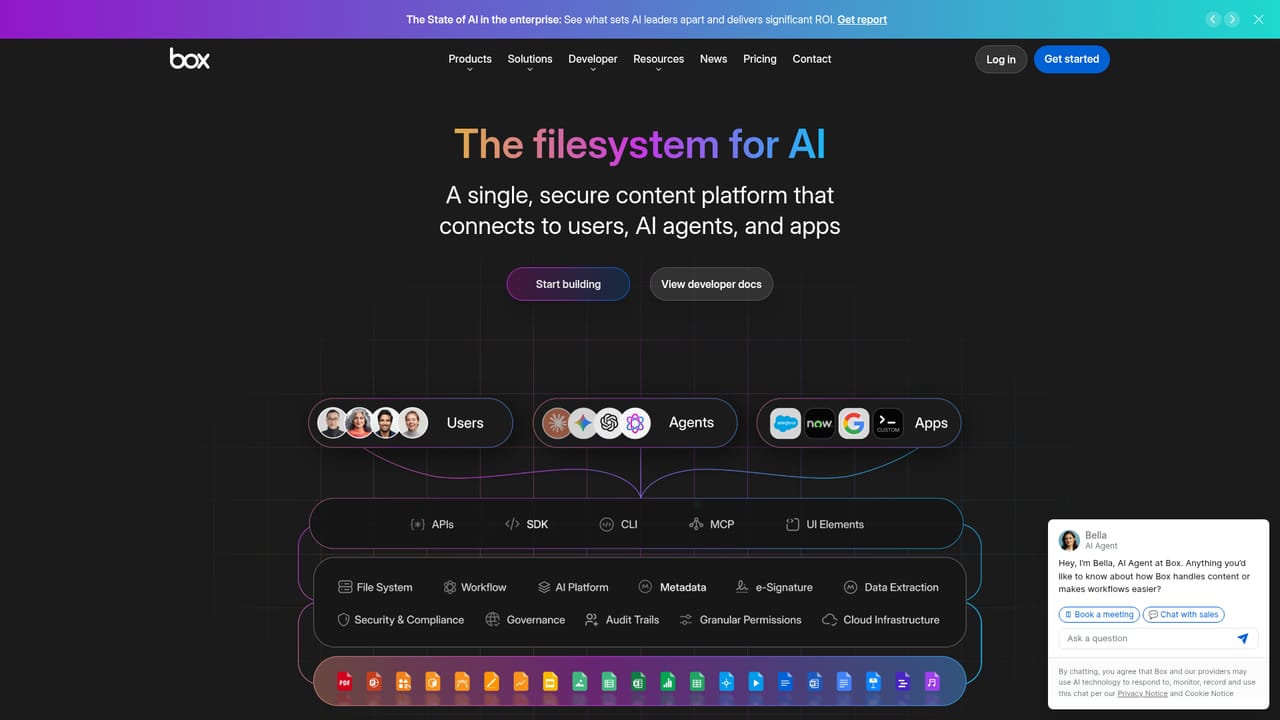
    Look at the platform page for APIs, the MCP Server and connectors such as Langchain, LlamaIndex and Microsoft Copilot Studio. This is where developers wire Box content into external AI workflows.
    Box AI — Connect Box AI to your content apps
  4. 4Configure extract agents
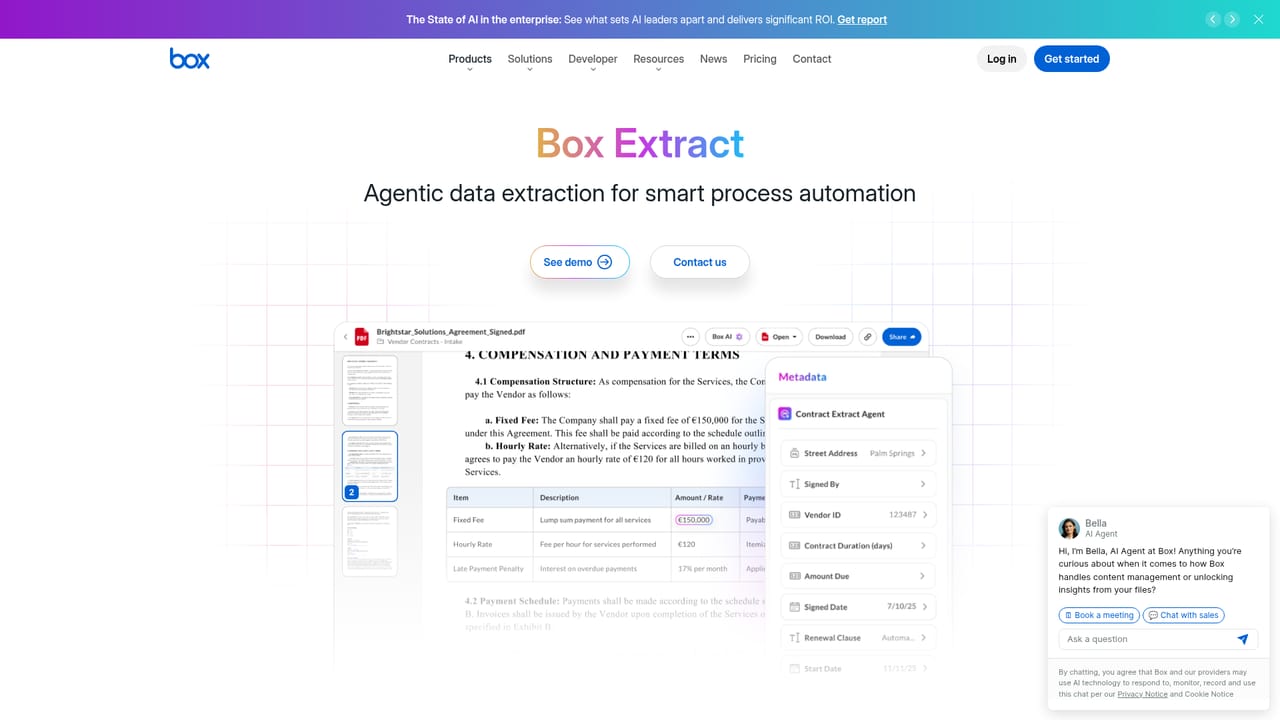
    Use the extract page to set custom fields and instructions that define exactly which details the AI should pull from contracts, forms and images. Precise field definitions are what keep extraction reliable.
    Box AI — Configure extract agents
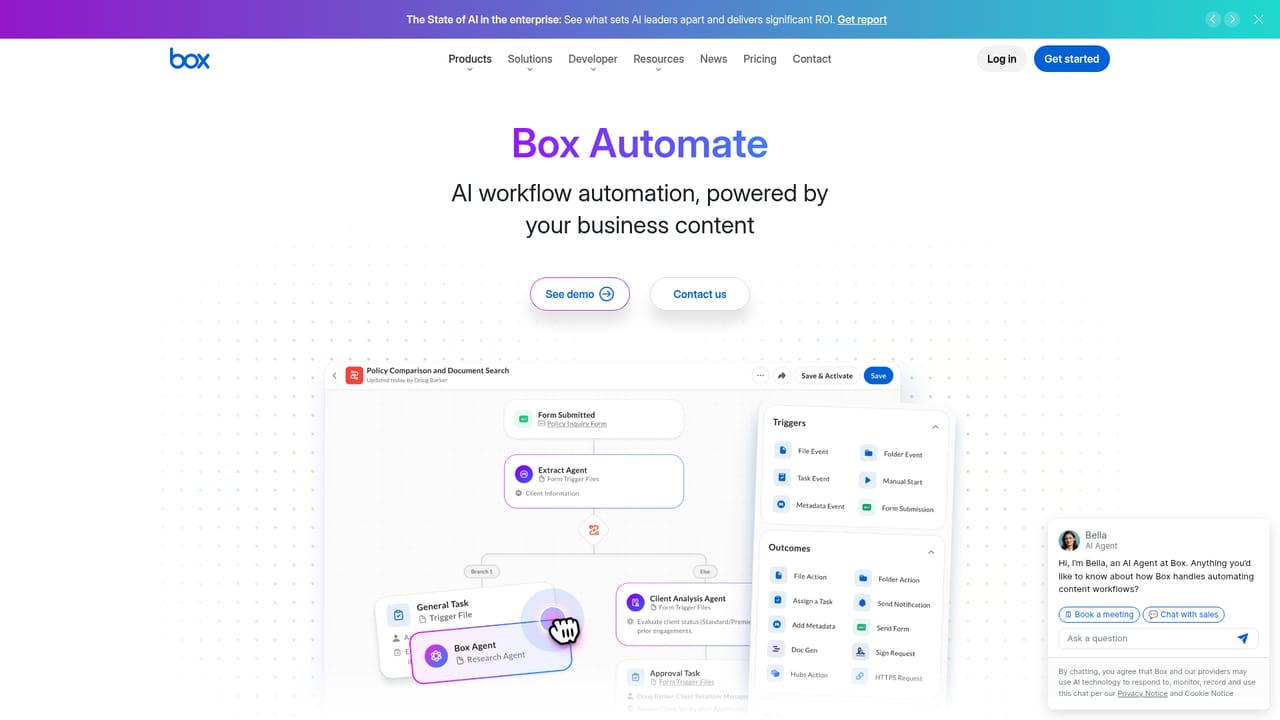
  5. 5Automate the downstream steps
    Move extracted metadata into automated processes with Box Automate so documents route, file and trigger actions without manual copying. Test on a small document set before rolling out.
    Box AI — Automate the downstream steps
  6. 6Request pricing for your tier
    Enterprise Advanced is the tier that unlocks Pro Mode, custom agents, agentic metadata extraction and higher API allowances. Use the quote form to get numbers for your seat count and usage.

Pros and cons

Pros

  • Works on files already in Box, so there is no separate upload or sync step before queryingAI
  • Permission-aware by design: users only get AI output from content they could already openAI
  • Model choice across OpenAI, Anthropic and Google, with admin control over which providers are enabledAI
  • Extract Agents turn contracts, forms and images into structured metadata that feeds automationsAI
  • Admin dashboard reports AI unit consumption by user and by agent for budget planningAI

Cons

  • Pricing is quote-based and tied to enterprise tiers, so small teams face a sales cycle before knowing costsAI
  • AI unit consumption is metered, which means heavy agent use needs active monitoring to avoid budget surprisesAI
  • Value depends on content already living in Box; mixed storage estates reduce what the AI can seeAI
  • Agentic extraction and Pro Mode tasks require setup and prompt tuning, not just a chat boxAI
  • No public self-serve free tier is described on the homepage for evaluating the full feature setAI

How much does Box AI cost?

Pricing

Pricing is not published on the homepage. Box AI capabilities are sold through Box enterprise plans, with Enterprise Advanced listed as now available and including Pro Mode, custom agents, agentic metadata extraction, higher API allowances and files up to 500GB. AI usage is metered in AI units that admins can monitor.

Learn more

Integrations

Box AI sits inside Box Preview, Box Apps, Box Extract and Box Automate. Developer APIs and the Box MCP Server connect Box content to external systems, with named support for Langchain, LlamaIndex and Microsoft Copilot Studio.

Learn more

Features

Single and multi-document queries with summaries and answers across files; AI Hubs for trend and risk analysis over thousands of documents; content generation for copy, briefings, RFPs and PRDs; Extract Agents that convert contracts, forms and images into structured metadata; a conversational Box Agent with Pro Mode for long multi-step tasks; model choice across OpenAI, Anthropic and Google; AI Studio for custom agents; admin reporting on AI unit usage.

Learn more

Frequently asked questions about Box AI

  • How much does Box AI cost?
    Pricing is not published on the homepage. Box AI capabilities are sold through Box enterprise plans, with Enterprise Advanced listed as now available and including Pro Mode, custom agents, agentic metadata extraction, higher API allowances and files up to 500GB. AI usage is metered in AI units that admins can monitor.
  • Does Box AI have an API?
    Yes, Box AI offers an API.
  • How do you use Box AI?
    The walkthrough on this page covers 6 steps: 1. Review what Box AI covers 2. Check the security and governance model 3. Connect Box AI to your content apps 4. Configure extract agents 5. Automate the downstream steps 6. Request pricing for your tier.
  • What platforms does Box AI support?
    Box AI is available on Web App, iOS, Android, Windows and MacOS.
  • What does Box AI integrate with?
    Box AI sits inside Box Preview, Box Apps, Box Extract and Box Automate. Developer APIs and the Box MCP Server connect Box content to external systems, with named support for Langchain, LlamaIndex and Microsoft Copilot Studio.
  • What are the limitations of Box AI?
    Pricing is quote-based and tied to enterprise tiers, so small teams face a sales cycle before knowing costs. AI unit consumption is metered, which means heavy agent use needs active monitoring to avoid budget surprises. Value depends on content already living in Box; mixed storage estates reduce what the AI can see.

Status

StatusActive
Views0
Outbound clicks0
Added10/21/2026

Platforms

Web AppiOSAndroidWindowsMacOS

Pricing

PaidSubscription