Support
Every customer gets a dedicated Customer Success Manager plus organizer, technical and end-user support, a help center, and 24/7 coverage across time zones; the vendor cites a 9.5/10 NPS for service.
Learn moreEvent app and AI matchmaking platform for meetings that matter

Brella is an event platform with a white-label attendee app, sponsor portal and AI matchmaking that turns attendee intent into booked one-to-one and group meetings. It suits organizers of networking-heavy conferences and trade shows who measure success in meeting acceptance rates and sponsor pipeline.
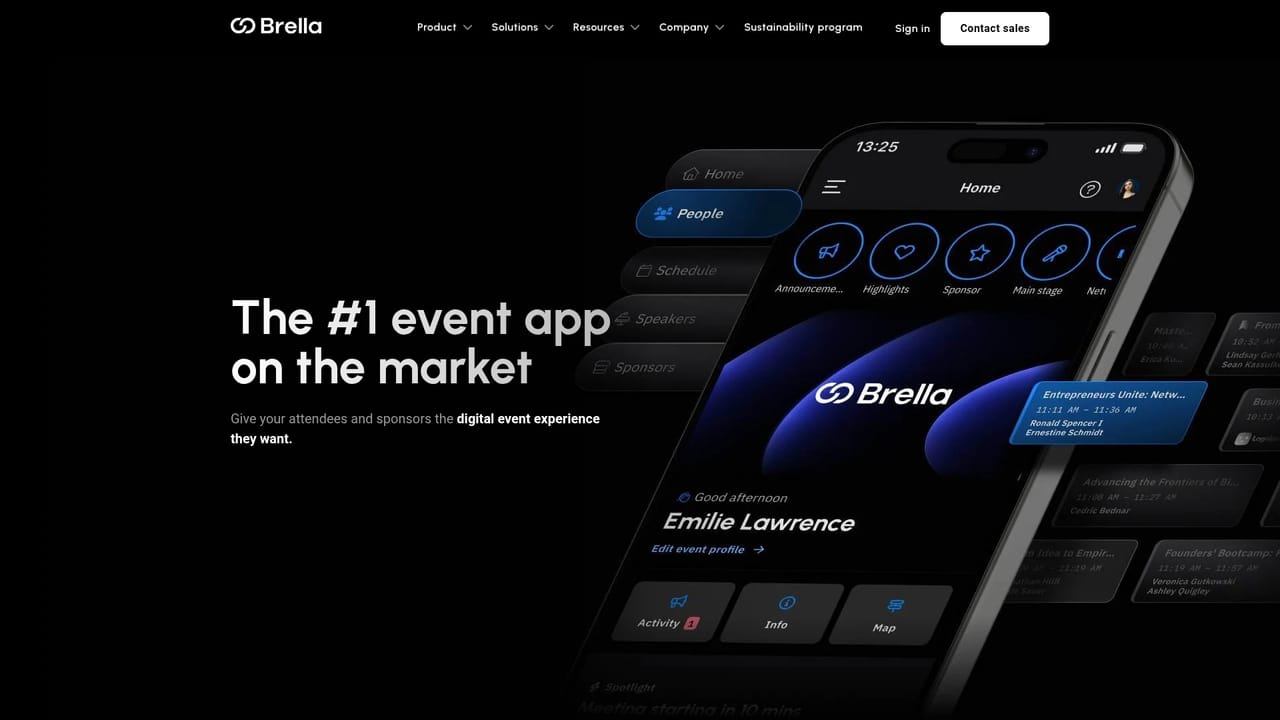
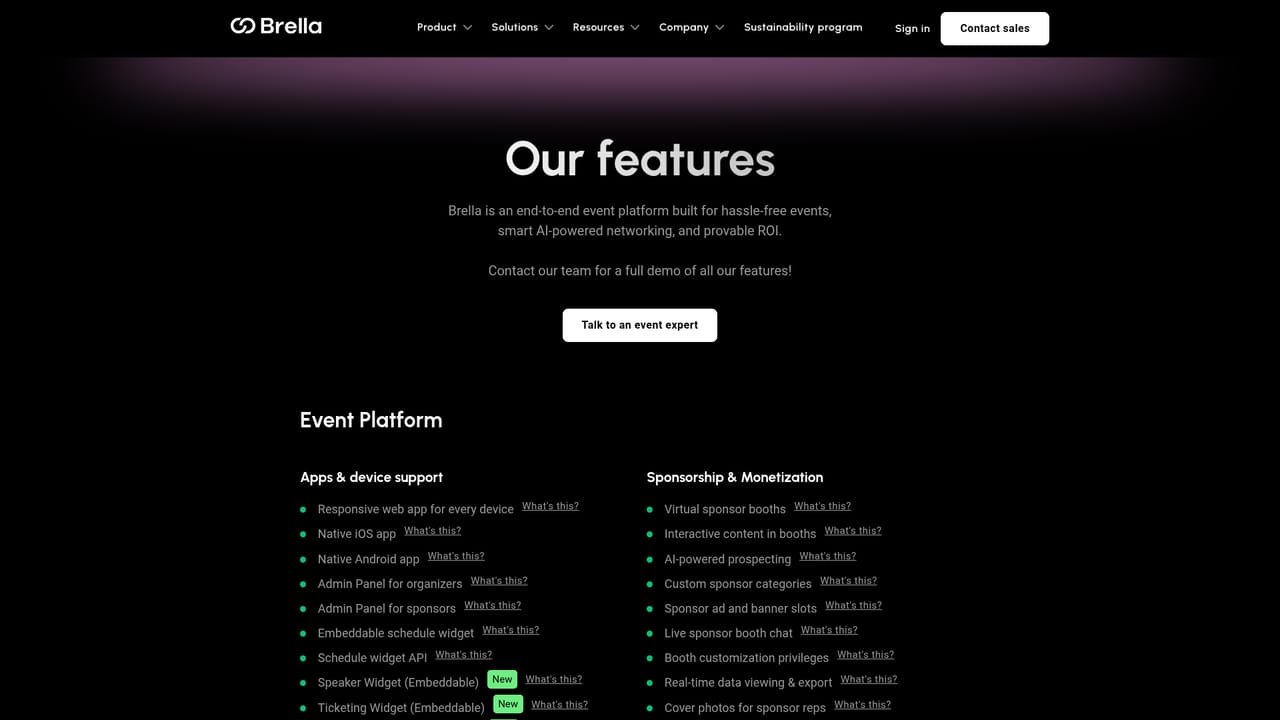
Brella is an event platform built around a single premise: conferences and trade shows succeed when the right people actually meet. The product combines a white-labeled event app, an admin and sponsor portal, and an AI matchmaking engine that suggests relevant counterparts based on attendee intent, interests and stated goals. Organizers get scheduling, stories, announcements, group meetings, lead scanning, meeting ratings and post-event analytics in one system rather than stitching several vendors together. The matchmaking layer is the centerpiece. Attendees describe what they want from the event, and Brella's AI surfaces recommended meetings, which can then be booked one to one or in groups at configurable meeting locations. Sponsors receive their own portal with booths, meet-at-booth flows and AI-powered prospecting, so commercial partners get targeted lead generation instead of passive logo placement. Organizers monitor acceptance rates and meeting quality through ratings and behavioural metrics that show supply and demand signals across the event. Brella fits organizations running recurring, networking-heavy events where meetings are the point: B2B conferences, trade shows, investor days and community summits. The brand extension covers onboarding modes, custom color schemes, logos, multi-track schedules and email communications, so the app can look and behave like the organizer's own product. A public REST API, native integrations and a managed integration team handle connections to registration and on-site services. Compared with general-purpose event apps that treat networking as a side feature, Brella is narrower and deeper, and it is priced and sold as an enterprise platform rather than a self-serve tool. Teams wanting a cheap standalone agenda app will find it heavy; organizers who measure success in booked meetings and sponsor pipeline will find the focus appropriate. Onboarding is guided by customer success managers, and the vendor reports a 9.5/10 NPS for its service.
Every customer gets a dedicated Customer Success Manager plus organizer, technical and end-user support, a help center, and 24/7 coverage across time zones; the vendor cites a 9.5/10 NPS for service.
Learn moreThe site advertises a selection of over 500 integrations, native connectors configurable in the admin panel without code, a public REST API and webhooks, plus a managed integrations team that builds and maintains custom connections.
Learn moreIncludes a native iOS and Android app plus web app and embeddable widgets, admin and sponsor portals, AI matchmaking with one-to-one and group meetings, lead scanning, meeting ratings, custom meeting locations, multi-track schedules, stories, announcements and emails, access control groups, behavioural analytics and reporting.
Learn more AI Angels400+ customizable AI girlfriends for NSFW chat, voice calls, and roleplay
 Candy AIExperience the future of companionship with AI friends who chat, role-play, and connect with you on a human level.
 ourdream.aiA vast AI roleplay platform with millions of characters for chat, images, video and voiceAI Angels400+ customizable AI girlfriends for NSFW chat, voice calls, and roleplayCandy AIExperience the future of companionship with AI friends who chat, role-play, and connect with you on a human level.ourdream.aiA vast AI roleplay platform with millions of characters for chat, images, video and voice


