Free trial
A free trial entry point is offered through the app subdomain, and a waitlist is open on the homepage. No trial length or included limits are stated.
Learn moreTurn your SOPs and policies into an AI training assistant for frontline teams

Budi AI is a learning tool that turns your SOPs and policies into an AI training assistant for frontline teams. Budi AI converts company SOPs, policies, and onboarding documents into an AI assistant that answers employee questions with source-backed responses, auto-generates training, and surfaces knowledge gaps.
Budi AI is an employee training and knowledge platform built for operations-heavy workplaces, with a stated focus on food and beverage, manufacturing, and service industries. The core idea is straightforward: the documents a company already maintains, such as standard operating procedures, policies, and onboarding materials, get converted into an AI assistant that staff can question directly. Instead of hunting through shared drives or interrupting a supervisor, an employee asks Budi and receives an answer drawn from the company's own written material. The product addresses a familiar scaling problem. As headcount grows, procedures drift between teams, managers field the same questions repeatedly, and institutional knowledge walks out the door when experienced staff leave. Budi positions itself against that decay by keeping answers consistent and current, generating training material automatically from existing documents, and citing the source behind each response so employees can verify what they are told. It also reports on knowledge gaps, which gives managers a view of where documentation is thin or where teams keep stumbling. The practical audience is shift-based and deskless workforces where nobody has time to read a manual. A new hire can ask how a specific process works on their first day, and a line supervisor can point people to the assistant instead of answering the same question for the fifth time. Budi sits somewhere between a traditional learning management system, which packages courses, and a general purpose chatbot, which knows nothing about your internal rules. Its value depends on the quality of the documents you feed it. The product is currently in a pre-launch phase, with a waitlist and a free trial entry point rather than published tiers. Buyers should treat it as an early-stage tool and confirm scope, data handling, and rollout details directly with the vendor before committing.
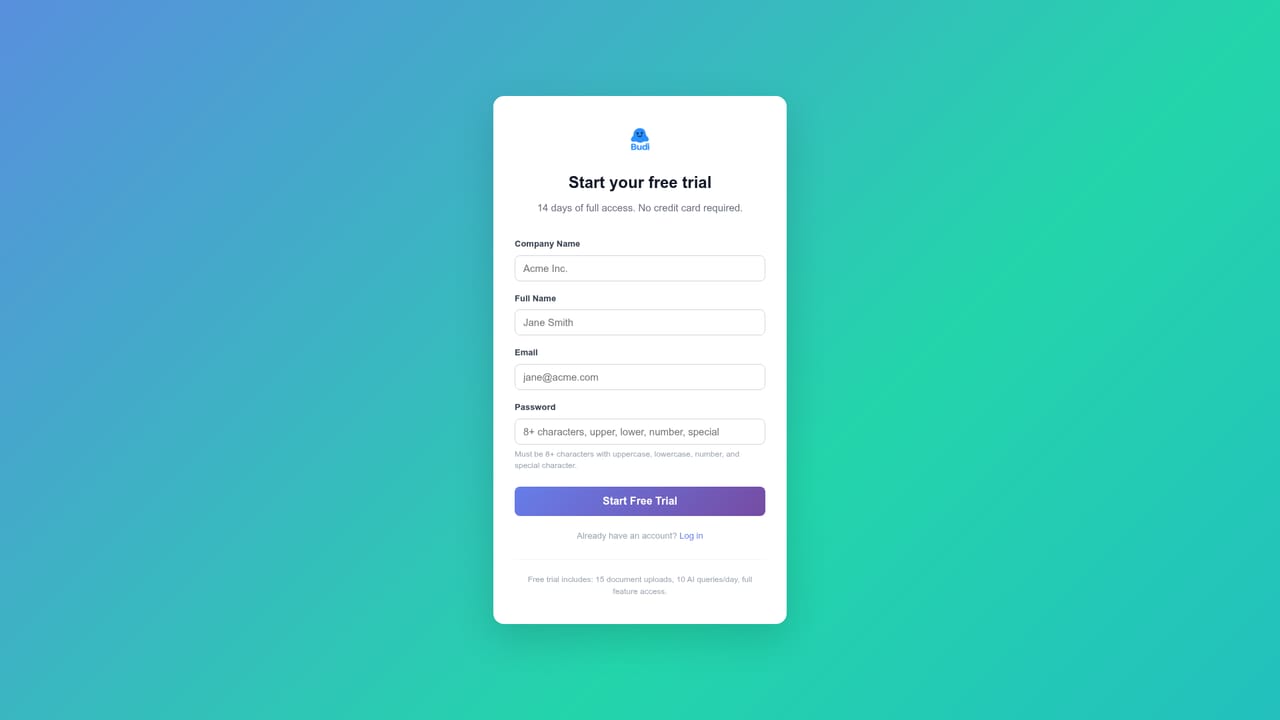
A free trial entry point is offered through the app subdomain, and a waitlist is open on the homepage. No trial length or included limits are stated.
Learn moreSupport is limited to a contact form on the homepage plus LinkedIn and Instagram profiles. No help centre, documentation, or live chat is listed.
Budi AI answers employee questions using the company's own SOPs and policies, with source-backed responses. It generates training and onboarding material automatically, reports on knowledge gaps, and aims to cut manager interruptions while preserving operational knowledge as teams grow.
 AI Angels400+ customizable AI girlfriends for NSFW chat, voice calls, and roleplay
 Candy AIExperience the future of companionship with AI friends who chat, role-play, and connect with you on a human level.
 ourdream.aiA vast AI roleplay platform with millions of characters for chat, images, video and voiceAI Angels400+ customizable AI girlfriends for NSFW chat, voice calls, and roleplayCandy AIExperience the future of companionship with AI friends who chat, role-play, and connect with you on a human level.ourdream.aiA vast AI roleplay platform with millions of characters for chat, images, video and voice


