Free trial
Free access is offered at signup with no credit card required. No trial length or feature restrictions are described on the homepage.
Learn moreTurn your own documents, audio and video into a website chatbot
Own Build Chatbot? Verify ownership to get a dofollow link
Build Chatbot is an AI chat bot tool that turns your own documents, audio and video into a website chatbot. Build Chatbot turns your own documents, audio, video, URLs and YouTube links into a trainable AI assistant for your website, with embeddable chat, live handoff, mobile apps and Slack or WhatsApp access.
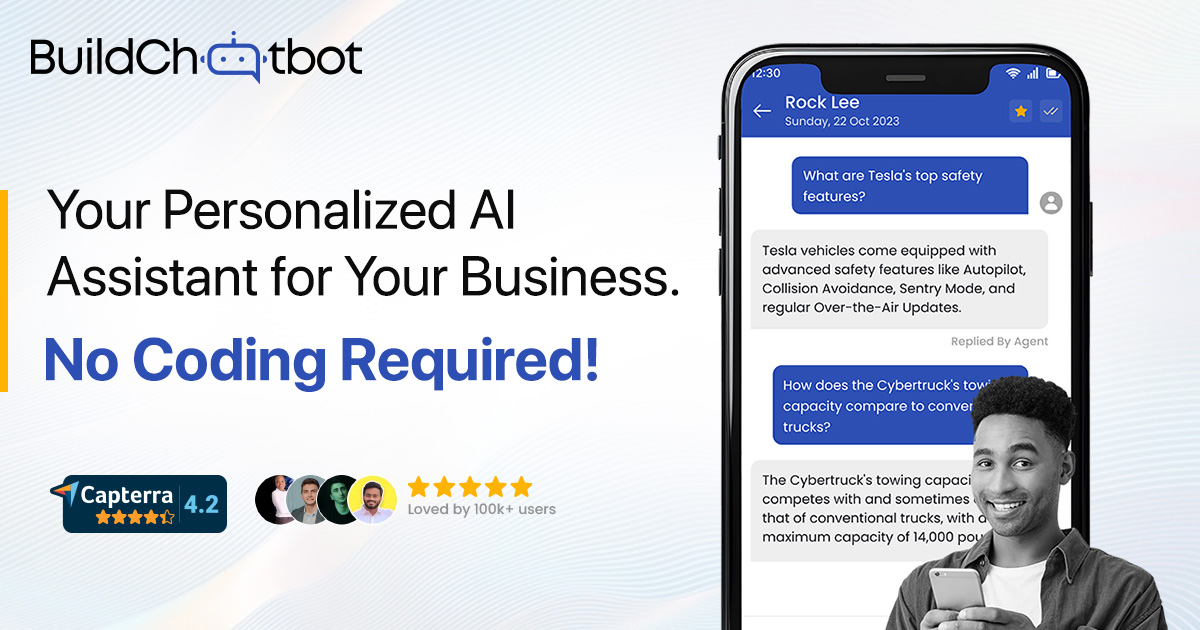
Build Chatbot is a no-code tool for turning your own material into an AI assistant that answers visitor questions on your website. The premise is simple: most visitors leave because they cannot find what they need, so the product takes the documents, media and pages you already have and makes them searchable through conversation. Uploads can include PDFs, Word documents, spreadsheets, plain text, MP3 and MP4 files, URLs and YouTube links. The system processes the content and trains the bot automatically, without any manual tagging or flow building. Setup runs through a magic link sent by email. Once inside, you name the bot, add your data sources, adjust the look and feel to match your brand and pull an embed code for your site. The visible interaction layer is a standard chat widget, but the retrieval layer is where the work happens: questions are answered from your uploaded corpus rather than from general model knowledge. The vendor claims the bot can resolve up to 90 percent of customer queries and cites an 85 percent lift in visitor engagement, both figures supplied by the company rather than independently verified. Beyond the website widget, conversations can be handled from the mobile apps on iOS and Android, and the same bot can be reached through Slack and WhatsApp. A live chat mode lets a human step in alongside the automated replies, and the chats log gives a view of what visitors actually ask so content and responses can be adjusted over time. Zapier connectivity pushes chatbot interactions into other workflows, for example when a new website user starts a conversation and leaves contact details. This sits in the same bracket as other retrieval-based site assistants, and its differentiator is breadth of input formats, particularly audio and video, which many competitors ignore. Support teams, e-commerce operators and small businesses with a dense knowledge base are the obvious audience. Buyers should confirm on the pricing page what the free tier includes, since the homepage only states that signup is free with no credit card and does not publish plan limits.
Free access is offered at signup with no credit card required. No trial length or feature restrictions are described on the homepage.
Learn moreThe homepage does not list plan names, tiers or usage limits. It states only that signup is free and no credit card is required, with detailed pricing held on a separate page.
Learn moreA dedicated customer support page and a demo booking link are published on the site; the homepage does not describe support channels, response times or SLAs.
Learn moreZapier is documented for triggering actions when a new website user starts a conversation, alongside Slack and WhatsApp access and the embeddable website widget.
Learn moreUpload training content from PDF, DOC, XLS, TXT, MP3, MP4, website URLs and YouTube links; automatic training with no manual setup; brand-matched widget; embed code for any site; live chat handoff; a chats log for reviewing visitor questions; mobile apps on iOS and Android with conversation notifications; access through Slack and WhatsApp.
Learn more AI Angels400+ customizable AI girlfriends for NSFW chat, voice calls, and roleplay
 Candy AIExperience the future of companionship with AI friends who chat, role-play, and connect with you on a human level.
 ourdream.aiA vast AI roleplay platform with millions of characters for chat, images, video and voiceAI Angels400+ customizable AI girlfriends for NSFW chat, voice calls, and roleplayCandy AIExperience the future of companionship with AI friends who chat, role-play, and connect with you on a human level.ourdream.aiA vast AI roleplay platform with millions of characters for chat, images, video and voice


