Free trial
New users get 200 free tasks with no credit card required, positioned as a way to test workflows before upgrading to a paid plan.
Learn moreBuild no-code pipelines that scrape, search and write in bulk.

BulkGPT is an autoblogger tool that builds no-code pipelines that scrape, search and write in bulk. A no-code workflow builder that chains web scraping, search enrichment and AI generation across thousands of spreadsheet rows, aimed at SEO, outbound and research teams producing content in bulk.
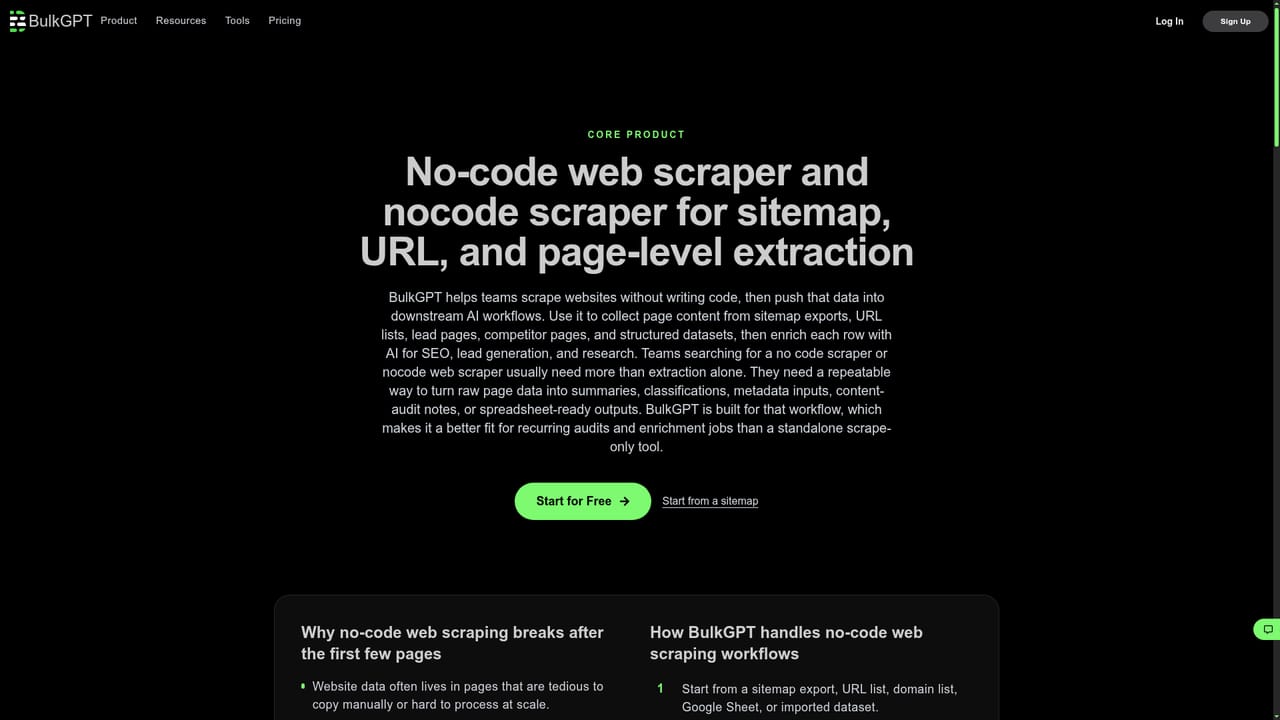
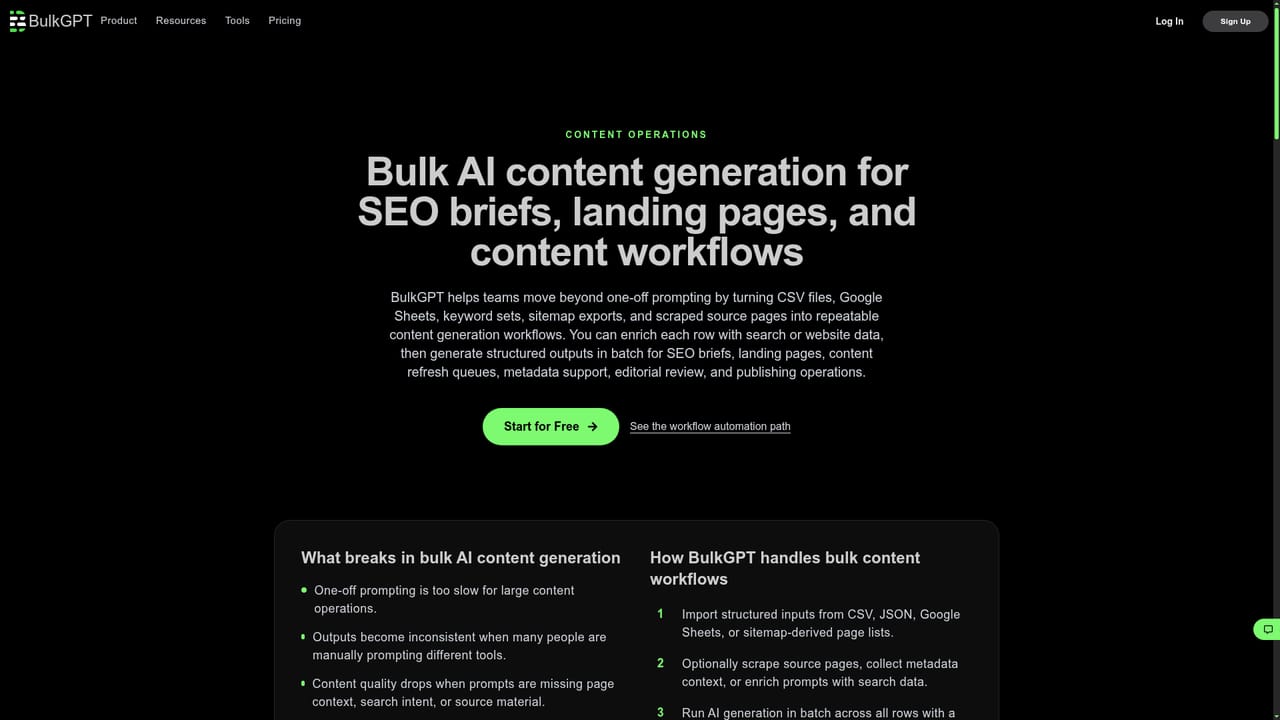
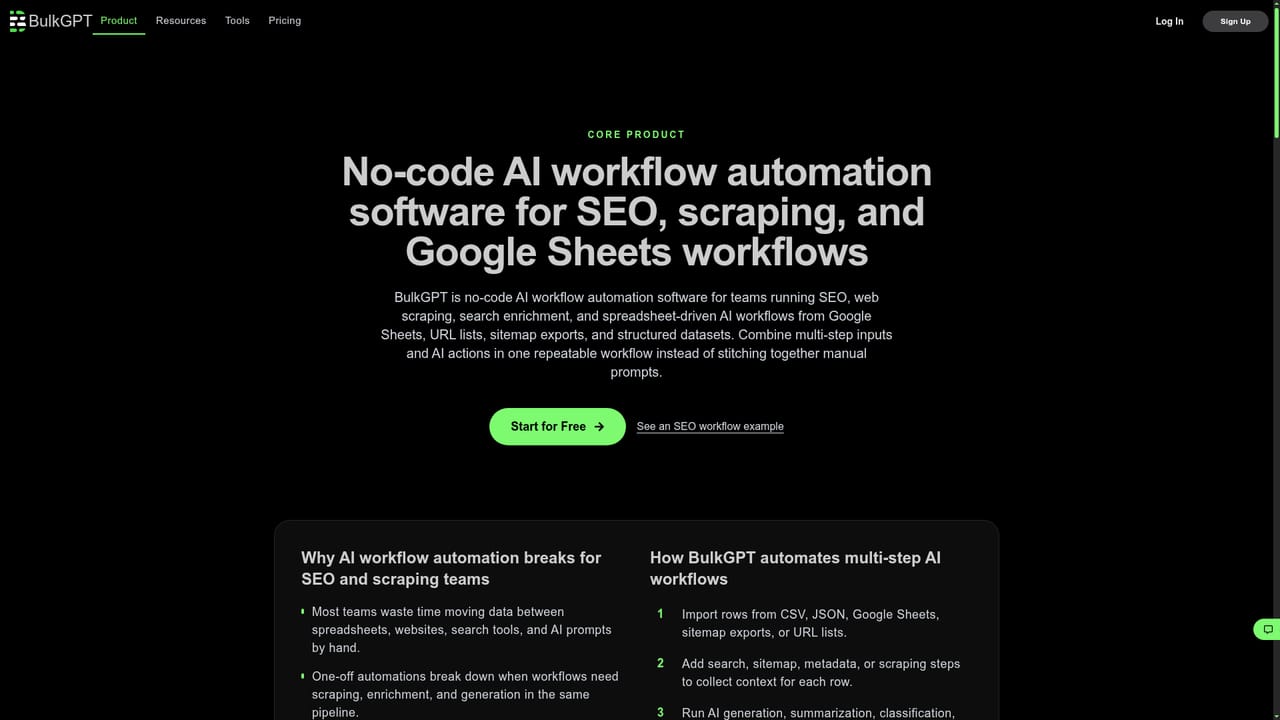
BulkGPT is a no-code automation platform built around a simple idea: most repetitive content and research work happens in spreadsheets, so the tool should run where the data already lives. Users import a CSV, JSON file or Google Sheet, then chain steps together in a visual builder. A row can be sent through a Google search, scraped from a target website, and passed into an AI model for generation or extraction, all without writing a script or managing API keys directly. Results come back in formats such as CSV, JSON, HTML, Markdown or TXT for the next stage of the pipeline. The focus is volume. BulkGPT advertises batch requests of up to 5,000 tasks at once and parallel execution across rows, which puts it closer to a data processing engine than a chat interface. The vendor reports more than 100 million records processed and over one million workflows executed. Typical projects include generating article drafts and meta descriptions from keyword lists, enriching lead records with search context before writing cold emails, pulling competitor page data for analysis, extracting structured entities from documents, and translating or normalising content at scale. It suits SEO teams and agencies, sales and growth operators doing outbound research, and research or ops staff who need to clean and summarise large text sets. Bulk writing is the strongest use case: the tool is designed to turn a column of prompts or source rows into a column of finished outputs, not to polish a single paragraph. Anyone wanting an interactive editor for one-off drafts will find a general assistant more comfortable. BulkGPT supports several AI models and updates its library over time, so model choice can be tuned for cost, speed or output quality. The learning curve is mostly about pipeline design rather than code, and beginners can start from a blank CSV and a single generation step before adding scraping and search.
New users get 200 free tasks with no credit card required, positioned as a way to test workflows before upgrading to a paid plan.
Learn moreThe homepage advertises a free starting allowance of 200 tasks with no credit card required, plus paid plans compared on the pricing page. Actual plan names, task limits and per-task rates are not published on the homepage, so check the pricing page before budgeting for high-volume runs.
Learn moreHelp is offered through the BulkGPT Discord community, promoted as 24/7 support, alongside an email contact and feedback option. No formal SLAs or documentation portal are described.
Learn moreImport and export via CSV, JSON and Google Sheets, with Google Search and web scraping as built-in workflow steps. No other third-party integrations are named on the homepage.
Batch AI processing up to 5,000 tasks per request, a visual no-code workflow builder chaining search, scraping and AI models, imports from CSV, JSON and Google Sheets, exports to CSV, JSON, HTML, Markdown and TXT, plus a model library updated over time.
Learn more AI Angels400+ customizable AI girlfriends for NSFW chat, voice calls, and roleplay
 Candy AIExperience the future of companionship with AI friends who chat, role-play, and connect with you on a human level.
 ourdream.aiA vast AI roleplay platform with millions of characters for chat, images, video and voiceAI Angels400+ customizable AI girlfriends for NSFW chat, voice calls, and roleplayCandy AIExperience the future of companionship with AI friends who chat, role-play, and connect with you on a human level.ourdream.aiA vast AI roleplay platform with millions of characters for chat, images, video and voice


