BulkImagen

Bulk AI image generation: one prompt list in, one ZIP back

Beginner API
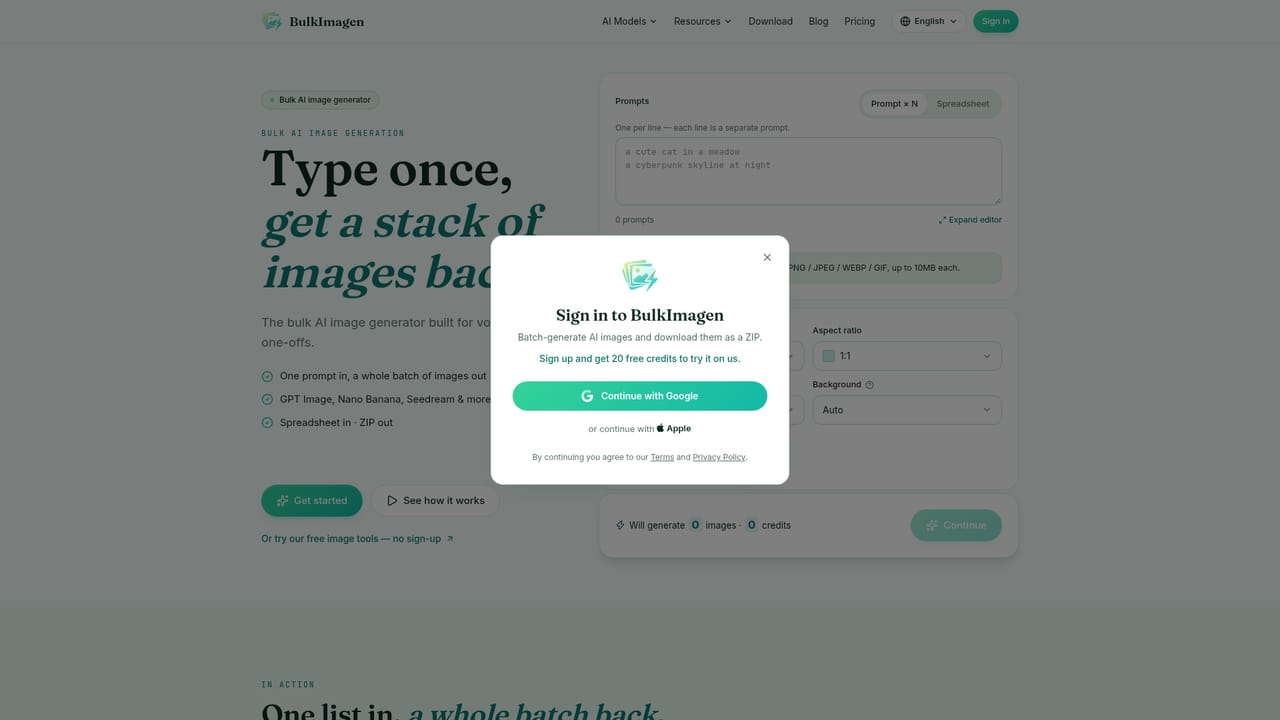
Screenshot of BulkImagen, Bulk AI image generation: one prompt list in, one ZIP back

What is BulkImagen?

BulkImagen turns a prompt list, a reference image or a spreadsheet into a whole batch of AI images, applying one model, ratio and resolution setting across every row and returning a single ZIP with a manifest of which prompt made which file.

BulkImagen is a batch image generator built around a single idea: you bring a list, the tool renders every line, and the results arrive together. Input can be one prompt per line, a single reference photo, or a spreadsheet in .csv, .xls or .xlsx format with a prompt column. Each row is treated as its own submission, and settings such as model, aspect ratio, resolution and images per prompt are applied to the whole batch at once, so the fiftieth image follows the same rules as the first. Behind the form sit 17 models from several providers, including OpenAI's GPT Image family, Google's Nano Banana line, ByteDance Seedream, Flux, Qwen and Grok Imagine. Model choice is the main lever on cost: the listed rates range from 4 credits per image on the Nano Banana Flash tiers to 5 credits on GPT Image 2 and Nano Banana Pro. Reference images can be attached in a Per image mode, which multiplies each prompt against each photo and pushes totals up quickly. Before a run starts, the interface shows both the projected image count and the credit cost, and the finished batch downloads as one ZIP with a CSV manifest mapping each file back to the prompt that produced it. The practical fit is repetitive production work rather than one-off creative exploration. The showcase examples run from product photography scenes and ad creative variants to social post sets, city poster series, storyboards, flashcards, clipart packs, logo marks and print designs, with dedicated tool pages for each. Print-on-demand sellers, e-commerce catalog teams, social media managers and game asset creators get the most out of it, especially where fifty or a hundred images share a common layout or style. Against single-prompt generators, the difference is throughput and consistency: a shared setting across rows replaces manual repetition. Against plain API access, it adds a spreadsheet path, ZIP delivery and a cost preview. The trade-off is that the workflow is built for lists, so casual one-image work gains little from it.

How do you use BulkImagen?

  1. 1Open the dashboard and choose your input
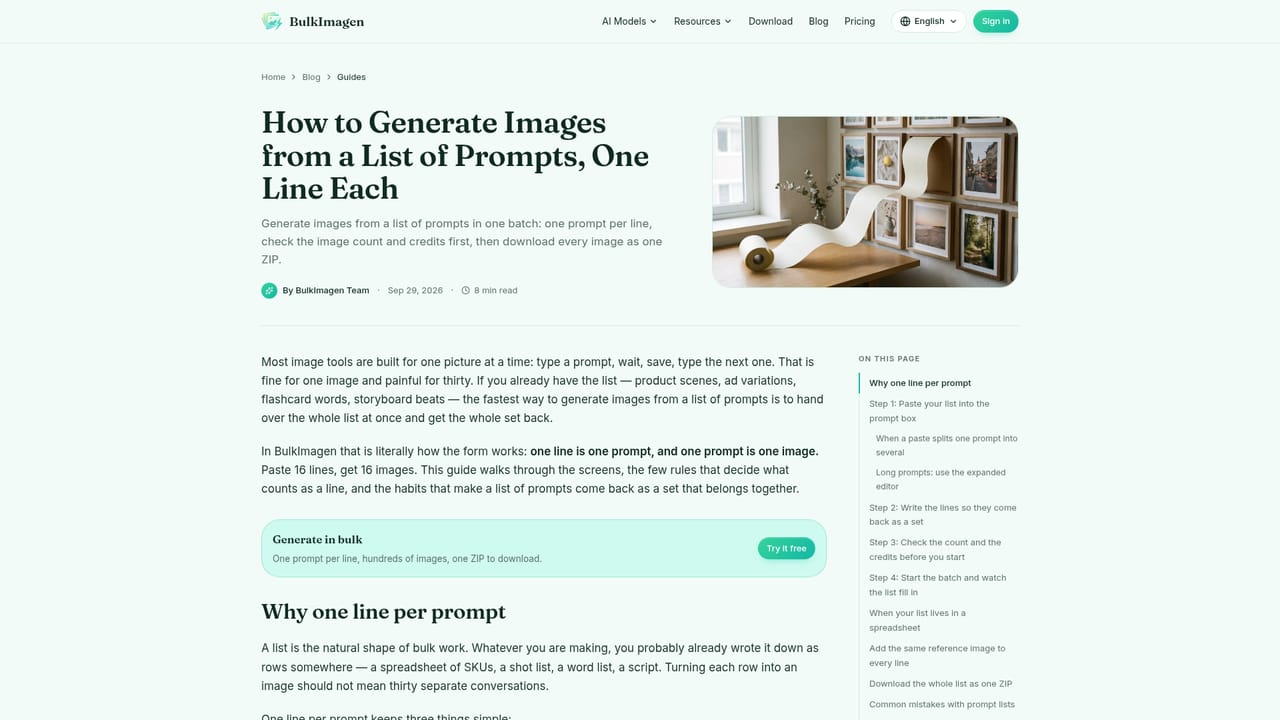
    Start in the dashboard and pick whether you are pasting prompts or uploading a sheet. Each line or row becomes its own prompt in the batch.
    BulkImagen — Open the dashboard and choose your input
  2. 2Upload a spreadsheet or paste a prompt list
    Drop in a .csv, .xls or .xlsx file containing a prompt column, or paste one prompt per line. Reference photos can be added for per-image runs.
    BulkImagen — Upload a spreadsheet or paste a prompt list
  3. 3Set the batch once
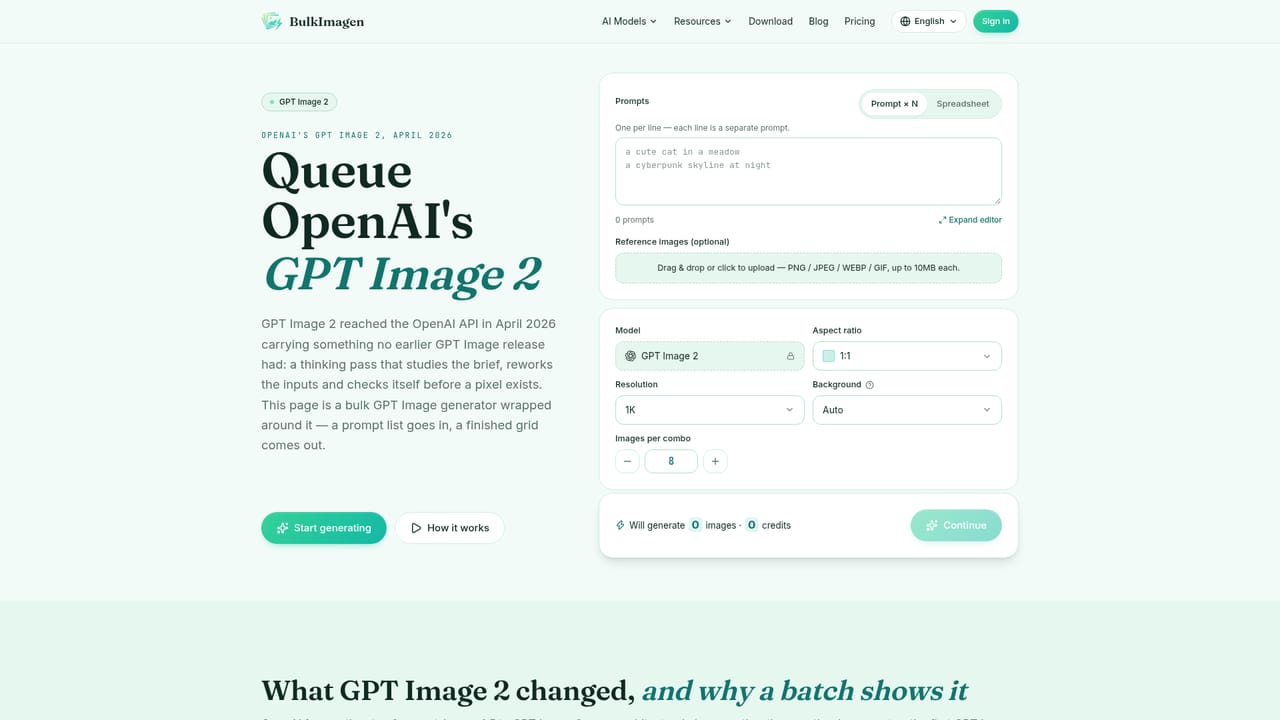
    Choose the model, aspect ratio, resolution and images per prompt. These settings are applied to every line in the batch rather than per prompt.
    BulkImagen — Set the batch once
  4. 4Review the count and credits
    The tool displays the total image count and credit cost before rendering. Multiply prompts by images per prompt, and by reference photos if that mode is on.
  5. 5Download the ZIP
    When the parallel render finishes, export everything as a single ZIP and use the included CSV manifest to see which prompt produced which file.
  6. 6Automate the same batches via API
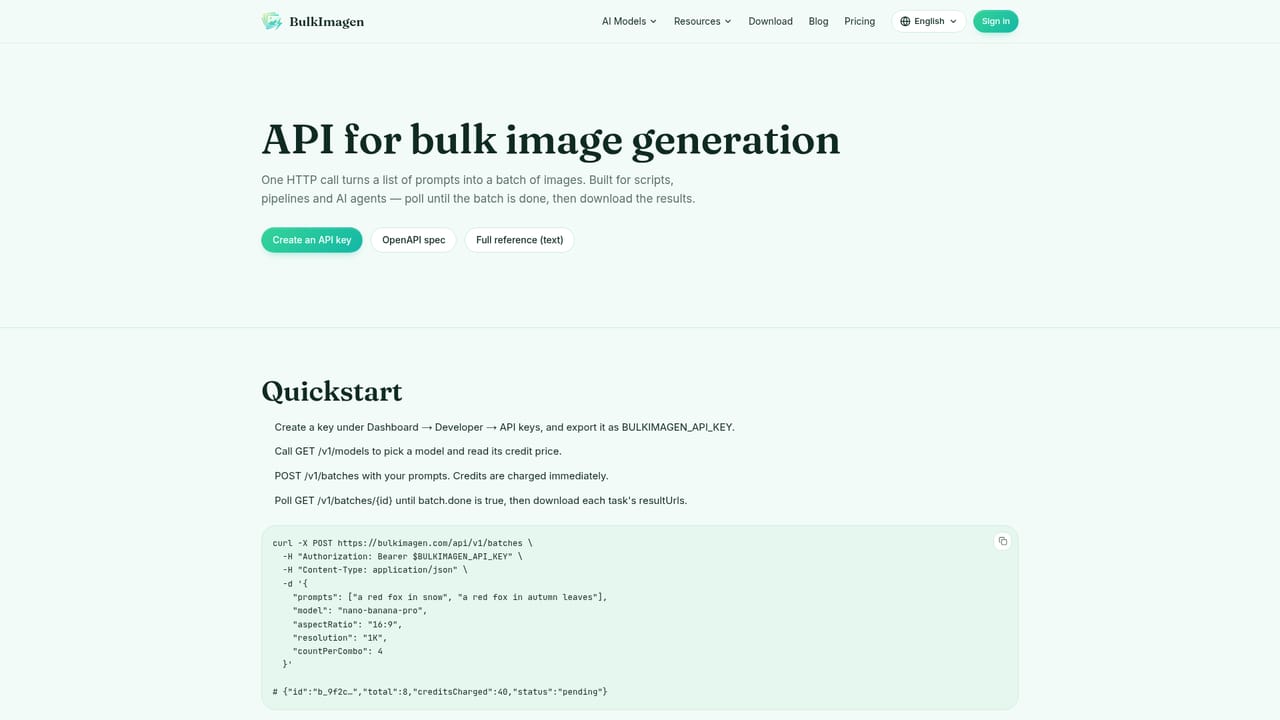
    Teams that repeat batches regularly can call the same model routing from code using the API documentation, with keys tied to the plan tier.
    BulkImagen — Automate the same batches via API

Pros and cons

Pros

  • Batch settings apply uniformly across rows, so image 50 matches image 1AI
  • Shows image count and credit cost before the run is chargedAI
  • Accepts .csv, .xls and .xlsx uploads as well as plain prompt listsAI
  • One ZIP download with a CSV manifest mapping files back to promptsAI
  • 17 models across OpenAI, Google, ByteDance, Flux, Qwen and Grok under one credit systemAI

Cons

  • Credits are prepaid, so a large catalog run means paying up front before any output existsAI
  • Per image reference mode multiplies image count fast, which can inflate a batch total unexpectedlyAI
  • The workflow is list driven, so single-image or exploratory prompting is awkward hereAI
  • No subscription option is listed, which may not suit buyers who prefer predictable monthly billingAI
  • Quality still depends on the underlying third-party models, so results vary by model choiceAI

How much does BulkImagen cost?

Pricing

Prepaid credit packs with no subscription. Starter is $20 for 800 credits at 0.025 per credit, roughly 160 to 800 images depending on model. Studio is $100 (listed from $125) for 5,000 credits, adding spreadsheet upload, higher batch limits and 5 API keys. Image cost runs from 4 credits on Nano Banana 2 and 2.1 to 5 on GPT Image 2 and Nano Banana Pro.

Learn more

Support

Priority email support is listed on the Studio tier. The Starter plan does not mention a support channel beyond the standard offering.

Learn more

Integrations

API access with multiple keys on paid tiers and an agent skill are listed. CSV, XLS and XLSX spreadsheets serve as batch input; no third-party app connectors are described on the homepage.

Learn more

Features

Prompt lists or .csv, .xls, .xlsx uploads feed a single batch form where model, aspect ratio, resolution and images per prompt apply to every row. A cost preview shows image count and credits before rendering. Runs execute in parallel and return one ZIP with a CSV manifest. 17 models are available, including GPT Image 2, Nano Banana Pro, Nano Banana 2 and 2.1, Seedream, Flux, Qwen and Grok Imagine.

Frequently asked questions about BulkImagen

  • How much does BulkImagen cost?
    Prepaid credit packs with no subscription. Starter is $20 for 800 credits at 0.025 per credit, roughly 160 to 800 images depending on model. Studio is $100 (listed from $125) for 5,000 credits, adding spreadsheet upload, higher batch limits and 5 API keys. Image cost runs from 4 credits on Nano Banana 2 and 2.1 to 5 on GPT Image 2 and Nano Banana Pro.
  • Does BulkImagen have an API?
    Yes, BulkImagen offers an API.
  • How do you use BulkImagen?
    The walkthrough on this page covers 6 steps: 1. Open the dashboard and choose your input 2. Upload a spreadsheet or paste a prompt list 3. Set the batch once 4. Review the count and credits 5. Download the ZIP 6. Automate the same batches via API.
  • What platforms does BulkImagen support?
    BulkImagen is available on Web App.
  • What does BulkImagen integrate with?
    API access with multiple keys on paid tiers and an agent skill are listed. CSV, XLS and XLSX spreadsheets serve as batch input; no third-party app connectors are described on the homepage.
  • What are the limitations of BulkImagen?
    Credits are prepaid, so a large catalog run means paying up front before any output exists. Per image reference mode multiplies image count fast, which can inflate a batch total unexpectedly. The workflow is list driven, so single-image or exploratory prompting is awkward here.

Status

StatusActive
Views0
Outbound clicks0
Added10/21/2026

Platforms

Web App

Pricing

PaidFree Trial