Free trial
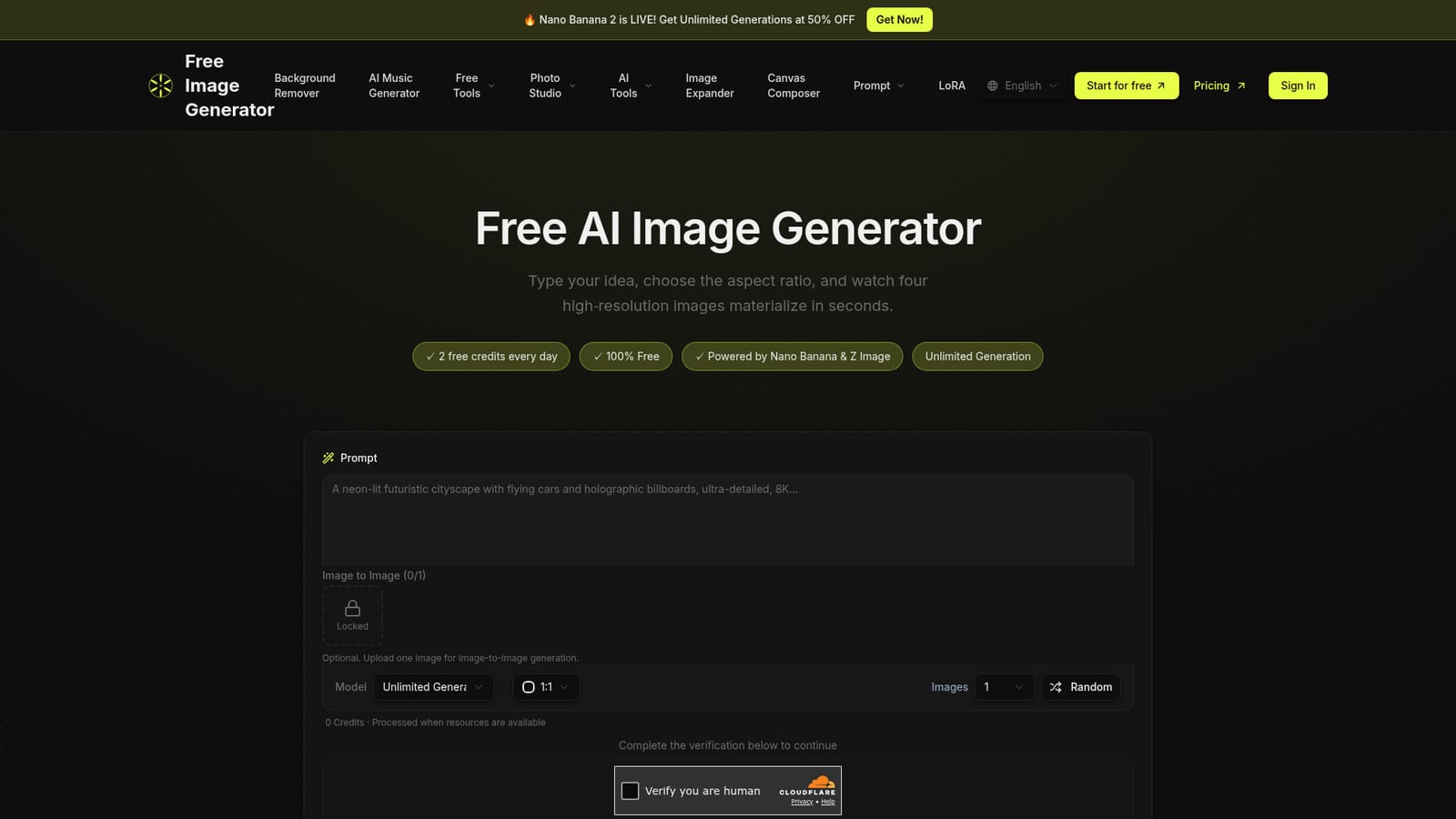
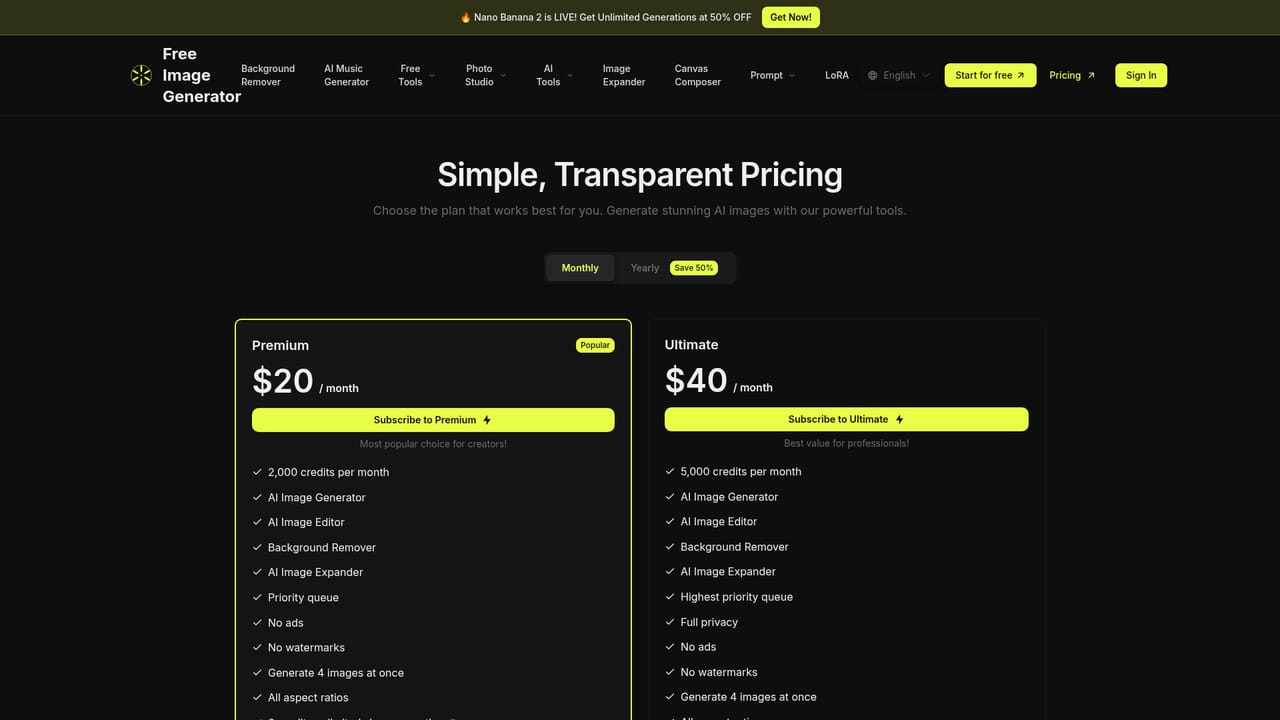
Every account receives free daily credits, so the tool can be used without payment. Free downloads are watermarked and generations are processed when resources are available.
Learn moreText to image generator with free daily credits and one-click LoRA effects
Own Free Image Generator.app? Verify ownership to get a dofollow link

Free Image Generator.app is a banner image generator tool. A free, credit-based text-to-image web tool that turns prompts into four high-resolution images at once, with selectable models, aspect ratios up to 4K output and one-click LoRA effects for headshots, thumbnails, stickers and pixel art.
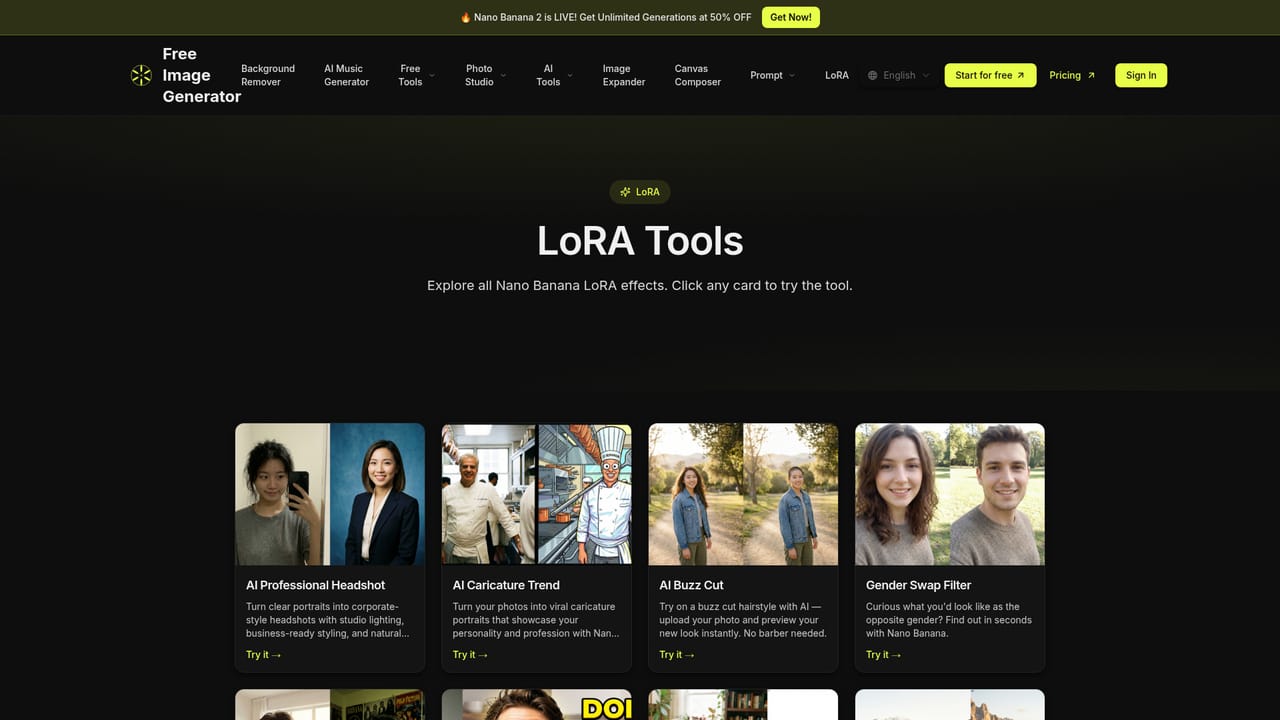
Free Image Generator is a browser-based text-to-image tool built around a simple loop: type a prompt, pick an aspect ratio, and receive four high-resolution images in a single pass. The engine draws on Nano Banana and Z Image models, and users can switch between models to chase a particular look rather than accepting one fixed house style. Output resolutions scale from 1K up to 4K, which puts print and marketing use within reach, and common aspect ratios cover social posts, wallpapers and product shots. The product targets people who need visuals without a design workflow: social media managers producing post imagery, small marketing teams assembling ad or thumbnail assets, and casual users testing ideas. No design skill is assumed. Beyond plain prompting, the site ships a LoRA section where preset effects handle narrow jobs in one click: corporate headshots from a plain portrait, viral caricature portraits, click-oriented YouTube thumbnails, hand-drawn style pet stickers from pet photos, a virtual bangs preview, retro 8-bit and 16-bit pixel conversion, baby face prediction for couples, and kawaii sticker restyling. An optional image-to-image upload lets a reference photo drive the result instead of text alone. Access is credit based, with a free daily allowance for every account that wants a high volume of generations, and paid tiers for more credits, faster processing and cleaner output. Watermarking is the main dividing line: free downloads carry a watermark, while premium and Ultimate subscribers get clean files. Free generations are also processed when resources are available, so queue behavior rather than instant delivery should be expected on the free plan. The site notes that generated images may be used for personal and commercial projects within its acceptable use policy. Against specialist generators, the appeal is breadth at low cost rather than fine-grained control. There is no mention of advanced controls such as inpainting, negative prompts or custom LoRA training, so users needing precise editing or brand-locked styles will likely need a second tool. For fast variation hunting and one-click effects, the four-image batch and daily credits make the entry cost close to zero.
Every account receives free daily credits, so the tool can be used without payment. Free downloads are watermarked and generations are processed when resources are available.
Learn moreCredit-based system with a free daily allowance for every account and paid upgrades for more credits, faster processing, higher quality, all models and watermark-free downloads. Premium and Ultimate plans are named; specific prices and credit amounts are not stated on the homepage.
Learn moreThe site directs users with further questions to the help section inside the app.
Text-to-image generation across multiple AI models with 4-image batch output, flexible aspect ratios, resolutions from 1K to 4K, and optional image-to-image input. A LoRA library adds one-click effects including headshots, caricatures, YouTube thumbnails, pet stickers, bangs preview, pixel art, baby face prediction and kawaii stickers.
Learn more AI Angels400+ customizable AI girlfriends for NSFW chat, voice calls, and roleplay
 Candy AIExperience the future of companionship with AI friends who chat, role-play, and connect with you on a human level.
 ourdream.aiA vast AI roleplay platform with millions of characters for chat, images, video and voiceAI Angels400+ customizable AI girlfriends for NSFW chat, voice calls, and roleplayCandy AIExperience the future of companionship with AI friends who chat, role-play, and connect with you on a human level.ourdream.aiA vast AI roleplay platform with millions of characters for chat, images, video and voice