Free trial
The homepage FAQ asks whether you can try the product first, but no trial terms are stated on the page. Check the pricing page for current options.
Learn moreCompetitive research on autopilot for busy teams

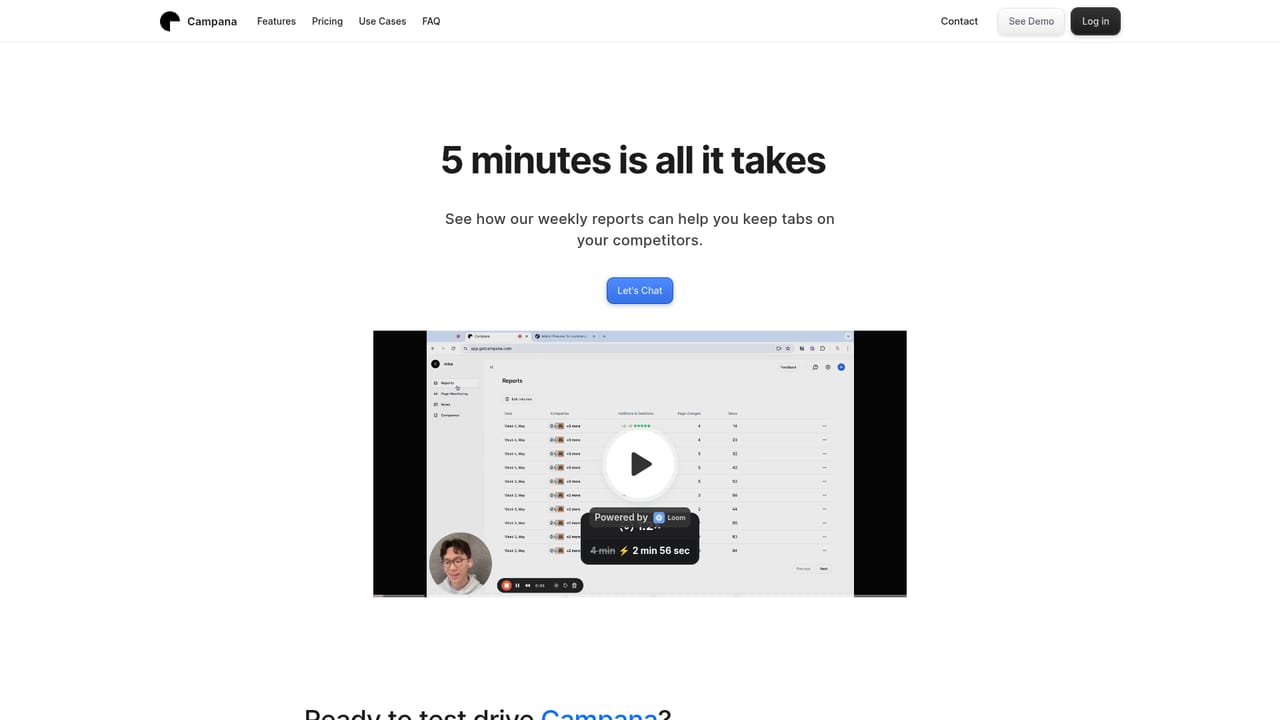
Campana monitors competitor websites and industry news, filters the noise with AI, and delivers a weekly activity report so teams can track pricing changes, launches and announcements without manual research.
Campana is a competitive intelligence tool built for teams that need to know what rivals are doing without spending hours digging through their websites and press coverage. The product watches competitor activity continuously and funnels what it finds into a single feed, so pricing changes, product launches, new deals and other announcements surface in one place instead of scattered across bookmarks and browser tabs. Around that monitoring layer sits an AI filter. Campana selects industry news from sources it considers trusted and pushes the items most relevant to your market to the front, aiming to remove the low value updates that make generic news readers noisy. The output arrives as a weekly competitor activity report, which the company positions as a five minute read, plus notifications that flag changes as they happen. The emphasis is on digestibility: short, scannable updates rather than raw scraped pages. In practice the tool suits product marketers, founders, sales teams and strategy groups at small and mid sized companies who track a handful of named competitors. The workflow is monitoring first and reading second: you set up the competitors you care about, let the system collect and filter, then review the feed or the weekly digest. Campana also markets itself as a research aid, so it sits somewhere between a change detection service and a lightweight market research assistant. The competitive landscape is crowded. Dedicated CI platforms bundle battlecards, sales enablement and CRM integrations, while general purpose news aggregators and manual alerts cost less but require more setup effort. Campana stakes out the simpler middle ground: automated tracking with an AI layer and a digest format, without the enterprise scaffolding. Buyers who need deep win/loss analysis or sales room tooling will likely look elsewhere; those who mainly want a reliable heads up on competitor moves are the intended audience.
The homepage FAQ asks whether you can try the product first, but no trial terms are stated on the page. Check the pricing page for current options.
Learn moreLive monitoring of competitor websites for pricing changes, product launches and announcements; an AI filtered industry news feed drawing on trusted sources; notifications on competitor activity; and a weekly competitor activity report designed to be read in about five minutes.
 AI Angels400+ customizable AI girlfriends for NSFW chat, voice calls, and roleplay
 Candy AIExperience the future of companionship with AI friends who chat, role-play, and connect with you on a human level.
 ourdream.aiA vast AI roleplay platform with millions of characters for chat, images, video and voiceAI Angels400+ customizable AI girlfriends for NSFW chat, voice calls, and roleplayCandy AIExperience the future of companionship with AI friends who chat, role-play, and connect with you on a human level.ourdream.aiA vast AI roleplay platform with millions of characters for chat, images, video and voice


