Free trial
The page title advertises a free try, and generations run on credits rather than a fixed subscription gate, but the homepage gives no explicit trial length or free credit allowance.
Learn moreTurn a baby photo and a short script into a lip-synced talking baby video.
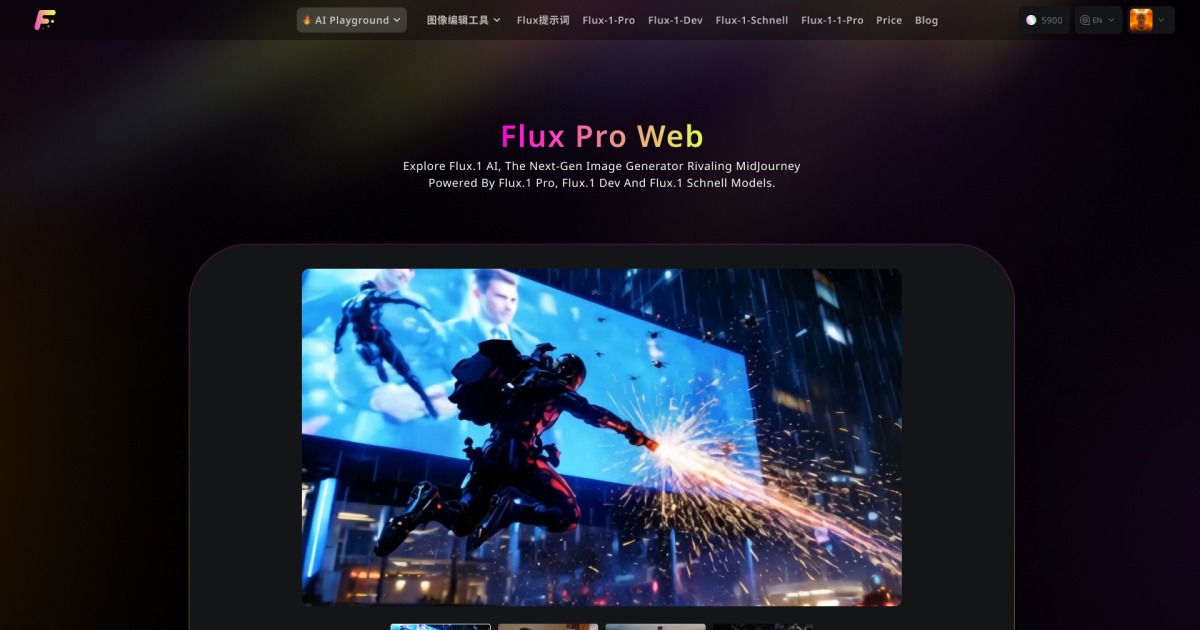
FluxProWeb is an AI video talk tool that turns a baby photo and a short script into a lip-synced talking baby video. A focused generator that animates a baby photo into a talking clip with synced lips, auto-generated expressions and a text or MP3 voice track, output at 540p or 720p in landscape, portrait or square.
FluxProWeb's AI Talking Baby is a single-purpose video generator inside a much larger suite of Flux and third-party image and video models. The premise is narrow and clear: upload a photo of a baby, supply the words you want spoken (typed as text or uploaded as an MP3), and the system returns a short clip where the mouth, eyes and facial expressions move in step with the voice track. Output can be rendered at 540p or 720p and cropped to 16:9, 9:16 or 1:1, so the same clip can be reused for a landscape YouTube upload or a vertical TikTok post without a second render. In practice the workflow is a short form rather than a timeline editor. There is an image drop zone that accepts jpg, webp and png files, a prompt box of up to 2000 characters with a translate helper and an inspire prompt button, a media slot for mp3 audio, and a resolution and aspect ratio picker. A public toggle lets a generation be shared to the tool's history feed, and completed videos land in a personal video history page where free accounts keep them for 15 days and paid accounts for 365. The audience is mostly casual creators: parents making growth records and birthday messages, social media accounts chasing a talking-baby gag for TikTok, Xiaohongshu or Instagram, early-education channels packaging simple lessons around a baby character, and maternal or infant brands wanting an inexpensive mascot. The feature set is pitched at people with no editing background, and the site leans on that low barrier as its main selling point. The competitive picture matters here. Dedicated talking-head apps such as HeyGen and Synthesia cover adult presenters and business footage far more deeply, while general image-to-video models inside FluxProWeb (Wan, Hailuo, VEO, Seedance) can animate a photo but do not specifically target the baby format. Talking Baby sits in the novelty category alongside the site's kiss, hug, old photo animation and Ghibli video tools, and it is best judged as a cheap, fast way to produce one very specific kind of clip.
The page title advertises a free try, and generations run on credits rather than a fixed subscription gate, but the homepage gives no explicit trial length or free credit allowance.
Learn moreCredit-based. The site lists AI Talking Baby renders among other video tools at 100 to 1500 credits per video depending on model, with a daily check-in for extra credits. Actual currency cost per credit is not stated on the homepage.
Learn moreOnly a single support email address is shown on the homepage. No help centre, documentation or contact form is listed.
Baby photo animation with moving eyes, lips and smiles; voice-driven lip sync from typed text or an uploaded mp3; automatic expression generation tuned to tone; 540p and 720p output; 16:9, 9:16 and 1:1 aspect ratios; public sharing toggle; video history with 15-day storage for free users and 365 days for paid users.
 AI Angels400+ customizable AI girlfriends for NSFW chat, voice calls, and roleplay
 Candy AIExperience the future of companionship with AI friends who chat, role-play, and connect with you on a human level.
 ourdream.aiA vast AI roleplay platform with millions of characters for chat, images, video and voiceAI Angels400+ customizable AI girlfriends for NSFW chat, voice calls, and roleplayCandy AIExperience the future of companionship with AI friends who chat, role-play, and connect with you on a human level.ourdream.aiA vast AI roleplay platform with millions of characters for chat, images, video and voice