What these tools do
Name art covers a wide set of outputs: a name drawn in graffiti lettering, a script design for a tattoo, a printable coloring page, or line art pulled from a photo. The tools here each handle one or two of those outputs. They replace the sketchbook stage: instead of drafting lettering by hand or hiring an artist for an early concept, you type a name, pick a style and get something to react to. The audience is broad: people planning a tattoo, parents making a custom coloring page, teachers building worksheets, and anyone curious about how a name looks in a particular style.
How to choose one
The first decision is output format. If you want something printable, look for a tool that exports clean PDFs or black-and-white line art. If the goal is skin, look for tattoo preview features so you can judge placement before booking an artist. If you are exploring a look rather than producing a file, graffiti and lettering generators with style and model controls give more range.
Style control matters second. Some tools take a single prompt and return one result; others let you steer lettering weight, background and rendering model. For a design you will actually use, control beats speed.
Third, check the pricing model against how often you will use it. One-off projects fit free or freemium tiers; recurring use (a shop making client mockups) justifies a subscription. Finally, consider whether the tool designs from scratch or from a reference photo, since drawing a name art piece from a photo of existing lettering is a different task from generating new lettering.
Notable tools
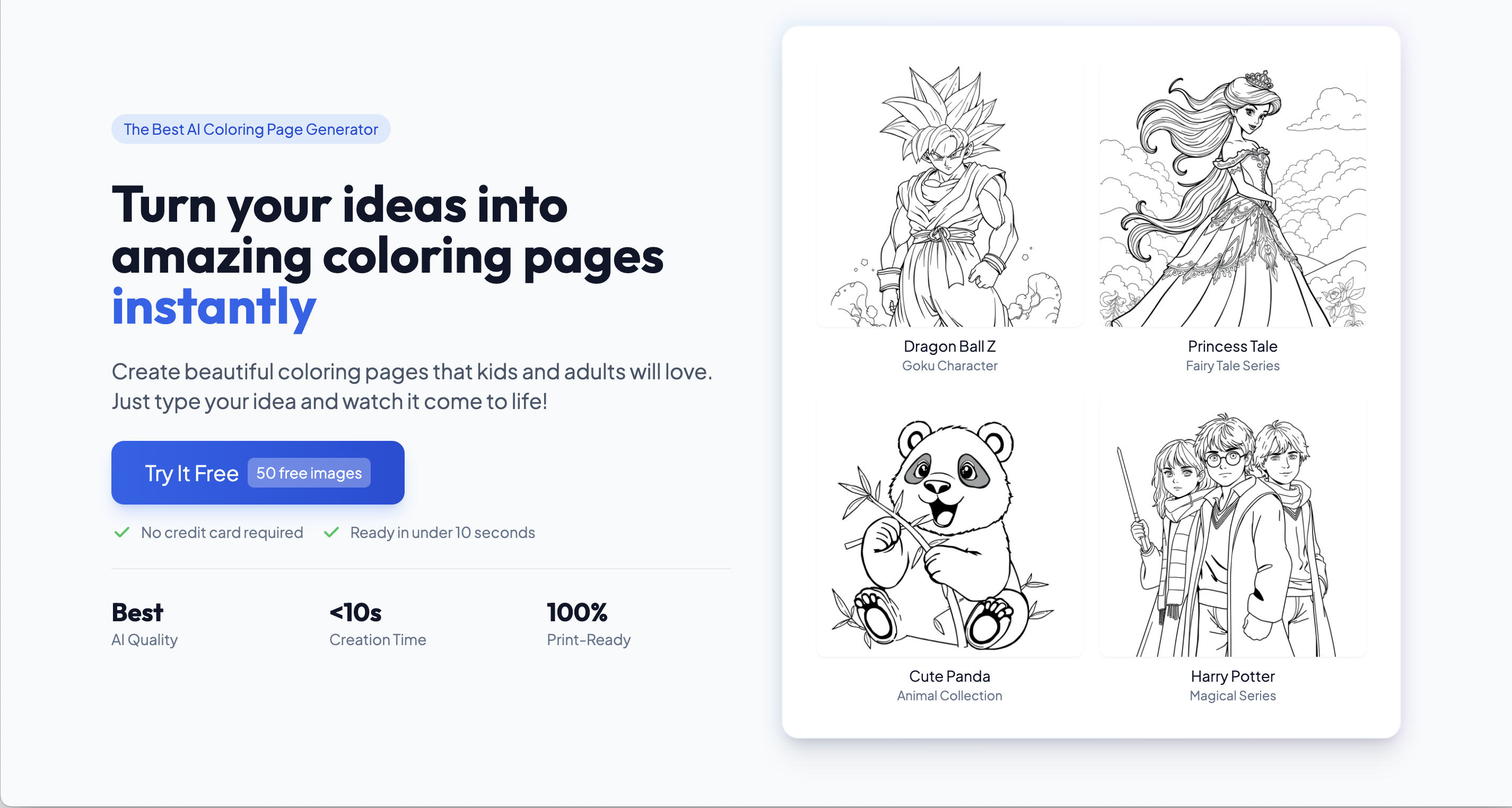
ColoringPagesTools pairs a free coloring page library with an AI generator that outputs custom printable PDFs, useful when the name art needs to end up on paper.
Tatany generates tattoo designs from words or photos and previews them on skin, which suits anyone testing a name tattoo before committing.
AI Graffiti Generator turns a word or idea into street-art graffiti concepts with style and model controls, a good fit for exploring lettering looks before a final render.
NewTattoo.ai offers 3D skin previews of tattoos and AI design tools in one place, handy for checking scale and placement on a body area.
ColoringDaily converts a photo or a prompt into printable black-and-white line art, so a name taken from a photo becomes a clean coloring sheet.
Common questions
What should a design for name art include?
Start with the lettering style and the output medium, because a design for a tattoo needs clean linework while a printable page needs bold outlines. Decide the name's shape on the page (straight, arched, stacked) before choosing a tool. The generators here vary in how much lettering control they expose, so match that to how precise your design needs to be.
Is an art name generator the same as a name artwork generator?
Broadly yes: both take a name as input and return visual output. The difference is in the output: some tools return concept images you refine, others produce finished files like printable PDFs. Decide whether you want inspiration or a deliverable before you start.
How do I draw name art if I am not an artist?
Use a generator to produce a draft, then take that draft to a human artist for a final version, especially for tattoos. Tools with skin previews help you judge placement before that step. Printable line art tools let you skip the artist entirely for coloring pages and worksheets.
When to look elsewhere
If the project is about rendering an existing illustration rather than lettering, the Art Shading category is the better fit. If you are adapting a design across styles or matching an aesthetic, see Art Style Identification.