Free trial
No card is required to start: two free generations are available without signing in, shared across both tools, and results can be previewed before any download access is bought.
Learn moreTurn a photo or a prompt into printable black-and-white line art.
Own ColoringDaily? Verify ownership to get a dofollow link

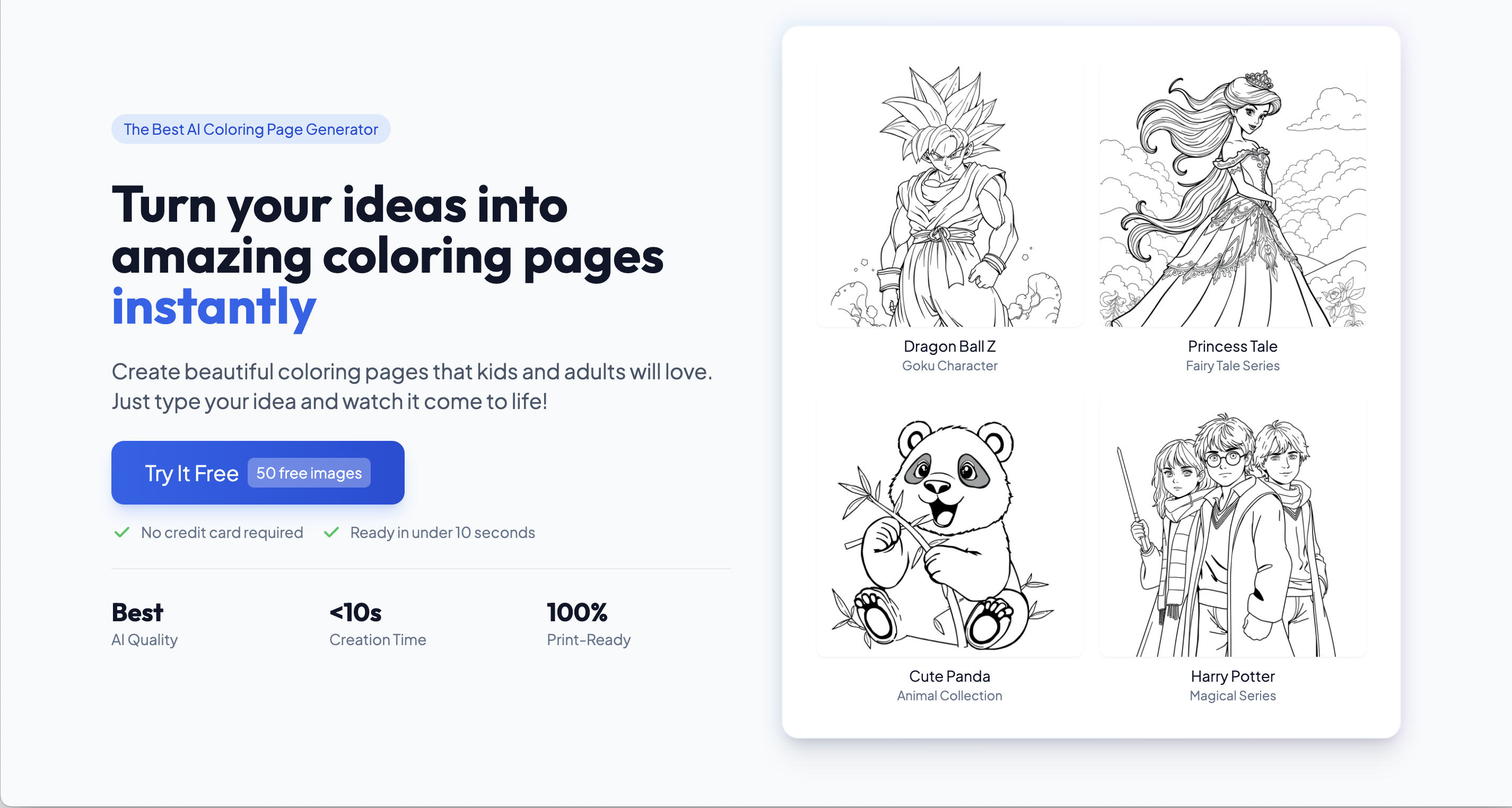
ColoringDaily is a coloring pages tool that turns a photo or a prompt into printable black-and-white line art. A browser tool that generates printable coloring pages from a text prompt or an uploaded photo, with defined line-art styles, multiple page ratios, and PDF, SVG and PNG exports, backed by a library of more than 8,000 free printable pages.
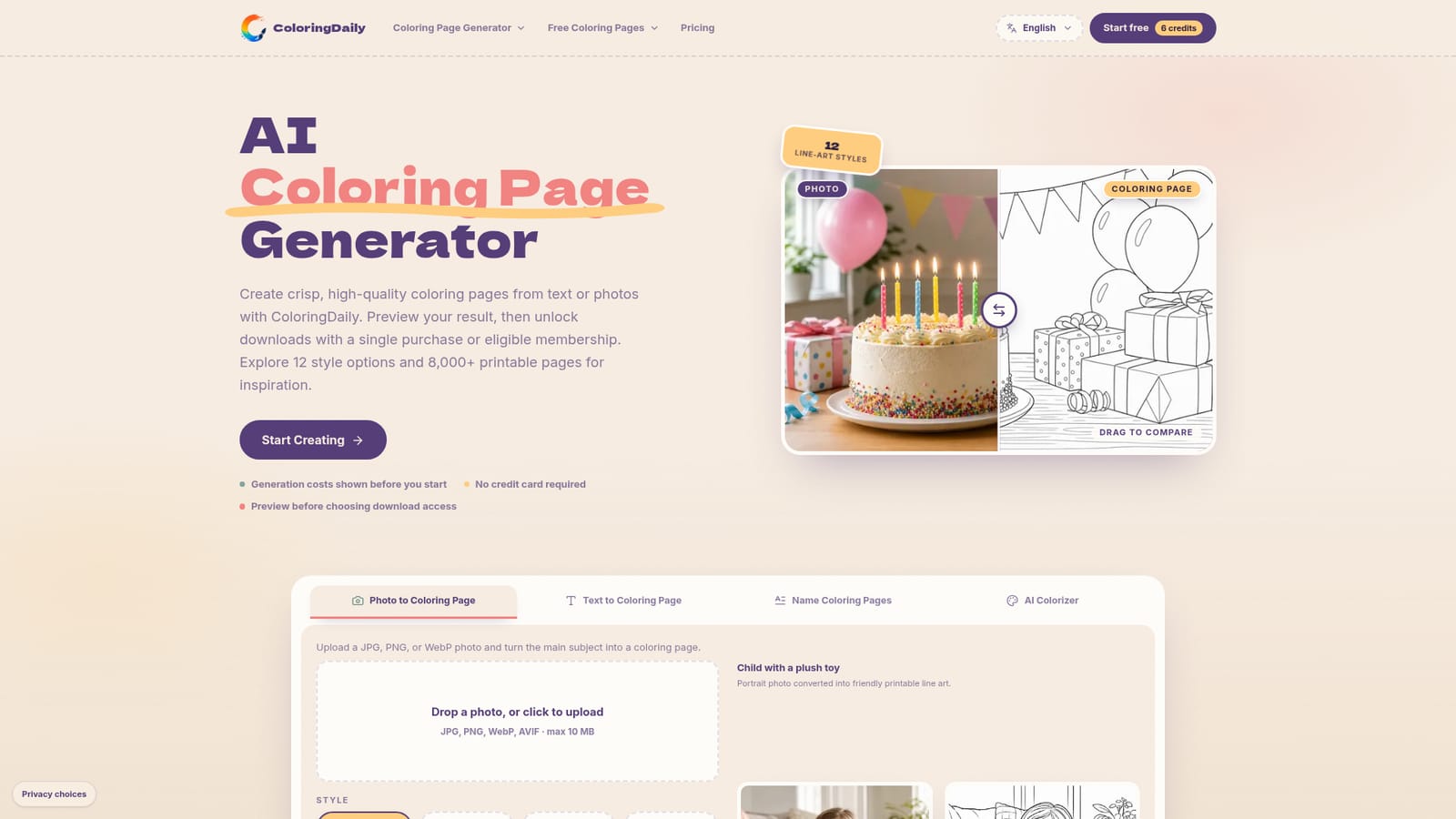
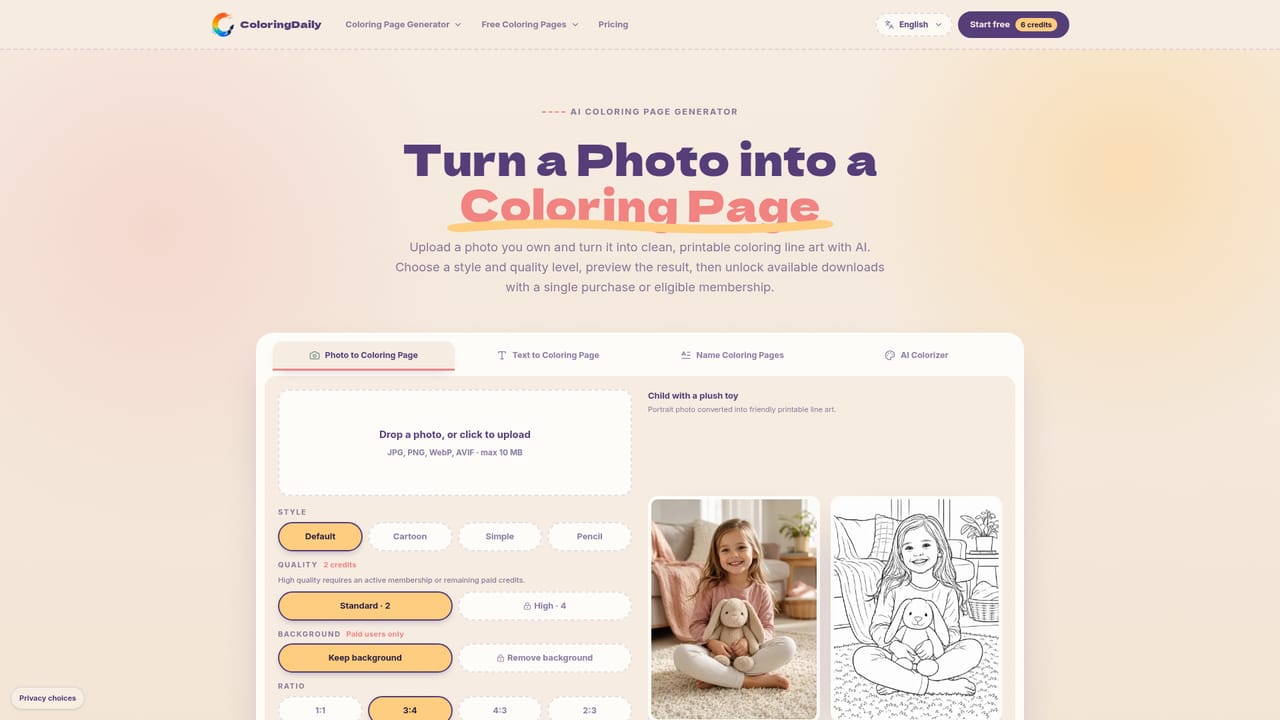
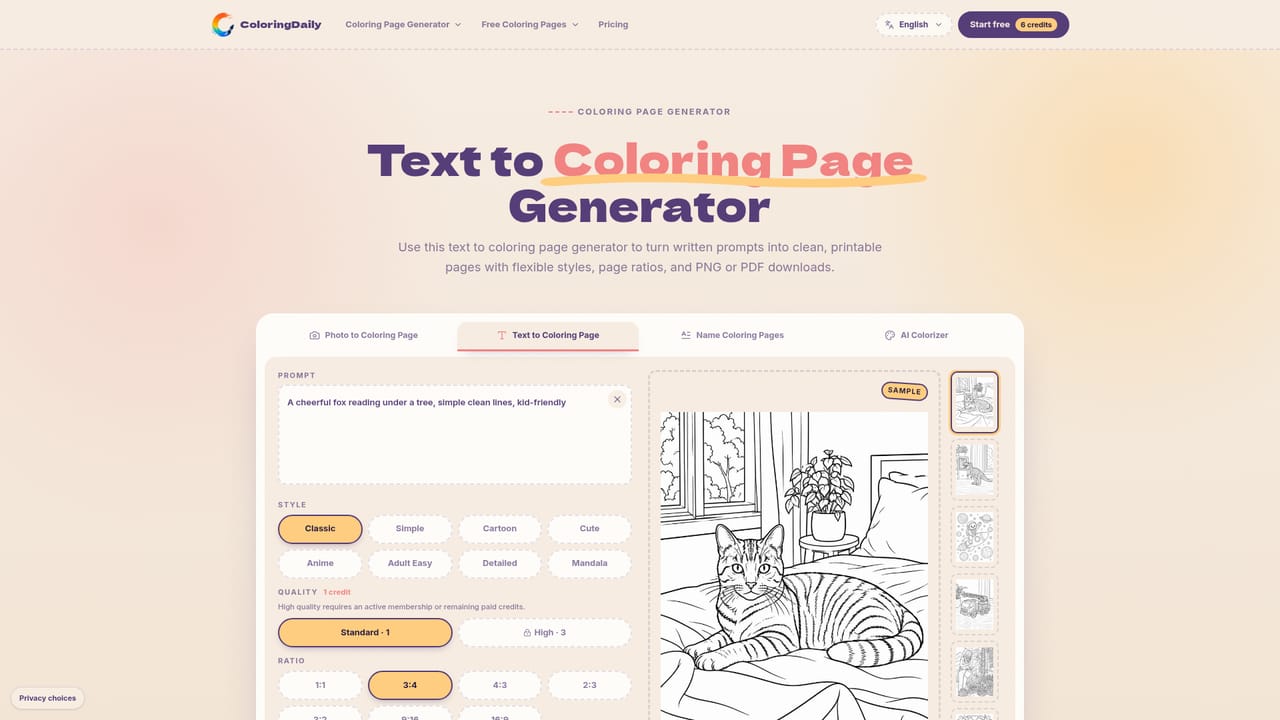
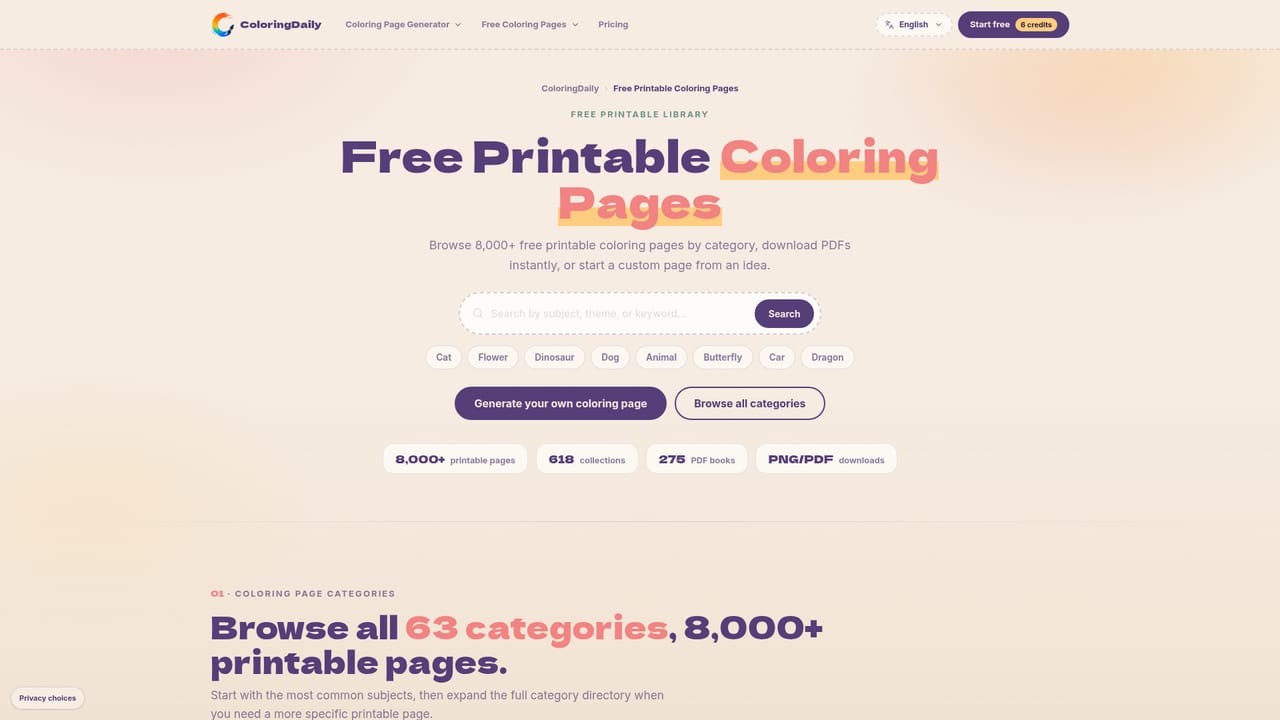
ColoringDaily is a browser-based generator that produces printable black-and-white line art from either a text description or an uploaded photo. The premise is narrow on purpose: the output is designed to be printed on a home or classroom printer and colored by hand, not rendered as a finished illustration. Photo uploads accept JPG, PNG, WebP and AVIF files up to 10 MB, and the text path takes a written prompt plus a style and page ratio. The two workflows serve different habits. Photo to Coloring Page is aimed at people who want a specific face, pet, toy or classroom object preserved as line art, with four styles (Default, Cartoon, Simple, Pencil) and background keep or remove control that is gated to paid users. Text to Coloring Page is for ideas rather than references, and offers eight styles including Classic, Cute, Anime, Adult Easy, Detailed and Mandala, spread across seven ratios from square to 16:9. Both paths export Letter PDF, A4 PDF, SVG and PNG, which is what makes the results usable in print, in Procreate or Illustrator, or inside a printable product workflow. The audience is clearly domestic and semi-commercial rather than purely artistic: parents filling a quiet hour, teachers building classroom activities, and sellers assembling pages for printable products. That shows in the surrounding site, which pairs the generator with a library of more than 8,000 free printable pages across 63 categories and 275 PDF books, so a prompt is never the only way to find something to print. Against general image generators, ColoringDaily wins on format control (A4 and Letter, SVG, explicit line-art styles) and loses on flexibility, since anything outside coloring pages is out of scope. Generation is credit-based and can be previewed before any payment, and watermark-free downloads are the paid unlock.
No card is required to start: two free generations are available without signing in, shared across both tools, and results can be previewed before any download access is bought.
Learn moreCredit-based monthly plans share one balance across the text, photo and colorizer tools. Starter is $4.90 per month with 100 credits, Family is $9.90 with 300 credits and a lower credit cost per creation, and Studio is $49.90 per month for high-volume creators. Paid tiers include watermark-free downloads, library access and commercial use for eligible generated outputs.
Learn morePhoto to Coloring Page converts uploaded images into line art in four styles, while Text to Coloring Page generates from a prompt in eight styles across seven ratios. Both produce printable output as Letter PDF, A4 PDF, SVG and PNG. A library of more than 8,000 pages, 63 categories and 275 PDF books sits alongside the generator.
Learn more AI Angels400+ customizable AI girlfriends for NSFW chat, voice calls, and roleplay
 Candy AIExperience the future of companionship with AI friends who chat, role-play, and connect with you on a human level.
 ourdream.aiA vast AI roleplay platform with millions of characters for chat, images, video and voiceAI Angels400+ customizable AI girlfriends for NSFW chat, voice calls, and roleplayCandy AIExperience the future of companionship with AI friends who chat, role-play, and connect with you on a human level.ourdream.aiA vast AI roleplay platform with millions of characters for chat, images, video and voice