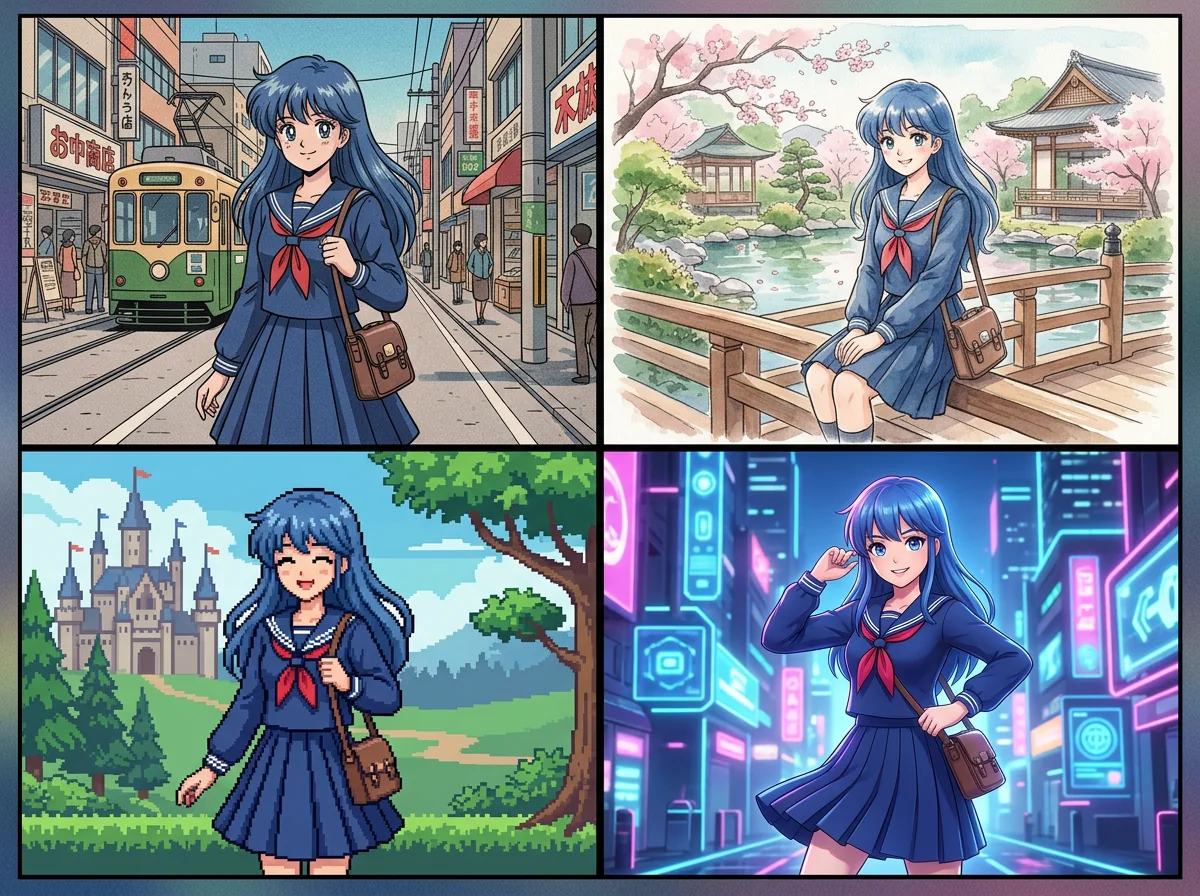
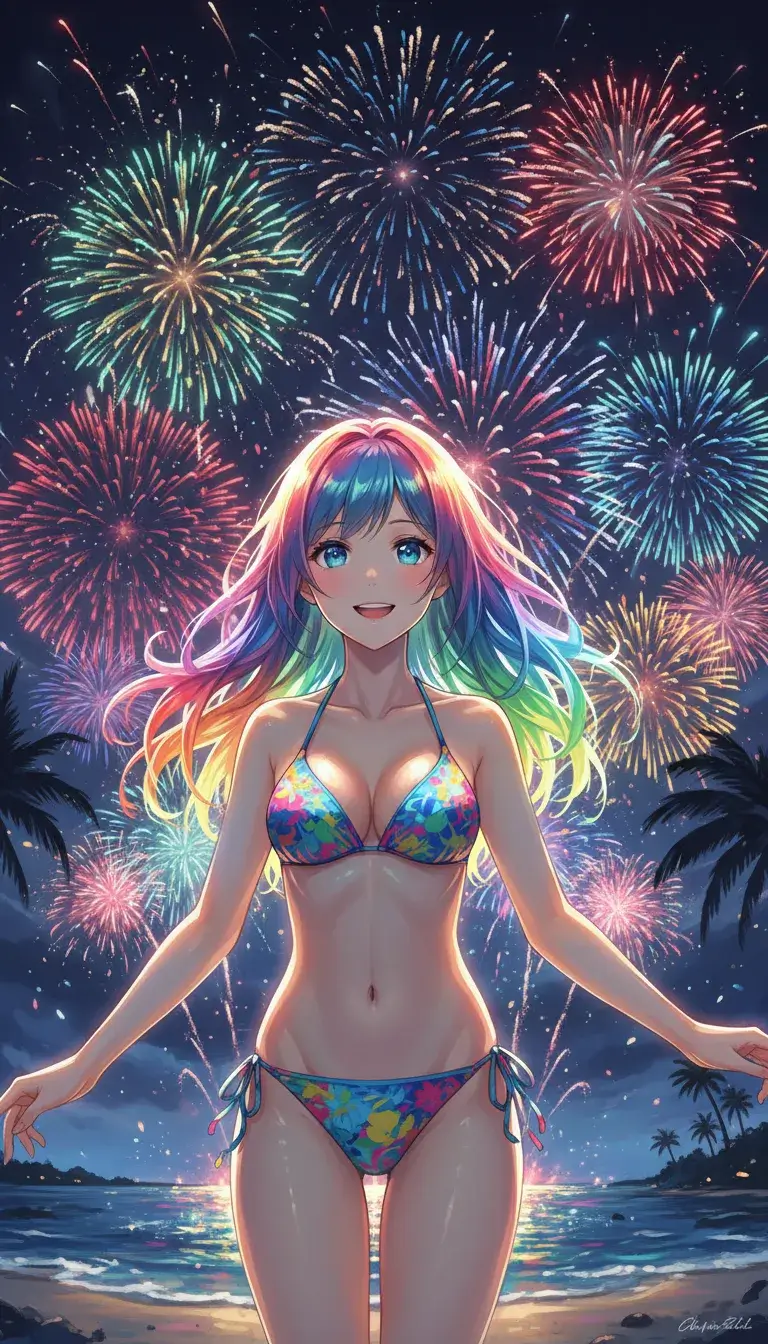
What anime image tools do
Anime image tools produce artwork in an anime style from a short text description or from a photo you upload. Some start from a blank prompt and invent a character, a scene or a background. Others restyle a selfie, a pet photo or a portrait so it looks like a frame from an animated series.
The people who use them range from fans making avatars and wallpapers to writers and comic creators who need character art for a story. They replace commissioning a custom piece for a small project, tracing or redrawing a photo by hand, and hunting through stock sites for something that fits. A few tools extend past stills into short clips or motion comics, which matters if the image is only the first step.
How to choose an anime image tool
Start with the source material. If the goal is anime ai art from scratch, look for a text-to-image generator. If the goal is to see yourself, a friend or a pet in anime style, pick a photo-conversion tool built for that.
Next, check the cost. A free anime style ai art generator is enough for occasional avatars, but free tiers differ in what they allow, so read the plan before building a project around one. Freemium tools let you test the output first, while subscription tools make more sense if you generate often.
Then consider consistency. If the same character has to appear in many images, a tool with reusable characters will save time. Finally, think about output needs: editing, higher resolution, or video on top of stills. Every tool below runs in the browser, so no install is required.
Notable anime image tools
Elser AI offers anime art, original characters and short videos from one workspace, which suits creators who want stills and clips together.
Comik AI covers anime images, video shots and motion comics with reusable characters, a good fit for stories that need the same cast across scenes.
AnimePhotoGen turns selfies, pets and portraits into anime art in a few clicks, and it is freemium.
Himedia AI Image Generator is a free image generator and editor with multi-reference input and 4K output, useful when you want to guide the result with several images.
Anime Art Studio is a free generator focused on AI anime creativity.
Anime AI transforms a picture into anime-style AI images, a straightforward choice for quick conversions.
Common questions
What is akuma ai?
Akuma ai (also searched as akuma.ai) is a name readers look up when they want anime-style generation. None of the tools listed here carries that name, so the tools above are the alternatives to compare for anime image work. Check any site's current plan and terms on its own pages.
How do I find a free anime style ai art generator?
Filter by pricing first. Himedia AI Image Generator and Anime Art Studio are listed as free, while AnimePhotoGen, Elser AI and Comik AI are freemium. A freemium plan lets you try the output before paying.
Can I make anime images from my own photo?
Yes. Photo-conversion tools such as AnimePhotoGen and Anime AI take a picture and return it in anime style. Himedia AI Image Generator also accepts multiple reference images.
When to look elsewhere
If the goal is reading or translating comics rather than creating images, the AI Manga Reader category is the closer match. For retro game graphics instead of anime, 32-bit Pixel Art covers that style.