Free trial
No card is needed to start, and the site advertises ten free Gold per day up to 100, plus text generators that are always free. There is no separate stated trial for paid plans.
Learn moreFantasy character and world art built for the GM's table

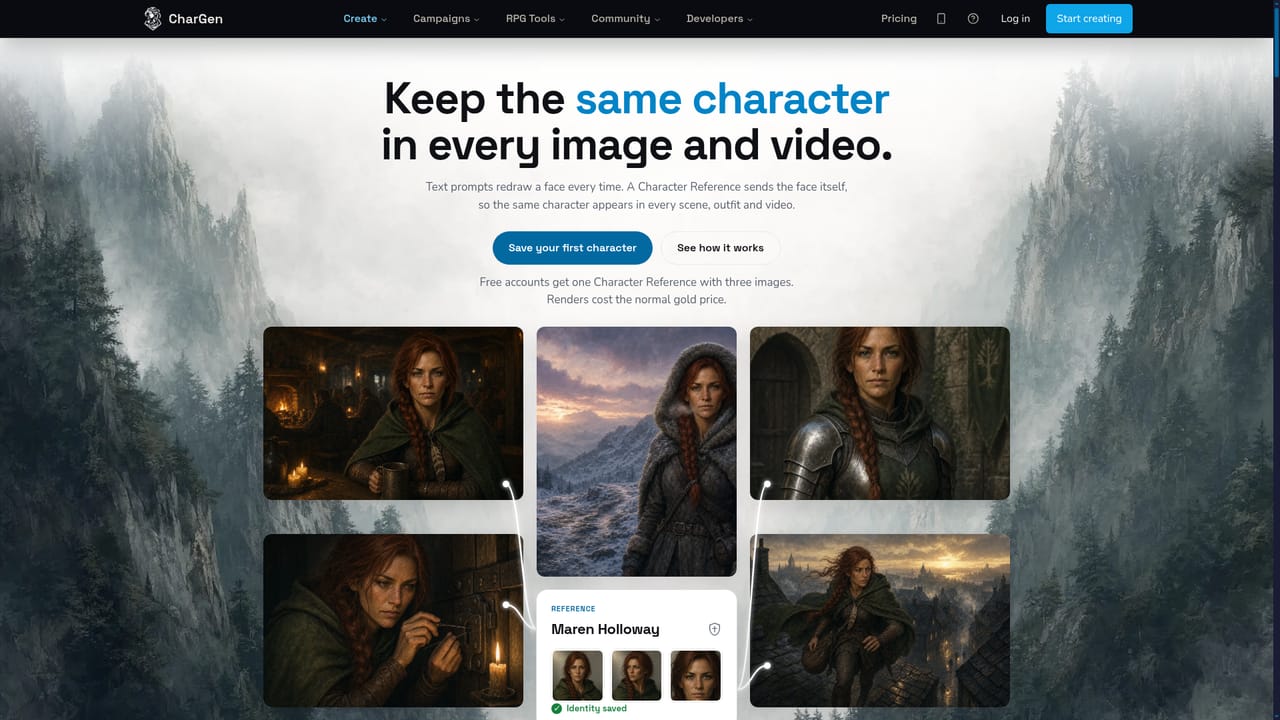
CharGen is a character call tool. An RPG-focused AI studio for game masters and players: generate fantasy characters, NPCs, monsters, items, maps and audio with 160 image models and 70 styles, keep faces consistent with character references, turn a character sheet into a portrait, and build campaign material through twenty-four linked generators.
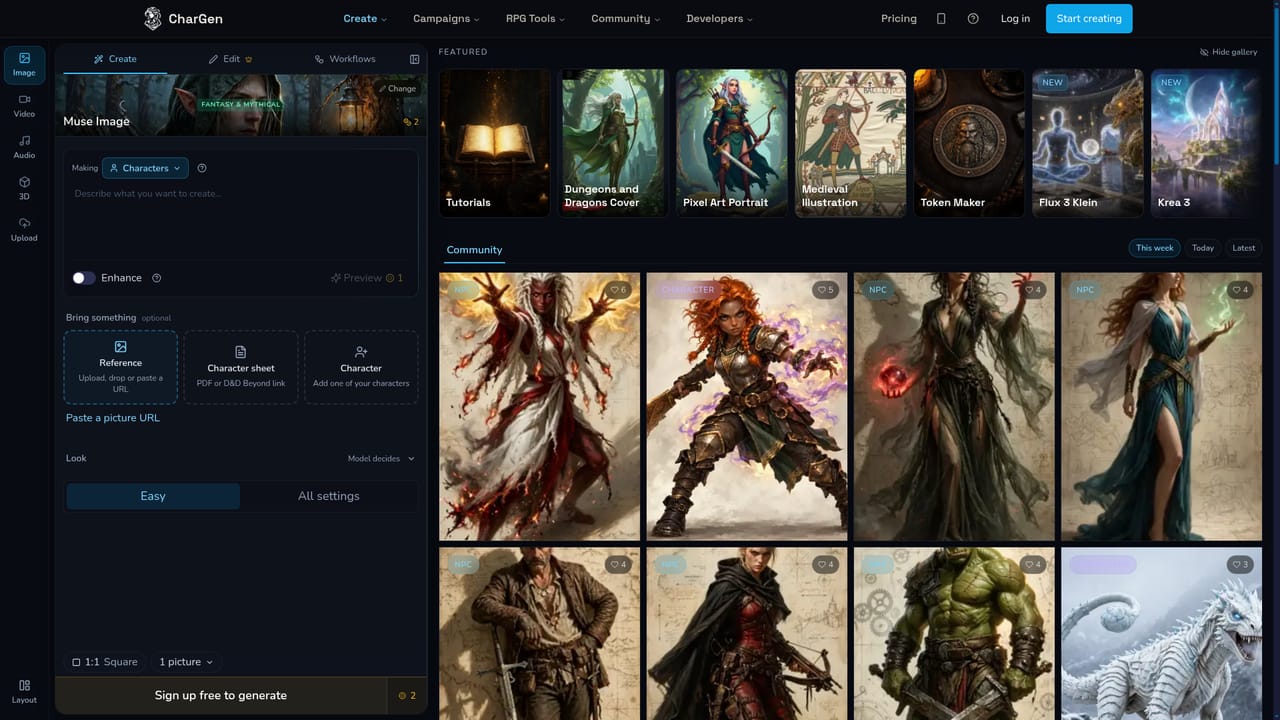
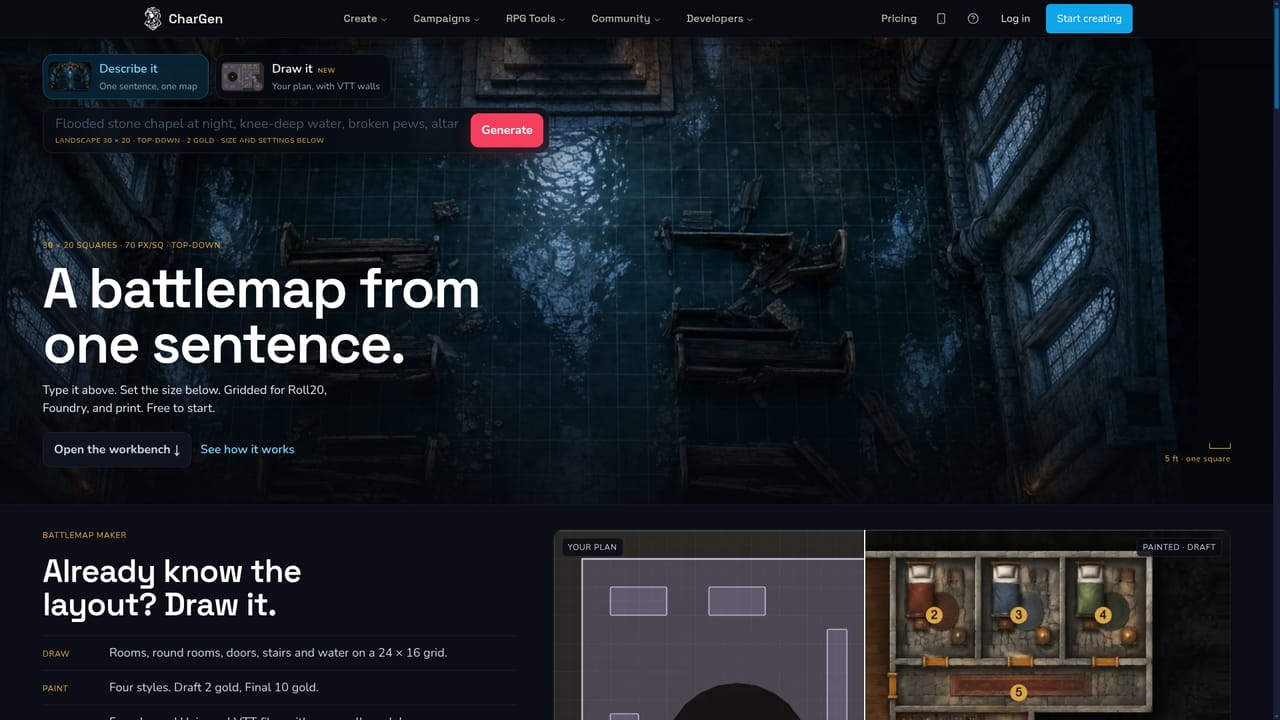
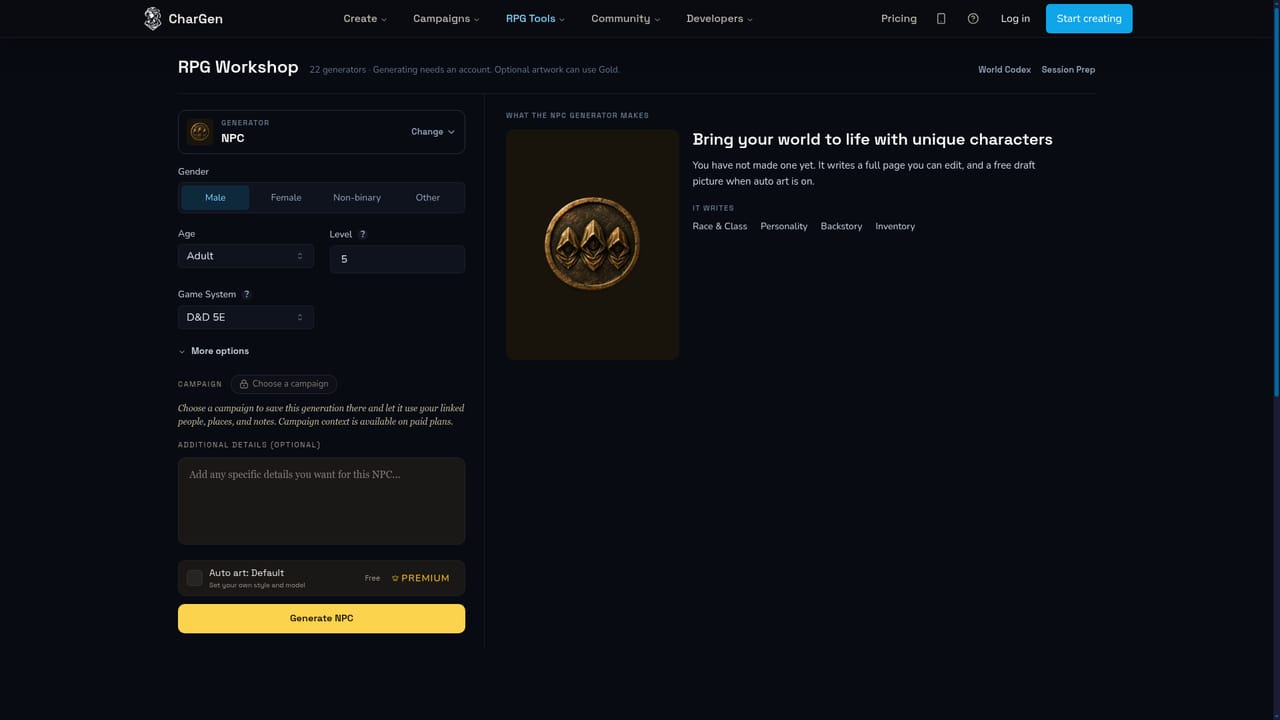
CharGen is an AI art and worldbuilding toolkit aimed squarely at tabletop roleplaying. Its image studio sits at the centre: you describe a scene in plain language, pick from a large library of image models and art styles, and a finished portrait, monster, item, spell or landscape comes back within roughly a minute and is saved to your gallery. Eight curated categories (characters, NPCs, monsters, landscapes, townmaps, battlemaps, items, spells) let you skip prompt craft entirely by choosing dropdowns instead of writing a paragraph. The tool goes well beyond single images. A sheet to art feature reads a PDF character sheet, a D&D Beyond link or a photo of a handwritten page, pulls out race, class, gear and margin notes, then paints a portrait that matches the character on paper. Character Consistency saves one portrait as a reference so the same face, horns or scars carry into later scenes, video and new armour. Image Transform restyles an uploaded portrait, sketch or even a photo of a painted mini into oil paint, watercolour, anime or ink wash. The studio also covers video, text to speech, ambience and theme music, plus a miniature generator that slices a figure for 32mm printing. The build side is a set of twenty-four linked generators: names, NPCs, species, classes, pantheons, taverns, settlements, dungeons, quests, encounters, puzzles, world codex, session prep and campaign studio. The intent is that output from one feeds the next, so a settlement generates its tavernkeeper, who generates a secret and a stat block. Game masters are the obvious audience, from one-shot hosts to long-campaign writers, with players who want a portrait for their own character as a secondary case. Compared with general-purpose image tools, CharGen trades breadth for a RPG-shaped workflow: fewer freeform controls, more prebuilt structure and persistence tied to a campaign. The text generators are free, while art spends Gold, as does the Android app.
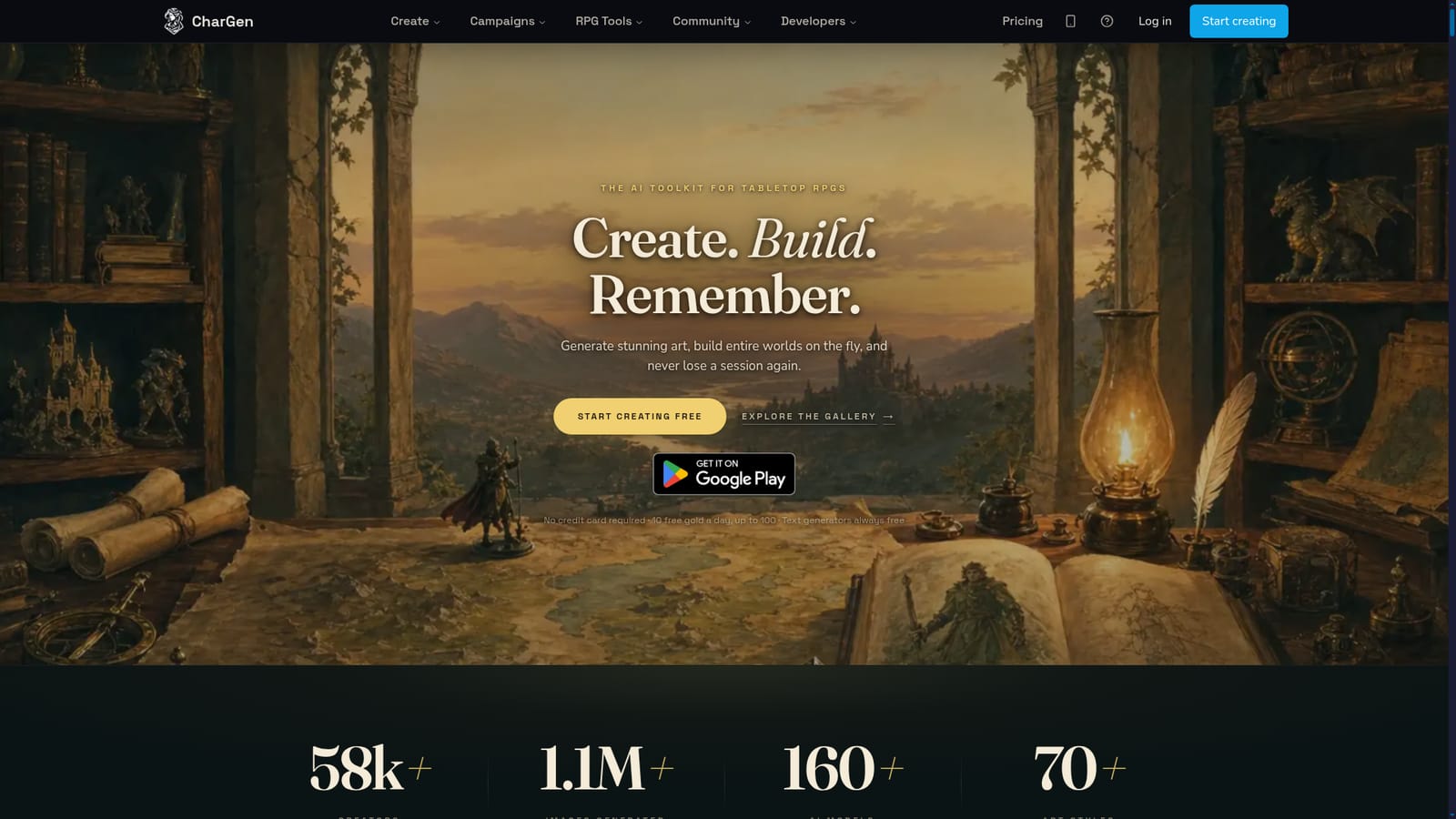
No card is needed to start, and the site advertises ten free Gold per day up to 100, plus text generators that are always free. There is no separate stated trial for paid plans.
Learn moreThe homepage states no credit card is required and points to ten free Gold a day, up to 100, with text generators always free. Art spends Gold, shown before each generation. The Android app is free to download and runs on the same account and Gold balance. No subscription tiers are listed.
Learn moreThe homepage offers a monthly DM Toolkit Digest email and signposting to developer docs, but no dedicated help centre, contact channel or support terms are described there.
Character sheet import accepts PDF uploads, D&D Beyond links and photos of paper sheets. A developer docs page and an MCP page are published on the site; other third party integrations are not described on the homepage.
Learn moreImage studio with 160 models and 70 styles across eight categories, sheet to art from PDFs, D&D Beyond links or photos, character references for consistency, image transform with oil paint, watercolour, anime and ink wash, video, text to speech, ambience and theme music, gridded battlemaps, townmaps, printable miniatures, and twenty-four generators covering names, NPCs, species, classes, pantheons, taverns, dungeons, quests, encounters, puzzles, world codex, session prep and campaign studio.
Learn more AI Angels400+ customizable AI girlfriends for NSFW chat, voice calls, and roleplay
 Candy AIExperience the future of companionship with AI friends who chat, role-play, and connect with you on a human level.
 ourdream.aiA vast AI roleplay platform with millions of characters for chat, images, video and voiceAI Angels400+ customizable AI girlfriends for NSFW chat, voice calls, and roleplayCandy AIExperience the future of companionship with AI friends who chat, role-play, and connect with you on a human level.ourdream.aiA vast AI roleplay platform with millions of characters for chat, images, video and voice