Support
A contact page is provided for questions about the generator or the wider Fictioneer suite.
Learn moreGenre-aware character names with origin and meaning built in

Fictioneer is a character call tool. A free browser tool from Fictioneer that generates character names by genre, cultural origin, gender expression and style, with meaning and origin notes attached to each result.
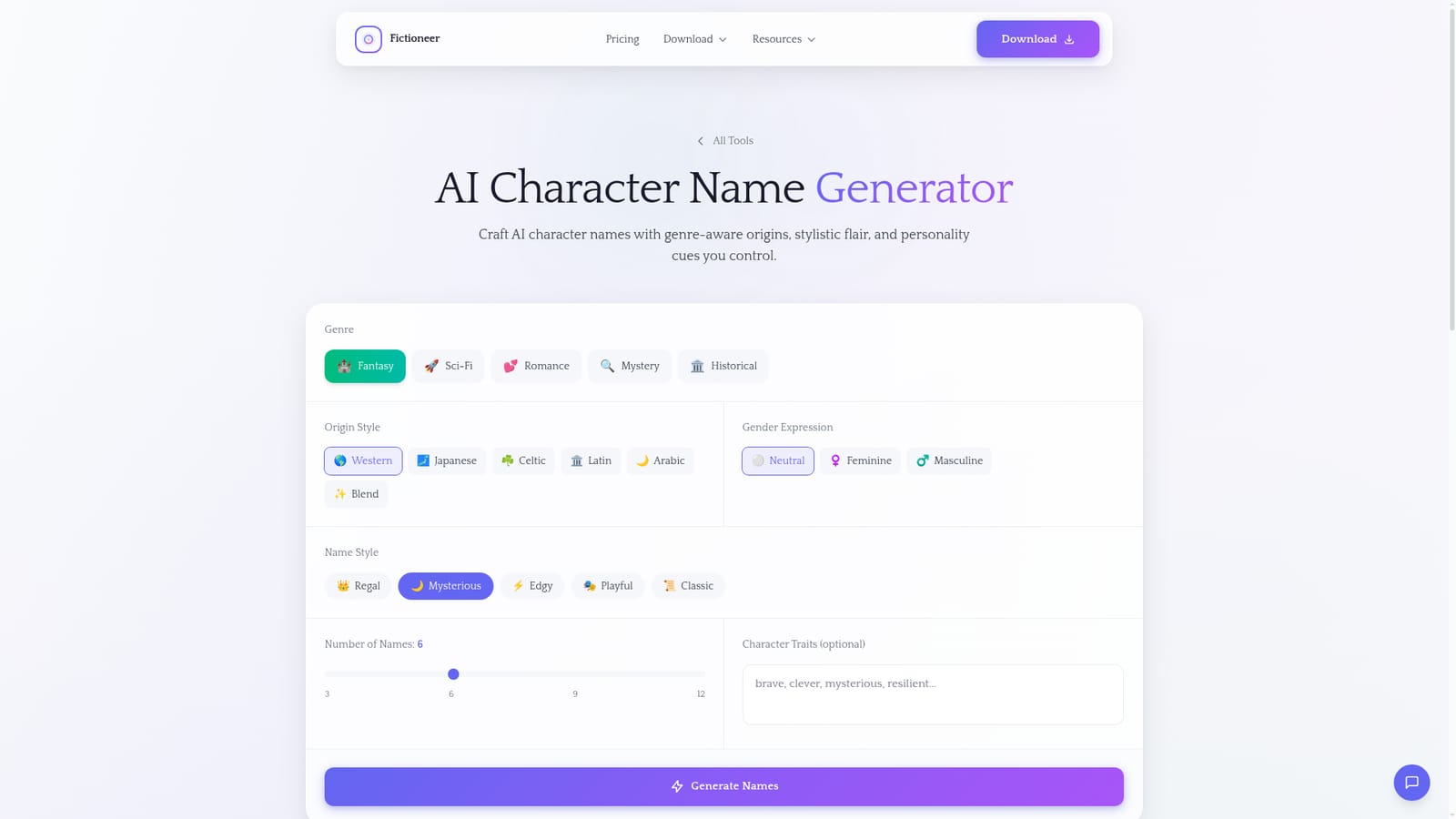
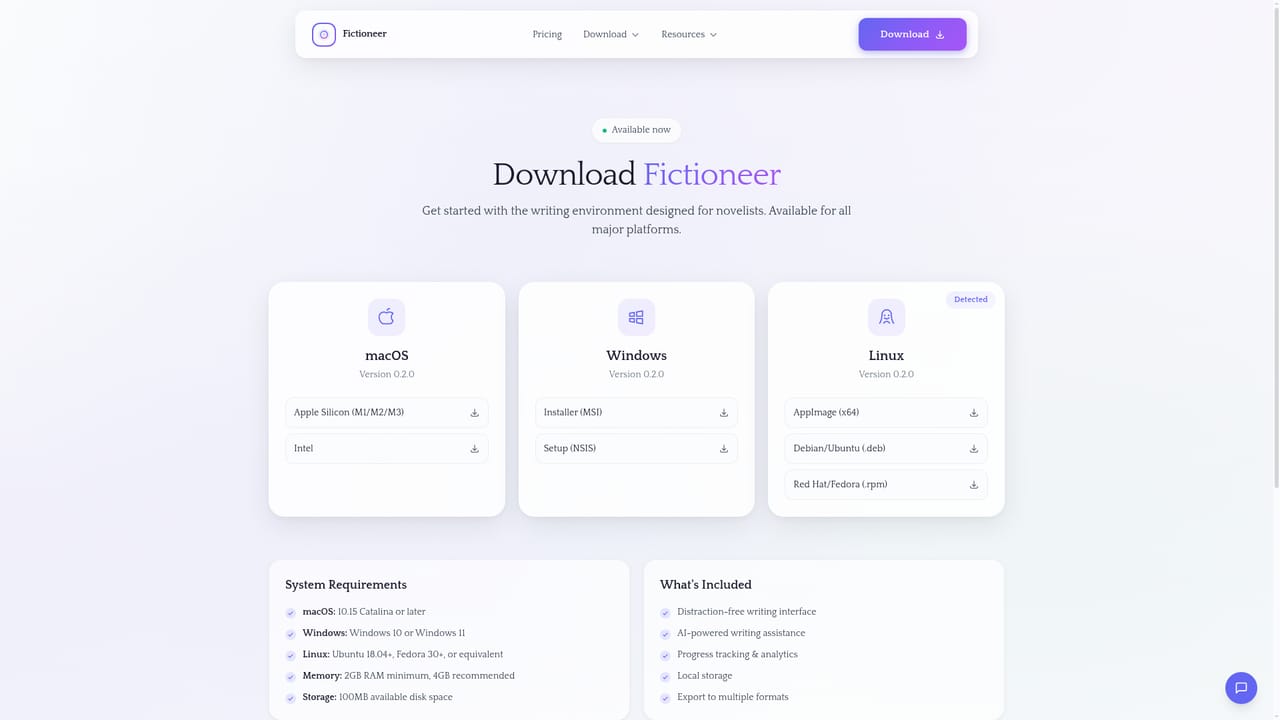
Fictioneer's Character Name Generator is a browser-based utility that produces cast lists tuned to the kind of story you are writing. Rather than throwing random syllables at the page, it asks for a genre first: fantasy, sci-fi, romance, mystery or historical. From there you layer on an origin style (Western, Japanese, Celtic, Latin, Arabic or a blended mix), a gender expression, and a name style such as regal, mysterious, edgy, playful or classic. You can request six, nine or twelve names in a single batch. The part that matters for drafting is the annotation. Each generated name arrives with its meaning and origin information attached, so a name can be chosen because it fits a character's background rather than because it sounds pleasant. An optional traits field lets you nudge the output toward a personality or role before generating. This makes the tool useful for novelists building a supporting cast, tabletop game masters who need a tavern full of NPCs, and screenwriters who want a quick shortlist before committing to a protagonist's name. The tool is a companion to Fictioneer, the studio's writing application, and the page points writers toward drafting scenes there once names are settled. Used on its own it is a lightweight generator with no account requirement visible on the page; used alongside the main app it slots into a longer workflow of character development and world building. The honest comparison is with general purpose chatbots, which can invent names but rarely structure the request around genre, cultural origin and phonetic style in one pass, and with static baby-name databases, which carry real etymologies but no genre awareness. Fictioneer sits between the two: constrained enough to keep output coherent, flexible enough that a mystery and a fantasy cast do not read the same.
A contact page is provided for questions about the generator or the wider Fictioneer suite.
Learn moreFilters for genre (fantasy, sci-fi, romance, mystery, historical), origin style (Western, Japanese, Celtic, Latin, Arabic, blend), gender expression, and name style (regal, mysterious, edgy, playful, classic). Batch sizes of six, nine or twelve names, an optional character traits field, and meaning plus origin notes on every generated name.
Learn more AI Angels400+ customizable AI girlfriends for NSFW chat, voice calls, and roleplay
 Candy AIExperience the future of companionship with AI friends who chat, role-play, and connect with you on a human level.
 ourdream.aiA vast AI roleplay platform with millions of characters for chat, images, video and voiceAI Angels400+ customizable AI girlfriends for NSFW chat, voice calls, and roleplayCandy AIExperience the future of companionship with AI friends who chat, role-play, and connect with you on a human level.ourdream.aiA vast AI roleplay platform with millions of characters for chat, images, video and voice