Free trial
A limited free tier exists: three generations per day without signing in, with a sign in prompt for additional usage. No time limited trial or card requirement is mentioned.
Learn moreDescribe a diagram in plain text and get a presentation-ready visual in seconds.

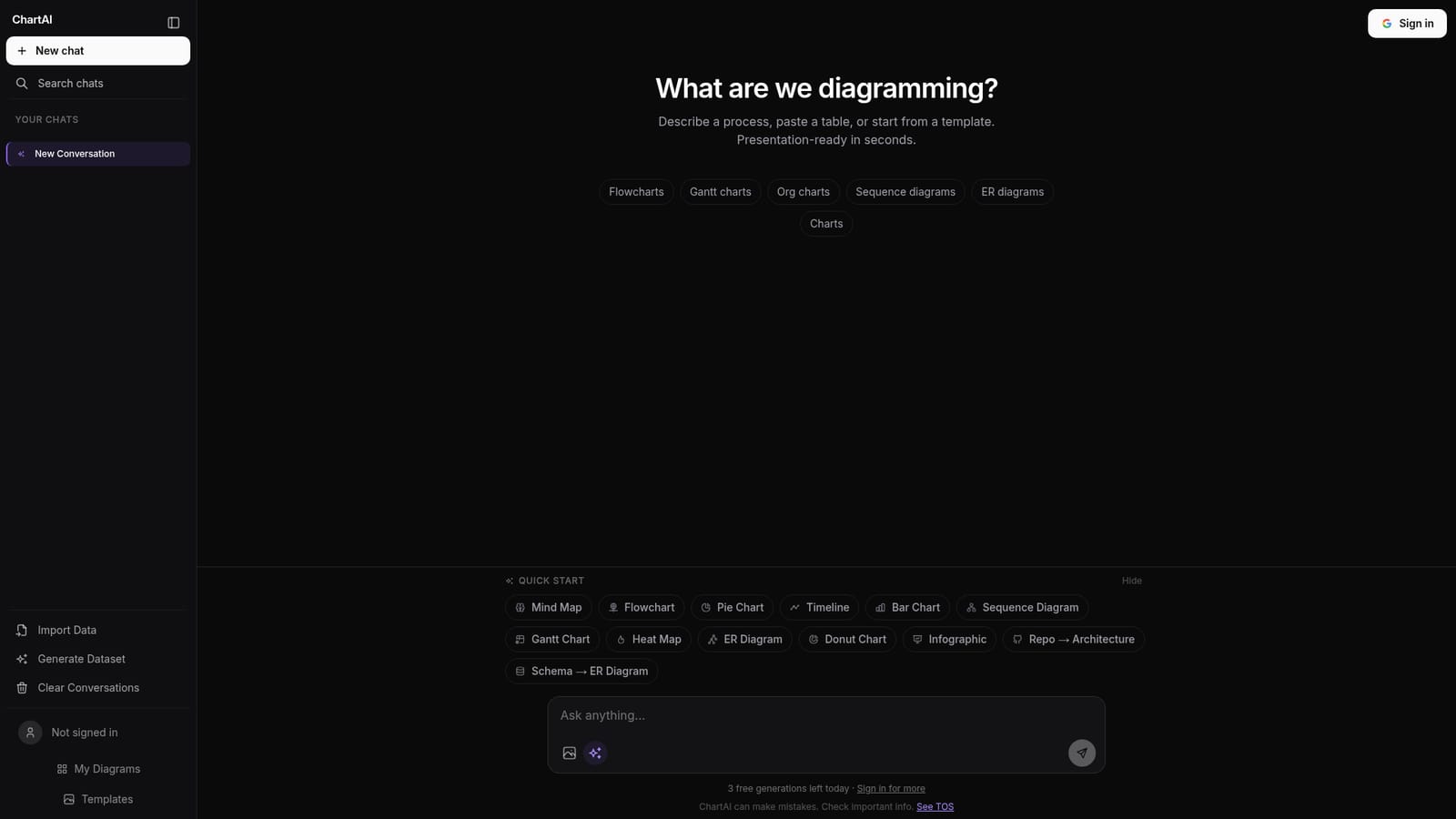
ChartAI generates mind maps, flowcharts, Gantt charts, ER diagrams and other visuals from a text description, a pasted table or a template, all inside a chat style workspace with saved conversations and a diagram library.
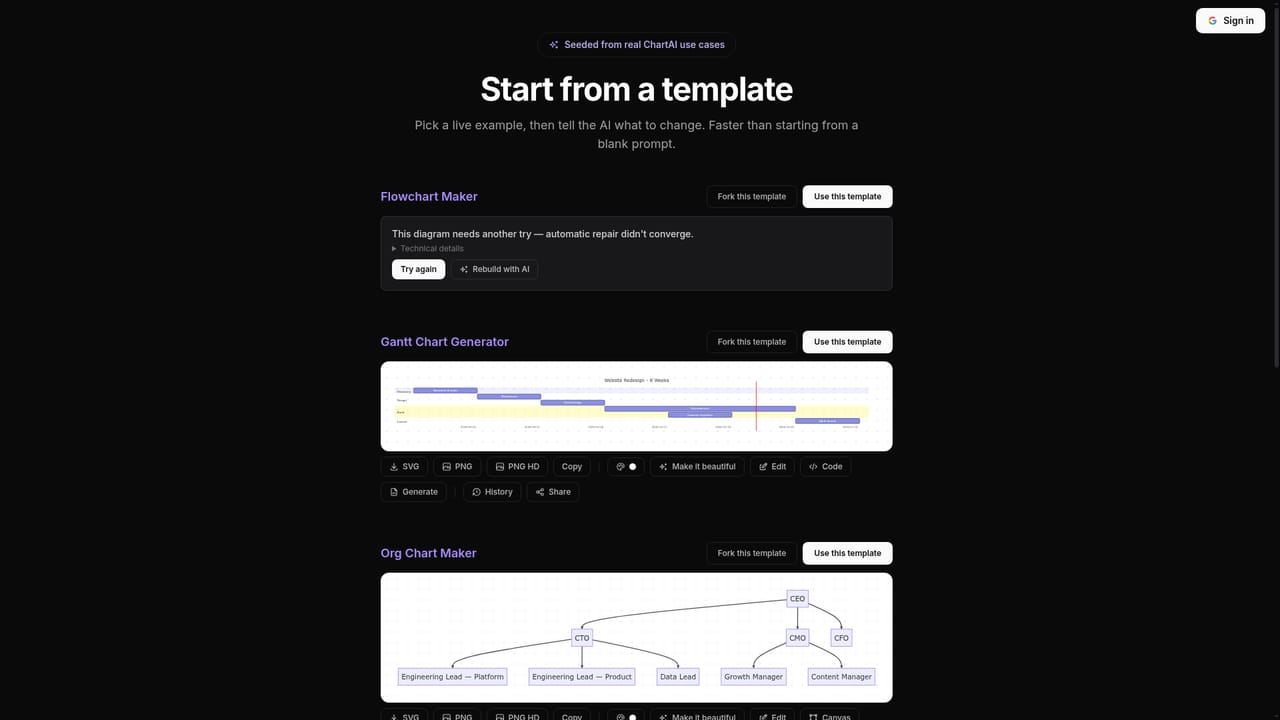
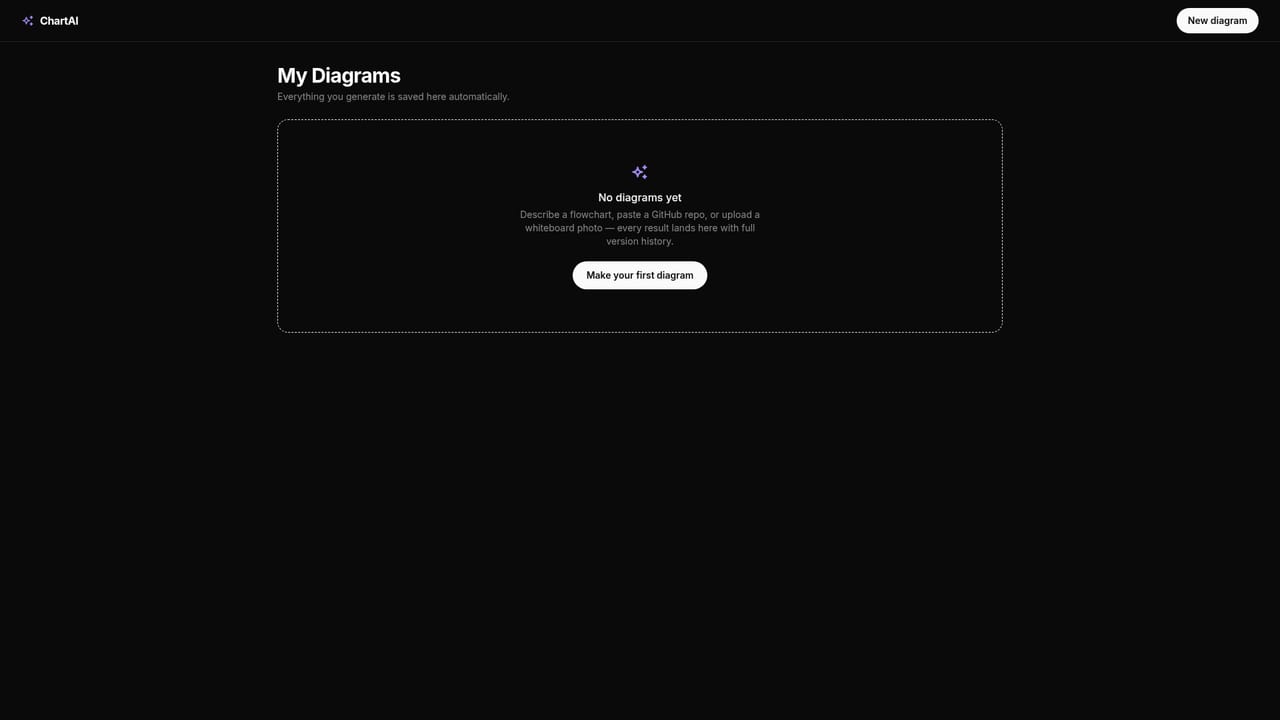
ChartAI is a browser based diagramming tool that turns a written description or a pasted table into a finished visual. The interface is built around a single prompt box: state the process you want mapped, drop in a table, or pick a starting point from the template library, and the tool assembles the diagram for you. It positions itself as a conversational alternative to manual drag and drop canvas editors, where the work of placing boxes and routing arrows is done by the model instead of the user. The output types go well beyond a single format. Mind maps sit alongside flowcharts, Gantt charts, org charts, sequence diagrams, ER diagrams, timelines, pie and bar charts, heat maps, donut charts and infographics. There are also shortcut prompts for narrower jobs, such as turning a repository into an architecture view or a database schema into an ER diagram. That spread makes the product useful for planning sessions, documentation, and quick exploratory work where the goal is to see the shape of an idea rather than to polish a final asset. In practice the workflow is conversational. Each session opens as a chat, and prior conversations are kept in a sidebar so a diagram can be revisited and refined later. Users can import data or generate a synthetic dataset before charting, which helps when someone wants to test a layout before the real numbers arrive. Diagrams are saved to a personal library and templates are available for common structures. Descriptions of the process, the table paste, and the template picker are the three main entry points, so a beginner can start with no diagramming vocabulary at all. ChartAI fits between general purpose chat assistants and dedicated visual tools. It is more structured than asking a chatbot for a Mermaid snippet, and lighter than a full diagramming suite for teams that need polished, linked canvases. The homepage is candid about limits: three free generations per day before signing in, and a warning to verify important information, which is the right expectation for any model generated diagram.
A limited free tier exists: three generations per day without signing in, with a sign in prompt for additional usage. No time limited trial or card requirement is mentioned.
Learn moreThe homepage shows a free allowance of three generations per day, with a prompt to sign in for more. No subscription tiers, prices or paid plan limits are stated in the source content.
Learn moreNo dedicated help centre or support channel is listed on the homepage. Only a link to the terms of service appears alongside the accuracy disclaimer.
Mind maps, flowcharts, Gantt charts, org charts, sequence diagrams, ER diagrams, timelines, pie, bar and donut charts, heat maps and infographics generated from text prompts, pasted tables or templates. Includes chat history, a saved diagram library, data import, dataset generation and quick start shortcuts such as repo to architecture and schema to ER diagram.
Learn more AI Angels400+ customizable AI girlfriends for NSFW chat, voice calls, and roleplay
 Candy AIExperience the future of companionship with AI friends who chat, role-play, and connect with you on a human level.
 ourdream.aiA vast AI roleplay platform with millions of characters for chat, images, video and voiceAI Angels400+ customizable AI girlfriends for NSFW chat, voice calls, and roleplayCandy AIExperience the future of companionship with AI friends who chat, role-play, and connect with you on a human level.ourdream.aiA vast AI roleplay platform with millions of characters for chat, images, video and voice