Free trial
The homepage invites users to start for free and says templates can be picked up for free, but no trial length or free plan limits are stated.
Learn moreDescribe the app you need and Jestor builds it in minutes.

Jestor is an AI gantt chart maker tool. Jestor lets teams type a description of an internal tool and have the AI build it, on top of tables, forms, dashboards and automations. Ready-made templates cover approvals, expense reimbursements, CRM, inventory and project tracking, aimed at operations and finance teams replacing spreadsheets and niche software.
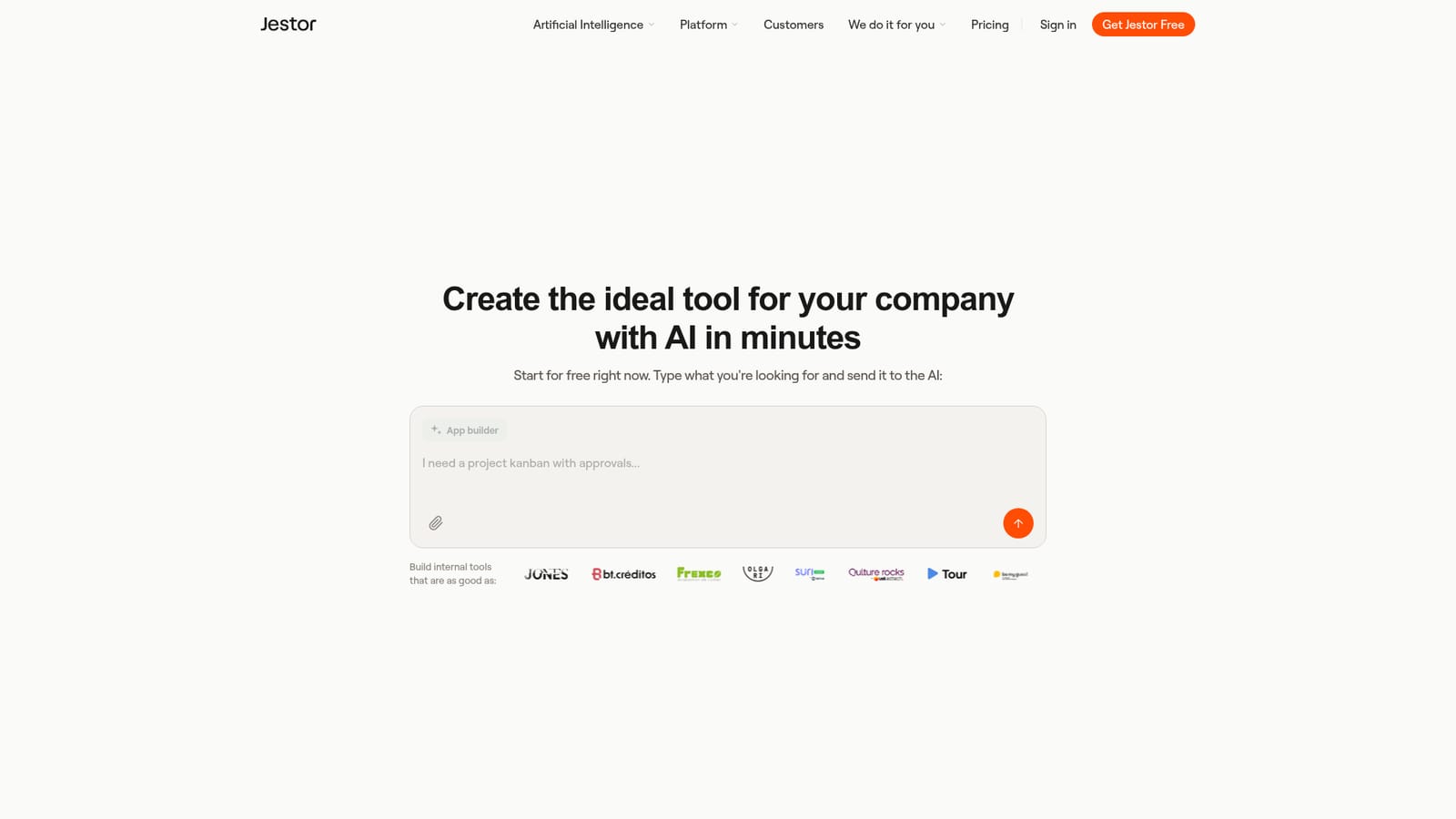
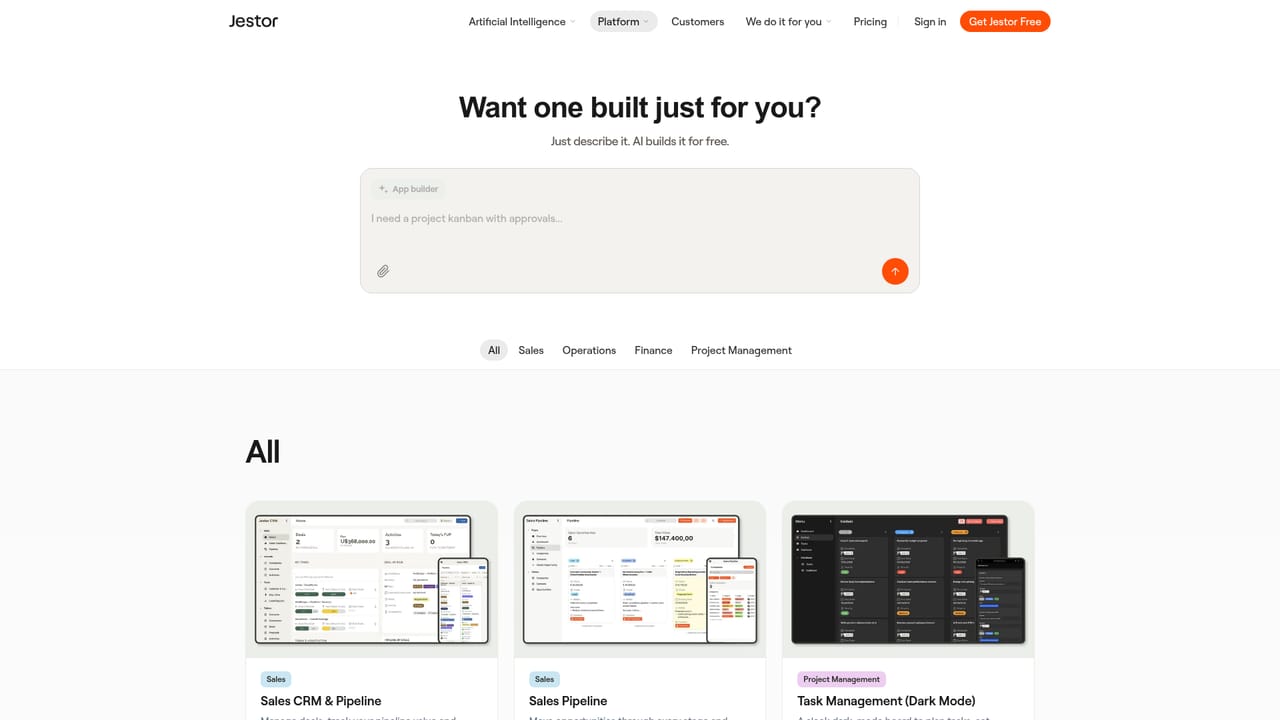
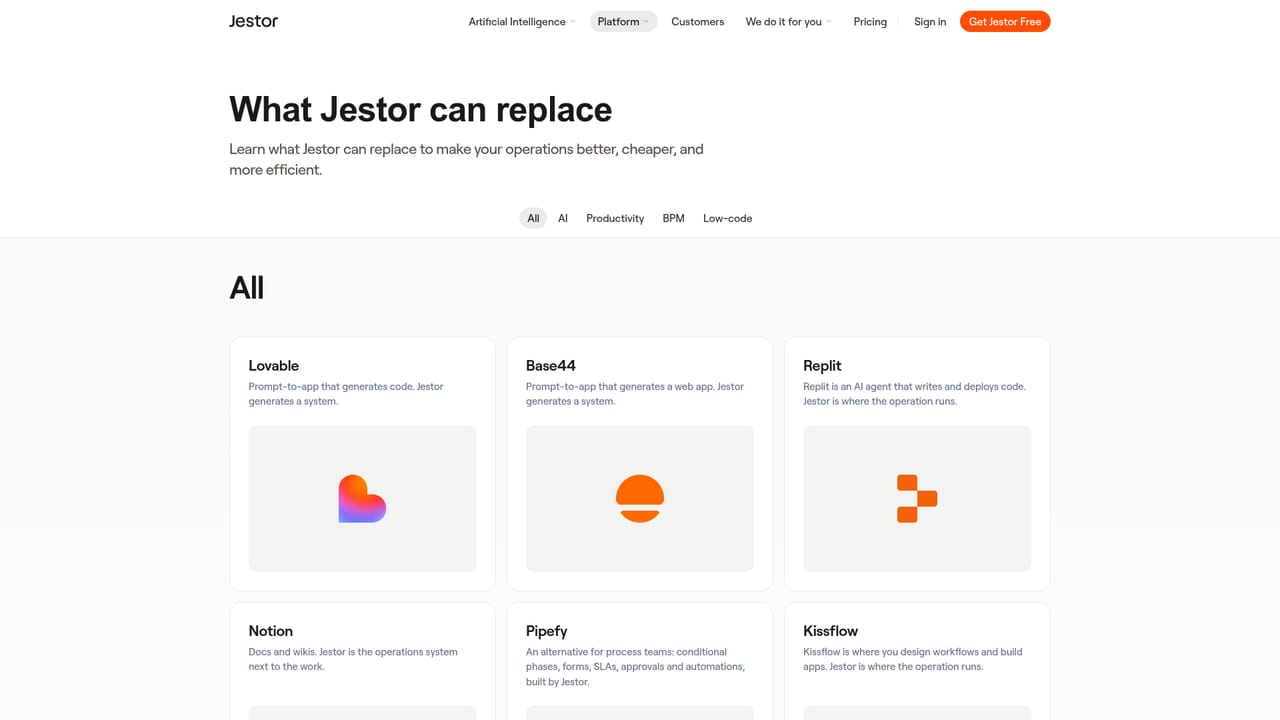
Jestor is a platform for running and automating company operations, positioned as a replacement for a stack of internal tools and the engineering time normally needed to build them. The homepage leads with an app builder: a user types what they are looking for, sends it to the AI, and gets an internal tool back. Under that sits a familiar no-code foundation of tables, forms, dashboards and automations, so the generated app can be extended by hand afterwards rather than treated as a fixed black box. The product is aimed at operations, finance, sales and project teams inside growing companies, the kind of buyer who is currently paying for several niche SaaS tools or maintaining a tangle of spreadsheets. Jestor leans hard on templates to make that concrete. The library includes vendor onboarding, purchase approvals, expense reimbursements, a sales CRM and pipeline, task and subtask management, mobile inventory and construction project tracking. Each template is described as a working system rather than a demo, and the pitch is that a team can pick one up for free and customise it instead of starting from a blank canvas. In practice, a workflow such as expense reimbursement shows the pattern: receipts are captured and read via OCR, then routed into a single finance queue instead of an inbox or a shoebox. Purchase approvals combine requests, budget checks and sign-off in one flow. That mix of structured data, forms, dashboards and approval routing is what separates the tool from a pure AI app generator, which tends to produce something that looks right but has no operational backbone. Where it fits: it competes with no-code database and automation suites and with the AI app builders now appearing around them. Credibility markers matter here, and Jestor lists SOC 2, an external pentest, Google CASA and LGPD compliance, plus more than 200,000 people using systems built on the platform across 30 or more countries. The company states it is profitable and has been building the platform for over seven years, framing itself against weekend AI wrappers. Pricing tiers are not published on the homepage, so budget checks need a direct conversation.
The homepage invites users to start for free and says templates can be picked up for free, but no trial length or free plan limits are stated.
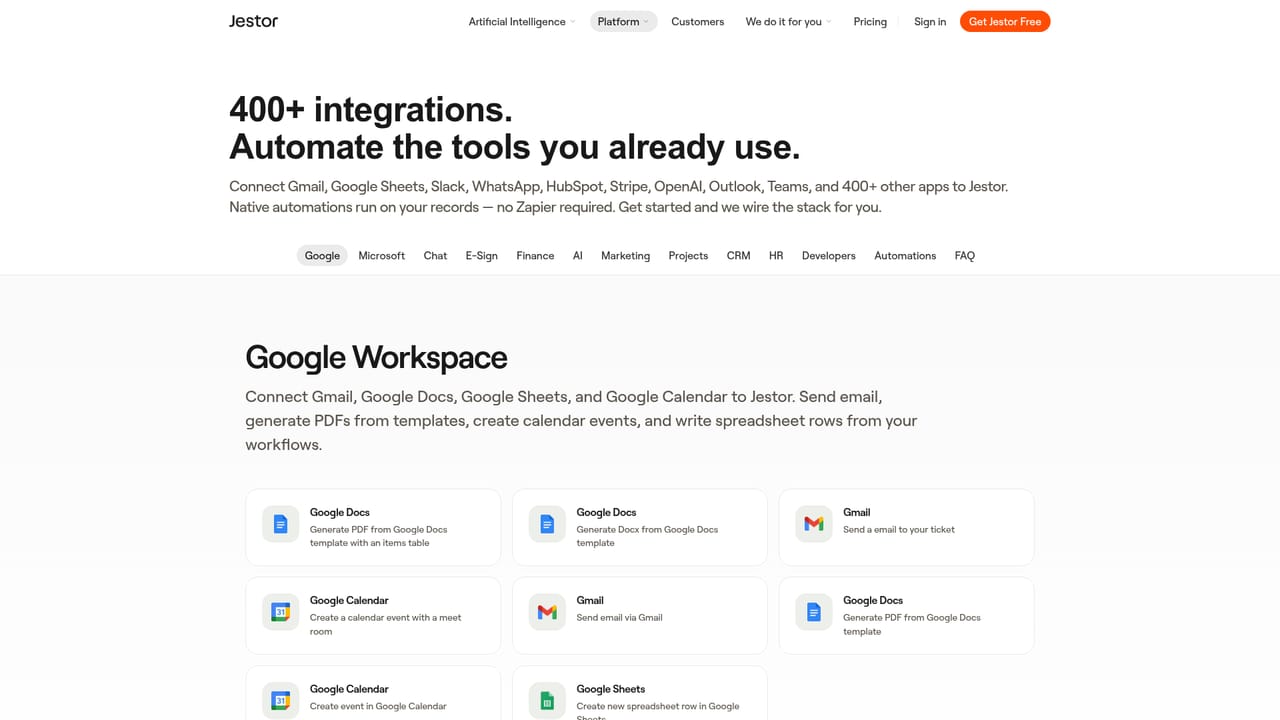
Learn moreAn integrations page exists on the site, but the homepage does not name specific third-party services or describe the depth of each connection.
Learn moreAI app builder that generates internal tools from a text prompt, plus tables, forms, dashboards and process automations. Template library covers vendor onboarding, purchase approvals, expense reimbursements with OCR, sales CRM and pipeline, task management with Kanban, mobile inventory and construction project tracking. Security credentials listed: SOC 2, external pentest, Google CASA and LGPD.
Learn more AI Angels400+ customizable AI girlfriends for NSFW chat, voice calls, and roleplay
 Candy AIExperience the future of companionship with AI friends who chat, role-play, and connect with you on a human level.
 ourdream.aiA vast AI roleplay platform with millions of characters for chat, images, video and voiceAI Angels400+ customizable AI girlfriends for NSFW chat, voice calls, and roleplayCandy AIExperience the future of companionship with AI friends who chat, role-play, and connect with you on a human level.ourdream.aiA vast AI roleplay platform with millions of characters for chat, images, video and voice