Free trial
Free to try online with no signup and no credit card, as stated on the homepage. No trial length or usage limit is published there.
Learn moreAI flowchart maker that builds editable diagrams from text or images
Own ChatFlowchart? Verify ownership to get a dofollow link

ChatFlowchart is an AI gantt chart maker tool. AI diagram generator that turns text prompts or uploaded images and PDFs into editable flowcharts, UML, ERD and other diagrams. Edits happen through chat, and results export to PNG, SVG, PDF, Draw.io, Mermaid or Excalidraw.
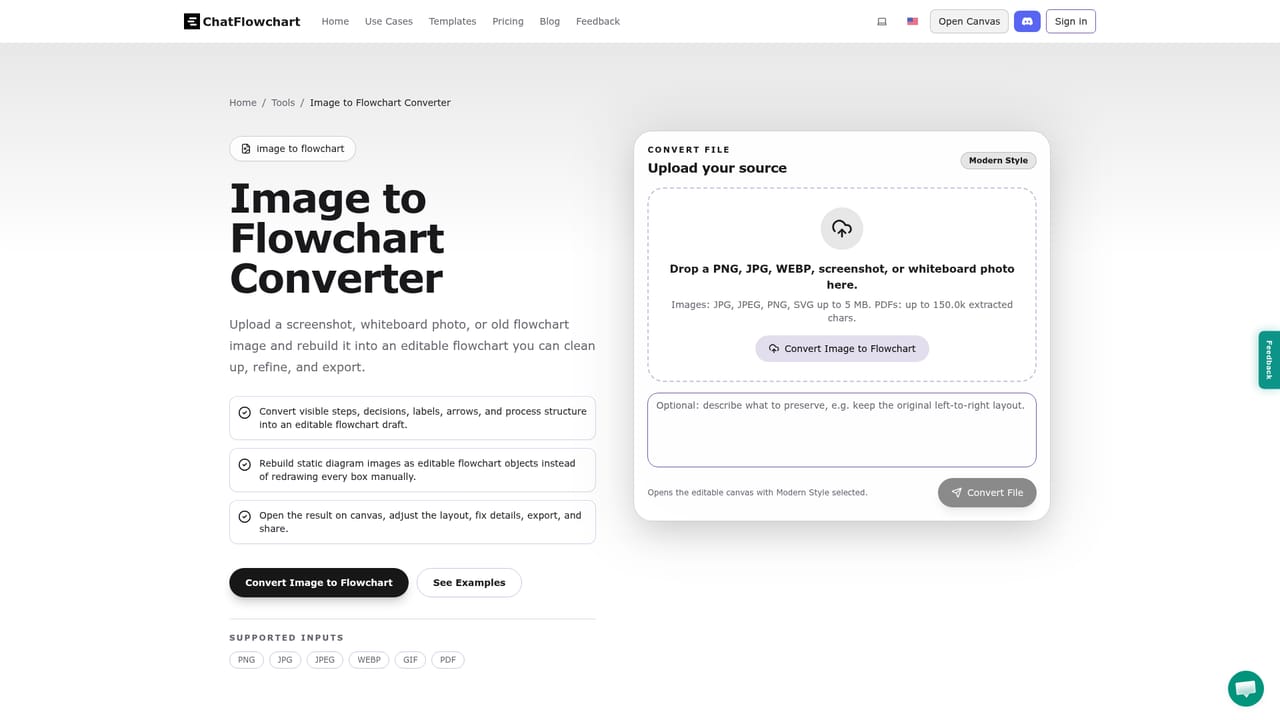
ChatFlowchart is a browser based diagram tool that generates flowcharts and other structured visuals from plain English or from an uploaded image. Instead of starting on an empty canvas, a user types a process description, and the AI lays out steps, decisions, branches and roles as an editable diagram. The same engine runs in reverse: screenshots, PDF pages, whiteboard photos and old flow chart exports can be uploaded and rebuilt as editable objects, with shapes, arrows and labels detected and reconstructed. The diagram coverage goes well beyond a single flowchart style. The homepage lists flowcharts, UML sequence and class diagrams, entity relationship diagrams, mind maps, C4, BPMN, org charts, Hasse diagrams, probability trees, Venn diagrams, quadrant charts, DFA diagrams, circuit diagrams and Gantt charts. Templates exist for the common starting points, including a basic flowchart, a default sequence diagram, a standard class diagram, a workflow state machine, a normalized ER diagram and a project Gantt chart. That spread makes it relevant to software teams, analysts, students and teachers, and operations staff documenting processes. In practice the workflow is conversational. After generation, users ask the AI in chat to rename nodes, insert steps, remove legacy elements, rewire connections or restyle the layout, and changes apply instantly while remaining editable by hand. Output can leave the tool as PNG, SVG or PDF, as a Draw.io compatible file, as Mermaid code for documentation, or as an Excalidraw file, and shareable links cover collaboration. A flowchart animation video export is also offered for presenting process logic. Creators of static image diagrams and self-hosted privacy needs are addressed directly through converters and an optional self-host path. The tool sits between classic diagram editors such as Draw.io and Excalidraw, which demand manual layout, and pure text-to-image generators that return flat pictures nobody can edit. Its emphasis on recovering existing diagrams from images and PDFs is the clearest differentiator, and its Mermaid and Draw.io exports make it a practical draft generator for teams already standardised on those formats rather than a replacement for them.

Free to try online with no signup and no credit card, as stated on the homepage. No trial length or usage limit is published there.
Learn moreNo third party integrations are described. Interoperability is handled through exports to Draw.io, Mermaid and Excalidraw files.
Text to diagram generation for flowcharts, tree diagrams, probability trees, ERDs and more. Image, PDF, screenshot and whiteboard conversion into editable diagram objects. Chat based editing for renaming, adding, deleting and rewiring. Auto layout and styling. Templates for flowchart, sequence, class, state, ER and Gantt diagrams. Exports to PNG, SVG, PDF, Draw.io, Mermaid and Excalidraw, plus shareable links and flowchart animation video.
Learn more AI Angels400+ customizable AI girlfriends for NSFW chat, voice calls, and roleplay
 Candy AIExperience the future of companionship with AI friends who chat, role-play, and connect with you on a human level.
 ourdream.aiA vast AI roleplay platform with millions of characters for chat, images, video and voiceAI Angels400+ customizable AI girlfriends for NSFW chat, voice calls, and roleplayCandy AIExperience the future of companionship with AI friends who chat, role-play, and connect with you on a human level.ourdream.aiA vast AI roleplay platform with millions of characters for chat, images, video and voice