Free trial
A free tier is offered: you can start chatting and sample the available models at no cost before deciding whether to move to a paid plan.
Learn moreOne chat window for ChatGPT, Grok and Gemini, switchable mid-conversation.

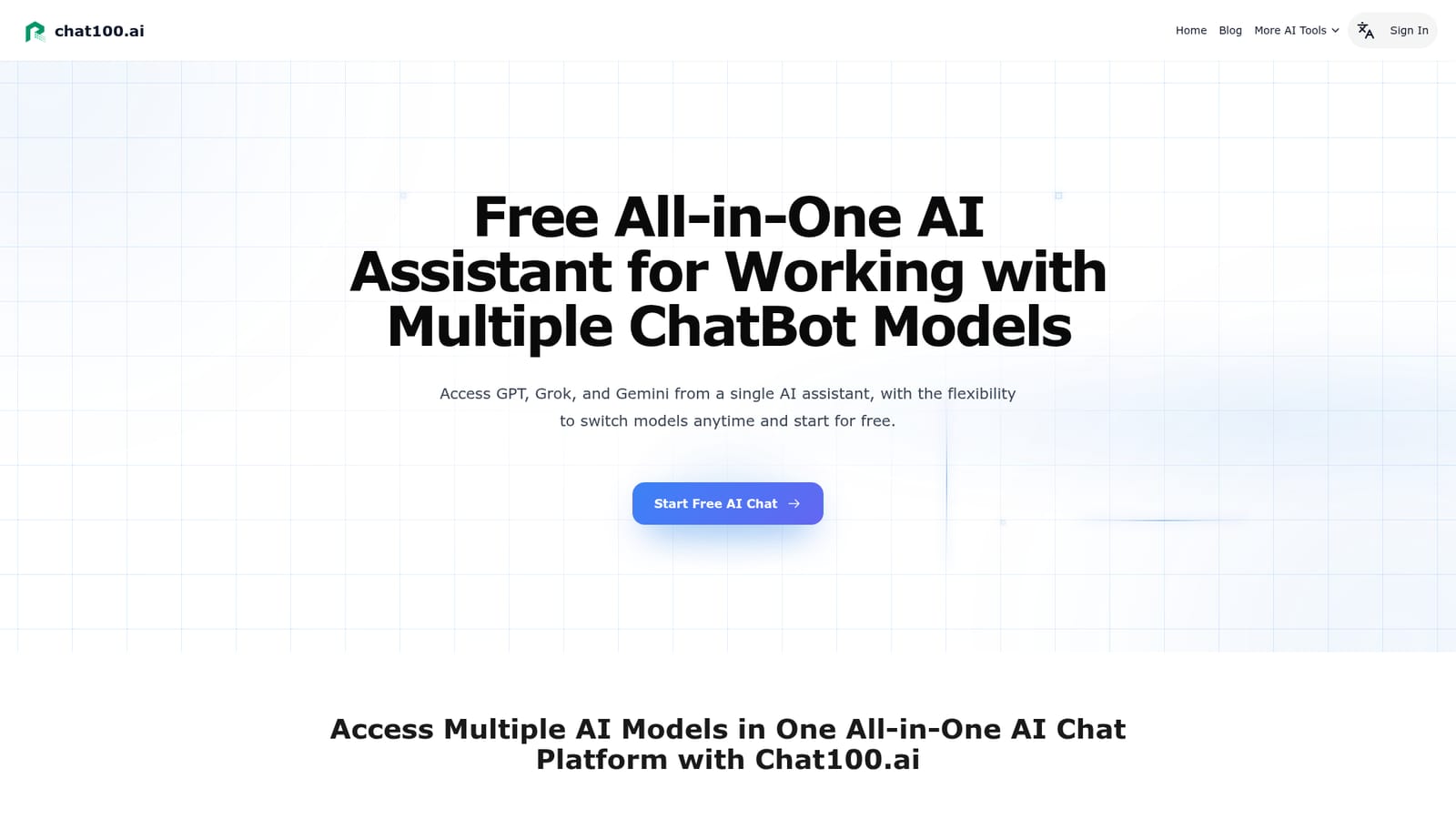
Chat100.ai is an AI chat bot tool. A multi-model chat workspace that puts ChatGPT, Grok and Gemini under one account. Switch engines mid-conversation, compare answers to the same prompt, and keep writing, coding and research in a single interface.
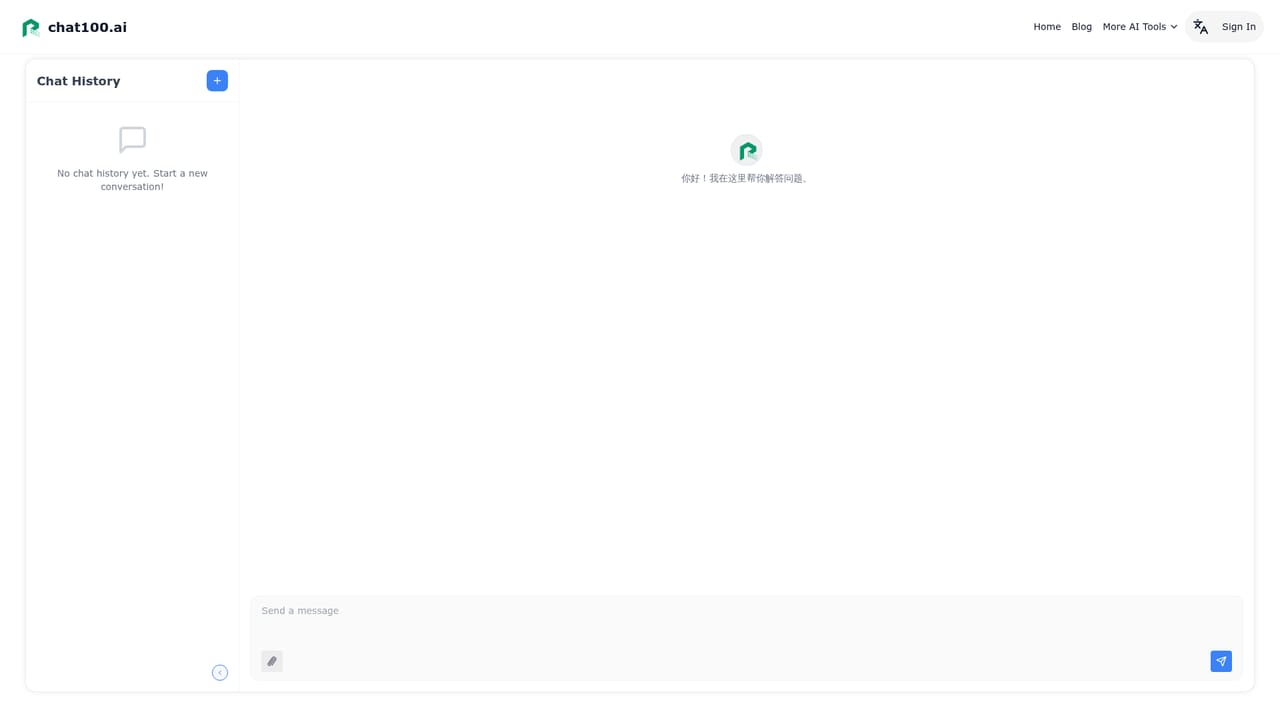
Chat100.ai is a browser based chat assistant that places several major language models behind a single account and a single conversation window. Instead of subscribing to OpenAI, xAI and Google separately, you pick a model from a menu inside the chat and keep working. The lineup spans the OpenAI family (GPT-4o, GPT-5.1, GPT-5.2), xAI's Grok releases (Grok-3, Grok-4, Grok-4.1) and Google's Gemini 3 Pro and Gemini 3 Flash. A model can be swapped without leaving the chat or restarting the workflow, which is the core reason the product exists. The practical value shows up in how people route work. Long drafting and structured problem solving tend to land on GPT-5.2, while GPT-5.1 handles the constant small tasks: rewriting a sentence, tightening an email, tidying notes. Grok-4.1 gets used early in creative work, when ideas are loose and polish is not yet wanted. Gemini 3 Pro suits structural thinking such as mapping user flows, and Gemini 3 Flash covers fast visual exploration and prompt writing. Because the same prompt can be sent to different engines, comparing how ChatGPT, Grok and Gemini answer becomes a way to pressure test an output rather than trusting one voice. It is aimed at writers, designers, developers, founders and marketers who already use AI daily and find subscription juggling and tab switching a tax on focus. The interface is deliberately plain, centered on the chat itself rather than add-on panels, and the site describes the product as a model aggregator that can absorb new releases as they appear. The honest positioning: Chat100.ai competes with going direct to each vendor and with other multi-model front ends. It wins on convenience and comparison, not on proprietary technology, and the free tier is described as a way to sample the models before committing to a paid plan.
A free tier is offered: you can start chatting and sample the available models at no cost before deciding whether to move to a paid plan.
Learn moreThe site advertises free access to the all-in-one chatbot so users can try multiple models before choosing a paid plan, but no plan names, prices or usage limits are stated on the homepage.
Learn moreMulti-model chat covering GPT-4o, GPT-5.1, GPT-5.2, Grok-3, Grok-4, Grok-4.1, Gemini 3 Pro and Gemini 3 Flash, with instant switching inside one conversation, side by side comparison of answers to the same prompt, a single account for all vendors, and a minimal chat interface built for writing, research, coding and learning.
 AI Angels400+ customizable AI girlfriends for NSFW chat, voice calls, and roleplay
 Candy AIExperience the future of companionship with AI friends who chat, role-play, and connect with you on a human level.
 ourdream.aiA vast AI roleplay platform with millions of characters for chat, images, video and voiceAI Angels400+ customizable AI girlfriends for NSFW chat, voice calls, and roleplayCandy AIExperience the future of companionship with AI friends who chat, role-play, and connect with you on a human level.ourdream.aiA vast AI roleplay platform with millions of characters for chat, images, video and voice


