Free trial
A free plan is available with no credit card required, described as free forever, covering basic automation with link tracking and basic analytics.
Learn moreComment-to-DM automation and multi-platform posting in one dashboard

Chat33 is a marketing tool. Chat33 runs comment-to-DM automation for Instagram and Facebook on Meta's official API and adds a single posting calendar for seven platforms. It includes a visual flow builder, contact CRM, analytics and AI agent access, with a free plan.
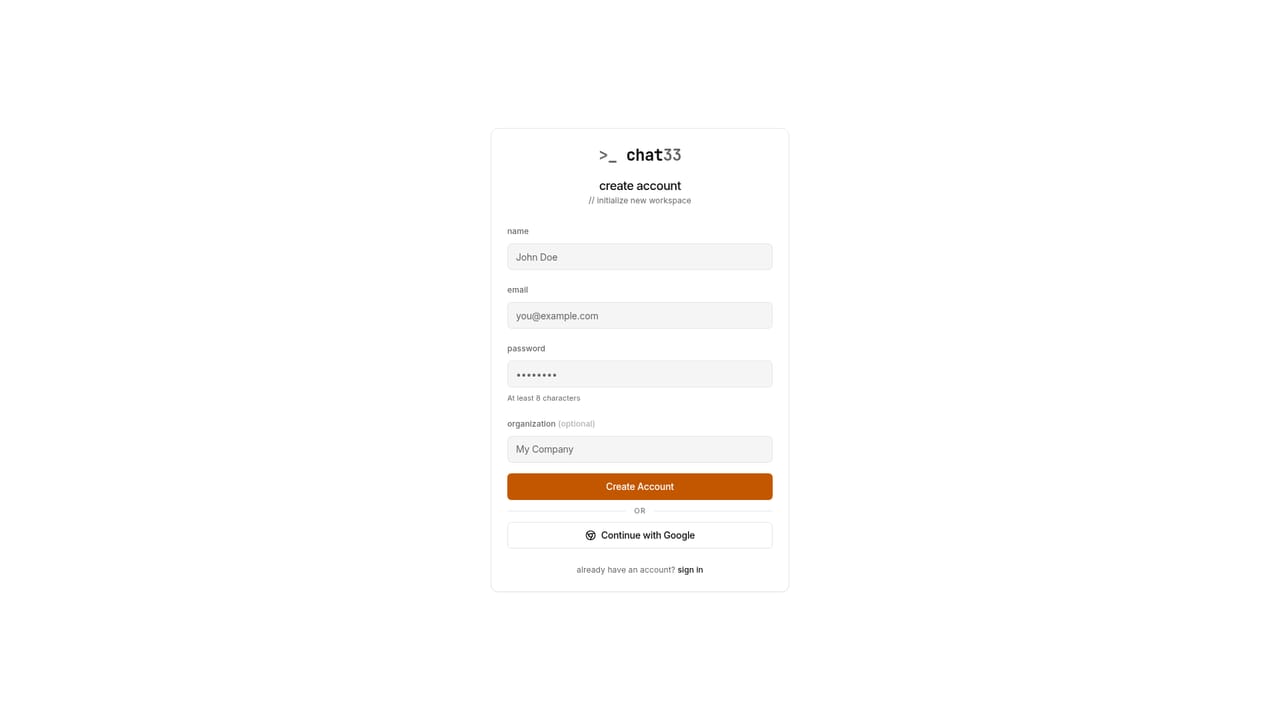
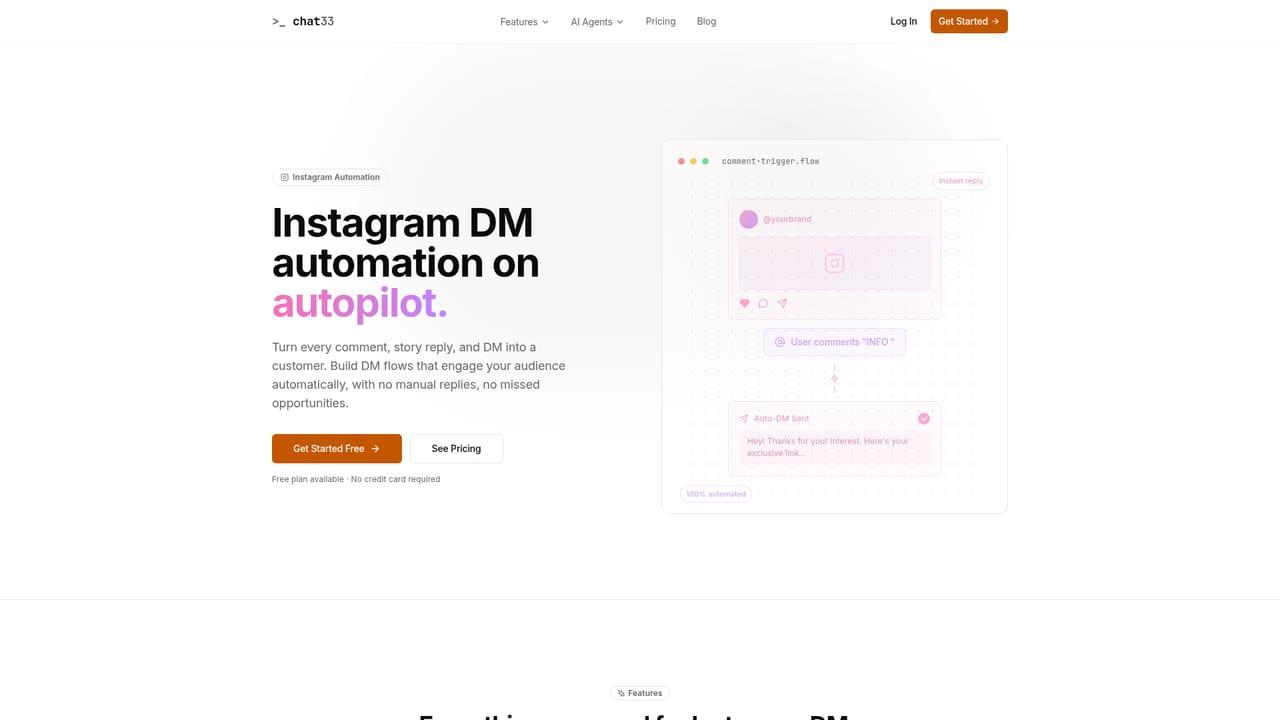
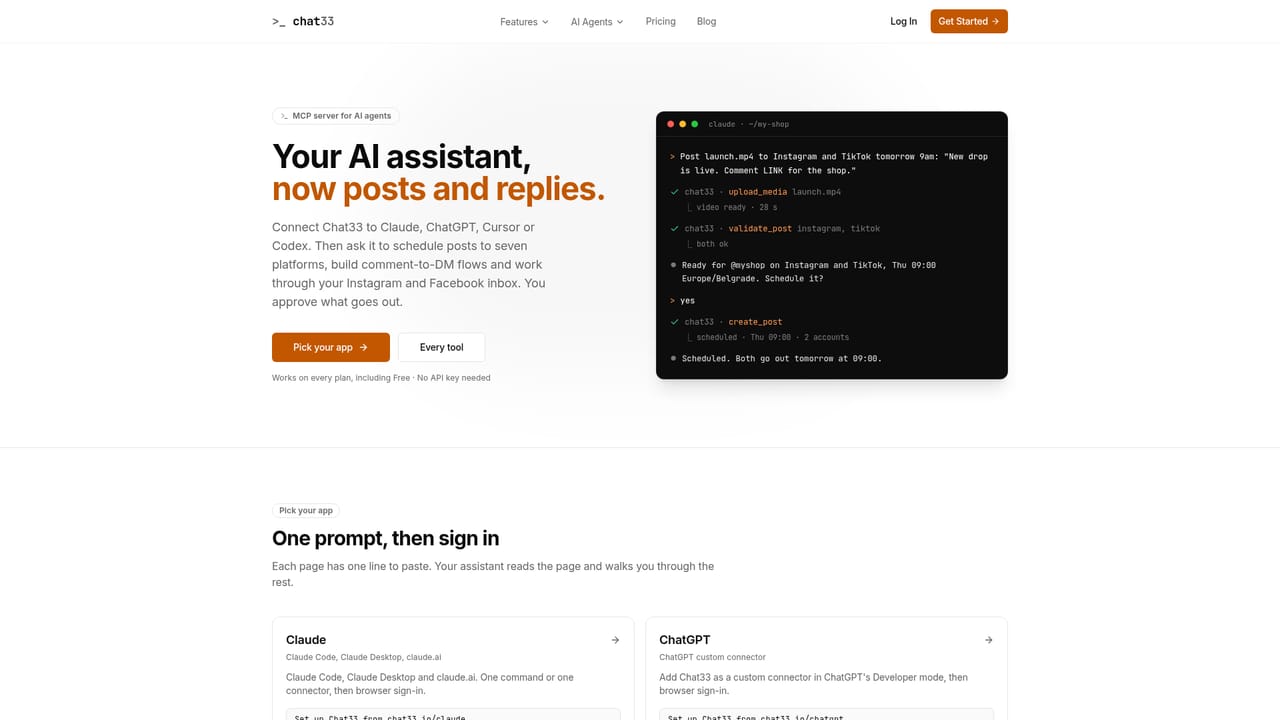
Chat33 automates direct message replies for Instagram and Facebook, built around the comment-to-DM pattern. A creator or brand picks a post (or any post or reel), sets trigger keywords such as GUIDE or PRICE, and the tool answers each matching commenter with a public reply and a private DM containing a link. The public reply can be drawn at random from up to 15 variants and tags the commenter, and the DM button routes through tracked links so every click is counted. The messaging runs on Meta's official API rather than a workaround. Beyond DMs, the product doubles as a publishing calendar. One dashboard schedules posts for Instagram, Facebook, TikTok, YouTube, X, LinkedIn and Bluesky, while WhatsApp Business API messaging is listed as coming soon. Automations are assembled in a drag-and-drop flow builder with triggers, conditions and actions, supported by welcome flows, timed follow-ups, keyword detection and a template library of prebuilt flows. A built-in contact manager adds tags, segments and a light CRM, and an analytics view reports opens, clicks, replies and conversions per flow. A separate agent integration lets Claude, ChatGPT, Cursor and Codex operate the account through connected tools. An agent can publish or schedule posts, read Instagram and Messenger conversations and reply once the text is approved, answer comments publicly or by DM, pull analytics, and draft a keyword flow that the user switches on manually. Sign-in uses a Chat33 account instead of an API key. The audience is mainly creators, small businesses and social teams who sell or distribute lead magnets through Instagram comments. Pricing starts with a free tier limited by contacts, flows and channels, and paid tiers raise those limits and add revenue tracking, A/B testing and team seats. Compared with dedicated DM automation tools and standalone schedulers, Chat33 combines both jobs in one product, though its depth in each area is less proven than that of specialists.
A free plan is available with no credit card required, described as free forever, covering basic automation with link tracking and basic analytics.
Learn moreFree plan at $0 per month with 100 active contacts, 3 flows and 1 channel. Pro is $49 per month with 5,000 contacts, unlimited flows, 20 channels, A/B testing and revenue tracking. Business is $79 per month with 25,000 contacts, unlimited channels and 10 team members.
Learn morePro includes priority support, and a contact page and Talk to Sales option are offered. No documentation or help centre is described on the homepage.
Learn moreWorks with Instagram, Facebook, TikTok, YouTube, X, LinkedIn and Bluesky, with WhatsApp coming soon. Agents in Claude, ChatGPT, Cursor and Codex connect through an MCP server. Business adds custom integrations and a webhook events API.
Learn moreDrag-and-drop flow builder, comment triggers, keyword detection, welcome flows, timed follow-ups, random public reply variants, contact tags and segments with built-in CRM, link tracking, analytics, template library, multi-platform post scheduling and agent tools.


