Wingflow

Cloud LinkedIn outreach with sequences, one inbox and stop-on-reply

Beginner
Screenshot of Wingflow, Cloud LinkedIn outreach with sequences, one inbox and stop-on-reply

What is Wingflow?

Wingflow automates LinkedIn outreach from the cloud: it imports prospects, runs personalized multi-step sequences at a human pace, stops when someone replies and gathers all replies in one inbox across several accounts.

Wingflow is a cloud-based LinkedIn outreach automation tool aimed at founders, sales teams and agencies. It handles the repetitive parts of prospecting: building a list, sending connection requests, delivering follow-ups and collecting replies. Because everything runs on the vendor's servers, nothing needs to be installed and no laptop has to stay open while a campaign runs. In practice, a campaign starts with an import. Prospects can come from LinkedIn Search, Sales Navigator, Recruiter, or from the people who liked or commented on a specific post, with role, company and location already filled in. They can be filtered, selected in bulk and dropped into a campaign. The sequence builder then chains steps such as profile visits, likes, comments, connection requests, messages, InMail and tags in any order, with waits ranging from minutes to weeks. Personalization tokens like first name, company, title and location support fallbacks, and a preview shows what each recipient will read. Follow-ups wait for an actual acceptance instead of a blind timer, and the full schedule is visible before launch. Safety controls are a central part of the pitch. Each connected account gets its own dedicated proxy in its home country, daily limits, local working hours and sends spread across days at random times. A reply cancels every remaining step across all campaigns, a do-not-contact list blocks companies, domains or profiles, and the same person is never enrolled in two live campaigns. The vendor states plainly that these controls do not guarantee an account avoids restrictions. Replies from every connected account land in a single inbox with full contact history. Pricing is a single plan charged per connected LinkedIn account, so a solo user and a ten-seat agency use the same feature set. Compared with browser-extension automation tools, Wingflow trades local execution for cloud operation and proxies. It suits teams that want a managed, multi-account outreach workflow rather than a general CRM or an email-first sales platform.
How do you use Wingflow?

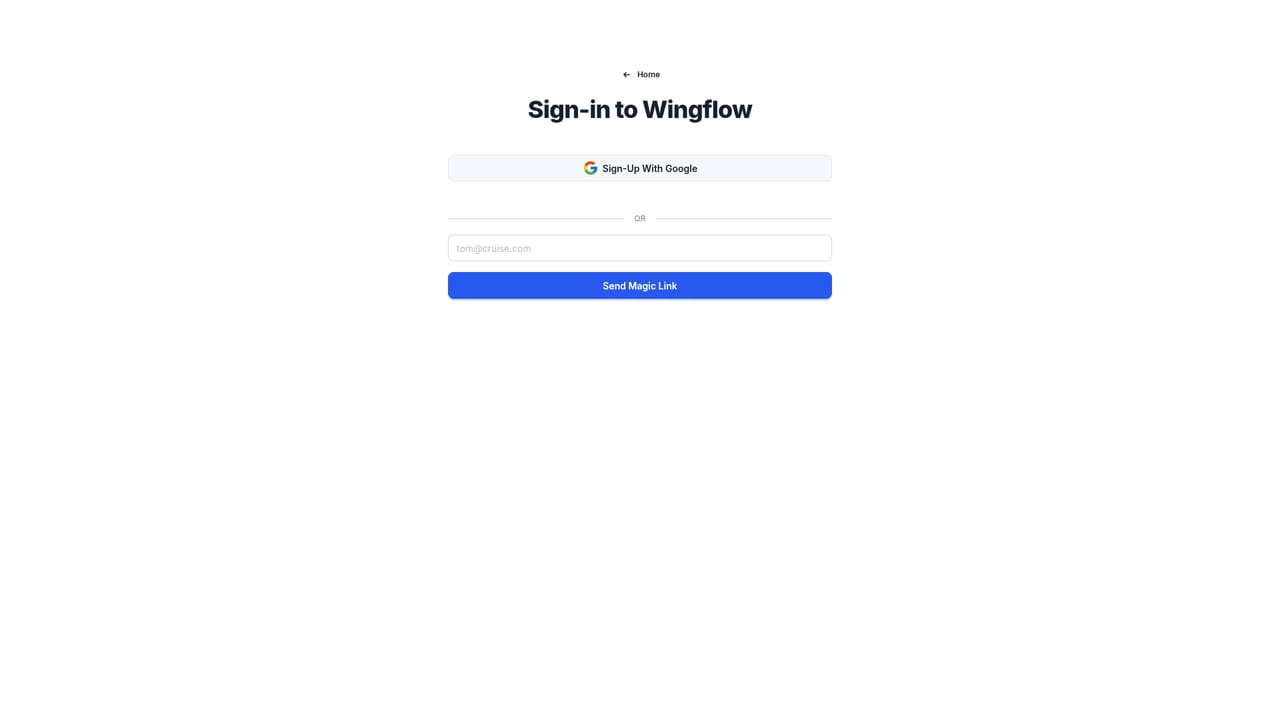
  1. 1Sign up and start the free trial
    Create an account from the sign-in page to begin the 7-day free trial, then connect a LinkedIn account. The vendor says it never sees the LinkedIn password.
    Wingflow — Sign up and start the free trial
  2. 2Import your prospects
    Bring in people from LinkedIn Search, Sales Navigator, Recruiter or a post's reactors and commenters. Filter by role, company or location and add the selection to a campaign.
  3. 3Build a sequence
    Chain steps such as visit, like, comment, connect and message, with waits between them. Add tokens like [FirstName] with fallbacks and check the live preview.
  4. 4Set limits and a blocklist
    Review the daily limit, working hours and timezone for each account, and add companies, domains or profiles to the do-not-contact list before launch.
  5. 5Launch and answer replies
    Check the planned schedule, launch the campaign and handle replies from the unified inbox. Any reply stops that person's remaining steps.

Pros and cons

Pros

  • Runs entirely in the cloud, so no browser extension is needed and no computer has to stay onAI
  • Follow-ups wait for real acceptance and every remaining step stops the moment a prospect repliesAI
  • One workspace and unified inbox cover multiple LinkedIn accounts, useful for agencies and teamsAI
  • Imports prospects from Search, Sales Navigator, Recruiter or anyone who engaged with a postAI
  • Single plan with every feature included, priced per connected accountAI

Cons

  • Focused only on LinkedIn, with no email or other channel outreach describedAI
  • Cost scales linearly per account, so agencies running many profiles pay a lotAI
  • The vendor admits its safety controls cannot guarantee an account avoids LinkedIn restrictionsAI
  • Daily invitation caps (30 regular, 80 Premium) limit how fast a single account can reach peopleAI
  • InMail steps and the higher invitation limit depend on LinkedIn Premium productsAI

How much does Wingflow cost?

Free trial

A 7-day free trial is offered and can be canceled anytime.

Learn more

Pricing

One plan at $49 per month per connected LinkedIn account, with every feature included and unlimited campaigns and sequences. Two accounts cost $98 per month and five cost $245. Accounts can be added or removed at any time.

Learn more

Support

The homepage has an FAQ and a security page explaining how accounts are kept safe. No support channels are described.

Learn more

Integrations

Works with LinkedIn Search, Sales Navigator and Recruiter for sourcing, and supports Premium InMail steps. No other third-party integrations are described.

Features

Prospect import from Search, Sales Navigator, Recruiter and post engagers; multi-step sequences with tokens and scheduling; stop on reply; blocklist; multiple accounts with dedicated proxies; unified inbox; cloud execution with daily limits and working hours.

Frequently asked questions about Wingflow

  • How much does Wingflow cost?
    One plan at $49 per month per connected LinkedIn account, with every feature included and unlimited campaigns and sequences. Two accounts cost $98 per month and five cost $245. Accounts can be added or removed at any time.
  • Does Wingflow offer a free trial?
    A 7-day free trial is offered and can be canceled anytime.
  • How do you use Wingflow?
    The walkthrough on this page covers 5 steps: 1. Sign up and start the free trial 2. Import your prospects 3. Build a sequence 4. Set limits and a blocklist 5. Launch and answer replies.
  • What platforms does Wingflow support?
    Wingflow is available on Web App.
  • What does Wingflow integrate with?
    Works with LinkedIn Search, Sales Navigator and Recruiter for sourcing, and supports Premium InMail steps. No other third-party integrations are described.
  • What are the limitations of Wingflow?
    Focused only on LinkedIn, with no email or other channel outreach described. Cost scales linearly per account, so agencies running many profiles pay a lot. The vendor admits its safety controls cannot guarantee an account avoids LinkedIn restrictions.

Status

StatusActive
Views0
Outbound clicks0
Added10/18/2026

Platforms

Web App

Pricing

SubscriptionFree Trial