
Free trial
A 7 day free trial of Starter is available. A card is required, and you pay nothing if you cancel before day seven.
Learn moreAI agent trained on your site answers customers and captures leads 24/7.
ChatbotGen is an AI chat bot tool. ChatbotGen trains an AI support agent on your website and files, then deploys it to your site, WhatsApp and Telegram. It answers repeat questions in the customer's language, collects lead details, and hands chats to a shared team inbox when a human is needed.
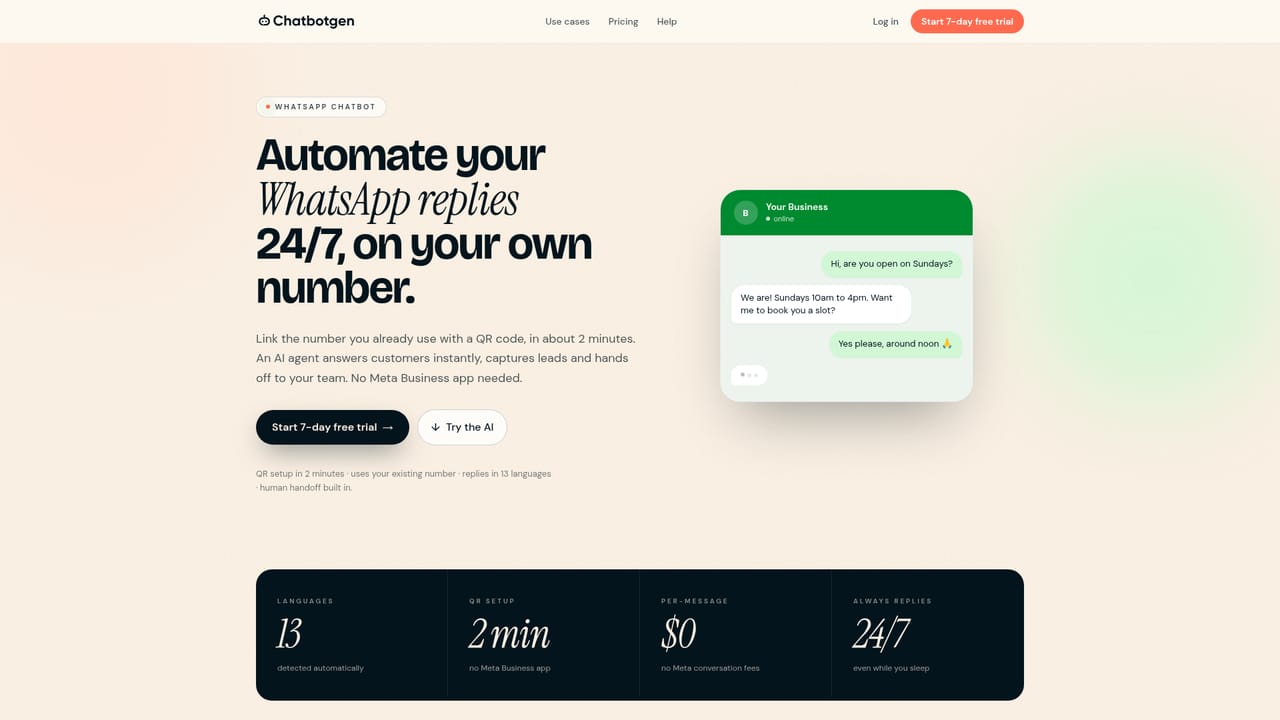
ChatbotGen builds a support agent from content you already have. Point it at your website and the system reads your pages, then you can layer in PDFs, price lists and Q&A entries to fill the gaps. The resulting agent answers questions about prices, opening hours, service areas and availability on your site, WhatsApp or Telegram. It replies in whatever language the customer writes in, drawing on your English source material. Beyond answering, the agent is built to qualify. You define the fields it should collect (name, phone number, job type, budget, dates), and it asks for those details before a conversation ends. Completed leads land in a shared team inbox and arrive by email. When a customer requests a human or signals they are ready to buy, the chat moves to the inbox with an alert, and the AI pauses so a person can take over. Replying from your own phone keeps the AI quiet in that thread for 12 hours, which avoids the bot talking over a human. The product fits small and mid sized service businesses that field the same questions all day: home services, clinics, real estate agencies, professional practices, travel operators and course providers. Setup is deliberately light. Paste a URL, review the generated answers, and embed a script tag or follow guides for WordPress, Wix, Shopify, Squarespace, Webflow, Framer or Google Sites. WhatsApp connects by scanning a QR code on the number you already use, with no Meta Business app required. Against per resolution pricing models such as Intercom's Fin, ChatbotGen charges a flat monthly fee with message caps, so costs stay predictable as volume grows. The trade off is that appointment booking is a request collection exercise rather than a calendar integration, and messaging channels beyond website, WhatsApp and Telegram were still listed as coming soon.
A 7 day free trial of Starter is available. A card is required, and you pay nothing if you cancel before day seven.
Learn moreStarter costs $29 per month for 3 agents and 2,000 messages. Growth is $79 per month for 10 agents and 10,000 messages, adding appointment requests, catalog search and webhooks. Business is $199 per month for 50 agents and 30,000 messages with priority support. Prices are in US dollars.
Learn morePriority support is included on the Business plan. The site publishes setup guides and docs for the web widget and team inbox, plus a live demo and WhatsApp test number.
Learn moreWebsite embed via one line of code with guides for WordPress, Wix, Shopify, Squarespace, Webflow, Framer and Google Sites. WhatsApp links by QR. Telegram uses a bot token. Growth supports signed webhooks, Google Sheets and Zapier.
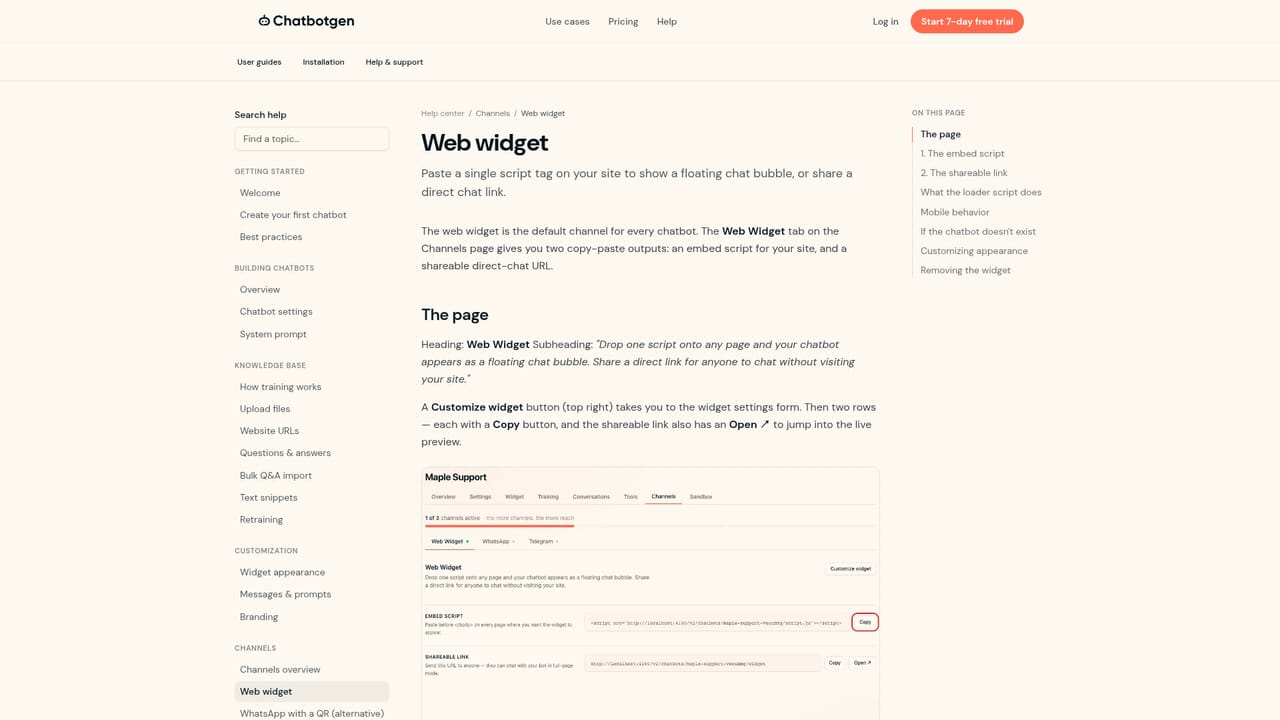
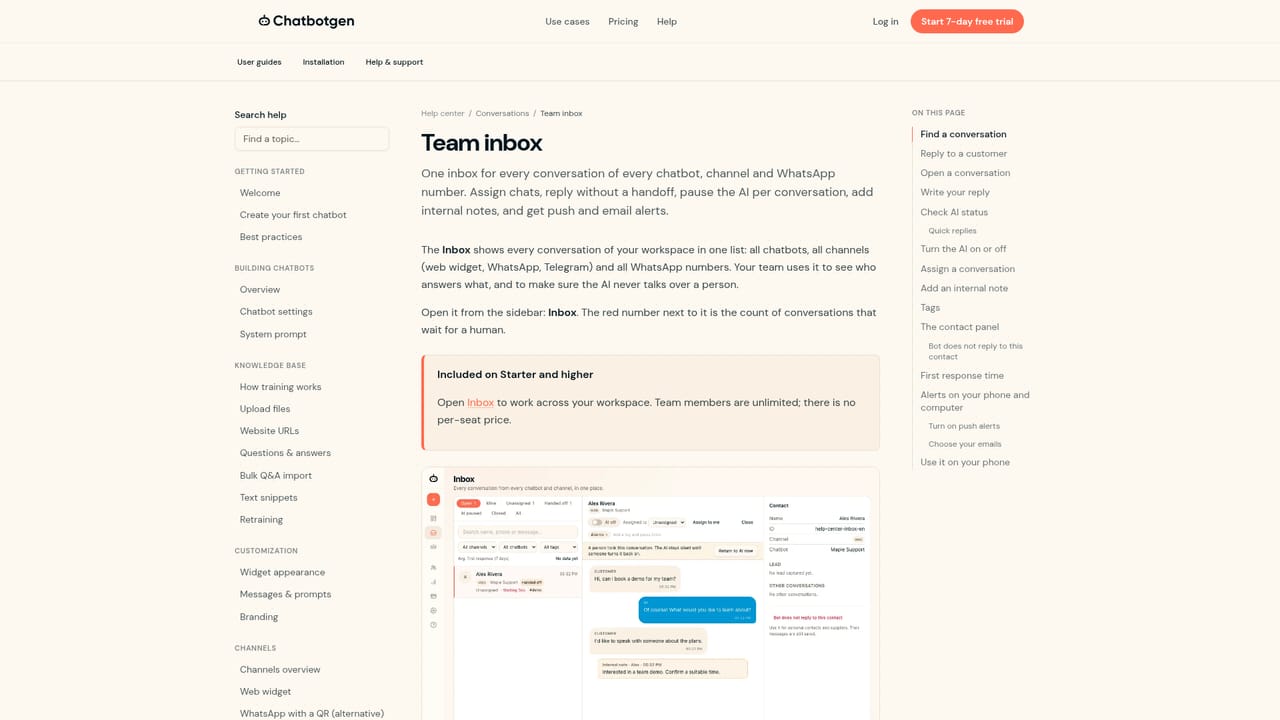
Learn moreThe agent is trained on your website pages, files and Q&A, and answers in the customer's language. Lead capture fields are configurable. Chats hand off to a shared team inbox with email and browser alerts, and the AI pauses when a human replies. Channels cover website widget, WhatsApp via QR and Telegram. Growth adds webhooks and Zapier ready lead routing.
Learn more AI Angels400+ customizable AI girlfriends for NSFW chat, voice calls, and roleplay
 Candy AIExperience the future of companionship with AI friends who chat, role-play, and connect with you on a human level.
 ourdream.aiA vast AI roleplay platform with millions of characters for chat, images, video and voiceAI Angels400+ customizable AI girlfriends for NSFW chat, voice calls, and roleplayCandy AIExperience the future of companionship with AI friends who chat, role-play, and connect with you on a human level.ourdream.aiA vast AI roleplay platform with millions of characters for chat, images, video and voice


