Free trial
A free starting allowance of 300 credits is offered without a credit card. The homepage does not state how long the free access lasts or which features it covers.
Learn moreCustom AI chatbots for your website, trained on your own content.

ChatBuild AI is an AI chat bot tool. A no-code chatbot builder that trains an AI assistant on your documents or website content and embeds it as a widget. Includes a guided setup form, live preview, conversation history, exports and analytics.
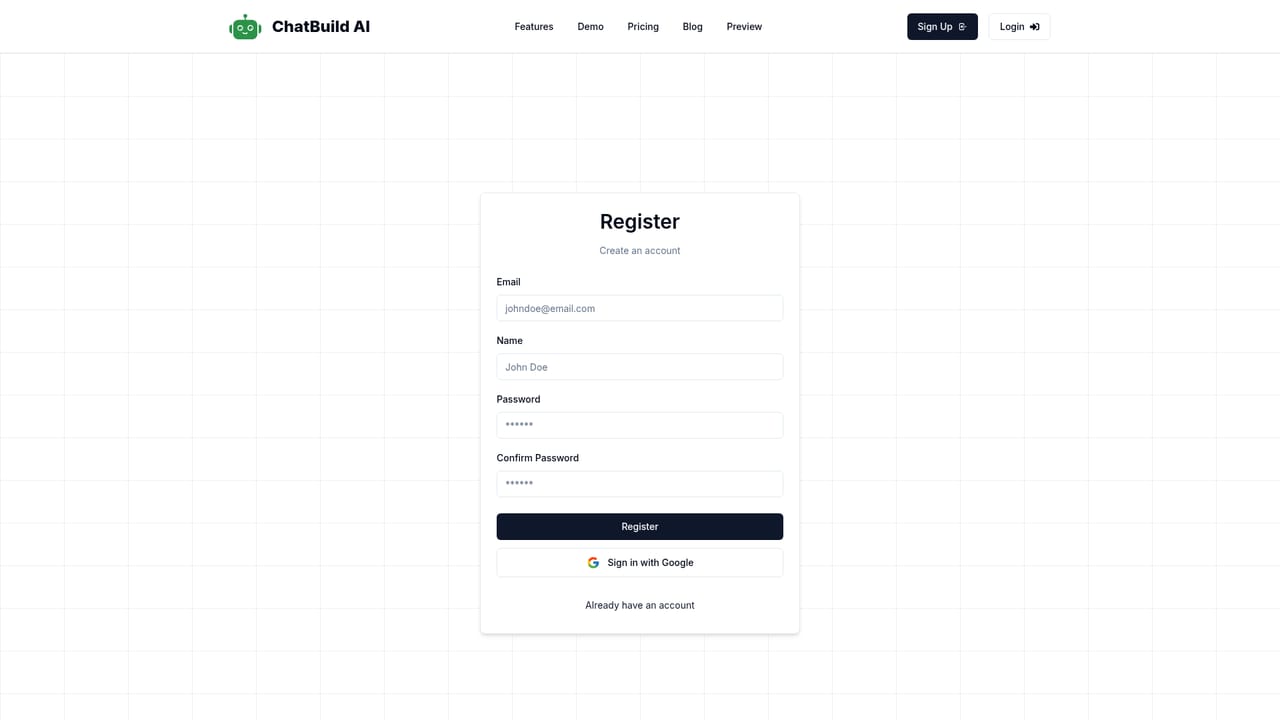
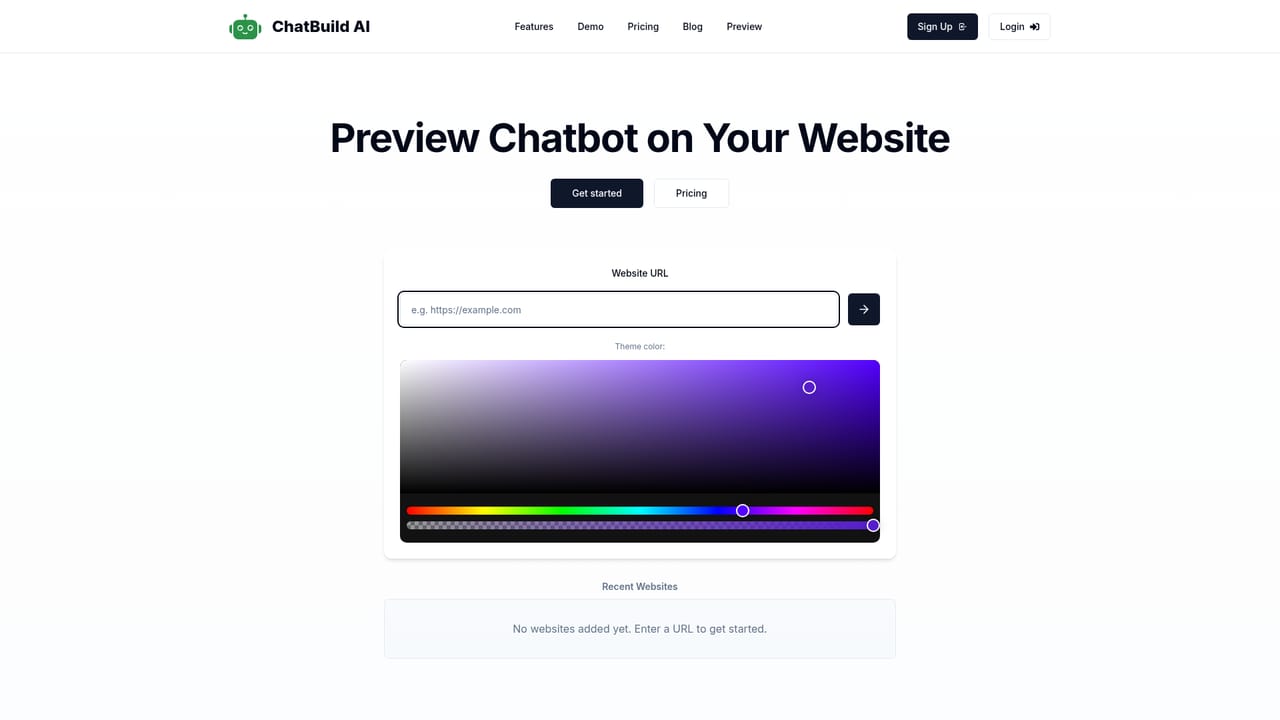
ChatBuild AI is a no-code platform for building AI customer service chatbots that are trained on your own material and embedded on your website. Instead of starting from a blank prompt, you upload documents, site pages or a knowledge base, and the system builds a bot that answers visitor questions from that source. Setup runs through a guided form: name the bot, describe it, write interaction instructions and set the first welcome message. A live preview updates as you fill in the form, so you can see the widget before it ships. The tool is aimed at small and mid-sized businesses without a development team. The homepage lists e-commerce stores, local businesses, professional services firms, healthcare providers, real estate agents and hospitality operators as typical users, each with a matching use case such as sales support, patient questions or booking help. Deployment is a copy and paste embed snippet that the site says works with WordPress, Shopify and custom builds, so the chatbot can go live without engineering work. Once the bot is live it handles inquiries around the clock. A conversation dashboard keeps a complete history of exchanges in a timeline, supports exporting chats for backup or analysis, and shows engagement metrics. Conversations can be handed off to human agents when the bot reaches its limits, which matters for support queues where escalation is expected. Among chatbot builders, ChatBuild competes on simplicity rather than depth. Competitors often bundle complex flow editors and multi-channel deployment; this one concentrates on a single widget, training from uploaded content and a short path to launch. The trade-off is that teams needing branching conversation design or deep CRM hooks may find the feature set narrow. The main claim on the homepage is a 30 percent lift in website conversions, which is a marketing figure rather than a measured benchmark.
A free starting allowance of 300 credits is offered without a credit card. The homepage does not state how long the free access lasts or which features it covers.
Learn moreThe homepage promotes a free starting point with 300 credits and no credit card required, and links to a pricing page for plan details. Specific tiers and prices are not listed on the homepage.
Learn moreThe homepage references a tutorial and mentions handoff to human agents inside the chat workflow. No dedicated help centre, email address or chat support channel is described.
Embedding is described as a copy and paste snippet that works with WordPress, Shopify and custom websites. No named third-party integrations beyond those platforms are listed.
Custom AI chatbot training from documents, site content or a knowledge base; guided setup with instructions and welcome message; live preview; one-click embed snippet for WordPress, Shopify and custom sites; 24/7 inquiry handling; conversation history with export and analytics; handoff to human agents.
 AI Angels400+ customizable AI girlfriends for NSFW chat, voice calls, and roleplay
 Candy AIExperience the future of companionship with AI friends who chat, role-play, and connect with you on a human level.
 ourdream.aiA vast AI roleplay platform with millions of characters for chat, images, video and voiceAI Angels400+ customizable AI girlfriends for NSFW chat, voice calls, and roleplayCandy AIExperience the future of companionship with AI friends who chat, role-play, and connect with you on a human level.ourdream.aiA vast AI roleplay platform with millions of characters for chat, images, video and voice


