Free trial
A 7 day free trial is advertised with cancellation at any time, and signing up also provides a permanent free plan with 1 agent and 15 message credits.
Learn moreTrain a support agent on your own site, then embed it anywhere
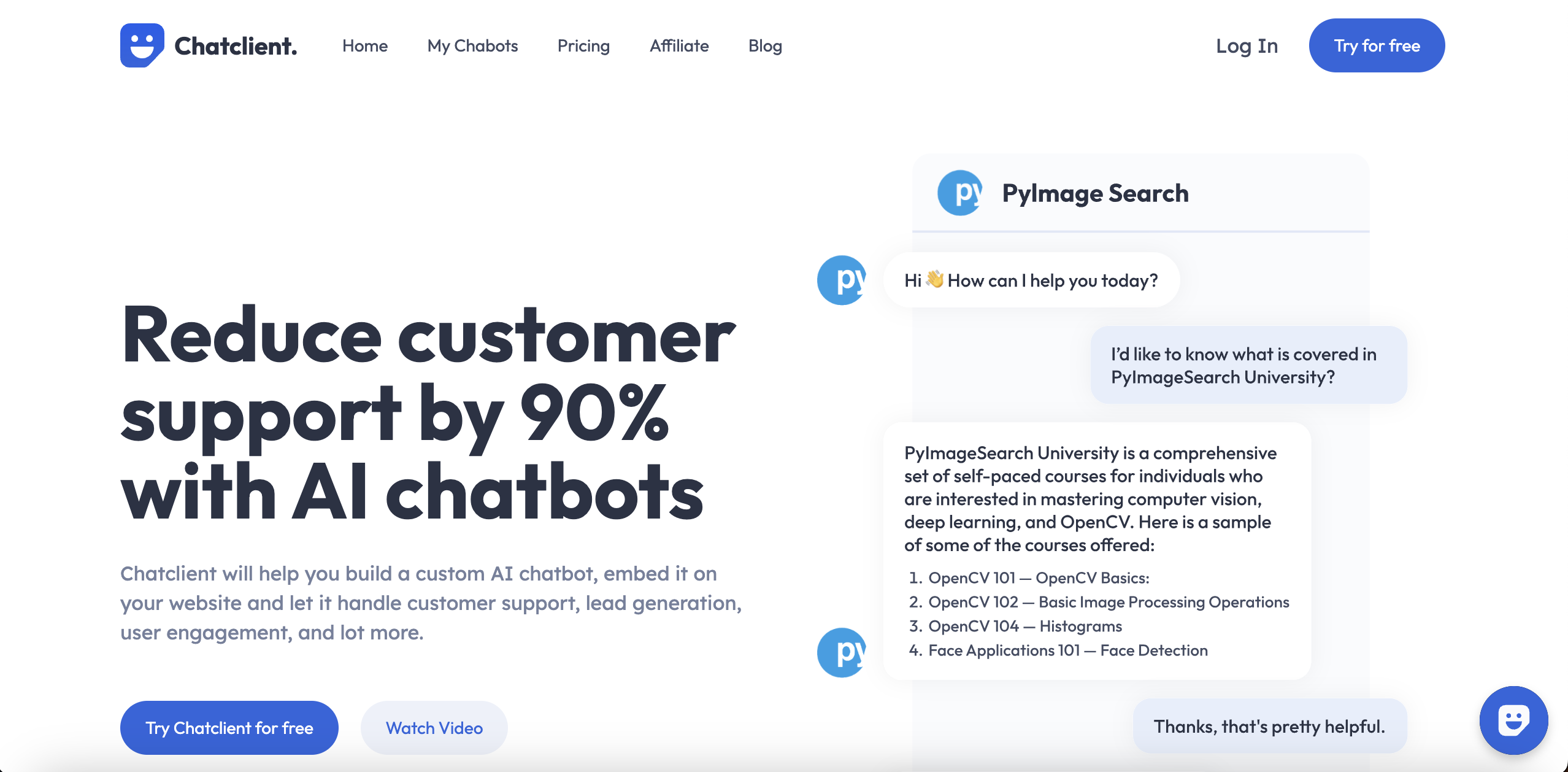
Chatclient is an AI chat bot tool. A custom AI agent builder for websites: ingest a URL, PDFs or text, define the agent's persona and rules, then embed it as a chat widget or connect via API. Lead capture, human escalation and around 95 languages are part of the package.
Chatclient is a builder for custom AI agents that answer questions using your own material. You bring a website URL, PDFs, doc files, CSV exports or plain pasted text, and the platform turns that content into a retrievable knowledge base behind a chat agent. From there you give the agent a name, a personality and explicit answering rules (the site gives the example of restricting replies to Spanish), then place it on a site through an embed code or an iframe chat bubble. The same agent can be pushed to a mobile app or other surfaces through an API. The product is pitched squarely at customer-facing teams: support desks that want to deflect repetitive questions, marketing teams that want a conversational way to capture and qualify leads, and product teams that want a self-serve helper inside an app. Human handoff, which the site lists as live on the Pro plan, lets a visitor escalate to a real person when an AI answer falls short, and that is the detail that decides whether this is usable for real support work rather than a demo widget. Auto-retrain keeps a trained agent synced with changing source content, and support for roughly 95 languages means a visitor can ask in one language while the underlying documents sit in another. In practice the build is short: import sources, tune behaviour and appearance, embed and connect. Model choice is exposed rather than fixed, with GPT-5.4, Claude Sonnet 5 and Gemini 3.5 Flash named as options, so cost and quality can be traded off per agent. Whitelabel removes Chatclient branding and allows a custom domain, which matters for agencies and for companies that treat the chat surface as part of their own product. Against general purpose chatbot plugins, Chatclient's differentiator is the packaging: multiple ingestion formats, retraining, personas, lead capture and escalation in one dashboard instead of a bare widget. Teams that only need a scratchpad assistant trained on a single document may find it heavier than required, and anyone wanting deep custom retrieval logic will hit the limits of a hosted builder.
A 7 day free trial is advertised with cancellation at any time, and signing up also provides a permanent free plan with 1 agent and 15 message credits.
Learn moreThe homepage confirms a free tier (1 agent, 15 message credits) and a Pro plan that carries human escalation, plus friendly scaling pricing. Exact plan prices and credit limits are not stated on the homepage, so check the pricing page for current figures.
Learn moreContact is offered by email at support@chatclient.ai and through the company's social media accounts.
The site names Slack, WhatsApp and Zapier as connectors, and an API is available for sending agent conversations to other platforms and apps.
Multiple data sources (URL scraping, PDF, TXT, CSV, DOCX, pasted text), custom instructions and personality, brand-matched appearance, whitelabel with custom domain, auto-retrain, selectable models including GPT-5.4, Claude Sonnet 5 and Gemini 3.5 Flash, roughly 95 languages, lead capture, human handoff, AI personas, and embed or API deployment.
 AI Angels400+ customizable AI girlfriends for NSFW chat, voice calls, and roleplay
 Candy AIExperience the future of companionship with AI friends who chat, role-play, and connect with you on a human level.
 ourdream.aiA vast AI roleplay platform with millions of characters for chat, images, video and voiceAI Angels400+ customizable AI girlfriends for NSFW chat, voice calls, and roleplayCandy AIExperience the future of companionship with AI friends who chat, role-play, and connect with you on a human level.ourdream.aiA vast AI roleplay platform with millions of characters for chat, images, video and voice


