Free trial
The site invites users to get started for free in the web app, but no trial length or usage cap is stated on the homepage.
Learn moreRun one prompt through 40+ AI models and see which answer wins
Own ChatComparison AI? Verify ownership to get a dofollow link

ChatComparison AI is an LLM aggregator tool. A comparison workspace that sends one prompt to 40+ AI models, scores each answer on quality, cost and speed, and recommends a winner. Bundled access to ChatGPT, Claude and Gemini runs $15/mo, with a two-model mobile mode for quick checks.
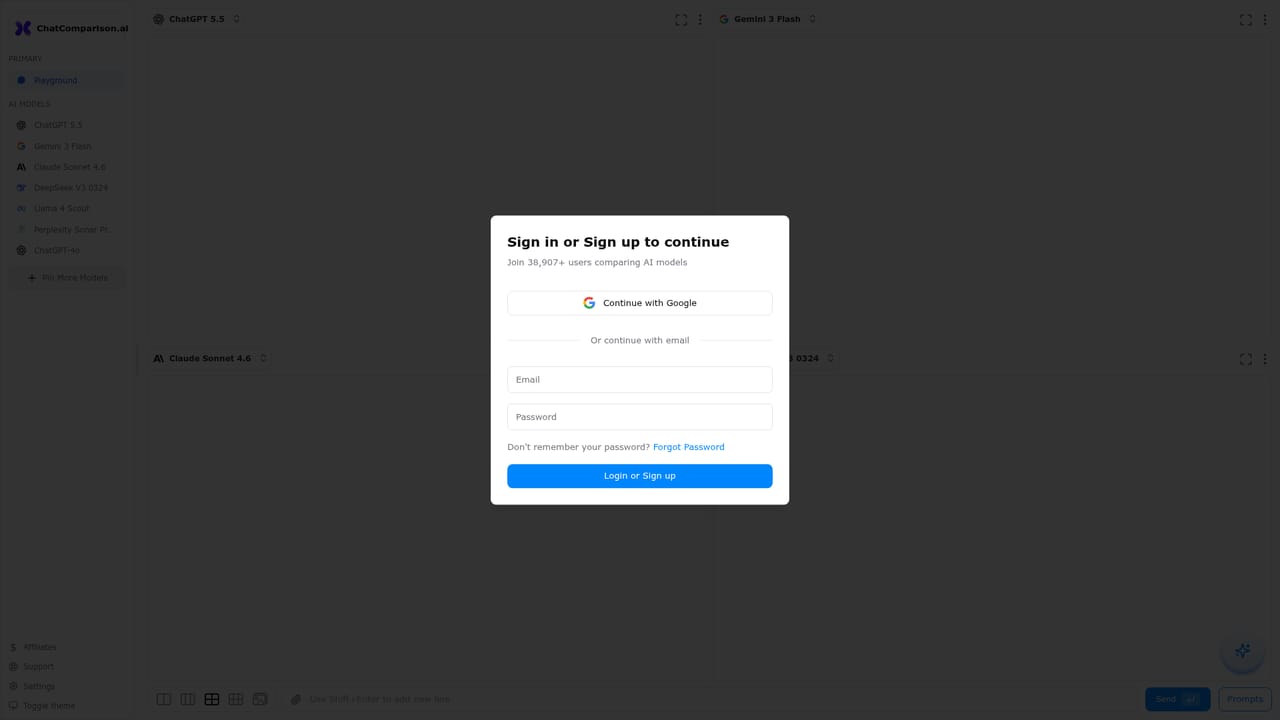
ChatComparison is a comparison workspace for people who already pay for, or are considering, more than one large language model. Instead of opening ChatGPT, Claude and Gemini in separate tabs and judging the output from memory, the product sends a single prompt to multiple models and lays the results side by side. Each answer is scored on quality, cost and speed, and a recommendation line names the model that best fits the task at hand. The homepage example scores a launch email at 94 percent quality with Claude Sonnet, 86 percent with ChatGPT and 81 percent with Gemini Pro, then suggests the top pick while noting a 23 percent saving against the default model. The service is positioned as a cost consolidator as much as a testing tool. Rather than stacking individual subscriptions, users reach ChatGPT, Claude, Gemini and other models through a single account priced at $15 per month. The comparison workflow runs in three stages: view pricing, speed and performance side by side, pick the model that fits the use case, then route work accordingly. That makes it most useful to content teams choosing a model per task, engineering leads weighing latency against price, and consultants who need to justify a model choice before wiring it into a client build. A mobile mode narrows the field to two models at a time so answers stay readable on a phone, which suits quick checks during client calls or research. The blog publishes benchmarks, pricing guides and model comparisons for teams that want the reasoning behind a pick. Coverage extends past 40 models, and while the homepage does not break down per-model token pricing, the comparison view surfaces a cost figure next to each response. The main caveat is that scoring is the product's own judgement, so quality percentages should be treated as a starting signal rather than an independent benchmark. Users who already have provider subscriptions may not need the bundled access, and anyone comparing more than a handful of models on mobile will find the two-model limit tight.
The site invites users to get started for free in the web app, but no trial length or usage cap is stated on the homepage.
Learn moreA single plan at $15 per month covers access to ChatGPT, Claude, Gemini and other models in one place. The homepage frames this against $60+ per month for separate subscriptions and claims savings above $500 per year. Free starting access is offered through the web app; no annual or team tiers are listed.
Learn moreSide-by-side answers from 40+ models for a single prompt, with quality scores, cost figures and response times attached to each result. A recommendation line names the best model for the task and the saving against your default. Mobile mode limits comparisons to two models for readability. The blog adds benchmarks, pricing guides and model comparisons.
 AI Angels400+ customizable AI girlfriends for NSFW chat, voice calls, and roleplay
 Candy AIExperience the future of companionship with AI friends who chat, role-play, and connect with you on a human level.
 ourdream.aiA vast AI roleplay platform with millions of characters for chat, images, video and voiceAI Angels400+ customizable AI girlfriends for NSFW chat, voice calls, and roleplayCandy AIExperience the future of companionship with AI friends who chat, role-play, and connect with you on a human level.ourdream.aiA vast AI roleplay platform with millions of characters for chat, images, video and voice