ChatHawk

Ask once, compare the top AI models, get the best answer

Beginner
Screenshot of ChatHawk, Ask once, compare the top AI models, get the best answer

What is ChatHawk?

ChatHawk is an AI aggregators tool. ChatHawk sends one question to several flagship AI models at once, then ranks the responses and flags where they agree and disagree, with an incognito mode for unsaved chats.

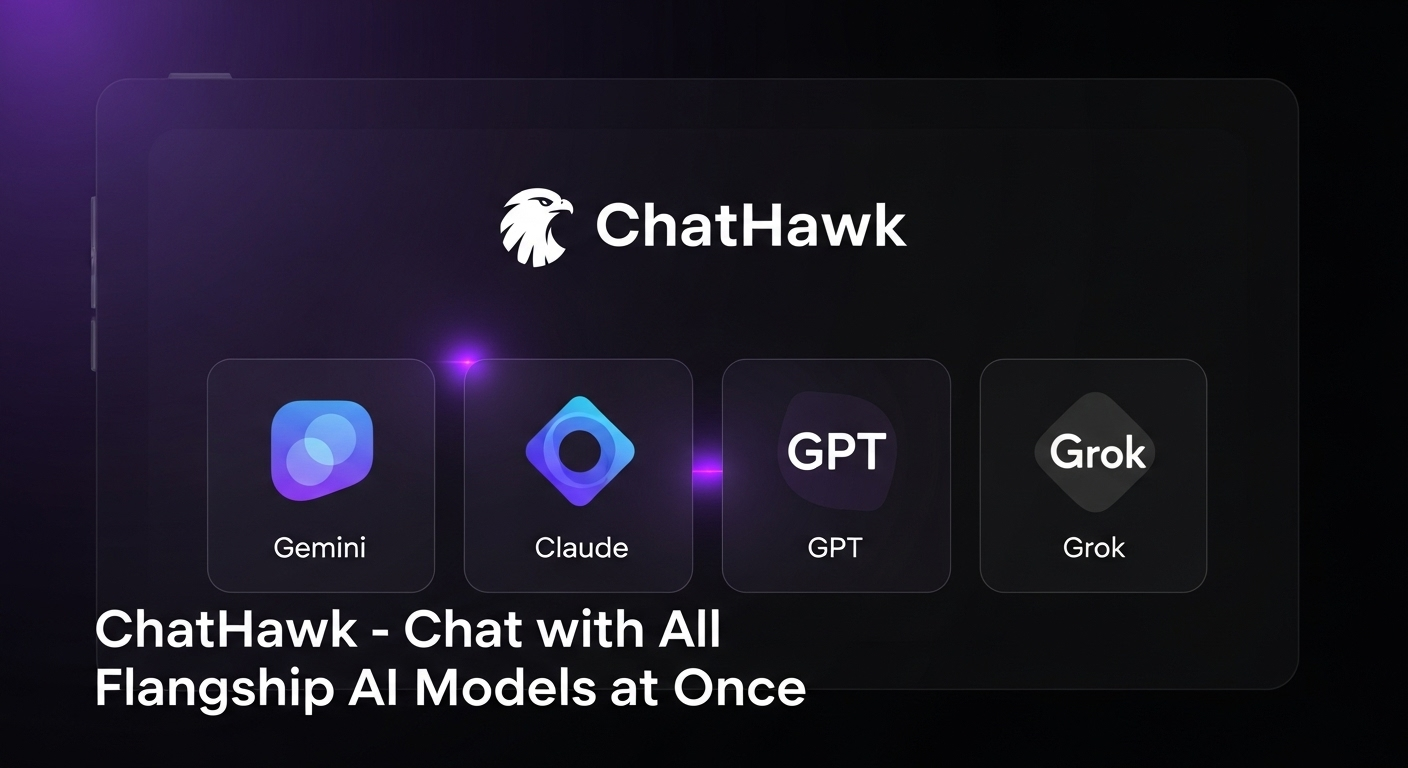
ChatHawk is a multi-model chat interface built around a single idea: instead of trusting one assistant with a question, send it to several flagship models at the same time and read the results side by side. You type a question, and the tool routes it to the leading model from each provider, including GPT, Gemini, Claude, Grok and Kimi. The models answer independently, and ChatHawk then assembles a combined response that highlights the strongest answer, where the models agree, and where they diverge. The workflow is deliberately simple. A new chat takes your prompt, shows each model as it responds, and produces a merged view with model rankings, an agreements list and a disagreements list. The disagreements section carries most of the value: when one model contradicts the others on a medical question, a factual claim or a recommendation, that conflict is surfaced rather than buried inside a single confident paragraph. The example prompt on the homepage concerns mixing ibuprofen and paracetamol, which hints at the kind of everyday decision support the product is aimed at. ChatHawk is for people who treat AI answers as inputs to a judgement rather than as final output: researchers checking claims, professionals weighing advice, and anyone who has been burned by a single model's confident mistake. It also suits users who want a quick read on which model handles a given type of question best, since response quality is visible immediately. Keeping up with the newest flagship release from each provider is handled for you, so the lineup stays current without manual switching. The privacy option is a differentiator. A new incognito chat keeps the session out of chat history, and signed-in users get saved conversations instead. Signing in is optional and framed as the way to persist threads. Compared with single-provider chat apps, ChatHawk trades depth of integration for breadth of comparison; compared with raw API work or manual copy-pasting between tabs, it saves the assembly step. The homepage does not state pricing or plan limits, so buyers should check current terms before committing.

How do you use ChatHawk?

  1. 1Open ChatHawk and start a chat
    Load the site and choose New Chat, or New Incognito Chat if you do not want the session stored. Signing in is only required to keep conversations.
  2. 2Type your question
    Enter the prompt you would normally give a single assistant. Medical, factual and comparison questions work well because disagreement between models is informative.
  3. 3Watch each model respond
    The top models, including GPT, Gemini, Claude, Grok and Kimi, answer the same prompt independently, with status shown as each one finishes.
  4. 4Read the combined answer
    Review the merged response and the model rankings to see which answer was rated strongest for this specific question.
  5. 5Compare agreements and disagreements
    Use the two lists to separate points all models confirm from points where they conflict, then verify anything that matters before acting on it.
  6. 6Sign in to keep the thread
    Create an account only if you want conversations saved for later reference. Incognito sessions are intended to stay out of history.

Pros and cons

Pros

  • Answers from multiple flagship models appear side by side within one thread, making weak responses easy to spotAI
  • The combined view separates rankings, agreements and disagreements, so conflicting claims are visible instead of buriedAI
  • Model lineup tracks the newest flagship release from each provider without manual switchingAI
  • Incognito chat leaves no history behind for sensitive questionsAI
  • Signing in is optional and only needed to save conversationsAI

Cons

  • No pricing information on the homepage, so cost and plan limits cannot be assessed before signing upAI
  • Running several models per prompt is inherently slower than a single fast assistant for quick lookupsAI
  • The homepage does not document context limits, file uploads or any coding workspace featuresAI
  • No public detail on how the combined answer is produced, which matters for users who want to audit the ranking logicAI
  • No stated API access or team features, limiting use for developers and larger organisationsAI

How much does ChatHawk cost?

Features

A single prompt is sent to several flagship models at once (GPT, Gemini, Claude, Grok and Kimi). Results appear as individual responses plus a combined answer with model rankings, an agreements list and a disagreements list. New chats can be started in incognito mode, and signing in saves conversations to history.

Frequently asked questions about ChatHawk

  • How do you use ChatHawk?
    The walkthrough on this page covers 6 steps: 1. Open ChatHawk and start a chat 2. Type your question 3. Watch each model respond 4. Read the combined answer 5. Compare agreements and disagreements 6. Sign in to keep the thread.
  • What platforms does ChatHawk support?
    ChatHawk is available on Web App.
  • What are the limitations of ChatHawk?
    No pricing information on the homepage, so cost and plan limits cannot be assessed before signing up. Running several models per prompt is inherently slower than a single fast assistant for quick lookups. The homepage does not document context limits, file uploads or any coding workspace features.

Status

StatusActive
Views0
Outbound clicks0
Added10/21/2026

Platforms

Web App

Pricing

Freemium