Integrations
Connections to Zapier, Make, viaSocket, Activepieces, Boost.space, Pipedream and Integrately, plus native MCP for AI clients such as ChatGPT and an API with key setup documentation.
Learn moreMulti-agent RAG framework for building custom AI assistants on one platform

Chatsistant is an AI chat bot tool. A hosted multi-agent RAG framework for custom chatbots. Chatsistant spans a wide model catalogue (OpenAI, Gemini, Claude, DeepSeek, Groq), source-backed answers, connectors to Zapier, Make and similar automation hubs, plus a native MCP layer and developer API.
Chatsistant is a conversational AI framework for teams that want to build and run customer-facing assistants without starting from a blank engineering slate. The product combines a multi-agent architecture with retrieval augmented generation, so an assistant can pull answers from supplied sources and route work between specialised agents rather than leaning on a single general model. The stated scope is broad: reasoning, automation, customer support, content generation and multi-agent workflows all sit under the same roof. Model choice is the platform's most distinctive selling point. Chatsistant connects to a long list of provider paths, with OpenAI (GPT-5 and 4 series, including Mini and Nano tiers), Google (Gemini 3.x and 2.5 in Pro, Flash and Flash-Lite variants), Anthropic (Claude Opus, Sonnet and Haiku generations), DeepSeek (V4 Flash and Pro) and Groq-hosted open options such as GPT OSS 20B and 120B and Qwen3.6 27B. In practice that means a team can keep a cheaper model on routine questions and hand harder reasoning to a stronger one, all inside the same assistant. Operationally, the workflow starts with adding sources to a chatbot, connecting it to the tools a business already runs on, then deploying. Chatsistant does not try to own the automation layer: it links out to Zapier, Make, viaSocket, Activepieces, Boost.space, Pipedream and Integrately, and a native MCP layer lets supported AI clients such as ChatGPT work with authorised Chatsistant tools and resources. An API reference and key setup guide are published for developer-led builds. The fit is closest to support and operations teams that have outgrown a simple FAQ bot but do not want to maintain their own orchestration code. Compared with single-model chatbot builders, the appeal is model breadth and agent routing; compared with full agent frameworks, the appeal is a hosted interface for sources, integrations and deployment. Buyers should read the pricing page carefully, since the homepage itself carries no plan detail.
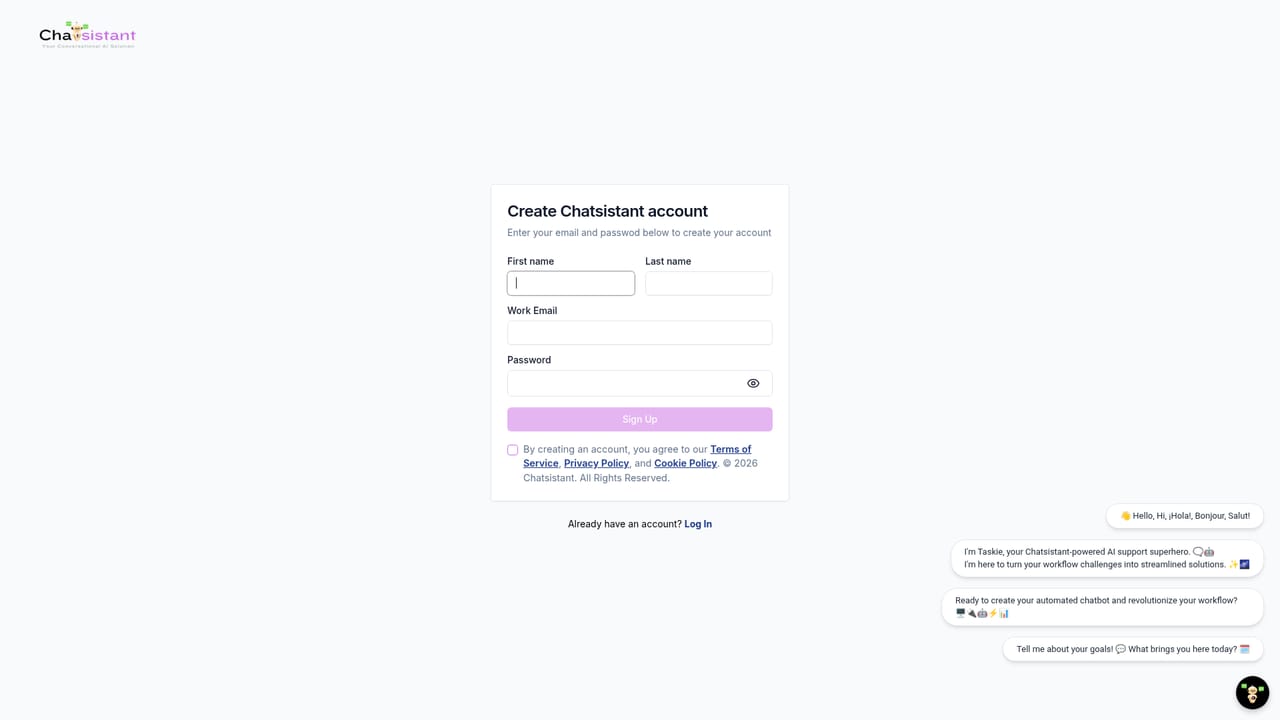
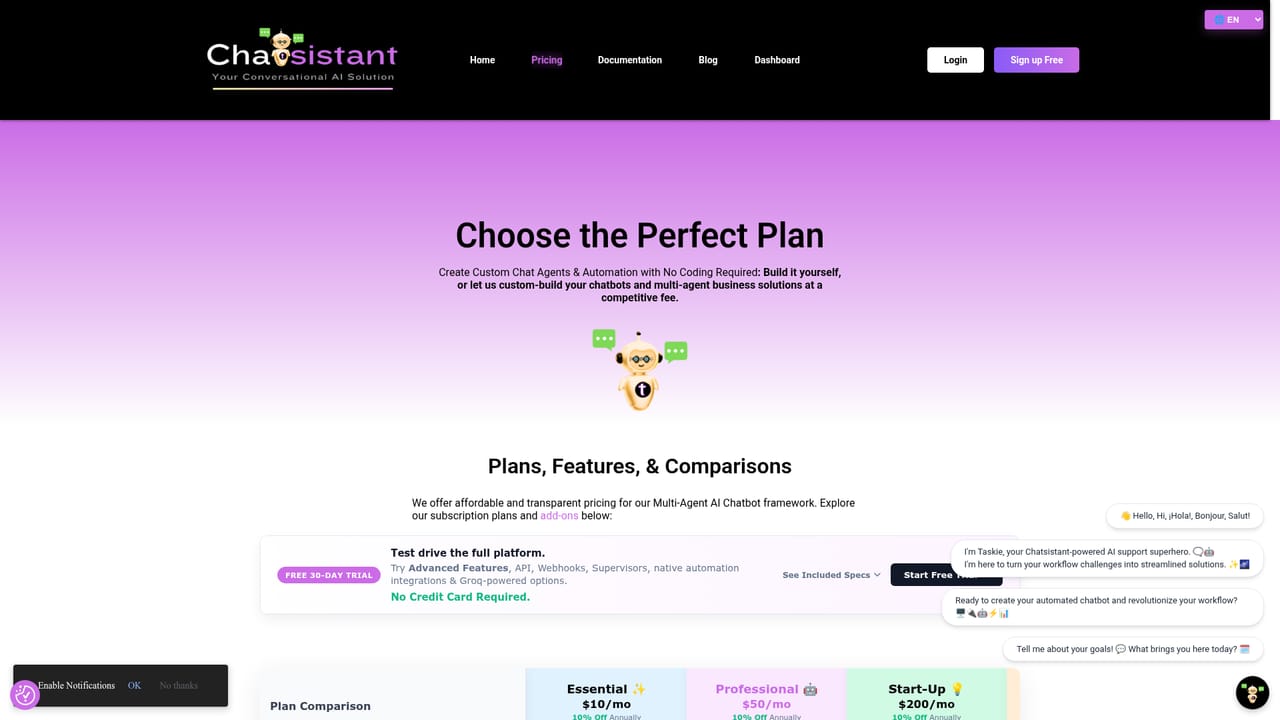
Connections to Zapier, Make, viaSocket, Activepieces, Boost.space, Pipedream and Integrately, plus native MCP for AI clients such as ChatGPT and an API with key setup documentation.
Learn moreMulti-agent RAG framework for custom chat assistants, covering reasoning, automation, customer support and content generation. Model access spans OpenAI, Google Gemini, Anthropic Claude, DeepSeek and Groq-hosted open models. Includes source management for retrieval, integration links to external automation hubs, a native MCP connection layer for supported AI clients, and a published API reference.
Learn more AI Angels400+ customizable AI girlfriends for NSFW chat, voice calls, and roleplay
 Candy AIExperience the future of companionship with AI friends who chat, role-play, and connect with you on a human level.
 ourdream.aiA vast AI roleplay platform with millions of characters for chat, images, video and voiceAI Angels400+ customizable AI girlfriends for NSFW chat, voice calls, and roleplayCandy AIExperience the future of companionship with AI friends who chat, role-play, and connect with you on a human level.ourdream.aiA vast AI roleplay platform with millions of characters for chat, images, video and voice


