Free trial
A free chatbot can be created with no credit card required, per the homepage signup prompt.
Learn moreCustom GPT chatbots built from your own content, no code required

Chatterdocs is a no-code builder for GPT-powered chatbots that answer questions from your own web pages, files and Notion content. It adds lead capture, appointment booking, Slack access and an embeddable site widget, and the product has since been folded into ResolveAI.
Chatterdocs is a no-code builder for custom chatbots that answer visitor questions using content drawn from your own sources. The product runs on the same underlying technology as ChatGPT and is positioned as a faster, more accurate alternative to conventional live chat: the bot replies around the clock, without queues, time zone gaps or response delays, and it can be tuned to sound conversational rather than robotic. Knowledge collection is the core of the workflow. You point the bot at a webpage and it imports the content and watches for changes afterwards, so answers stay current. Files can be uploaded in PDF, CSV, RichText, Markdown and audio formats, and Notion workspaces can be connected to sync a knowledge base in one step. Once that material is indexed, the bot draws on it to produce answers, which means quality depends heavily on how clean and complete the source content is. Deployment happens in three directions. A lightweight widget can be embedded on a site and styled to match the brand; internal bots can live inside chat tools such as Slack and respond to slash commands; and responses can be pushed out through an API. Beyond question answering, Chatterdocs handles lead capture (emails, phone numbers and other fields collected inside the chat), appointment booking, downloadable records of collected visitor data, escalation to live chat when a human is needed, and conversation review so gaps in the source material become visible. It suits small support and marketing teams, agencies managing bots for several clients, and companies that want an internal knowledge assistant over Slack without engineering work. Buyers should note that Chatterdocs has been merged into ResolveAI, and the homepage directs visitors there, so anyone evaluating the tool now is effectively evaluating ResolveAI. Compared with general-purpose chatbot platforms, the appeal is speed of setup from existing content rather than deep flow-building or orchestration.
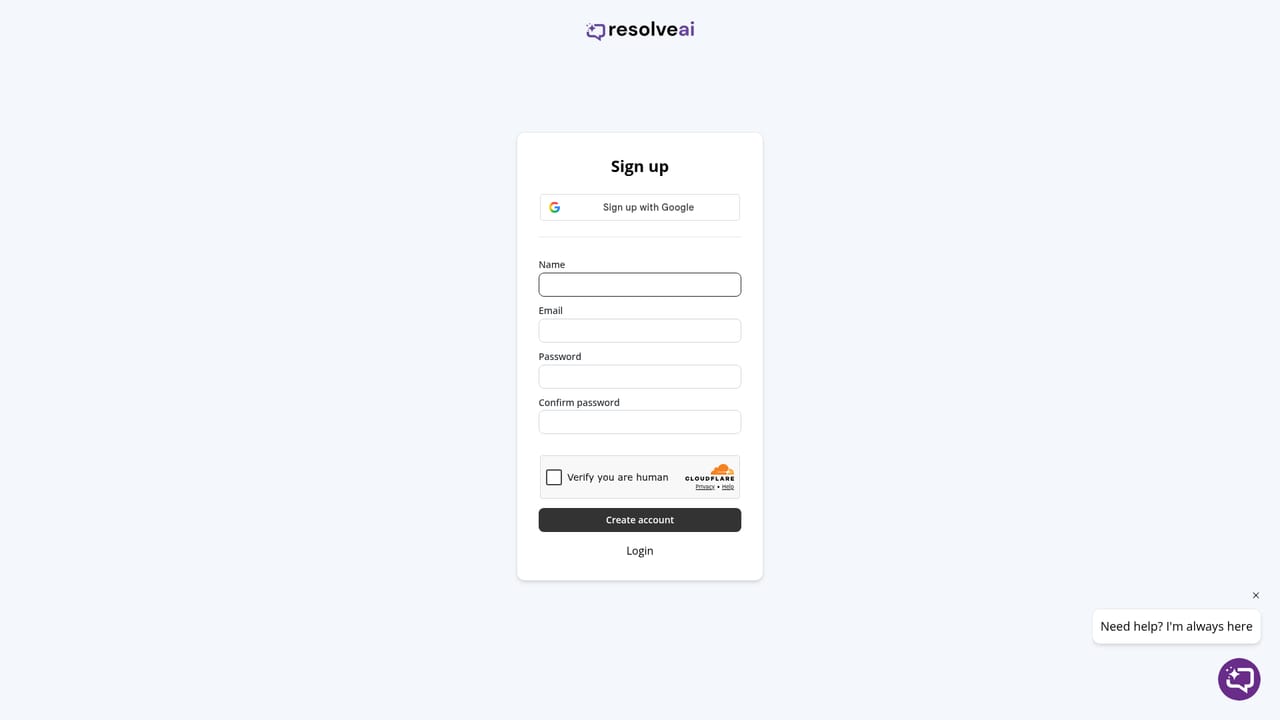
A free chatbot can be created with no credit card required, per the homepage signup prompt.
Learn moreThe homepage states that plans range from free up to $499 per month for an Agency plan, with a custom-priced Enterprise plan available on request. Full plan details and limits are not laid out on the homepage.
Learn moreThe homepage invites visitors to get in touch at support@chatterdocs.ai and promises support when it is needed.
Notion workspaces can be connected for knowledge sync, bots can be used inside chat tools such as Slack through slash commands, and responses can be sent to your own API.
Import content from a watched webpage, upload PDF, CSV, RichText, Markdown and audio files, or sync Notion. Embed a brandable widget, run the bot in Slack via slash commands, or push responses through an API. Add lead capture, appointment booking, downloadable visitor data, live chat routing and conversation review.
 AI Angels400+ customizable AI girlfriends for NSFW chat, voice calls, and roleplay
 Candy AIExperience the future of companionship with AI friends who chat, role-play, and connect with you on a human level.
 ourdream.aiA vast AI roleplay platform with millions of characters for chat, images, video and voiceAI Angels400+ customizable AI girlfriends for NSFW chat, voice calls, and roleplayCandy AIExperience the future of companionship with AI friends who chat, role-play, and connect with you on a human level.ourdream.aiA vast AI roleplay platform with millions of characters for chat, images, video and voice


