Integrations
Connects to 40+ tools including Notion, Jira, Slack, Google Drive, Shopify, HubSpot, Zapier, WordPress, Webflow, Mailchimp, WhatsApp, Airtable, Microsoft Teams, Telegram, WooCommerce, Typeform, Framer, Squarespace, and Wix.
Learn moreAI support agent trained on your site, docs, videos, and apps

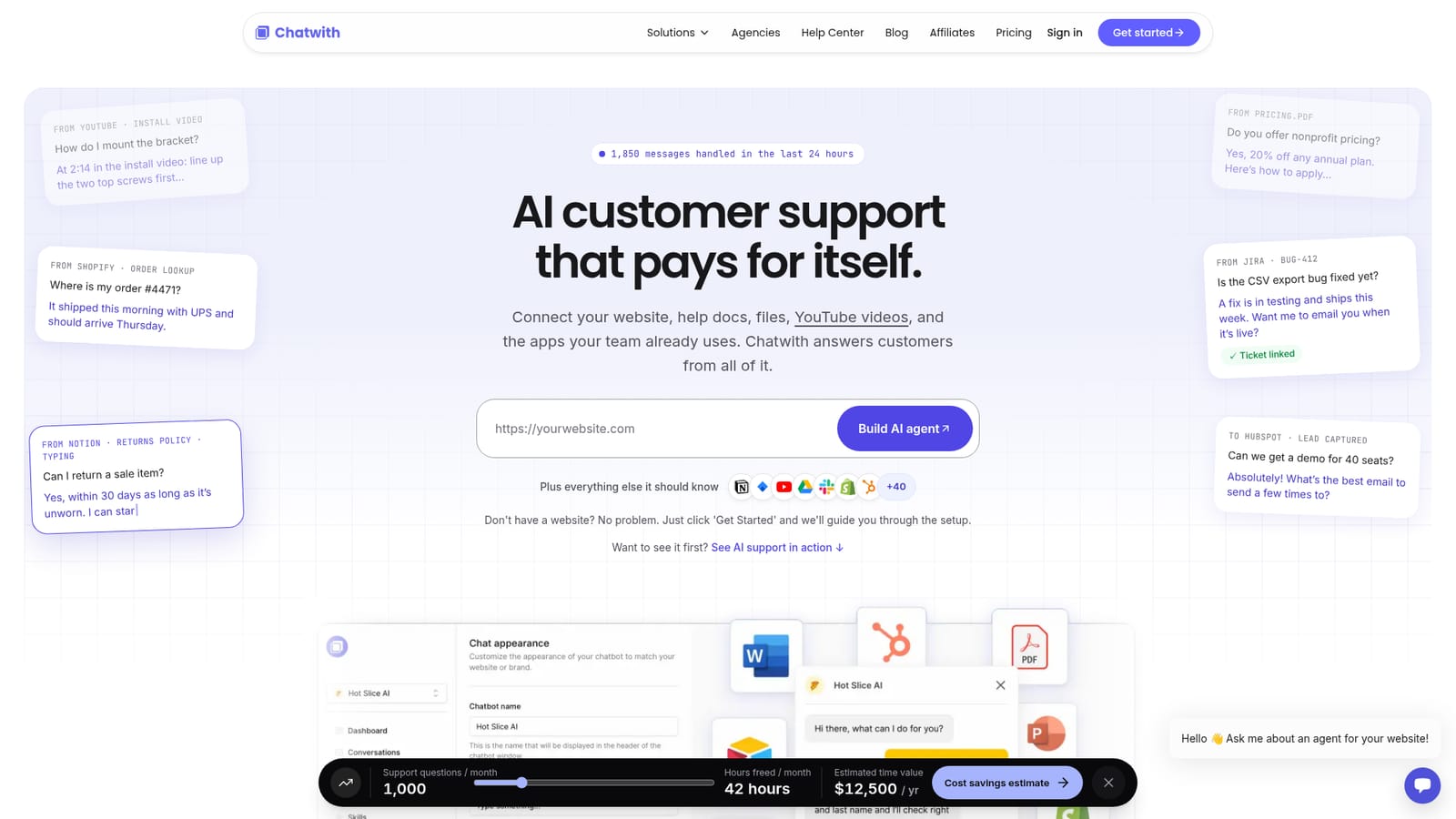
Chatwith builds an AI customer support agent from your website, help docs, files, YouTube videos, and connected apps, then answers visitors and can act inside tools like Shopify, Jira, and HubSpot. No coding required, with a live preview before signup.
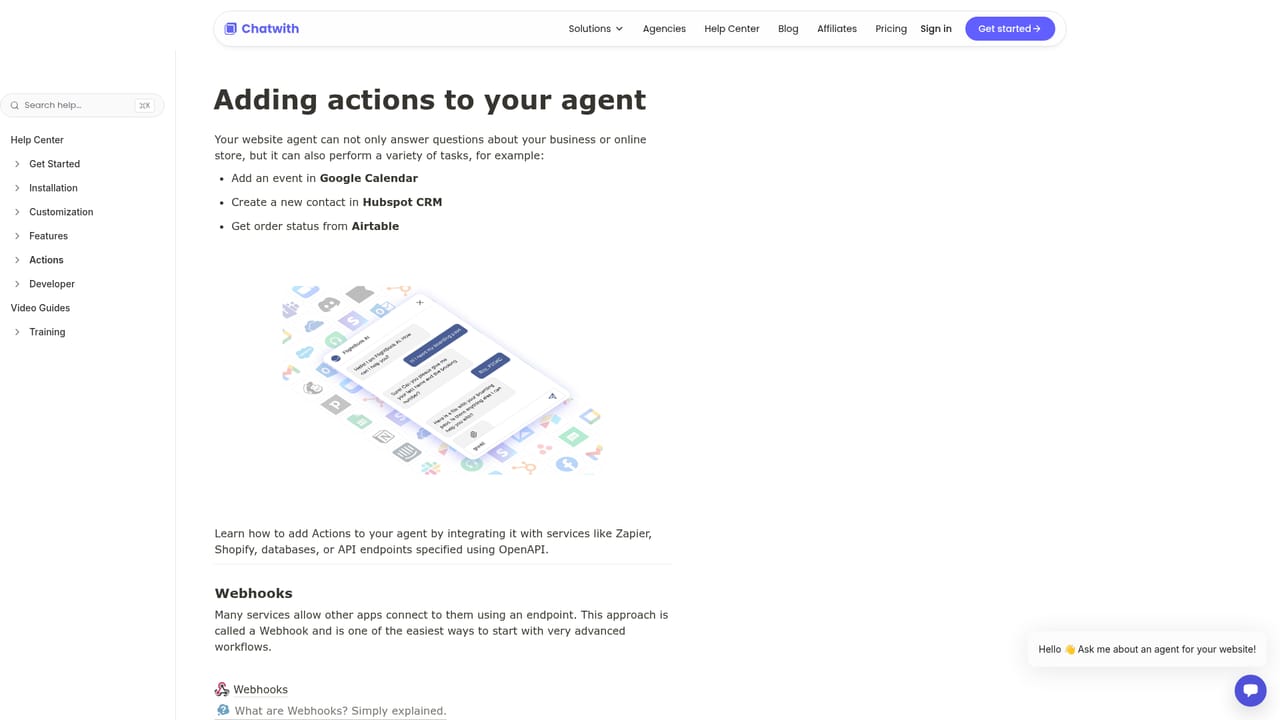
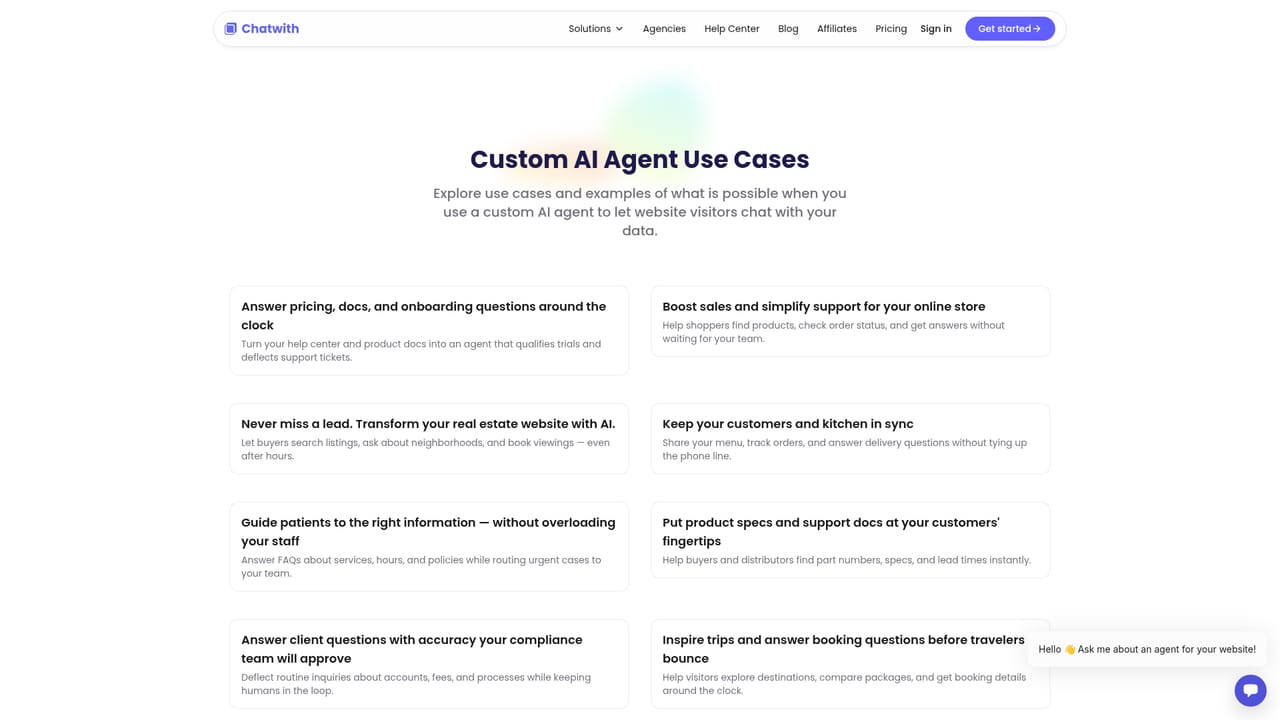
Chatwith is an AI customer support agent that learns from material you already have rather than from a script you write. You point it at your website, help documentation, uploaded files, YouTube videos, and connected work apps, and it answers visitor questions from that combined pool of knowledge. The pitch is straightforward: most support traffic is the same handful of questions about shipping, pricing, returns, and setup, so the agent absorbs that load and leaves the harder cases for people. The product goes beyond answering. Connected tools let it act, not just talk: it can look up an order in Shopify, reference a ticket in Jira, pull a returns policy from Notion, or hand a qualified lead to HubSpot. The homepage lists support for more than 40 tools beyond the ones it names (Slack, Google Drive, WordPress, Webflow, Zapier, Mailchimp, WhatsApp, Airtable, Teams, Telegram, WooCommerce, Typeform, Framer, Squarespace, Wix), so the agent can sit inside the stack a business already runs rather than replacing any part of it. Setup is aimed at non-technical teams. You paste a URL, choose additional sources, and the agent is generated without code; the homepage says it can be live on a site in minutes. Businesses without a website can still start through a guided setup flow. A live preview is available before signup, which is useful for judging answer quality on your own content rather than a canned demo. Use cases are framed around e-commerce, SaaS, real estate, and food delivery, with sample interactions showing order lookups, product questions, viewing bookings, and delivery updates. It fits small and mid-sized teams, and agencies building chatbots for clients, that want deflection and lead capture without a dedicated engineering effort. It competes with general-purpose website chatbot builders, and its differentiator is breadth of knowledge sources plus outbound actions in connected apps.
Connects to 40+ tools including Notion, Jira, Slack, Google Drive, Shopify, HubSpot, Zapier, WordPress, Webflow, Mailchimp, WhatsApp, Airtable, Microsoft Teams, Telegram, WooCommerce, Typeform, Framer, Squarespace, and Wix.
Learn moreBuilds a customer support agent from your website, help docs, uploaded files, YouTube videos, and connected apps. It answers visitor questions with source references, handles routine requests such as order lookups and returns, captures leads into CRM tools, and links activity to tickets. Setup is no-code, with a preview of the agent available before you sign up.
Learn more AI Angels400+ customizable AI girlfriends for NSFW chat, voice calls, and roleplay
 Candy AIExperience the future of companionship with AI friends who chat, role-play, and connect with you on a human level.
 ourdream.aiA vast AI roleplay platform with millions of characters for chat, images, video and voiceAI Angels400+ customizable AI girlfriends for NSFW chat, voice calls, and roleplayCandy AIExperience the future of companionship with AI friends who chat, role-play, and connect with you on a human level.ourdream.aiA vast AI roleplay platform with millions of characters for chat, images, video and voice


