Free trial
Three free checks per day with no sign-up needed. Refused images do not use up a free check.
Learn moreAI image detector that names the detector that fired and why

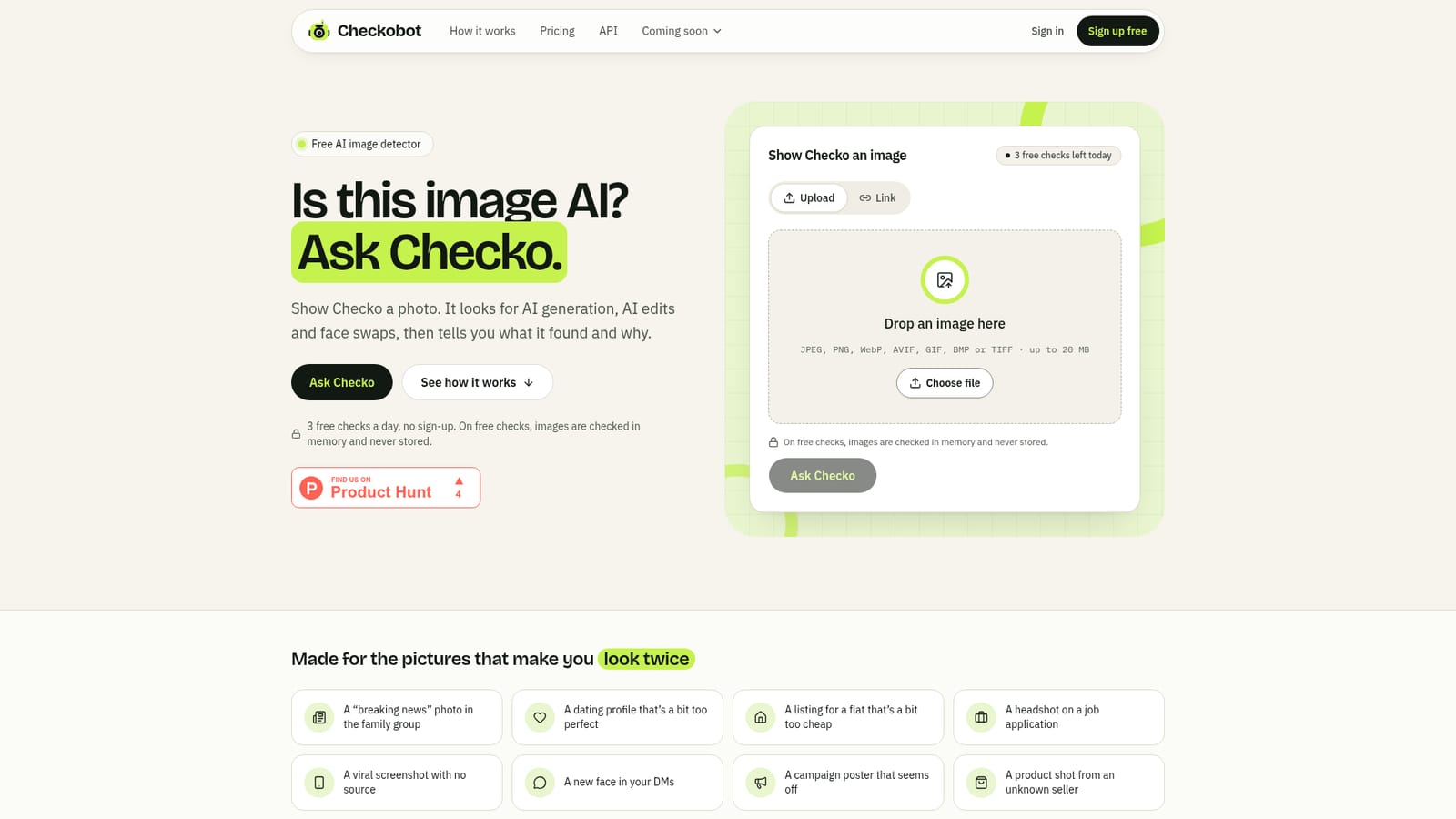
Checkobot is a web AI image detector that returns AI or No AI detected, names which of two detectors fired (whole-image or face analysis) and explains why. It offers 3 free checks a day without sign-up, plus an API for platforms.
Checkobot is a web-based AI image detector built around a mascot-style assistant called Checko. A user drops in a photo or pastes a link, and the tool answers with one of two verdicts: AI, or No AI detected. Instead of returning a bare percentage, it states which detector made the call and gives a one-sentence reason in plain language. It also avoids ever labelling a photo "real", acknowledging that detectors can miss fakes. Two detectors run behind each check. Whole-image analysis runs on every upload and looks for the patterns that AI generators and editors leave behind, whatever the subject. Face analysis switches on when a clear face is present and studies the largest one for face swaps, AI face edits and synthetic faces, paying attention to the jaw, hairline and neck where swaps tend to leave seams. If either detector crosses its threshold, the verdict is AI. Signed Content Credentials that declare AI origin can also trigger a result. Files up to 20 MB in common formats such as JPEG, PNG, WebP, AVIF, GIF, BMP and TIFF are accepted, and the original file works better than a screenshot. The audience splits into two groups. Individuals, fact-checkers and journalists can use the web checker without an account for three free checks a day, then share a result card built on their own device or keep a traceable result link. Organisations such as marketplaces, insurers, hiring teams, dating platforms and identity-verification providers can call a REST endpoint, with batch requests on higher plans, and receive both detector scores and the face box. Free checks are processed in memory and discarded, while paid plans keep a private history that can be switched off. Among alternatives, Checkobot is closer to a focused forensic checker than a general content detector. It does not identify which generator produced an image and does not yet analyse video, though a still frame can be submitted. Its emphasis on explanations and cautious wording suits cases where a result informs a decision rather than settles it.
Three free checks per day with no sign-up needed. Refused images do not use up a free check.
Learn moreFree use allows 3 image checks per day without an account. Pro and API plans exist for heavy use, with batches of up to 8 images per call on Growth and above. Specific prices are not stated on the homepage.
Learn moreAPI documentation is published, and a sales contact email is offered for custom use cases. SOC 2 compliance is listed as in progress. No dedicated help centre is described.
Integrates through a single REST endpoint (POST /v1/check) that accepts a file or URL and returns the verdict, detector scores and face box. A batch API handles up to 8 images per call on Growth and above.
Two detectors (whole-image and face analysis), AI or No AI detected verdicts, a plain-language reason, Content Credentials detection, shareable result cards and links, private history on paid plans, and a REST API with batch support.


