Features
Detects SynthID watermarks in images, video and audio, with segment-level results for video and audio. Supports many file formats and is built to withstand filters, color changes and lossy compression. Limited to partner-model media.
Check images, audio and video for Google DeepMind's SynthID watermark
Own SynthID Detector? Verify ownership to get a dofollow link

SynthID Detector is a content detector tool. A Google-hosted web portal that scans uploaded images, audio and video for SynthID watermarks from partner AI models such as Google, Nvidia, OpenAI and Kakao. It verifies provenance rather than guessing, and is not a general AI detector.
SynthID Detector is a web portal, hosted by Google, that checks uploaded media for SynthID watermarks. SynthID is a digital watermarking method created by Google DeepMind, which embeds an imperceptible signal into AI-generated images, video and audio at the moment of creation. The detector reads that signal back and reports whether it is present. The tool is aimed at people who need to verify where a piece of media came from: journalists, fact-checkers, moderators, researchers and curious users who want to know whether a file was made or edited by a watermark-enabled model. The portal states plainly that it is not a general AI detector. It only recognises media from companies that have adopted SynthID, which the site's FAQ names as Google, Nvidia, OpenAI and Kakao, with more partners expected over time. In practice, a user signs in, accepts the terms, and drags a file onto the upload area or picks one from disk. Supported formats cover common image types (JPG, PNG, WEBP, HEIC, TIFF, GIF and others), video in MP4, MOV and WEBM, and audio in WAV, MP3, OGG, FLAC, AAC and M4A. For images the result says whether a watermark was found, while for video and audio it points to the segments that carry one. A "not detected" result is deliberately weak evidence: it does not rule out AI generation, since the content may come from a model without SynthID or may have been heavily modified. The site advises uploading the highest-quality file available and gathering additional evidence before drawing conclusions. Compared with classifiers that estimate the likelihood of AI generation from statistical artifacts, SynthID checks for an intentional embedded signal, which makes positive results more reliable but limits coverage to partner models. The terms also forbid automated or bulk queries, adversarial probing and quota evasion, so it suits manual, case-by-case verification rather than pipeline integration. Uploaded files are deleted once results return, though a digital signature is kept for 24 hours to enforce quotas.
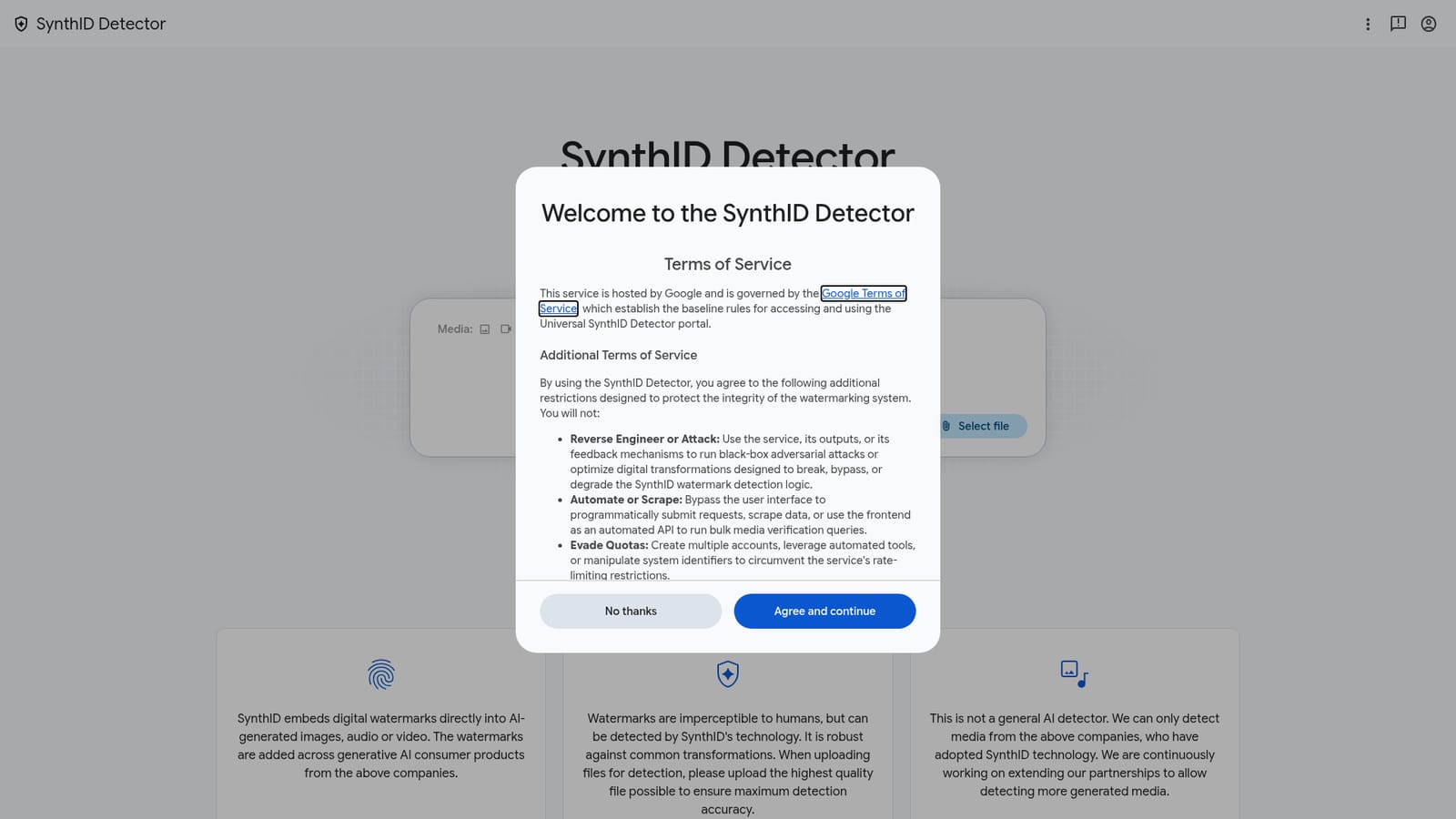
Detects SynthID watermarks in images, video and audio, with segment-level results for video and audio. Supports many file formats and is built to withstand filters, color changes and lossy compression. Limited to partner-model media.


