Free trial
Visitors can try the detector for free from the homepage and dashboard, with free credits mentioned and 3 free image scans per day. Text allowances beyond that are not specified.
Learn moreAI text and image detector with plagiarism checks, built on proprietary research

Pangram is a web AI detector for text and images that estimates how much of a document is AI-written, highlights AI-edited passages, checks plagiarism and covers 20+ languages, with published benchmarks and third-party evaluations.
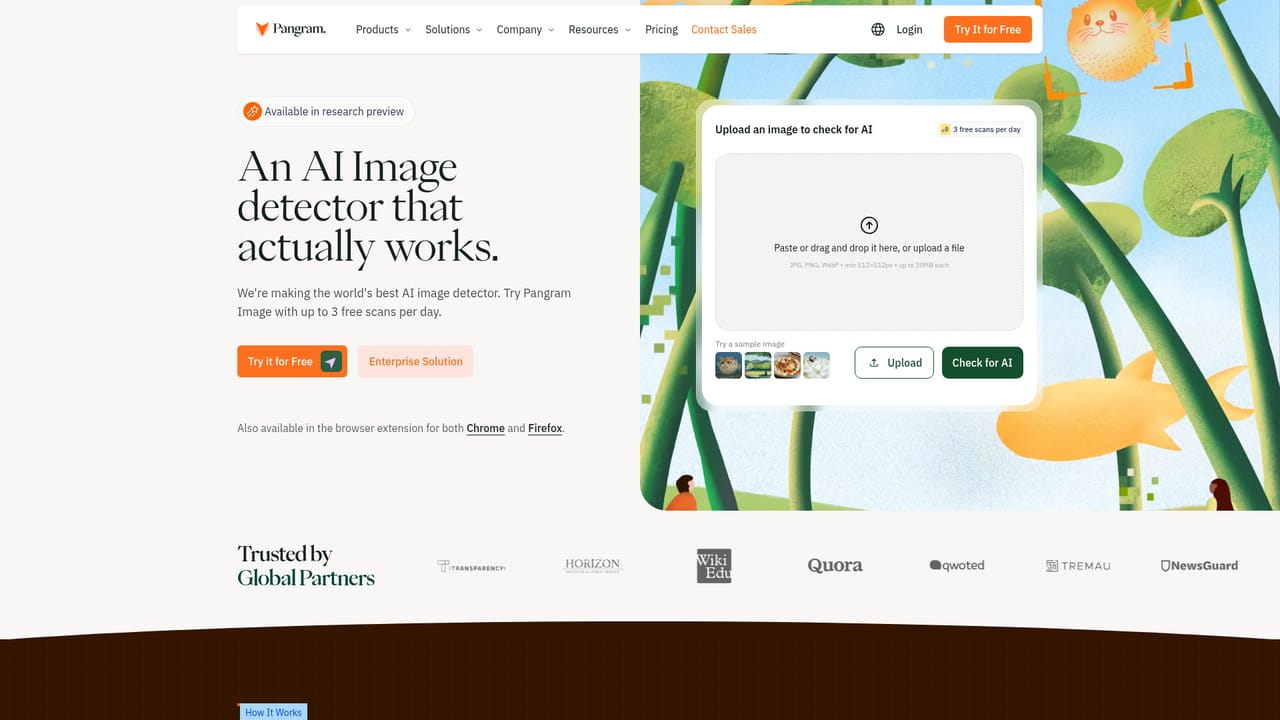
Pangram is a web-based AI detector that checks whether text was written by a person or produced by a language model. It targets output from ChatGPT, Claude, Gemini, Grok, Llama and other major models, and the company publishes a model card listing the 26 models it benchmarks against. An image detector sits alongside the text checker, and the same interface also offers a similarity checker for plagiarism. The main audience is institutions and organizations that need to verify authorship: universities, schools, publishers, journalism outlets and enterprise content teams. Dedicated pages address teachers and universities, and an enterprise route exists for larger deployments. Individuals can also use it, since the homepage lets visitors paste text, upload files or try an example before registering. In practice, a user pastes text or uploads documents (PDF, DOCX and RTF, up to 100 files at once) and runs the check. Instead of a single yes or no, the result describes how much of the document looks AI-written. Segment analysis shows the share of the text affected, and an AI assistance view highlights passages that were edited by a model rather than fully generated. Flagged phrases can be shown with how much more often they appear in AI writing than in human writing. Detection covers more than 20 languages and is described as holding up against text run through humanizer tools. The image checker accepts JPG, PNG and WebP files of at least 512 by 512 pixels, with a daily free scan allowance. Among alternatives, Pangram positions itself against detectors that rely on perplexity and burstiness signals or wrap commercial LLMs. It says it uses its own trained models, built with diverse datasets, hard negative mining and active learning to keep false positive rates low. Its accuracy claims are backed by published benchmarks and by third-party evaluations it links, including work from the University of Maryland and the University of Chicago. Most of the accuracy figures come from the company's own testing, so buyers should read the cited studies before treating any score as proof in a disciplinary setting.
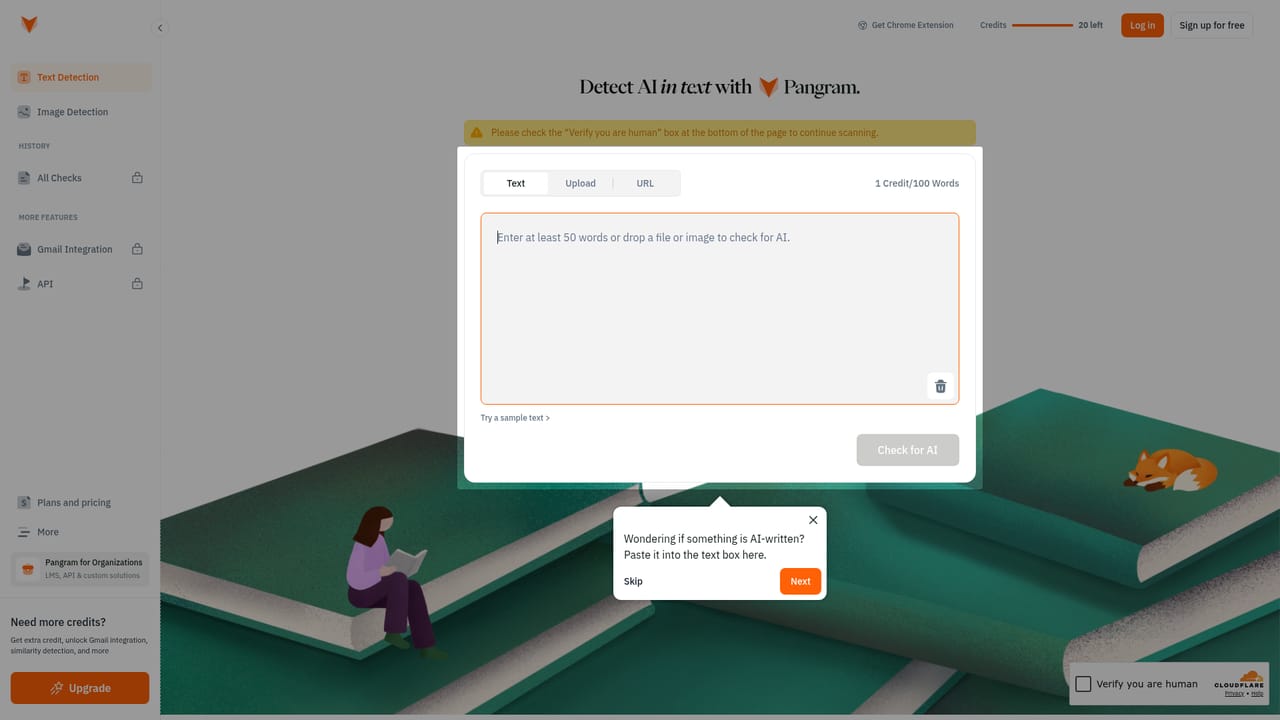
Visitors can try the detector for free from the homepage and dashboard, with free credits mentioned and 3 free image scans per day. Text allowances beyond that are not specified.
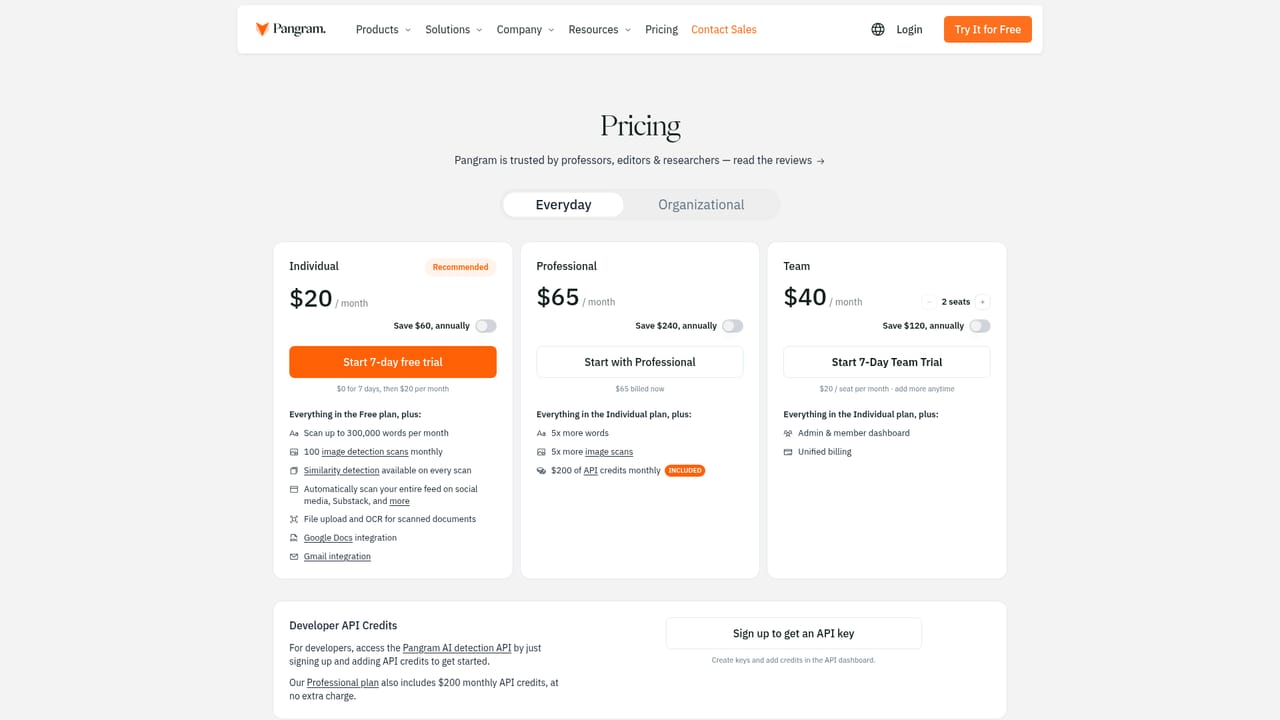
Learn moreThe homepage offers a free way to try the detector, with 3 free image scans per day, and links to a pricing page and a Contact Sales route for enterprise. Specific plan prices are not stated on the homepage.
Learn moreThe homepage points to a Contact Sales route, a contact page, a blog and a research section with a model card, but does not describe support channels or response times.
Learn moreThe site lists pages for integrations and an API, but the homepage does not name specific integrations.
Learn moreAI text detection across ChatGPT, Claude, Gemini, Grok and Llama, AI segment analysis, AI assistance highlighting, a similarity checker for plagiarism, image detection, 20+ languages, detection of humanized text, and bulk upload of PDF, DOCX and RTF files.
Learn more


